Hubungkan nomor WhatsApp Anda
Hubungkan nomor WhatsApp Anda ke Bird. Contoh singkat ini menggunakan nomor AS yang sudah diverifikasi dan Akun Bisnis WhatsApp baru.
Mulai di halaman Numbers dengan nomor yang dimiliki workspace Anda di Bird dan akun Meta yang dapat mengelola bisnis Anda.
Pilih nomor Anda di Bird
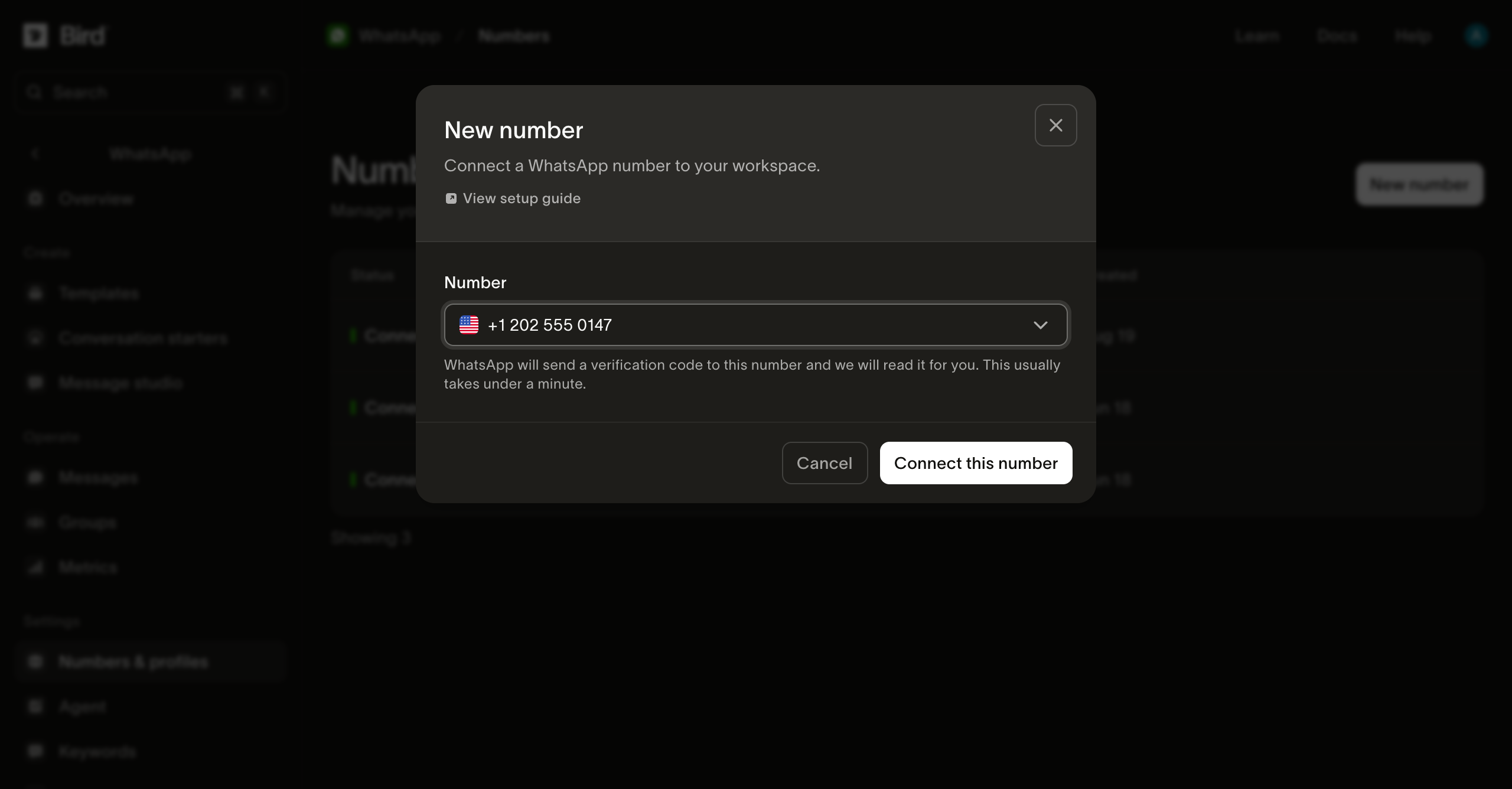
Pilih New number, pilih nomor Anda dari daftar Number, lalu pilih Connect this number.
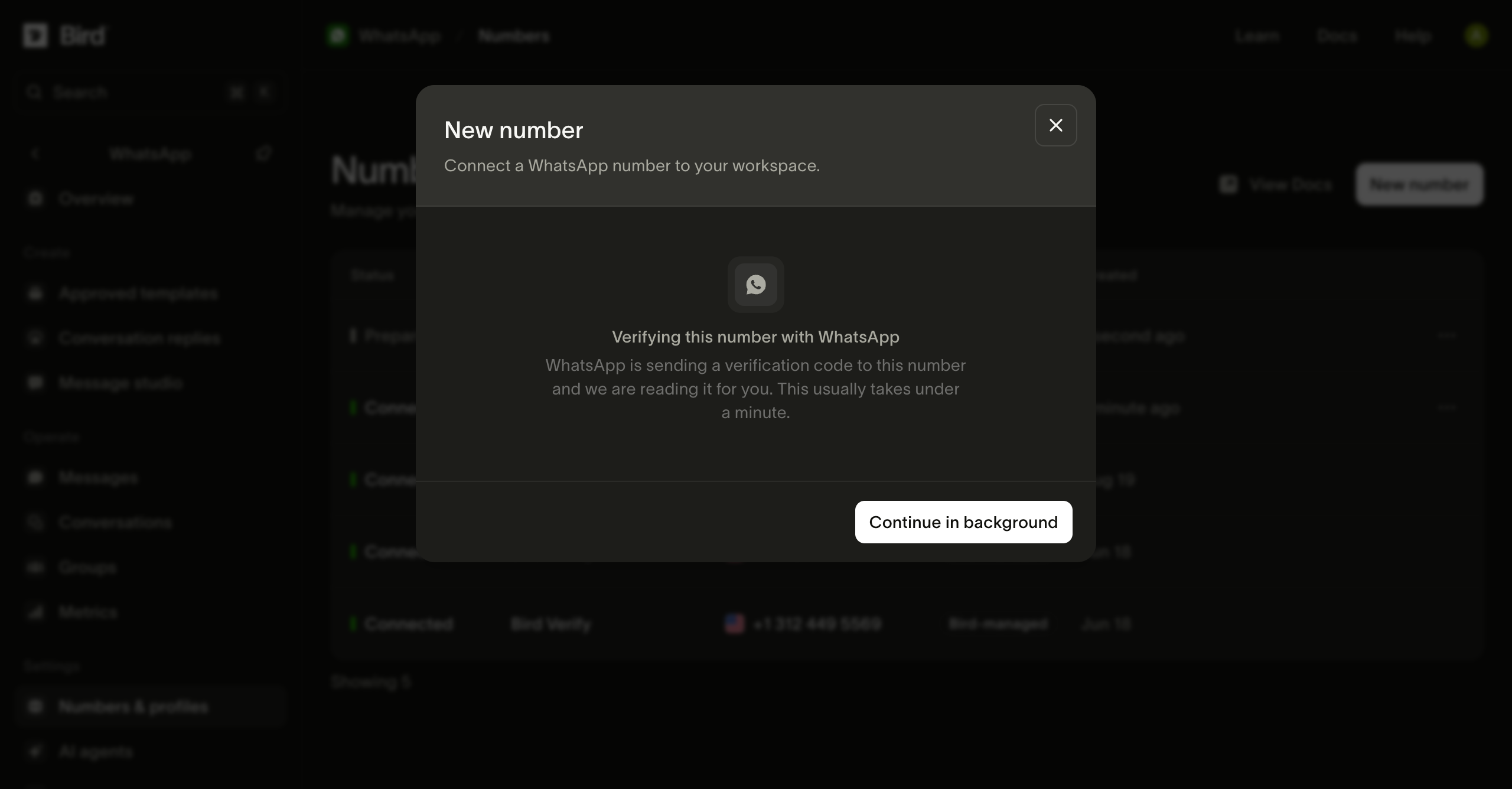
Tunggu verifikasi
Bird menerima kode verifikasi Meta untuk Anda. Anda dapat memilih Continue in background dan memantau progres di daftar nomor.
Buka penyiapan Meta
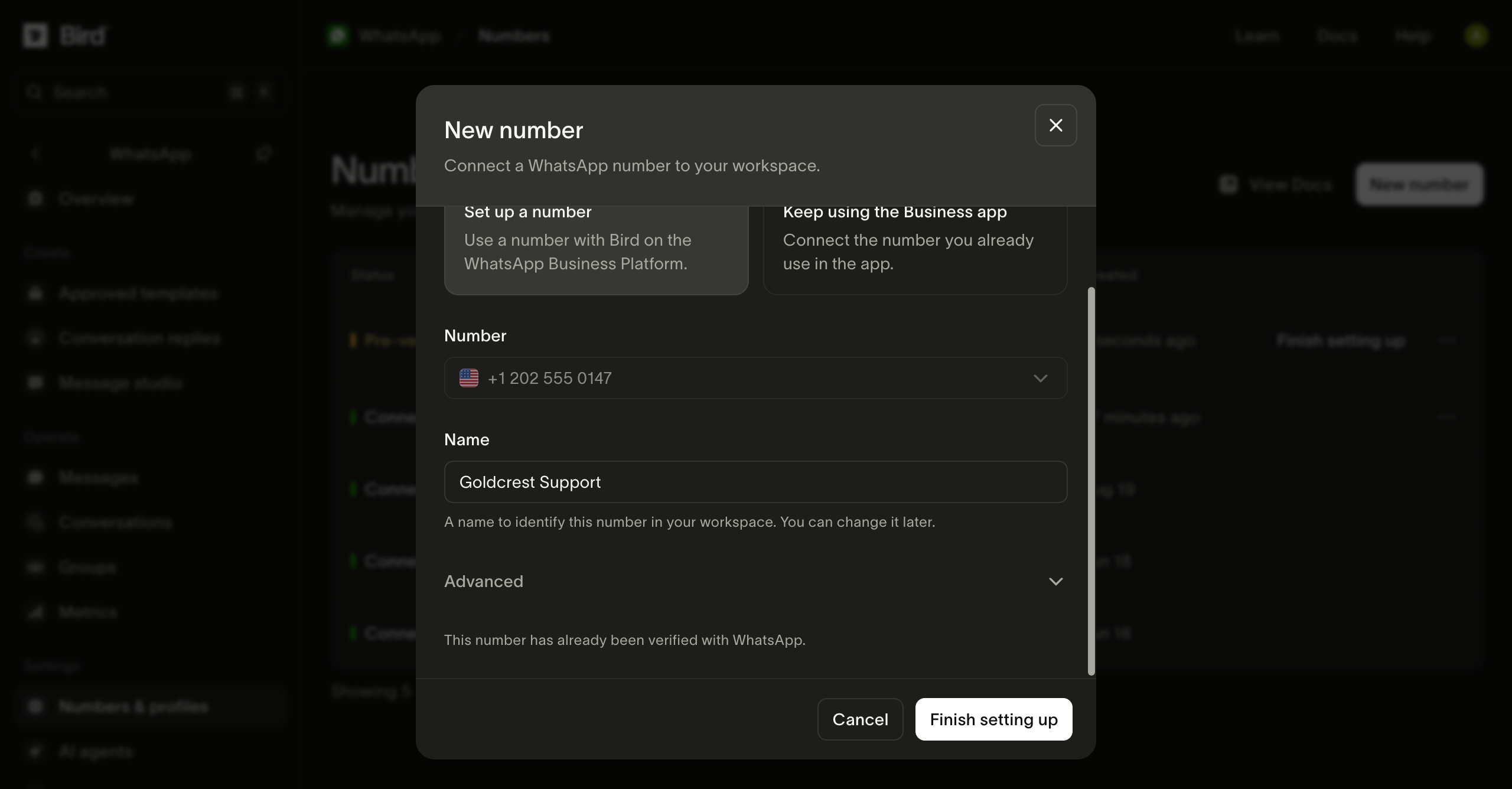
Saat nomor berstatus Pre-verified, beri nama dan pilih Finish setting up. Masuk ke Meta saat diminta.
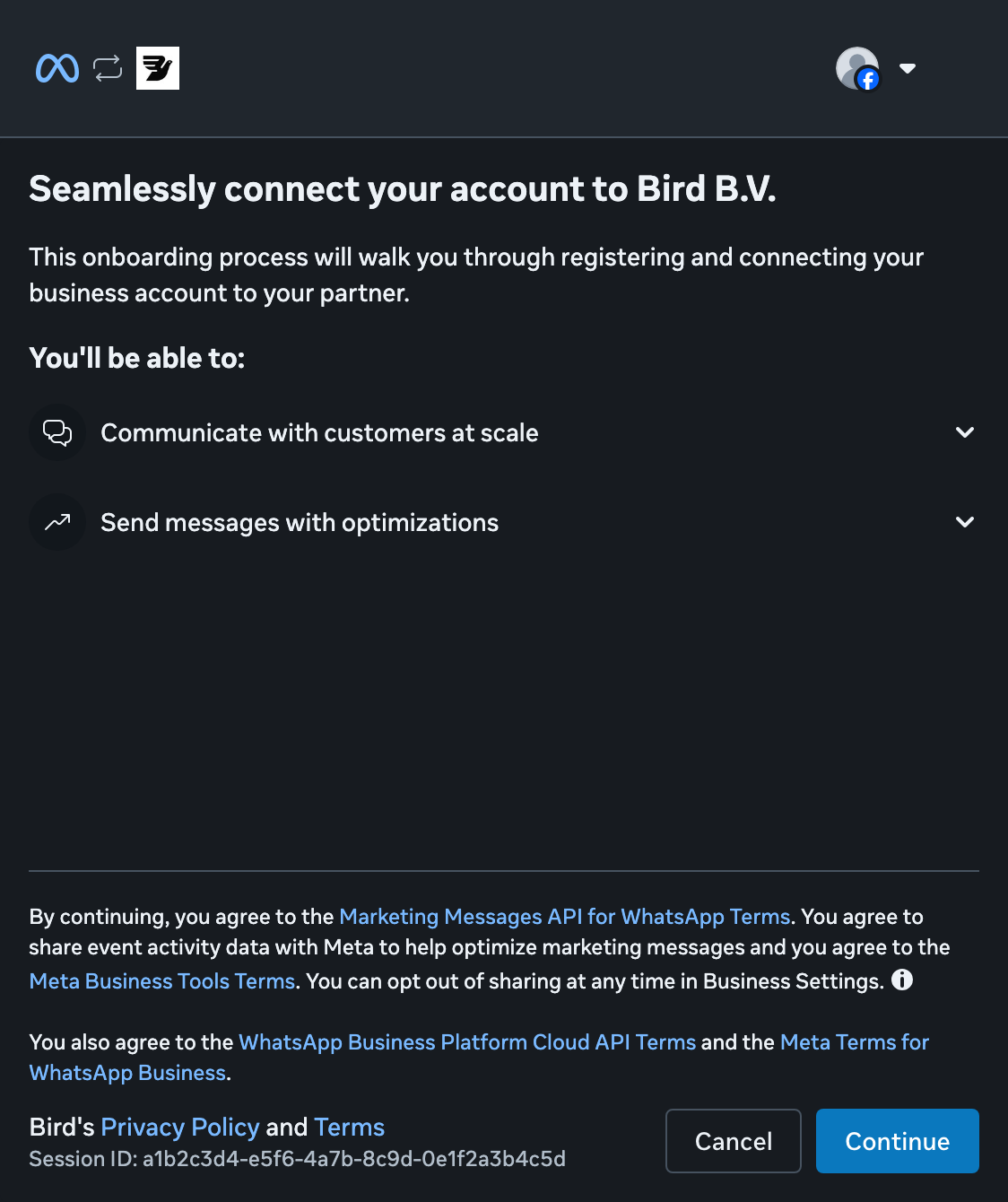
Lanjutkan dengan Meta
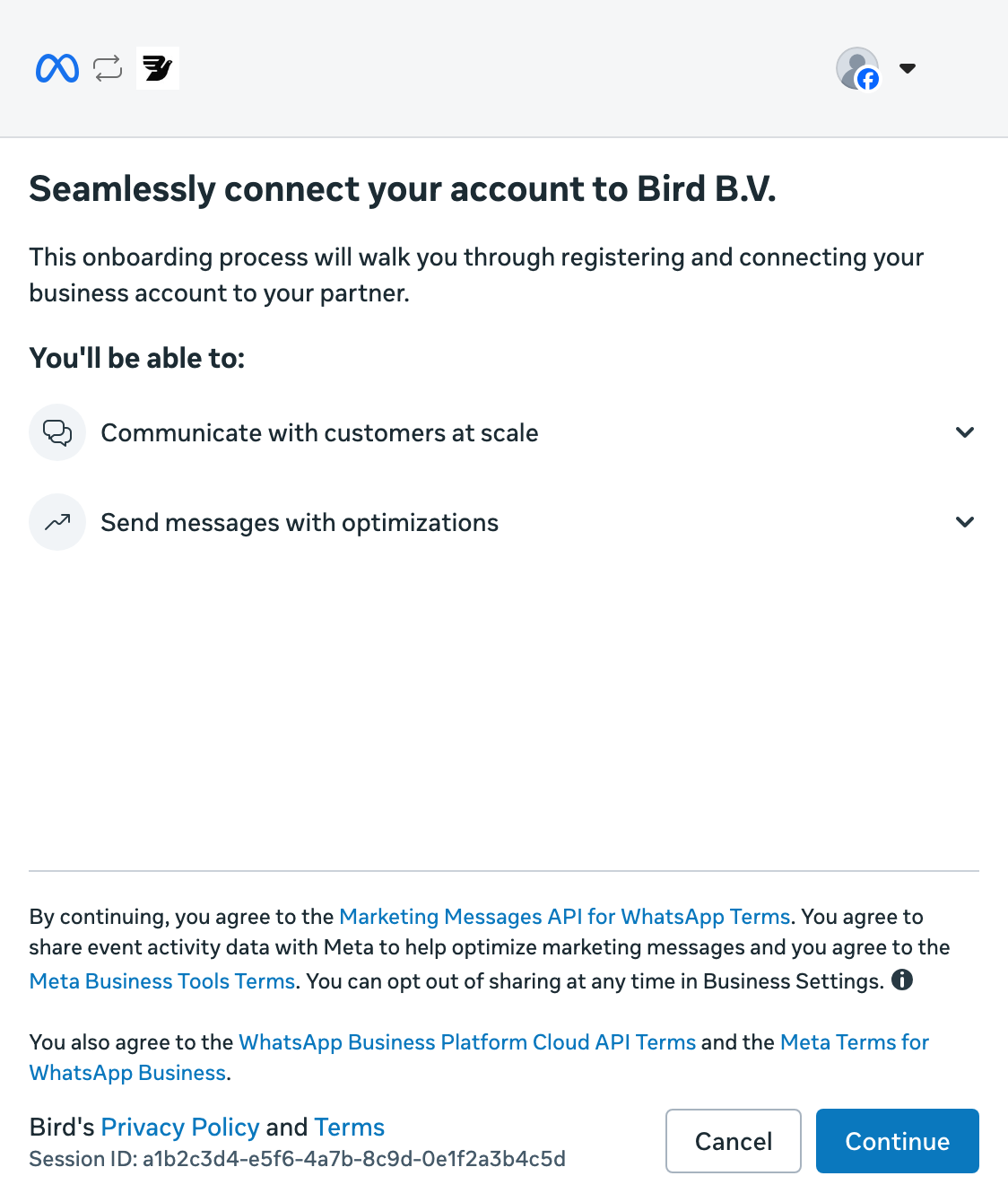
Pilih Continue untuk mulai menghubungkan bisnis Anda ke Bird.
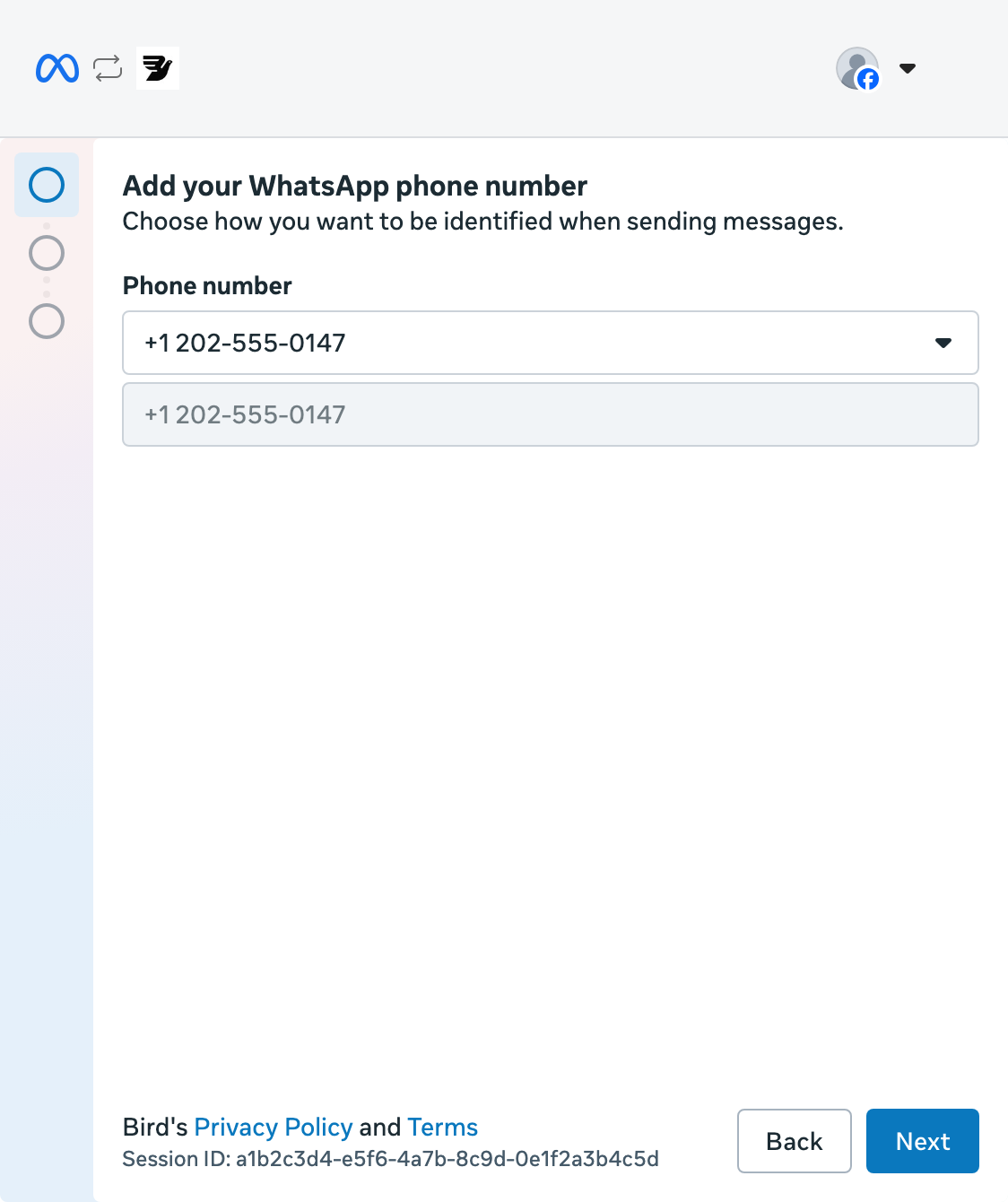
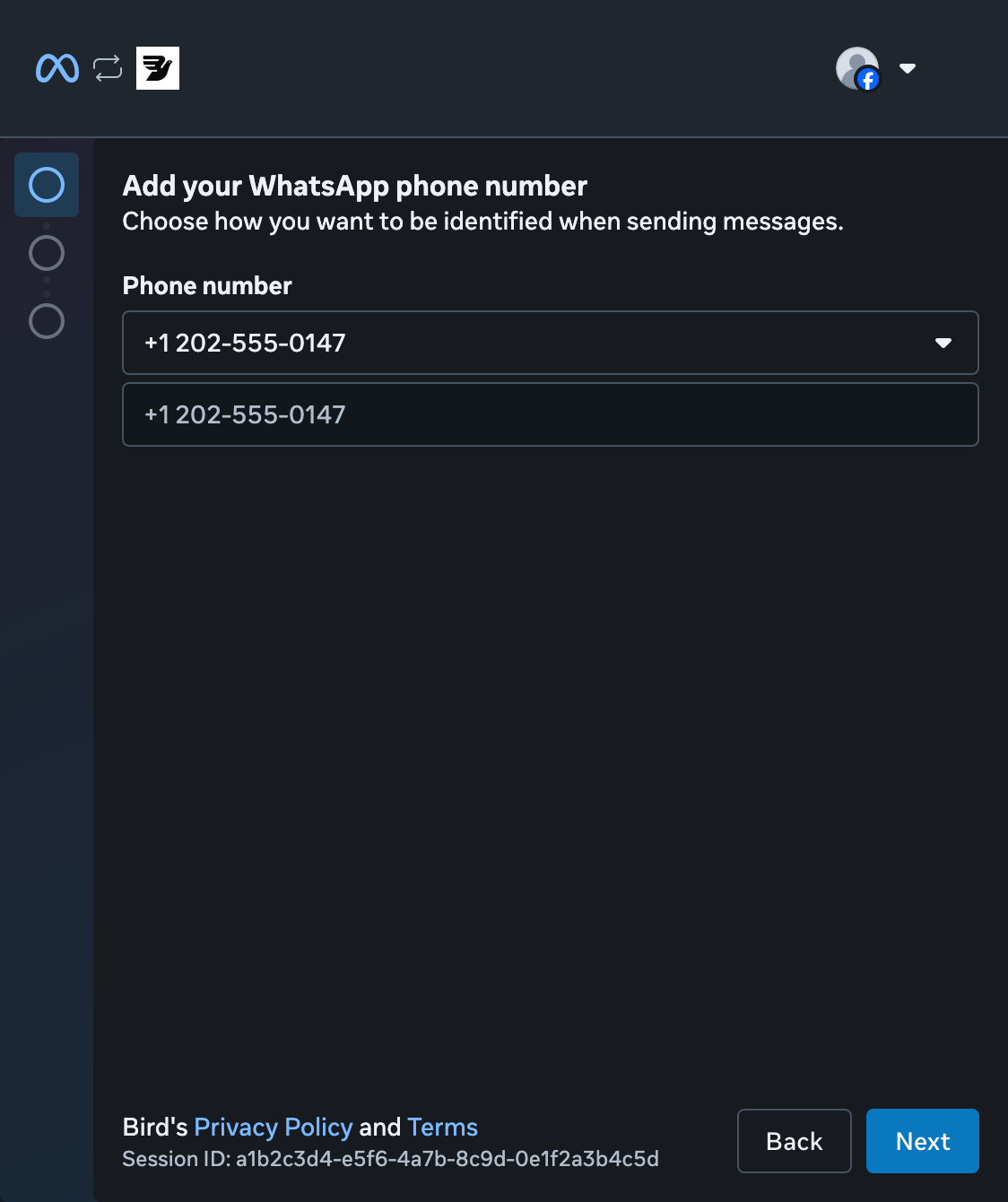
Pilih nomor Anda
Buka daftar nomor dan pilih nomor Anda yang sudah diverifikasi, lalu pilih Next. Anda tidak memerlukan kode SMS lagi.
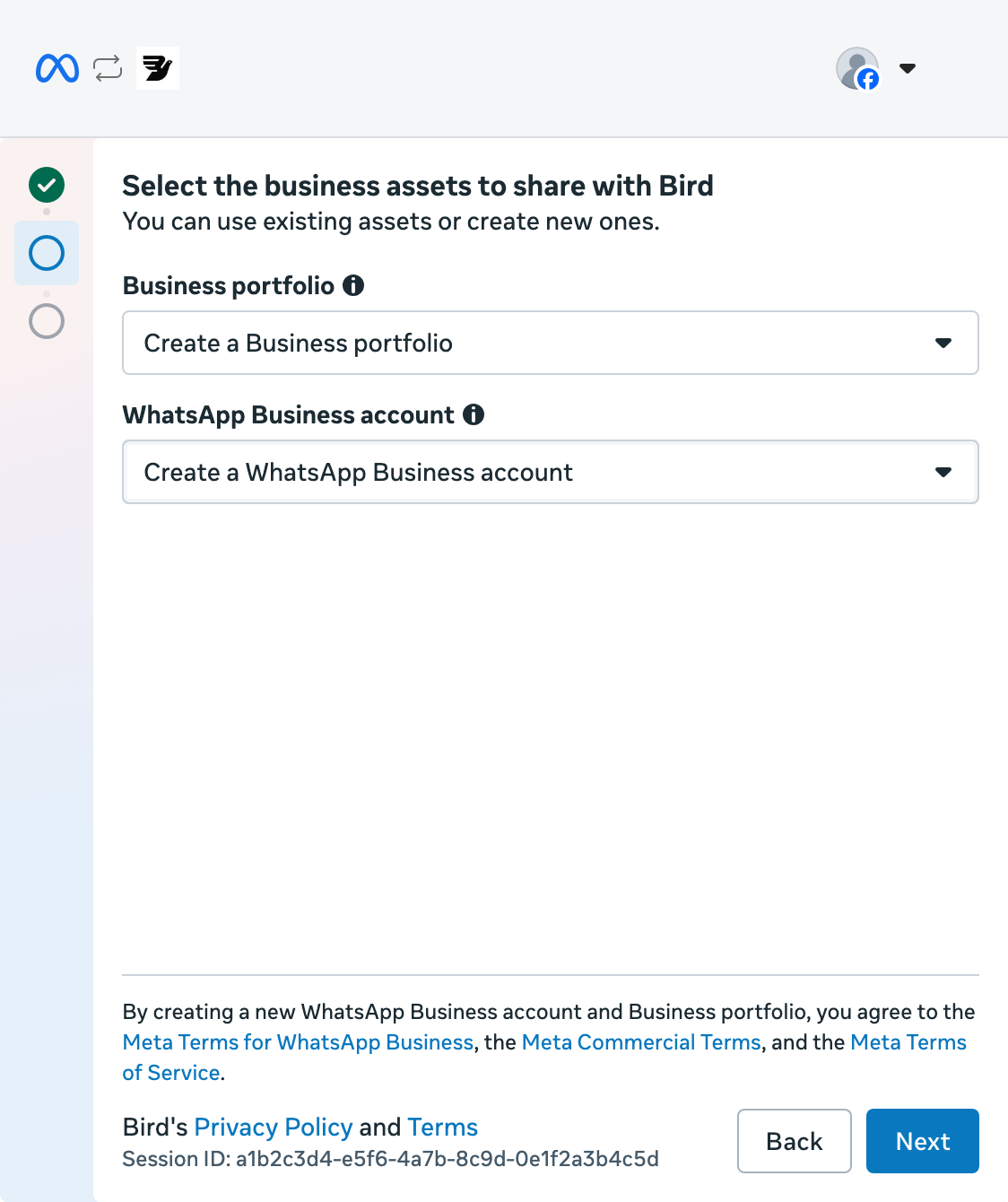
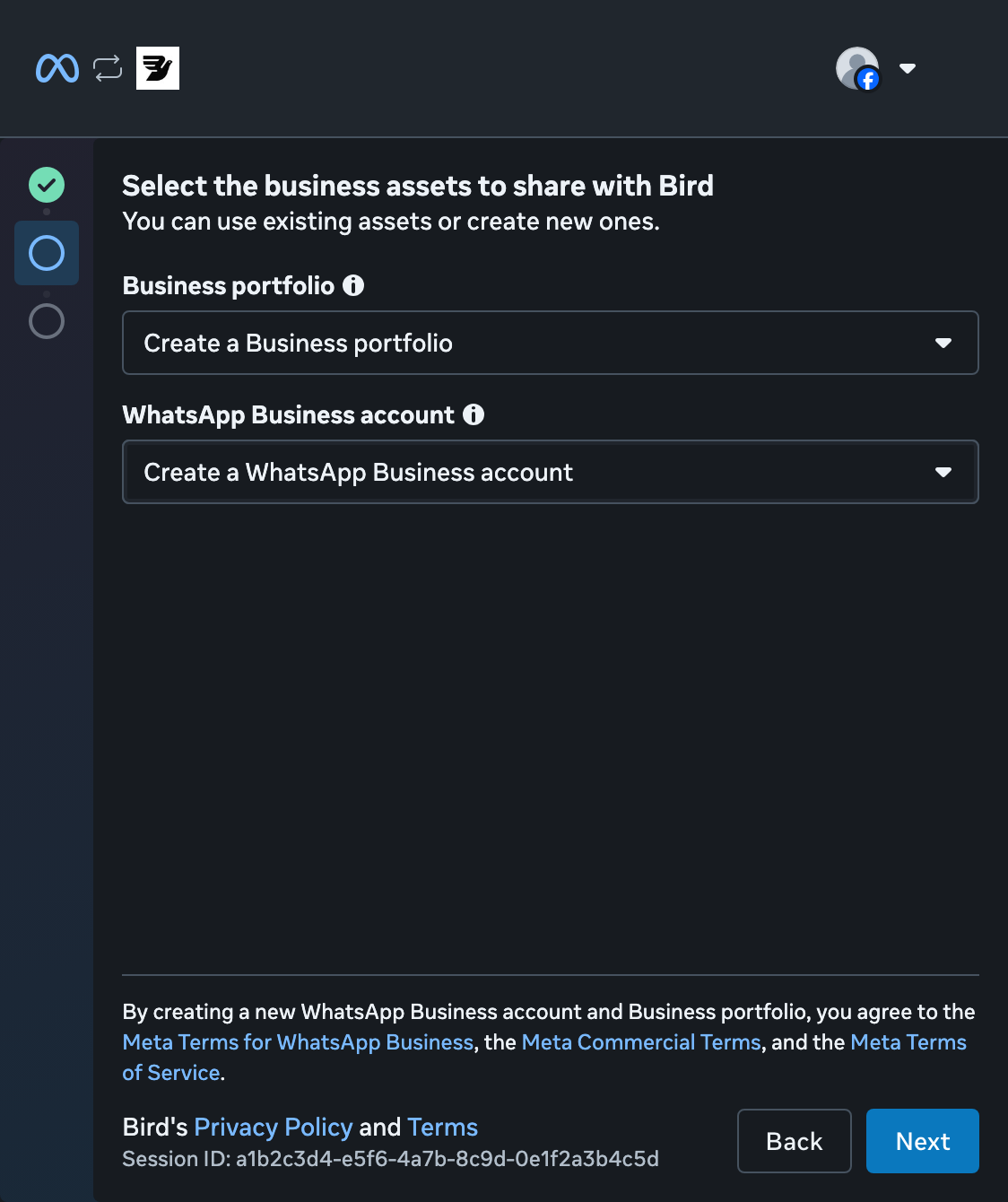
Buat portofolio bisnis
Pilih Create a Business portfolio. Biarkan Create a WhatsApp Business account tetap dipilih, lalu pilih Next. Jika sudah memiliki portofolio, Anda dapat memilihnya.
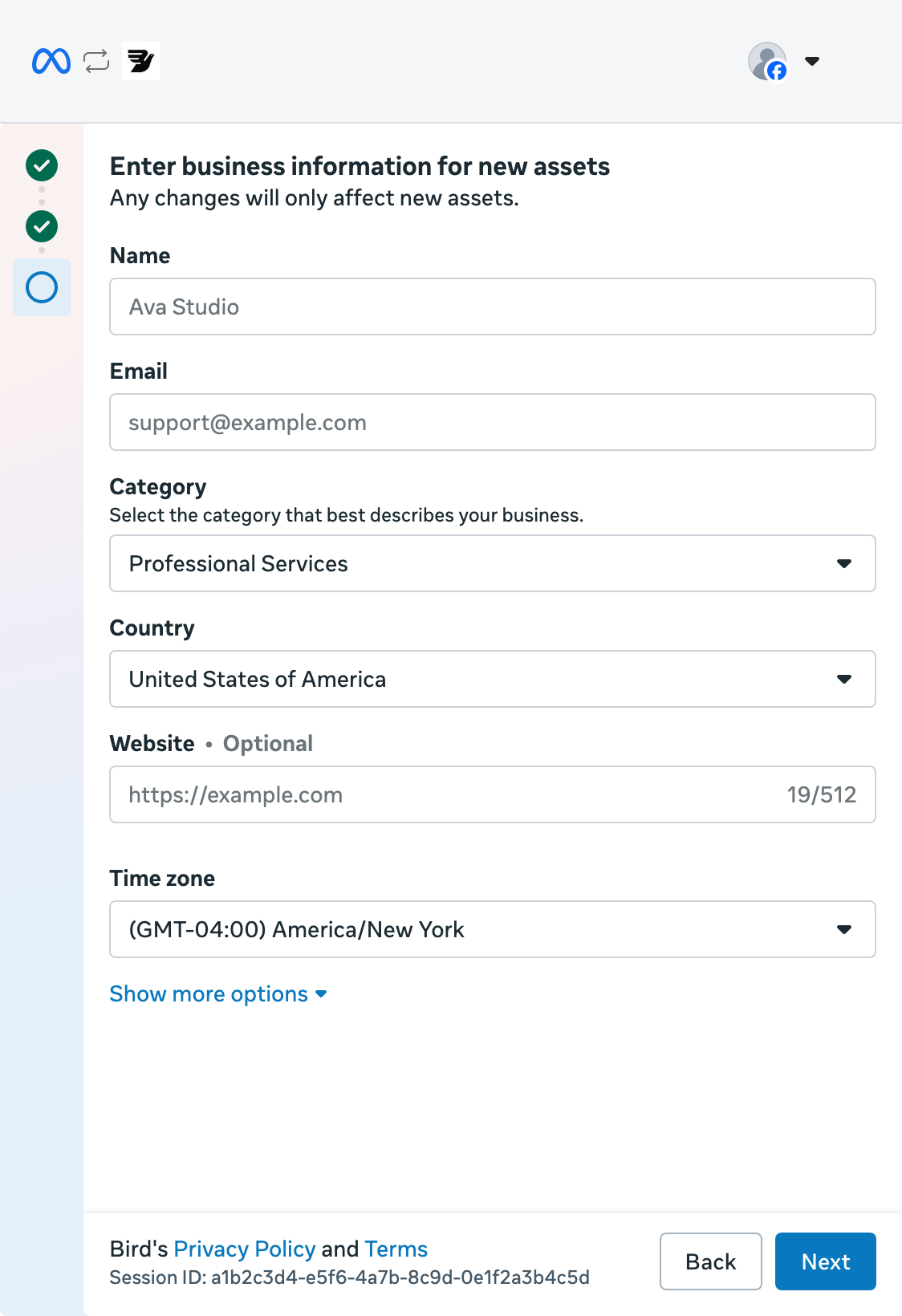
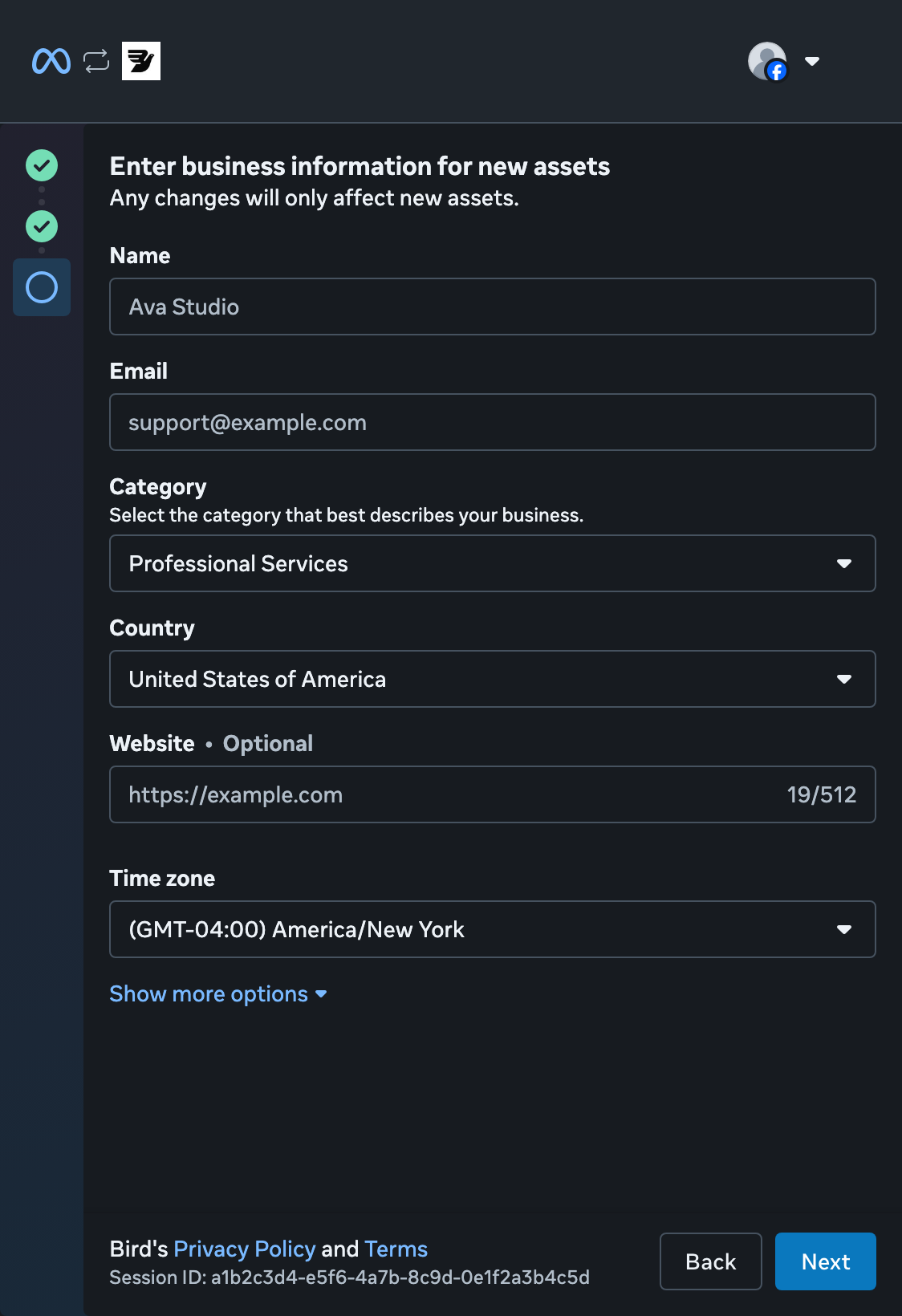
Tambahkan detail bisnis Anda
Masukkan nama bisnis dan email, lalu pilih kategori dan negara. Tambahkan situs web Anda, atau tandai bahwa Anda tidak memilikinya. Periksa zona waktu, lalu pilih Next.
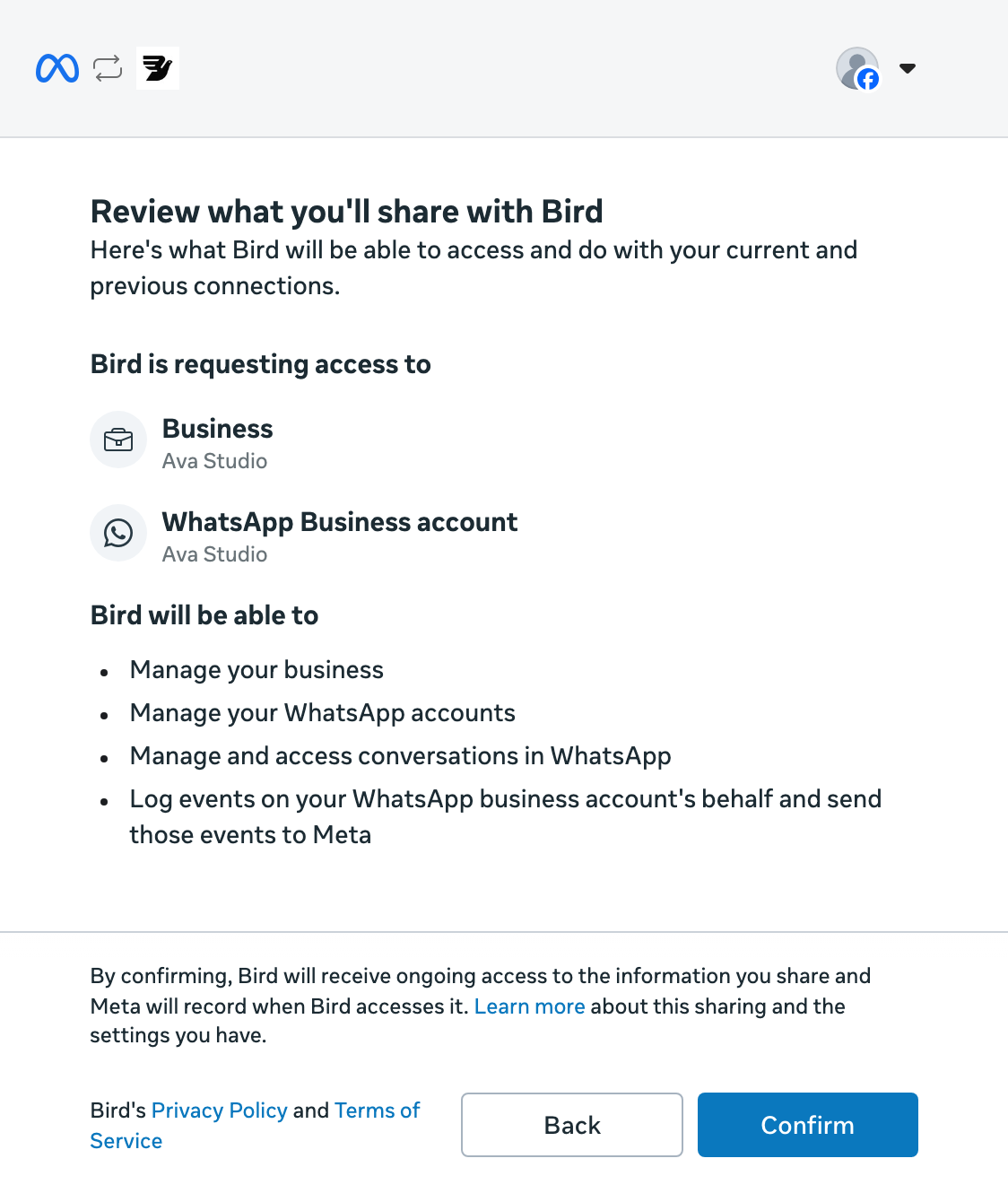
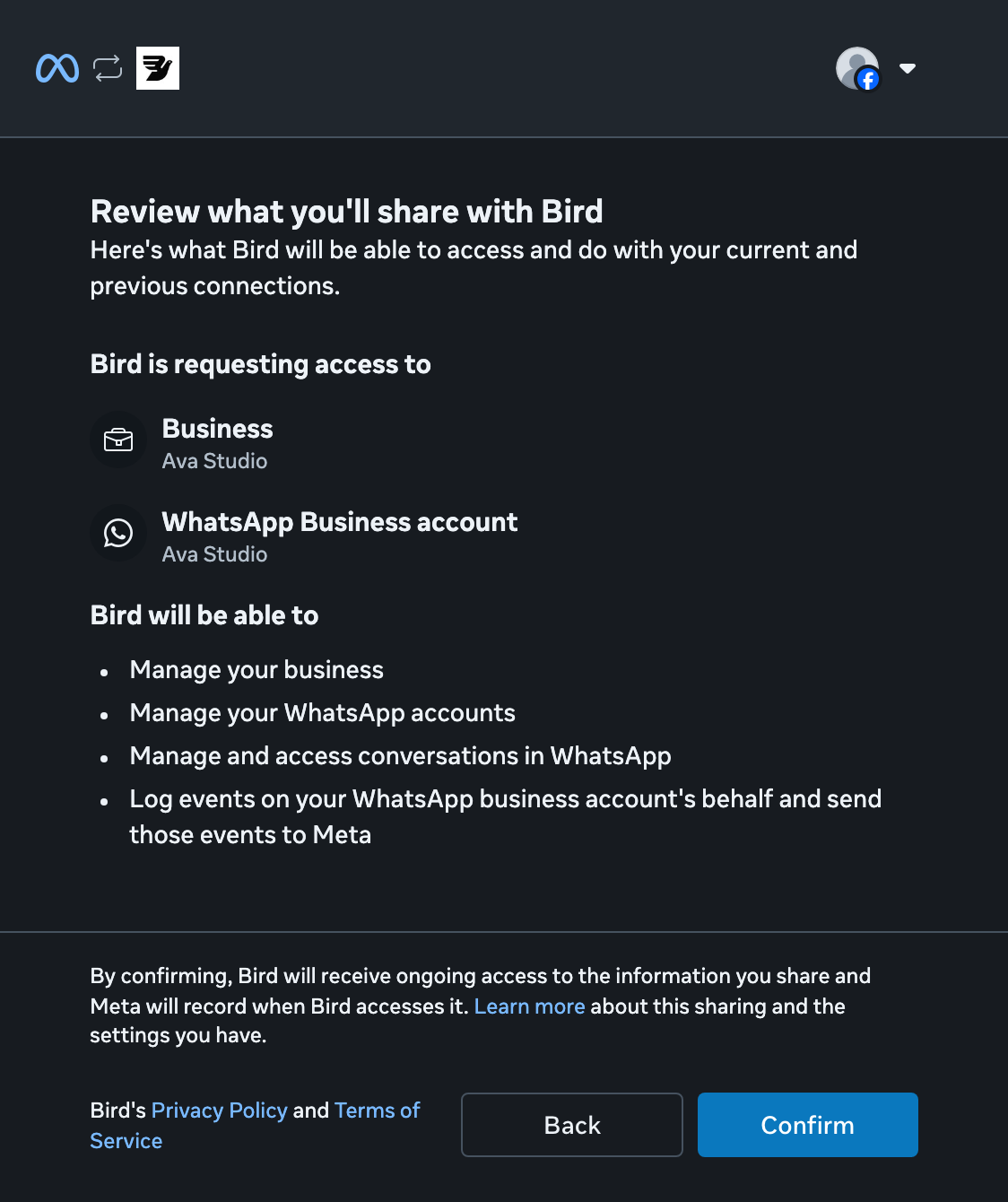
Tinjau akses
Tinjau izin yang diminta Bird, lalu pilih Confirm.
Kembali ke Bird
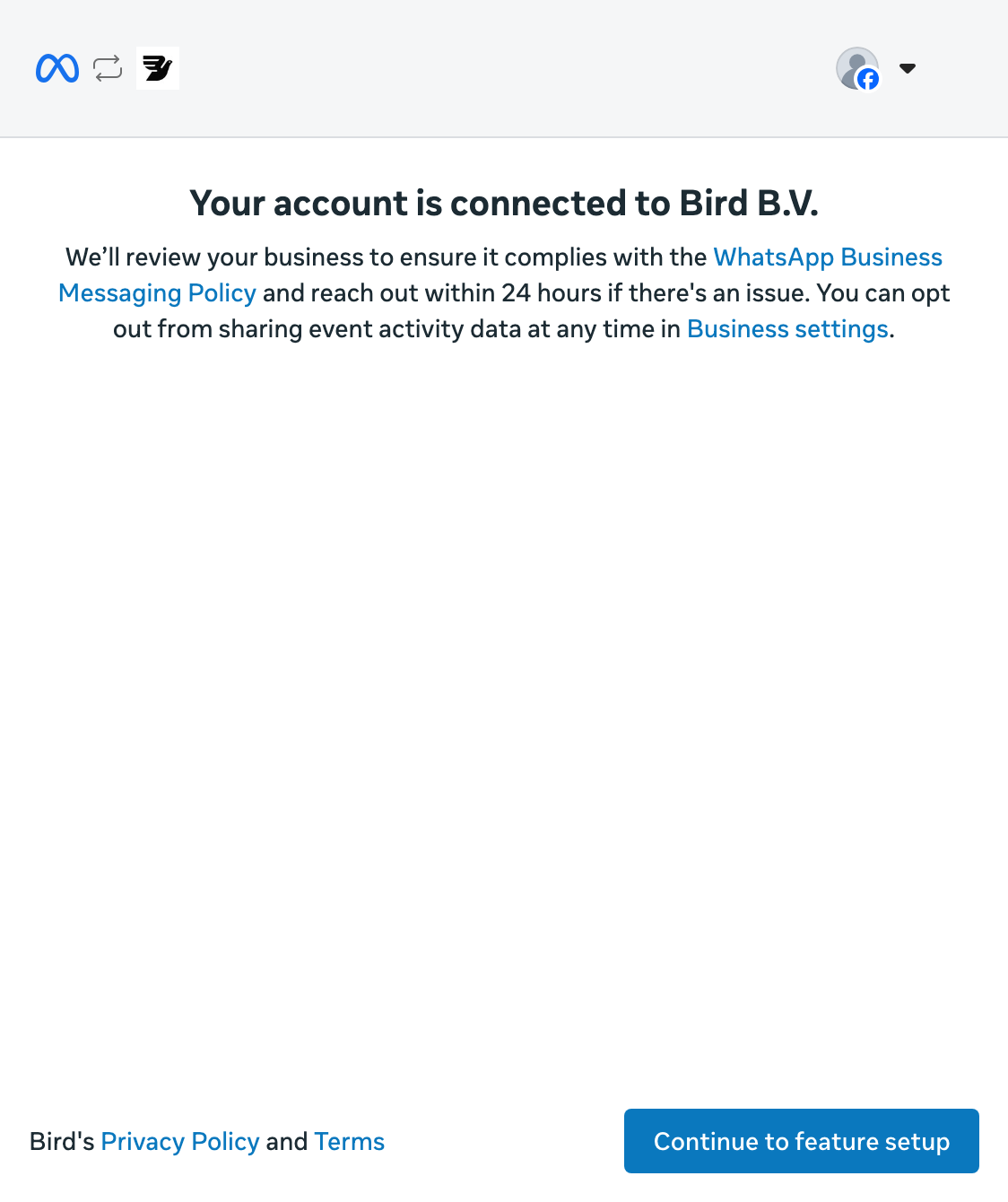
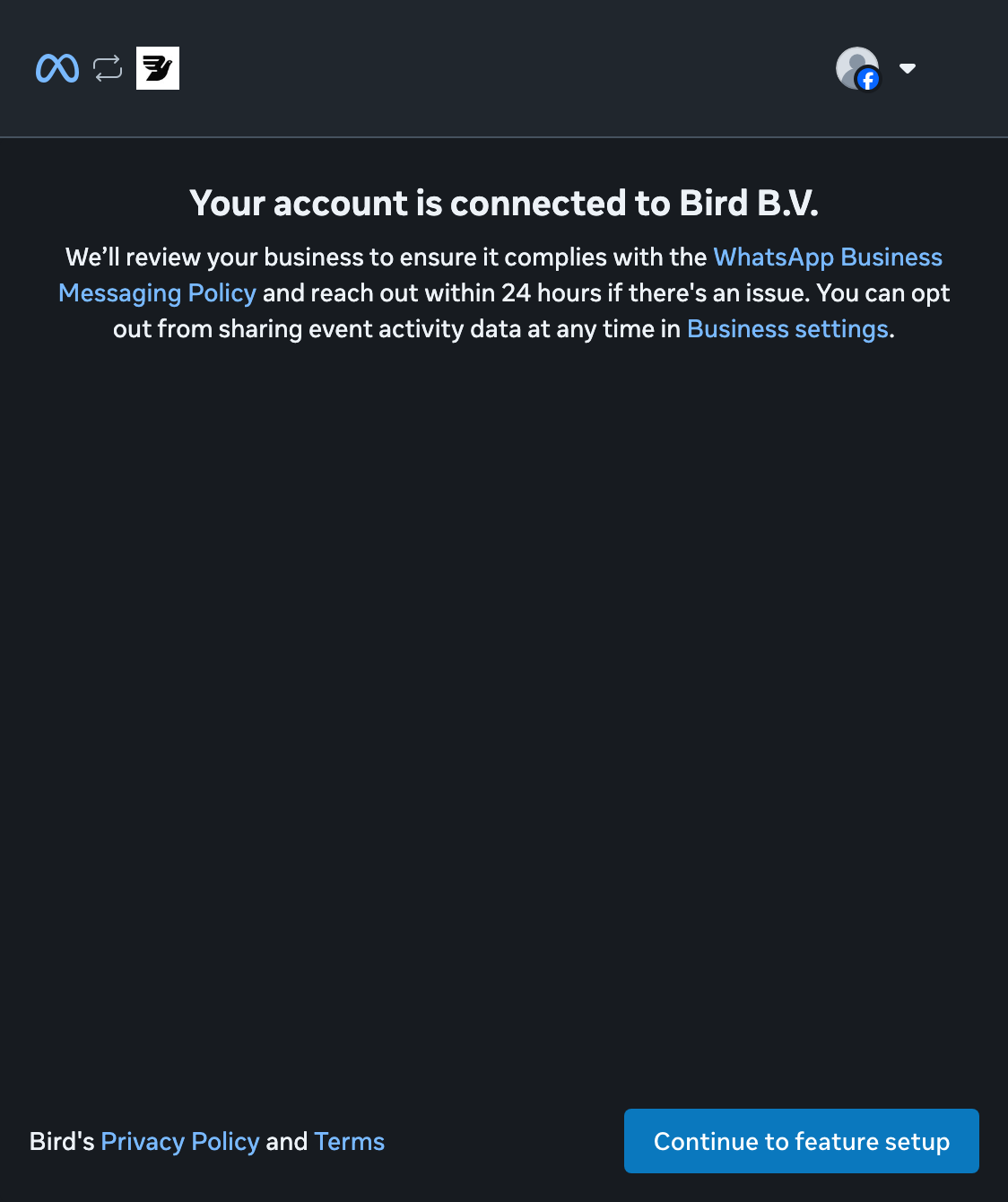
Pilih Continue to feature setup untuk menyelesaikan penyiapan Meta dan kembali ke Bird.
Tunggu status Connected
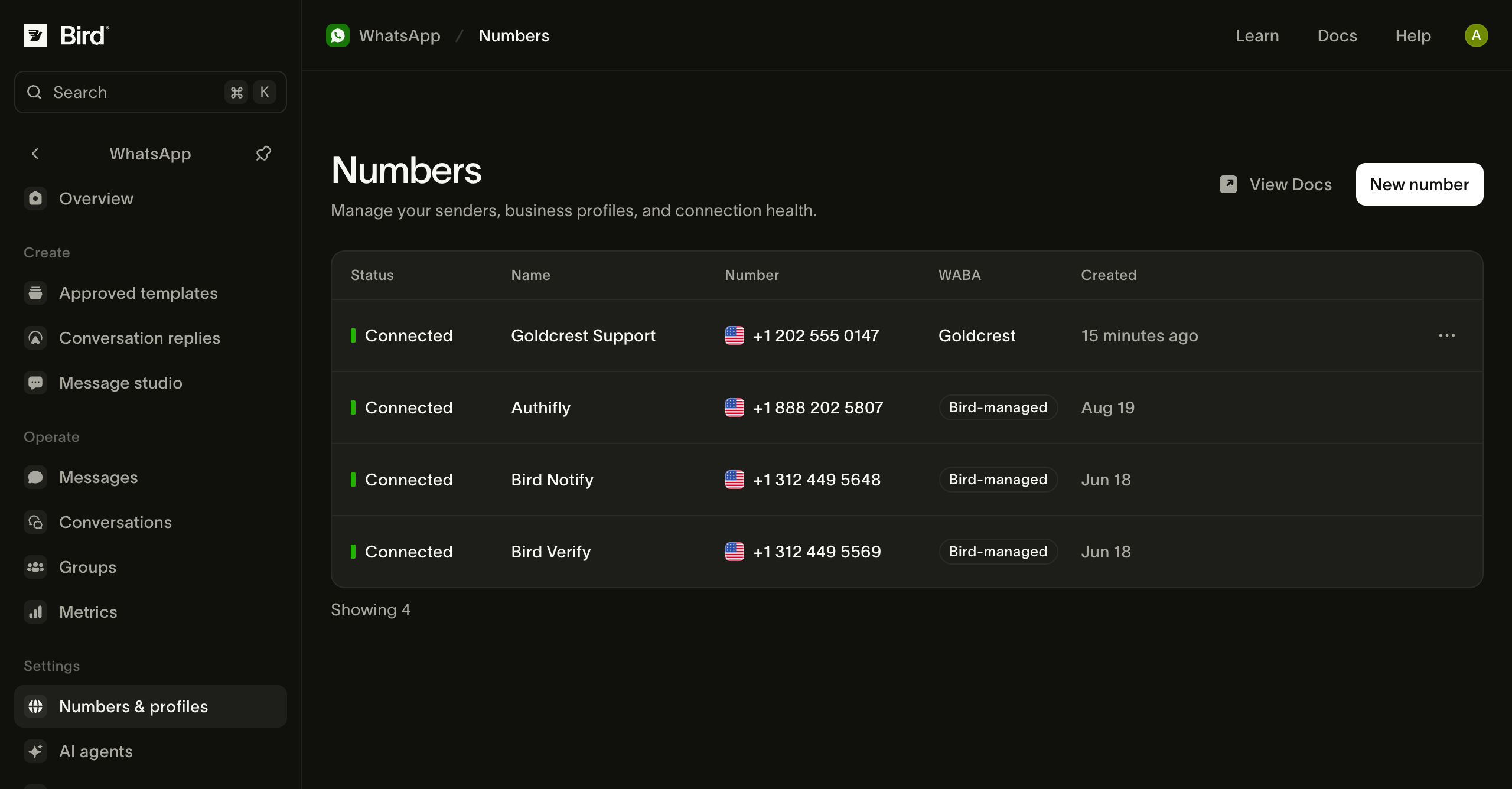
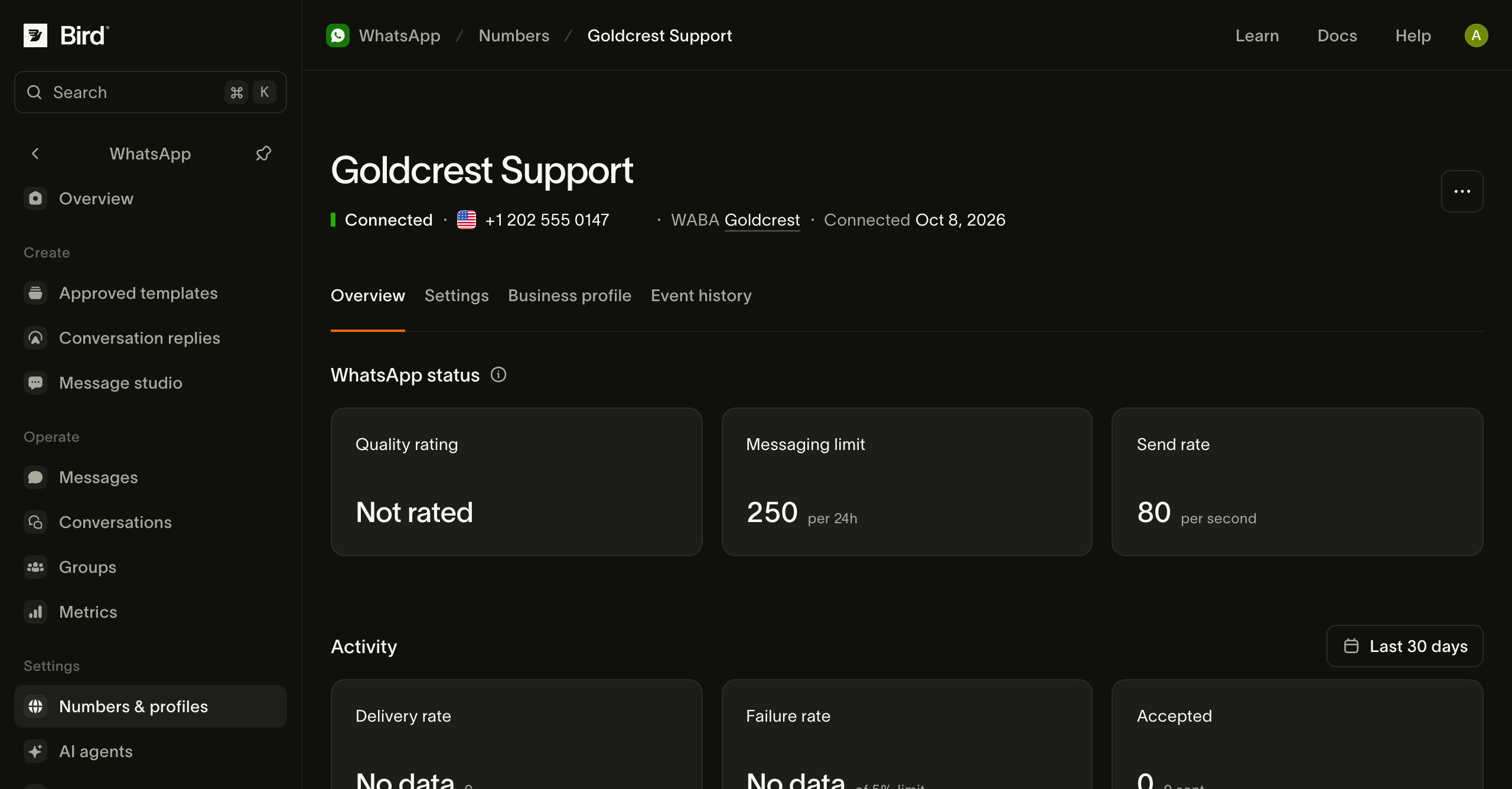
Setelah kembali ke Numbers, tunggu status Connected sebelum mengirim pesan. Pending berarti Bird masih mendaftarkan nomor ke Meta.
Periksa nomor Anda
Buka nomor yang terhubung untuk memeriksa status dan batas pengirimannya. Gunakan Business profile untuk meninjau informasi yang dilihat penerima.
Jika penyiapan terhenti, periksa status nomor dan cara mencoba lagi.
Untuk opsi nomor lainnya, lihat Nomor default dan nomor Anda sendiri.
Kelola nomor Anda membahas profil, akun bisnis, pembacaan melalui API, dan pesan masuk. Siap mengirim? Kirim pesan WhatsApp.
Sumber daya terkait
Lanjutkan dengan dokumentasi, panduan, dan contoh untuk topik ini.