WhatsApp Business App Coexistence
Coexistence is for small businesses that use the WhatsApp Business App and want to keep using it after connecting their number to Bird. For numbers outside the Business App, follow Connect your number.
Start in Bird
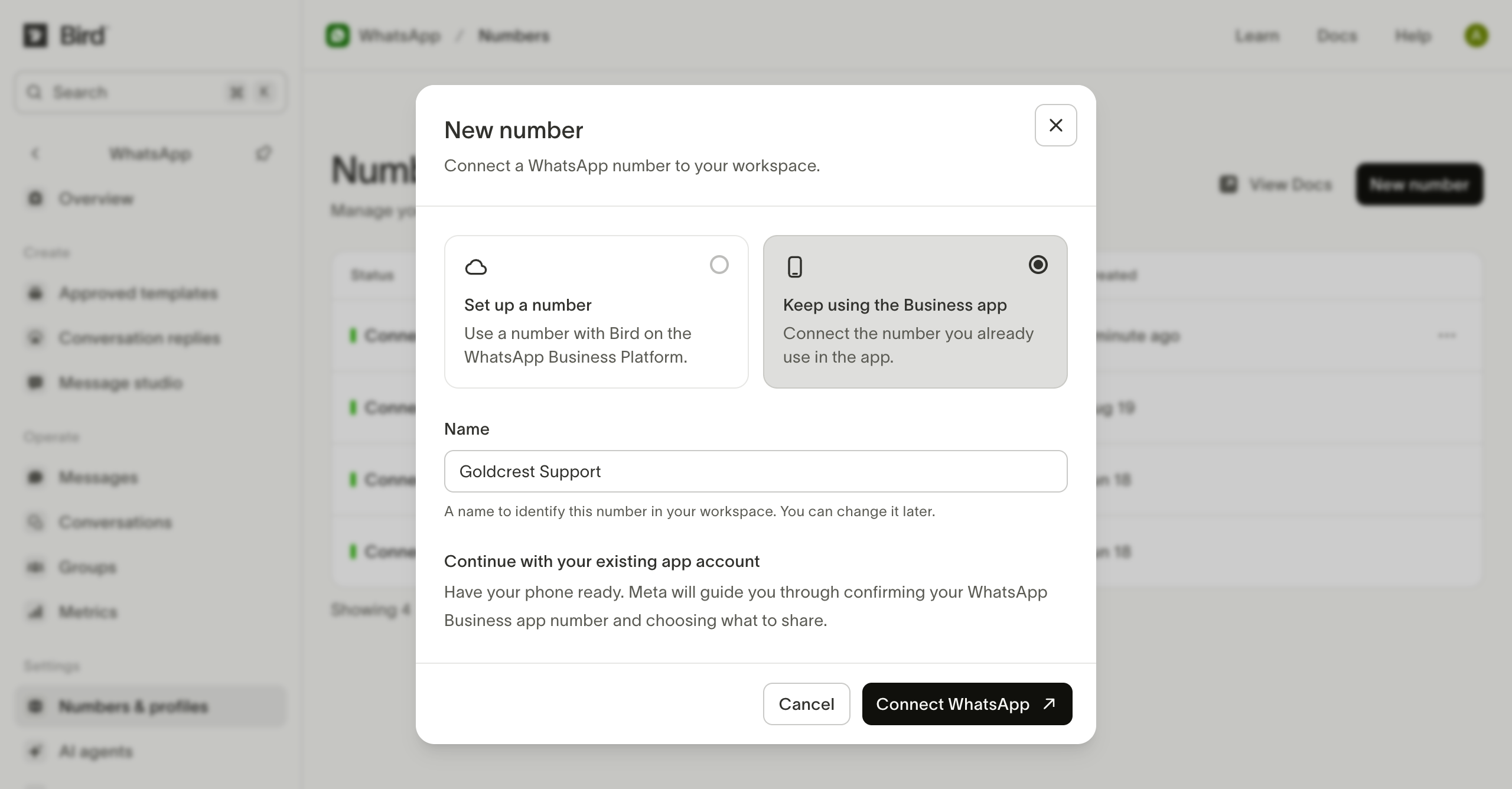
On Numbers, choose New number, then Keep using the Business app. Enter a name and select Connect WhatsApp.
Continue with Meta
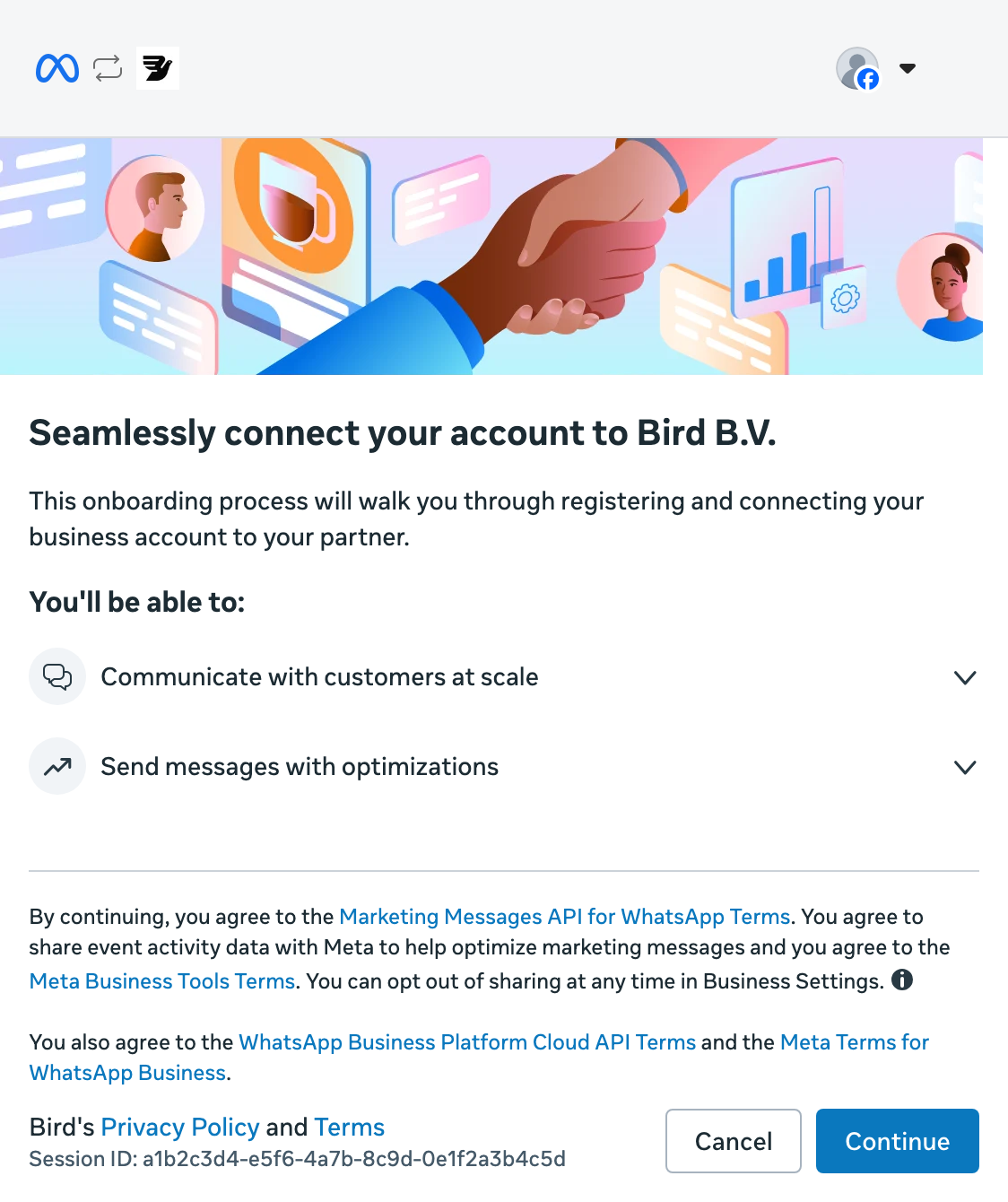
Select Continue to start connecting your business to Bird.
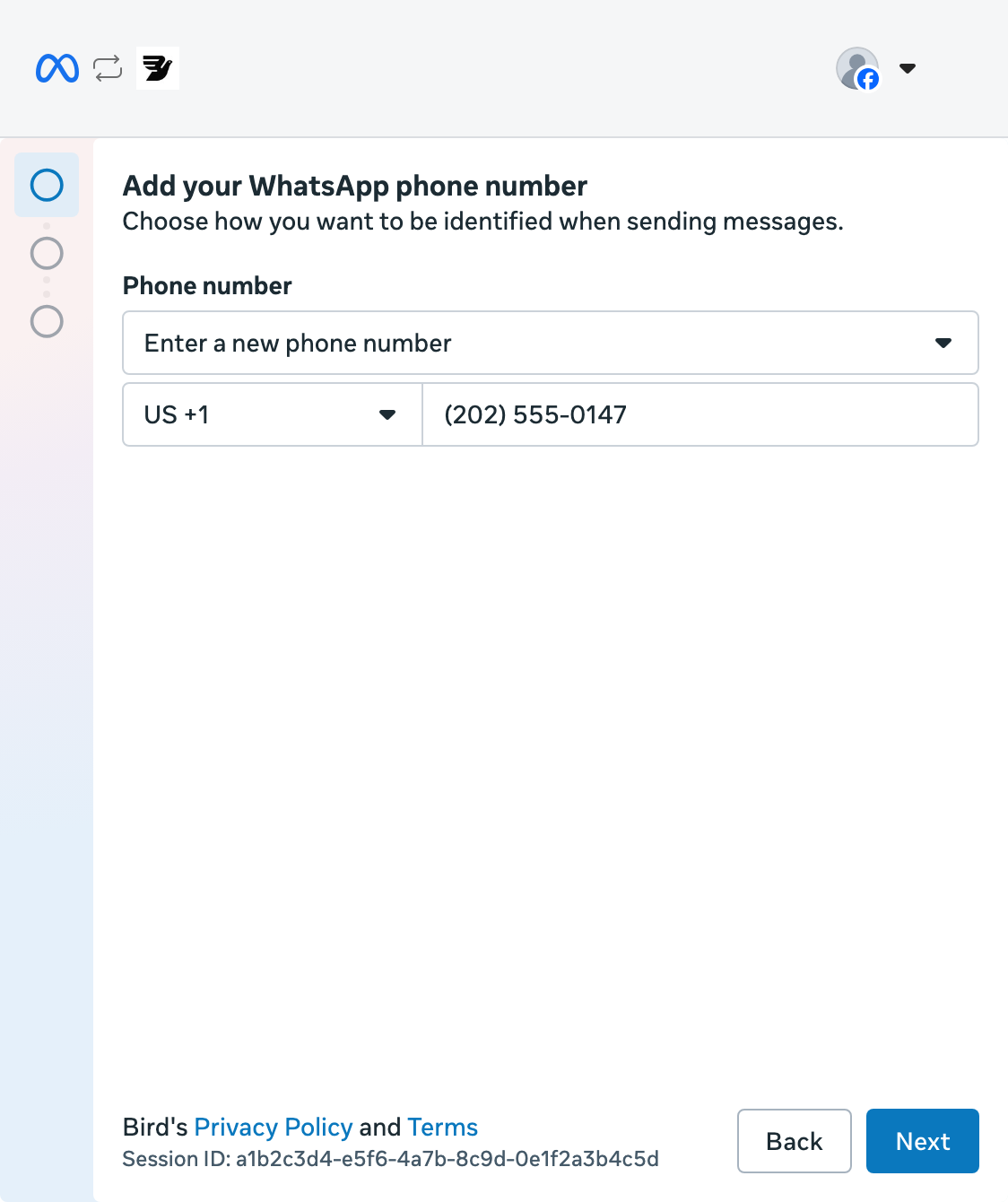
Enter your phone number
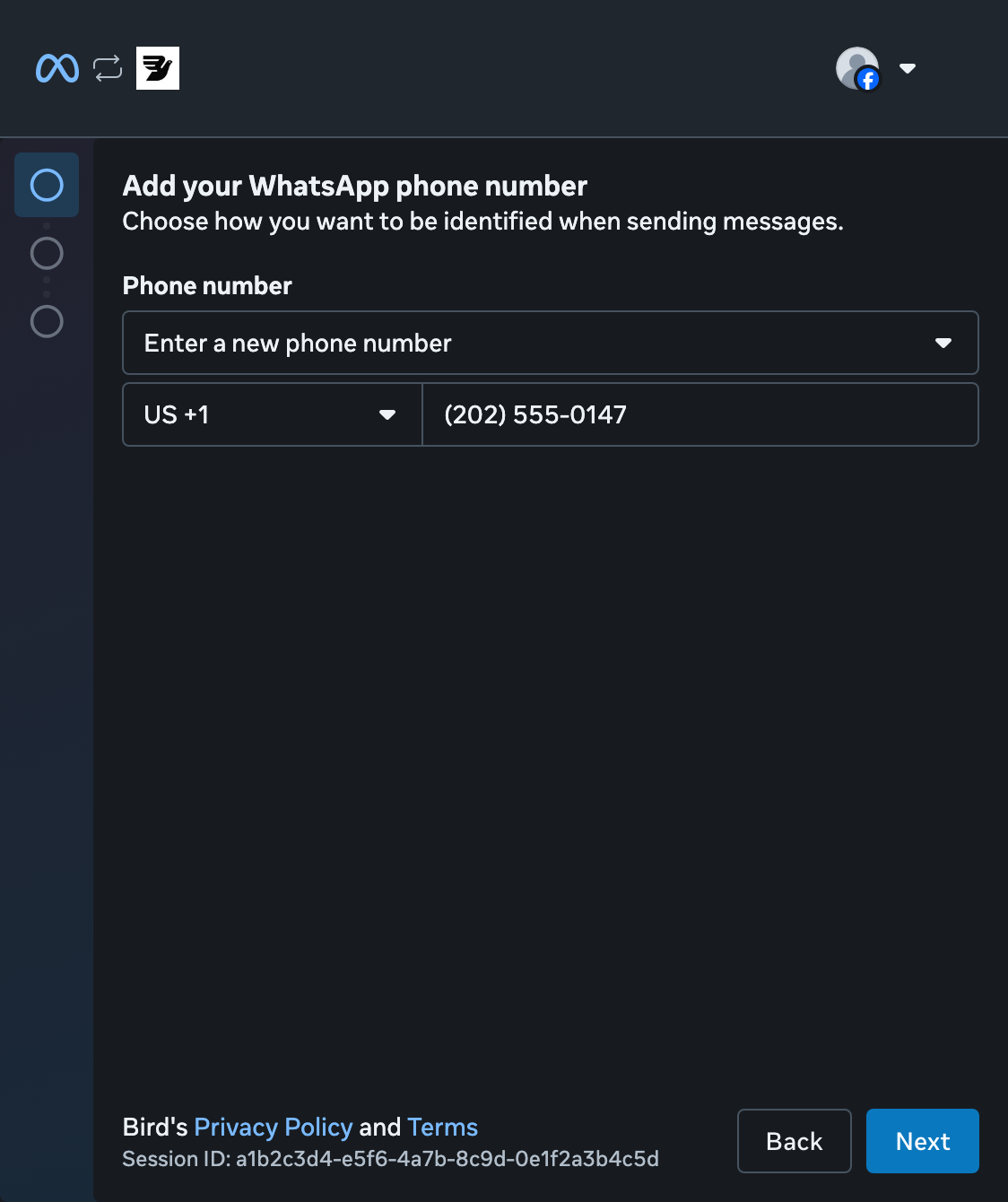
Choose Enter a new phone number, select your country, and enter the number you use in WhatsApp Business. Select Next.
Check your business profile
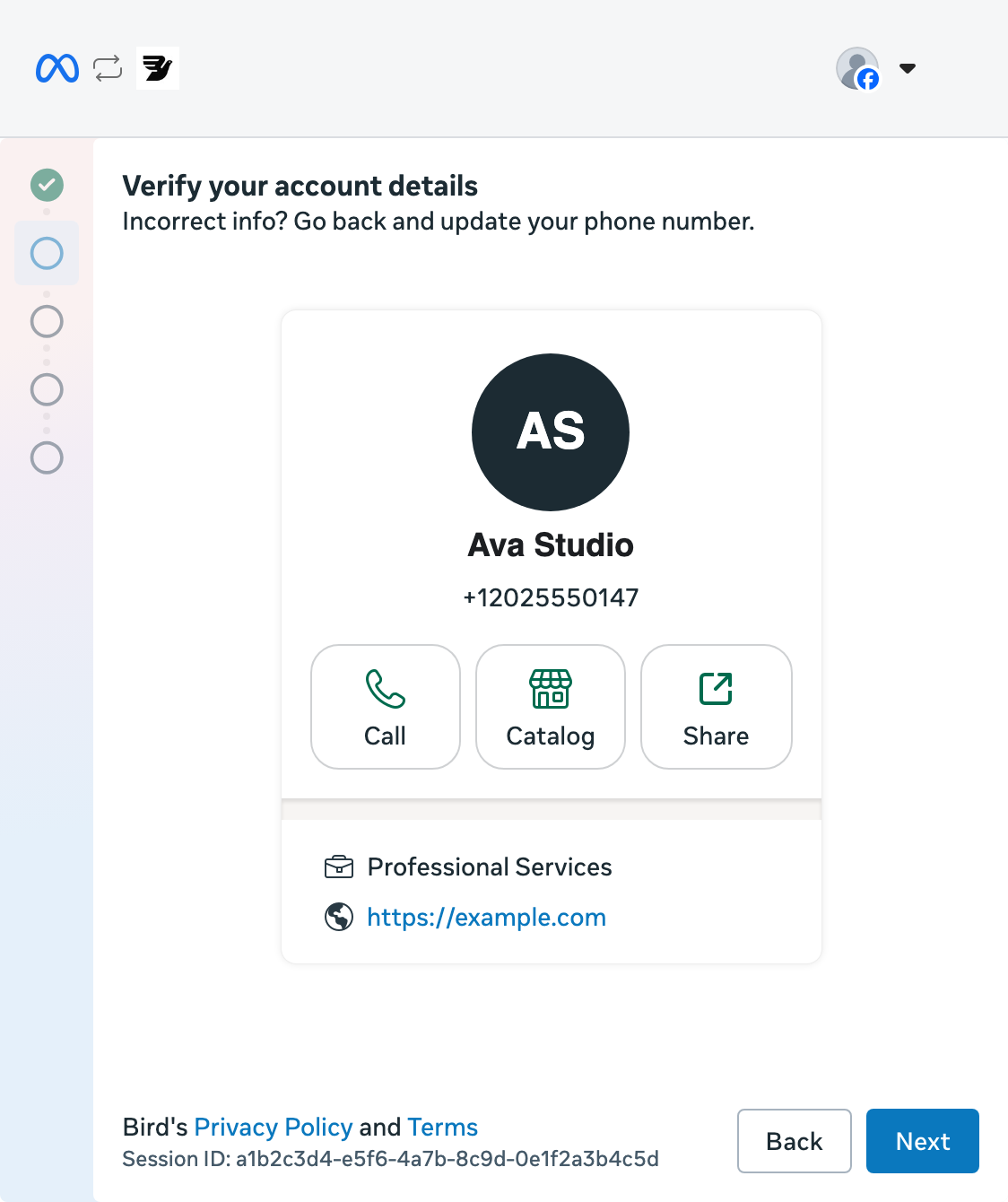
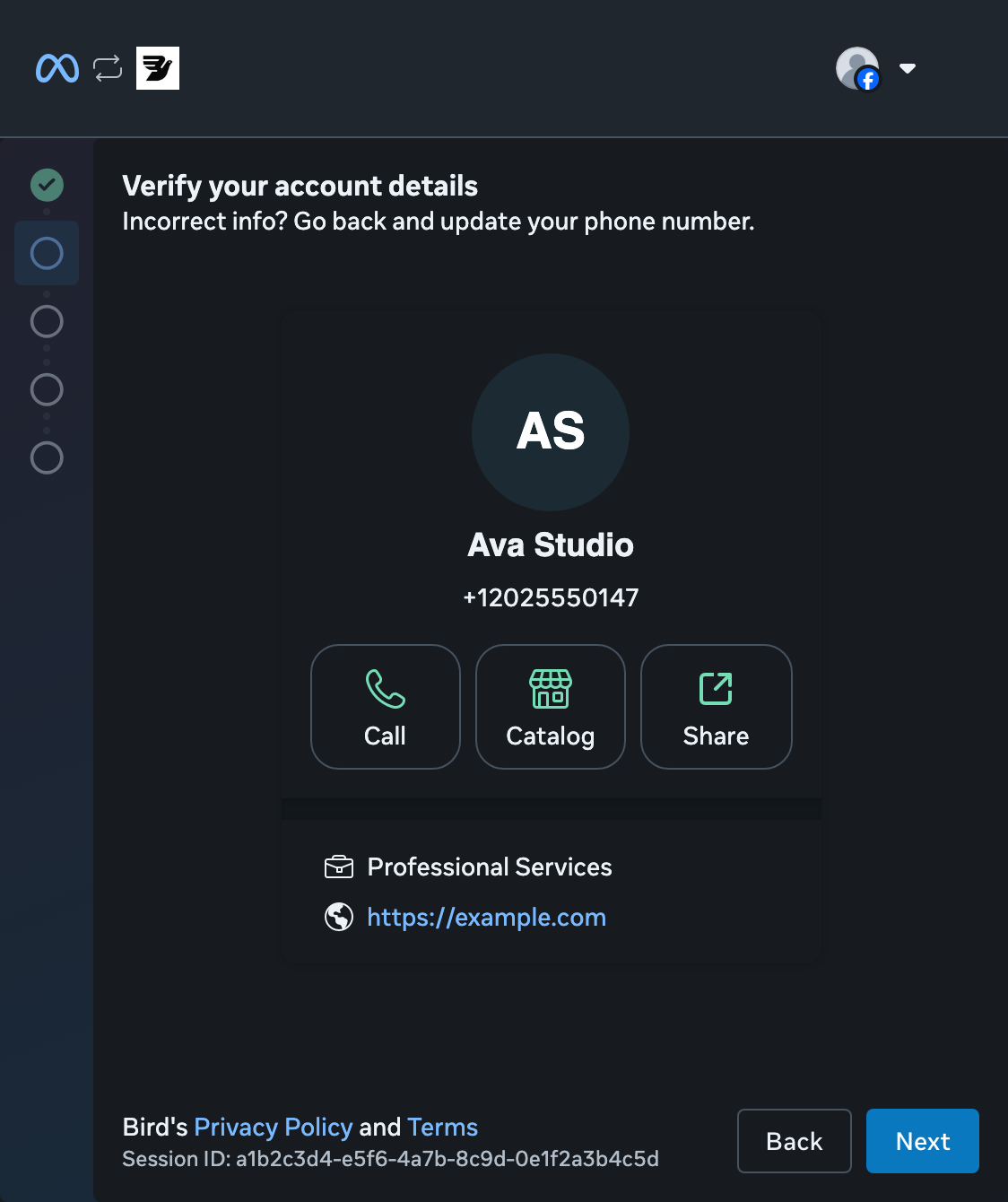
Check the business name and phone number, then select Next. Use Back to correct the number.
Choose your business portfolio
Select an existing Business portfolio, or choose Create a Business portfolio and select Next.
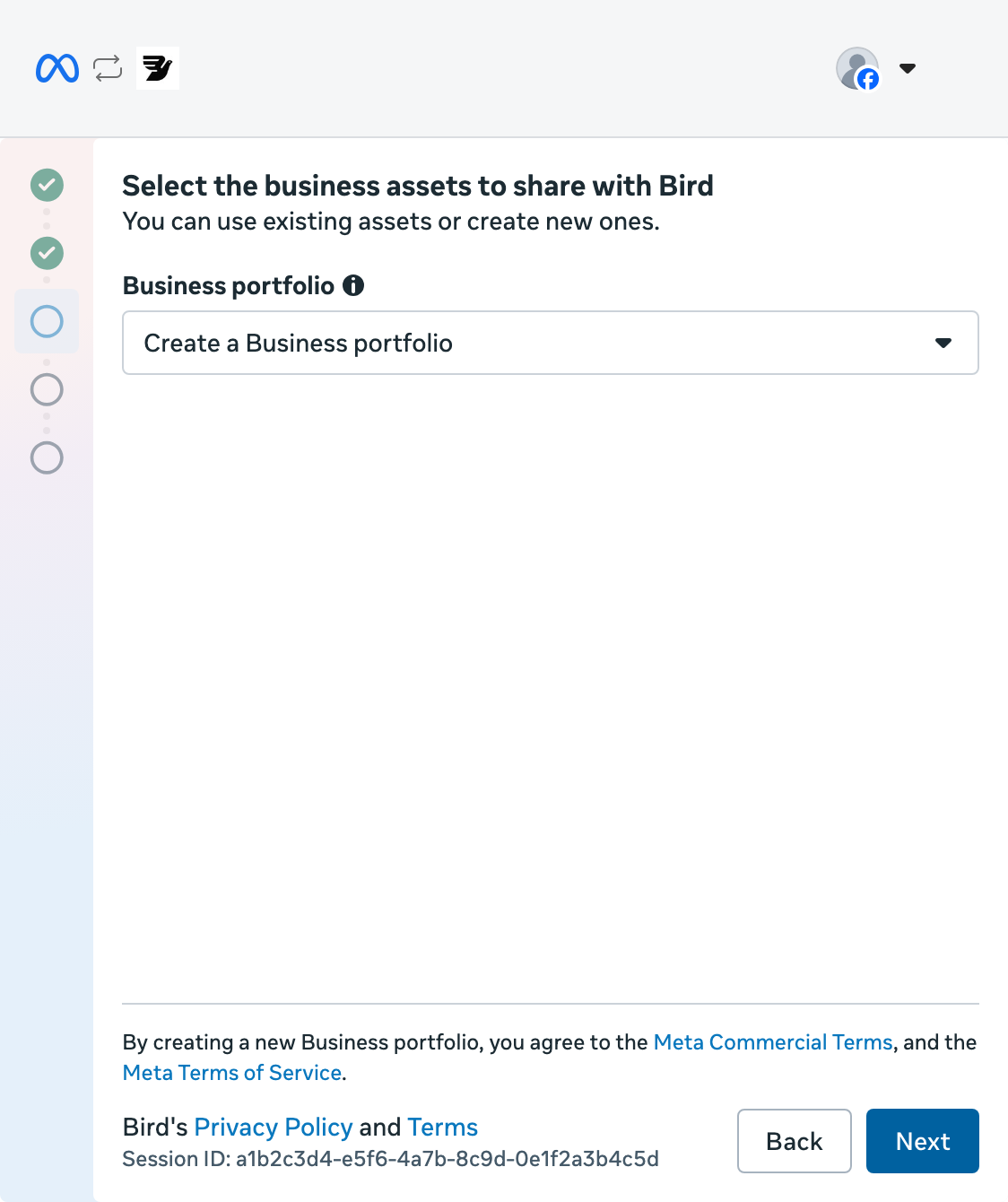
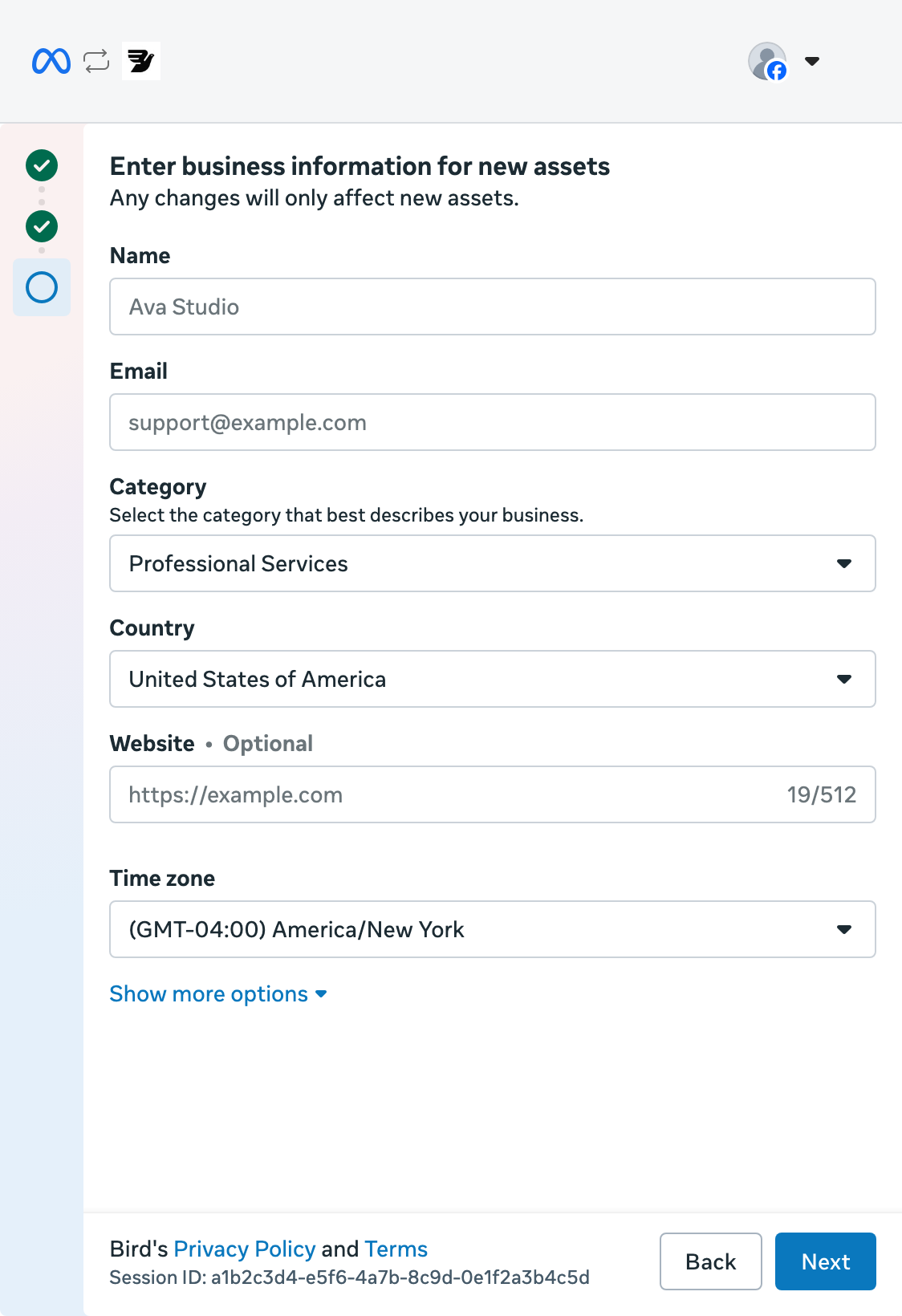
Add your business details
For a new portfolio, enter your business name, email, category, country, and website. Check the time zone, then select Next.
Continue on your phone
Keep the QR code open while you continue in WhatsApp Business.
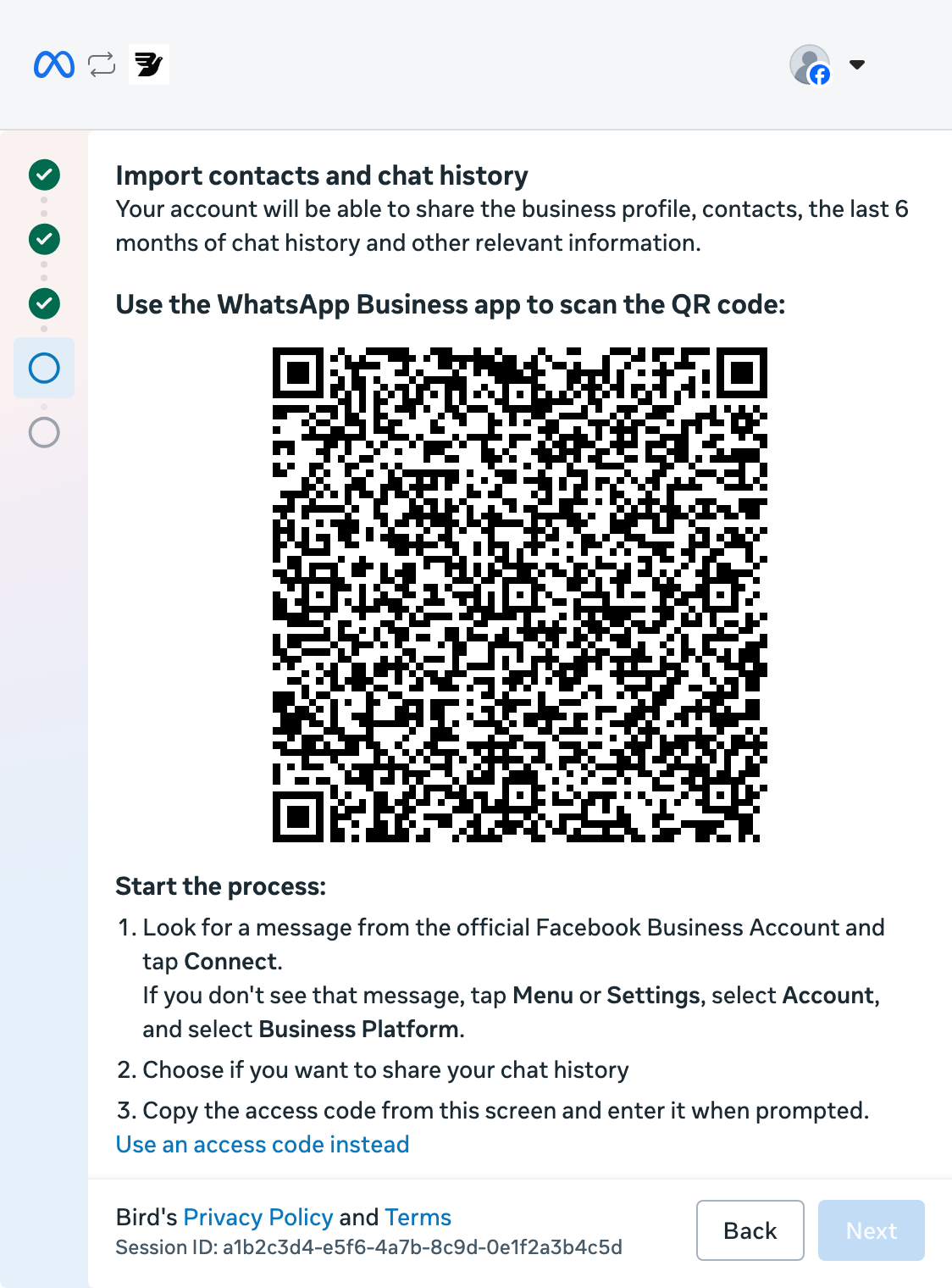
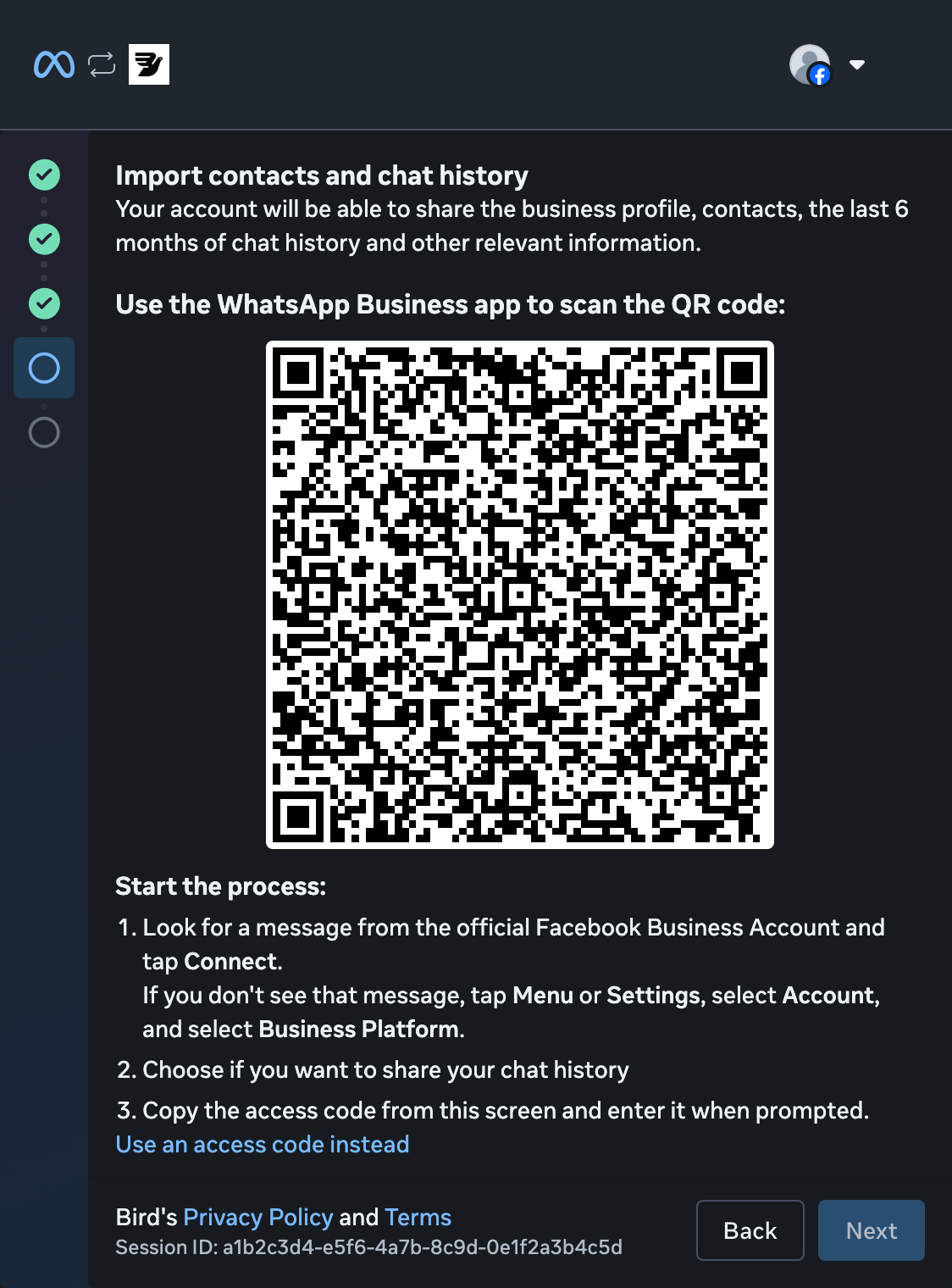
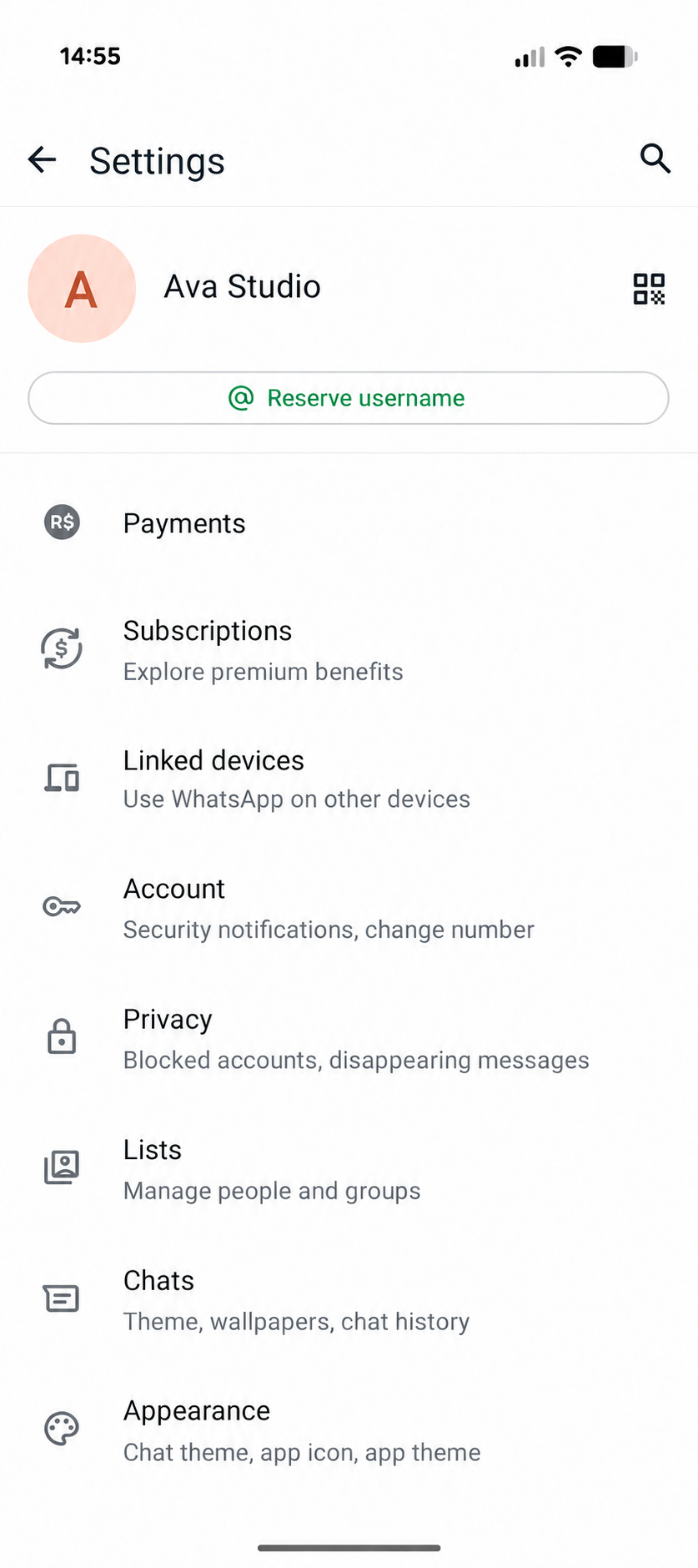
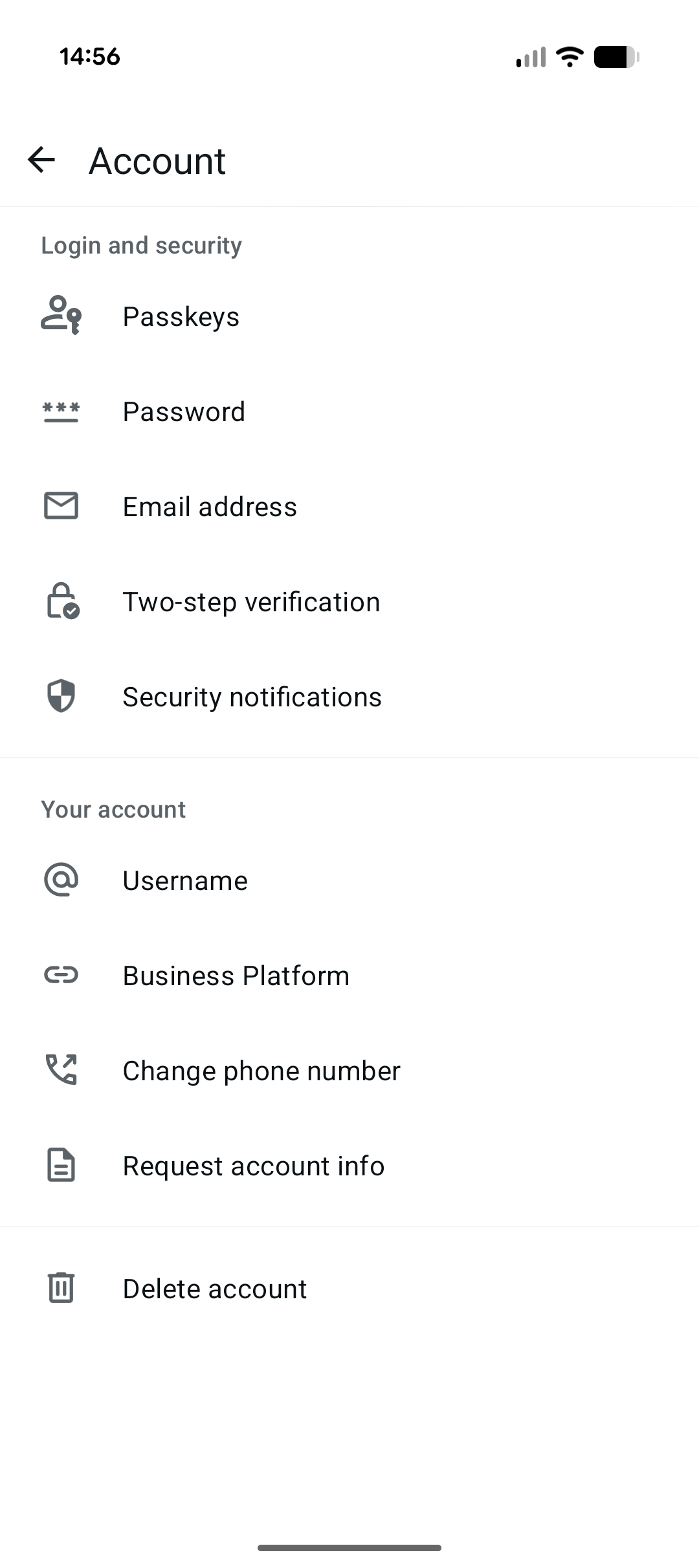
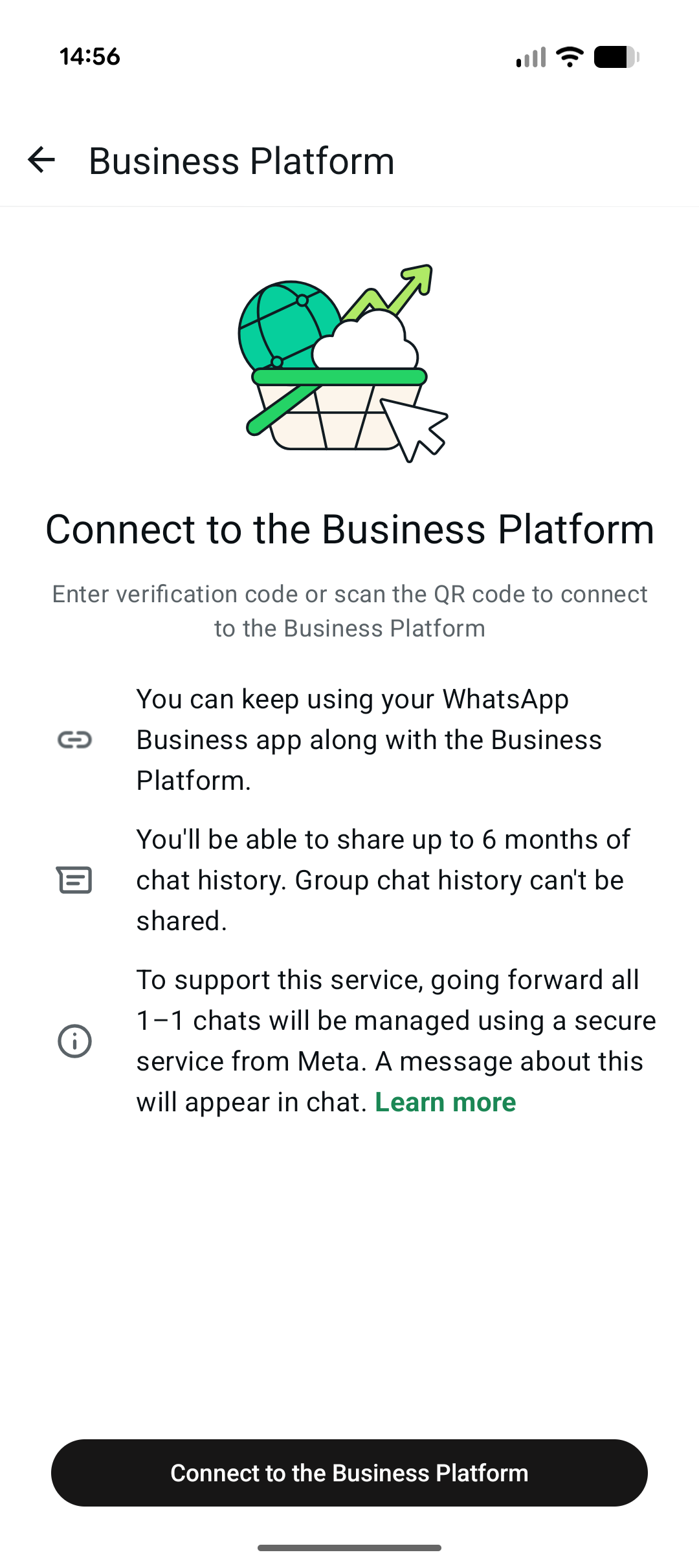
Open Business Platform
In WhatsApp Business, open Settings > Account > Business Platform.
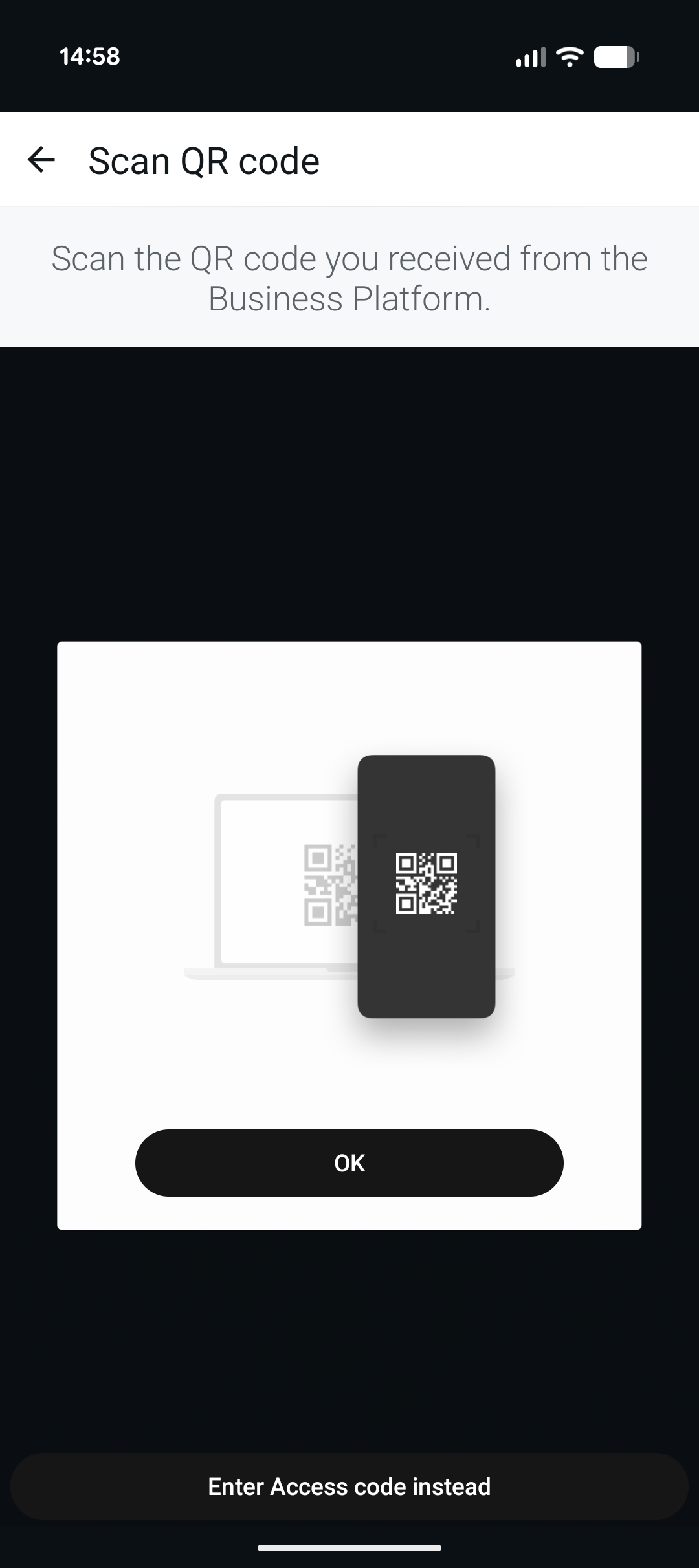
Scan the QR code
Tap Connect to the Business Platform. On Scan QR code, tap OK to open your camera and scan the code in your desktop popup.
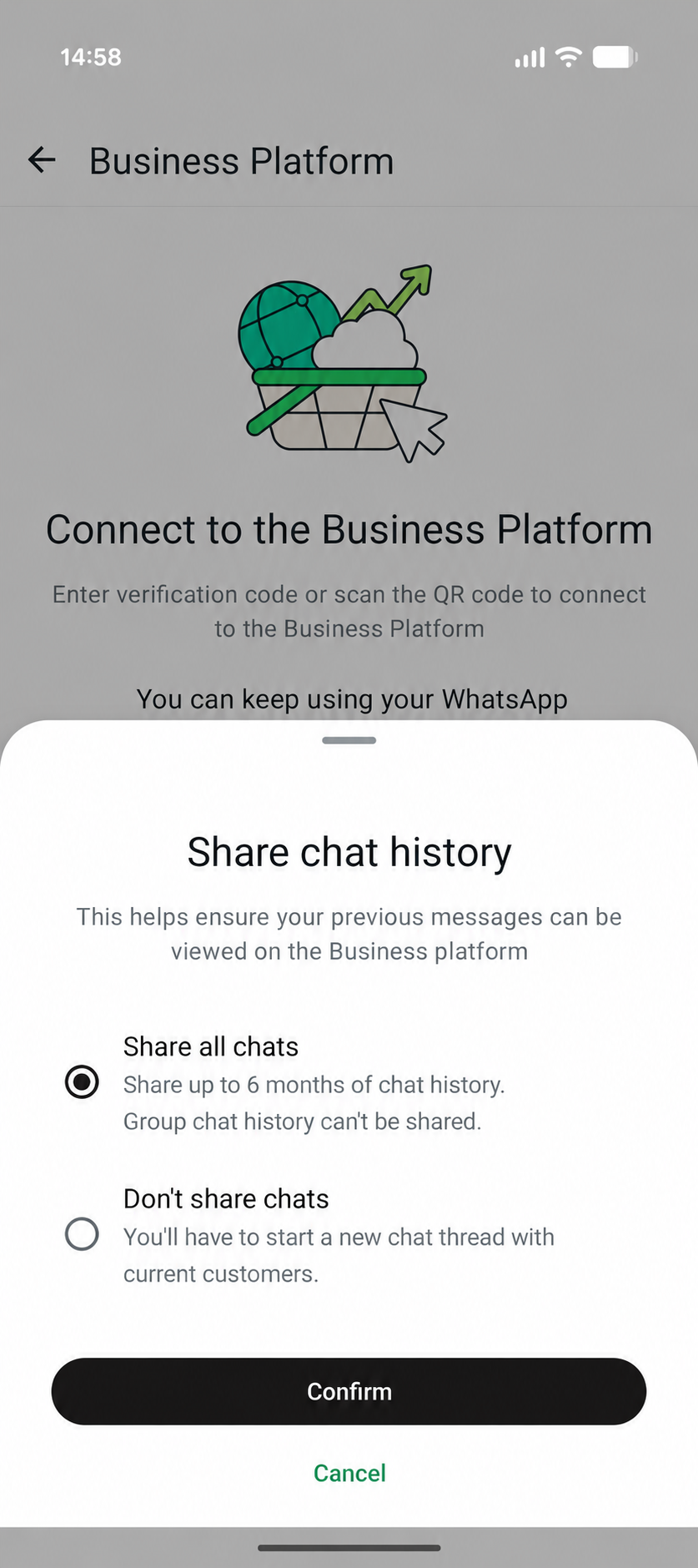
Choose whether to share history
Choose Share all chats or Don't share chats, then tap Confirm.
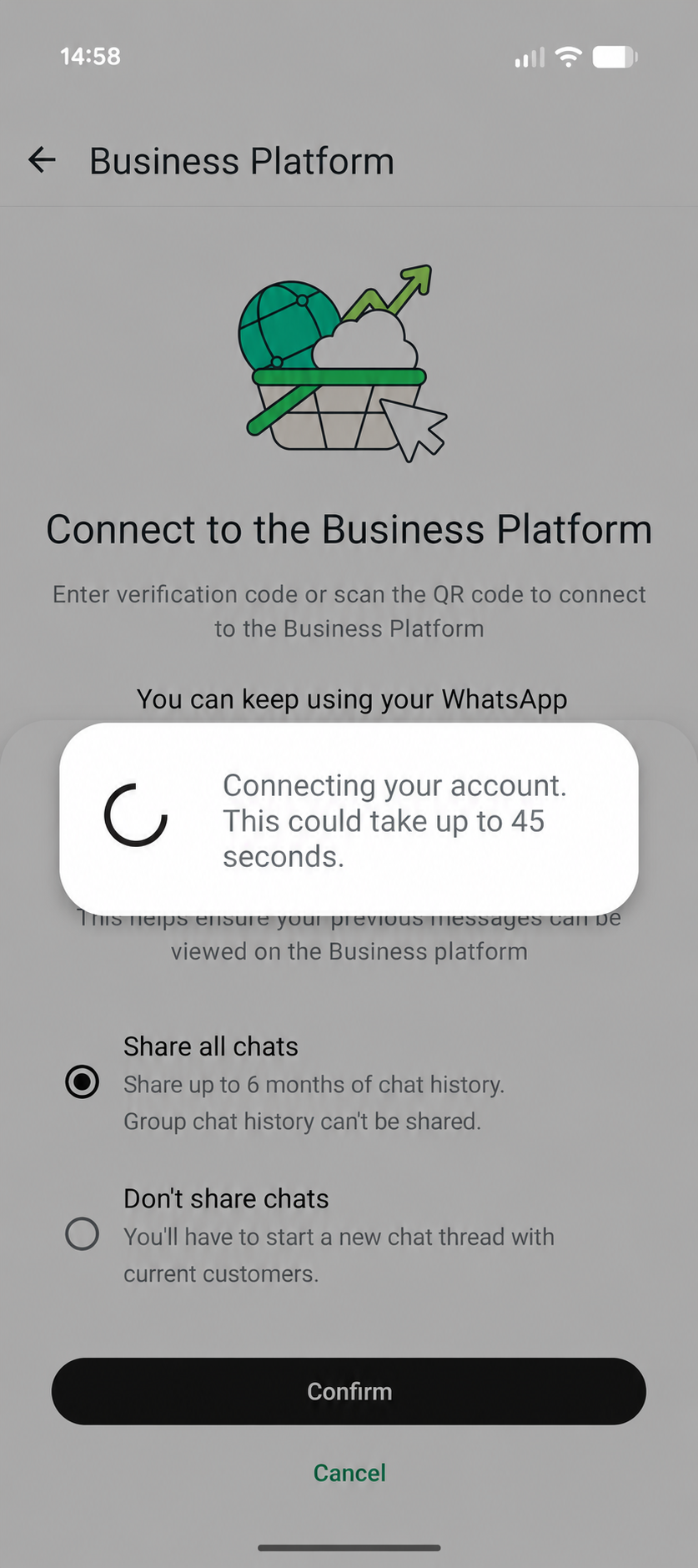
Wait for the connection
Keep WhatsApp Business open while it connects. This can take up to 45 seconds.
Return to the desktop popup
When WhatsApp Business confirms the connection, tap OK and continue setup on your computer.
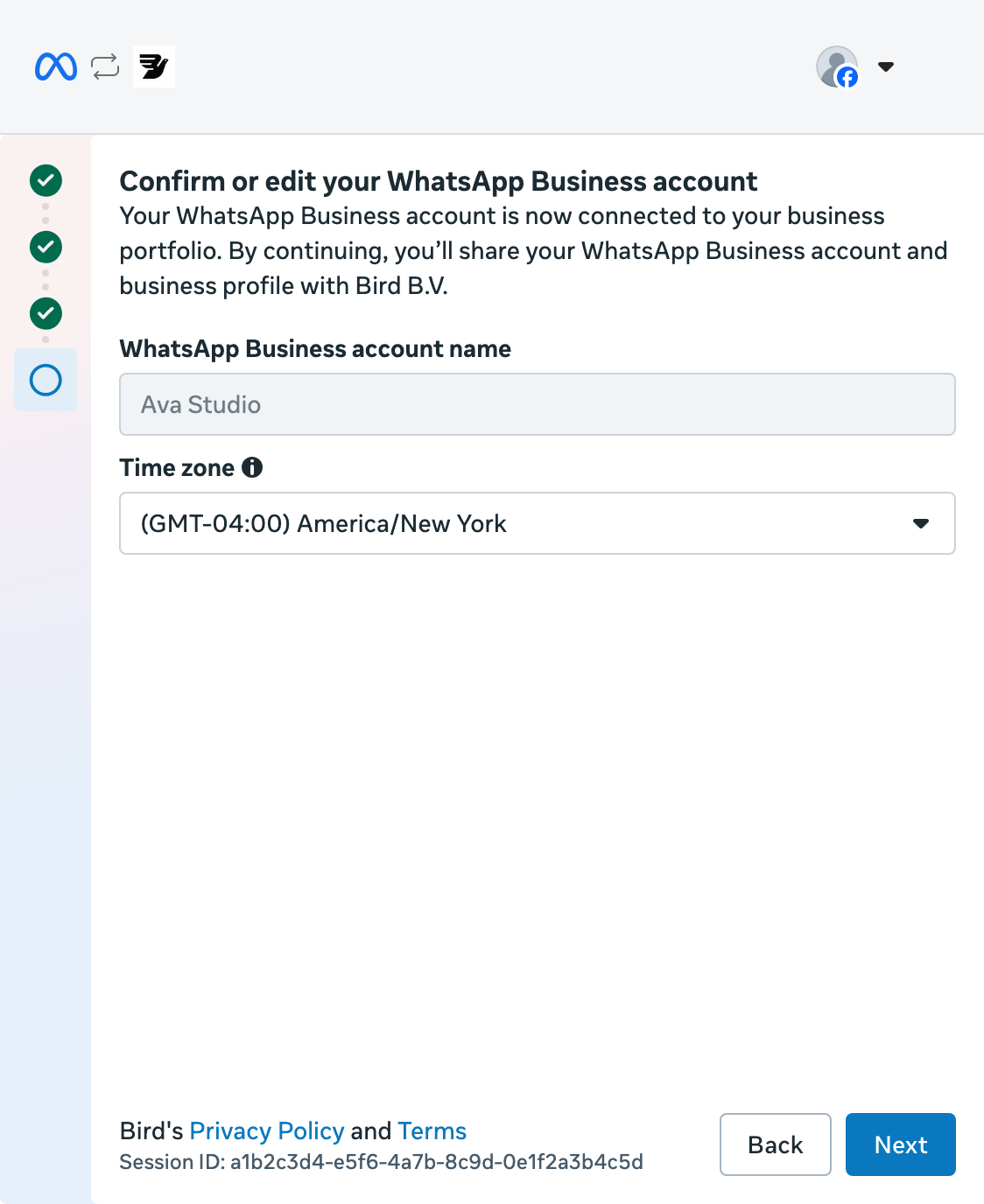
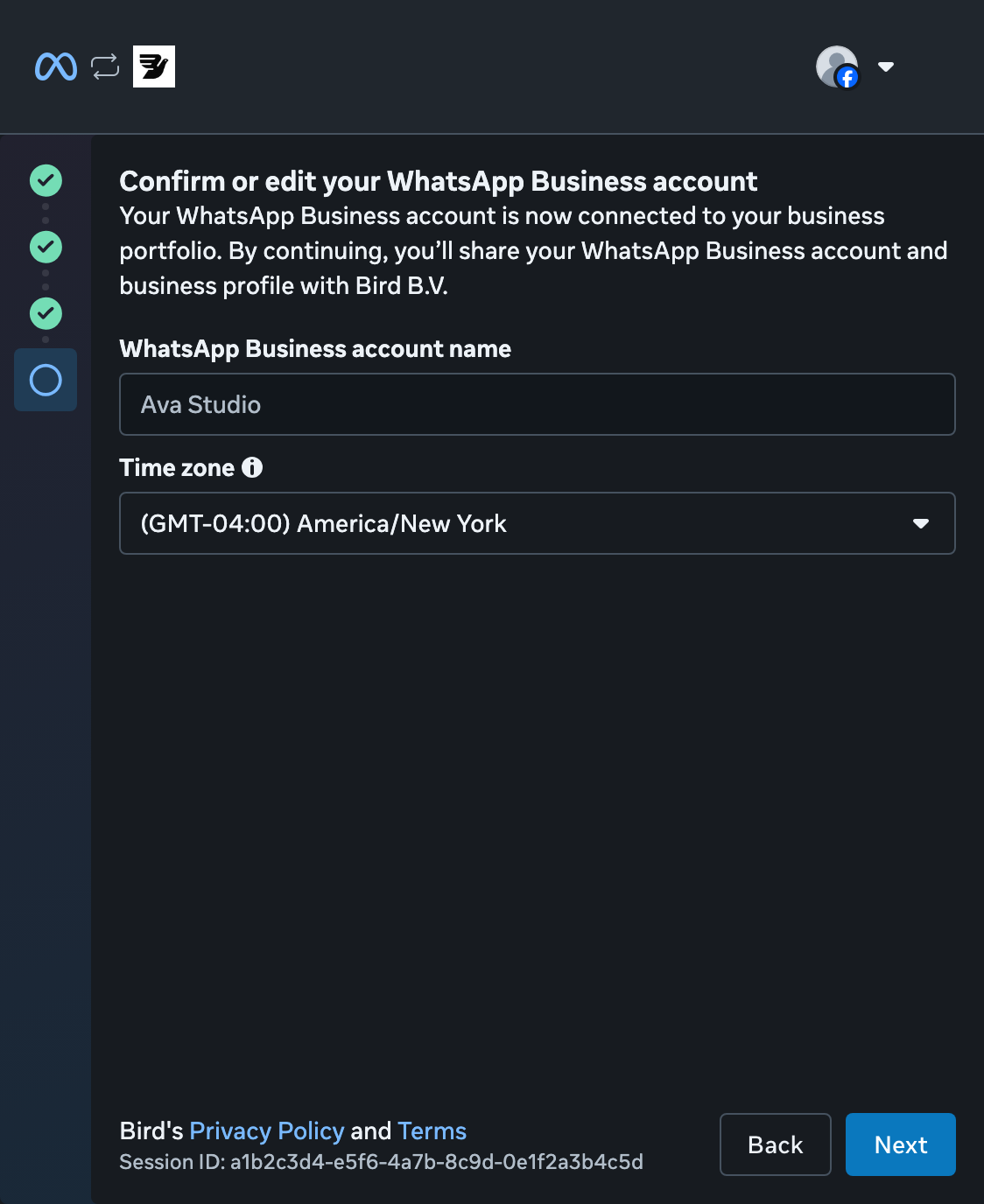
Confirm your WhatsApp account
Check the account name and time zone, then select Next.
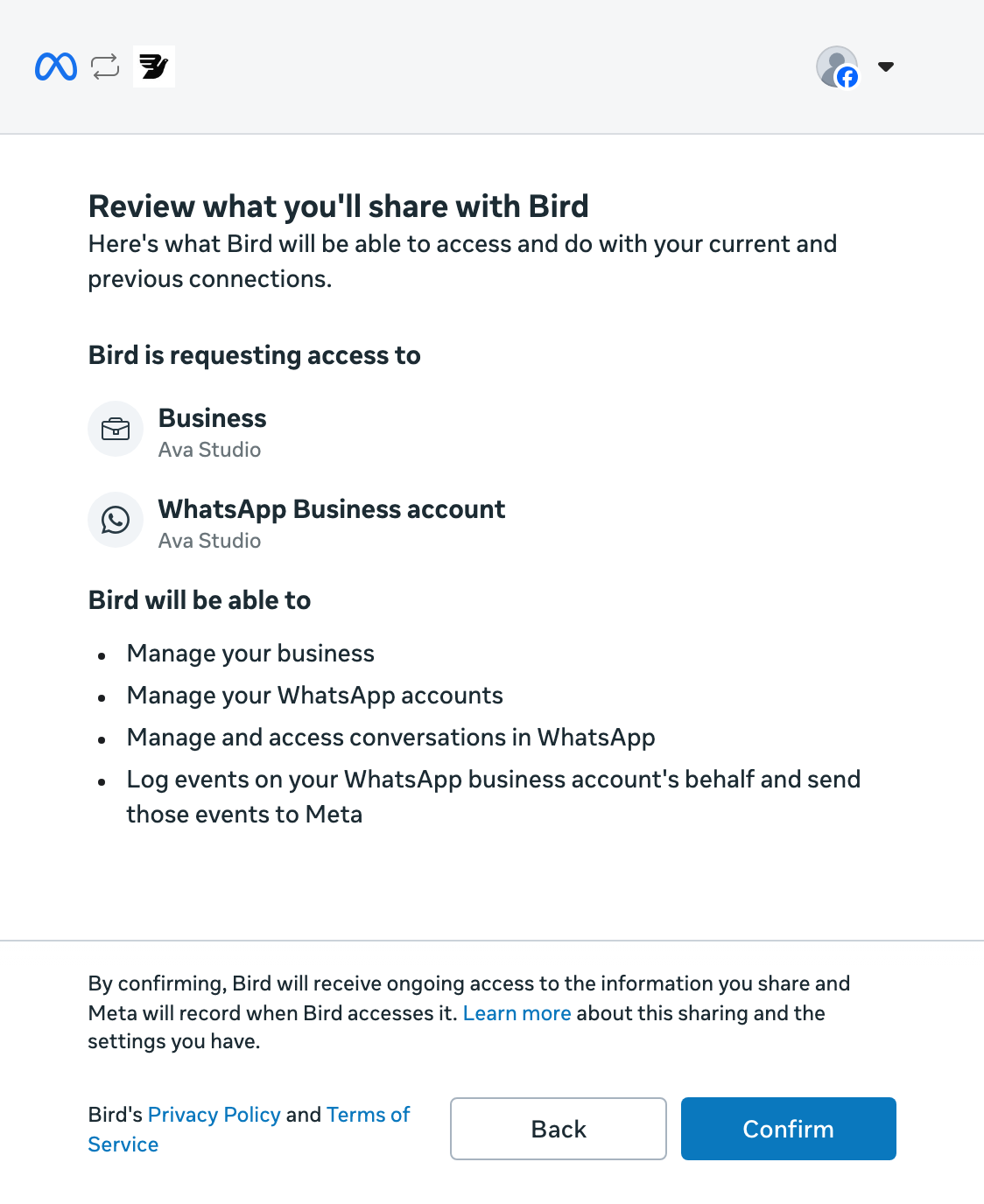
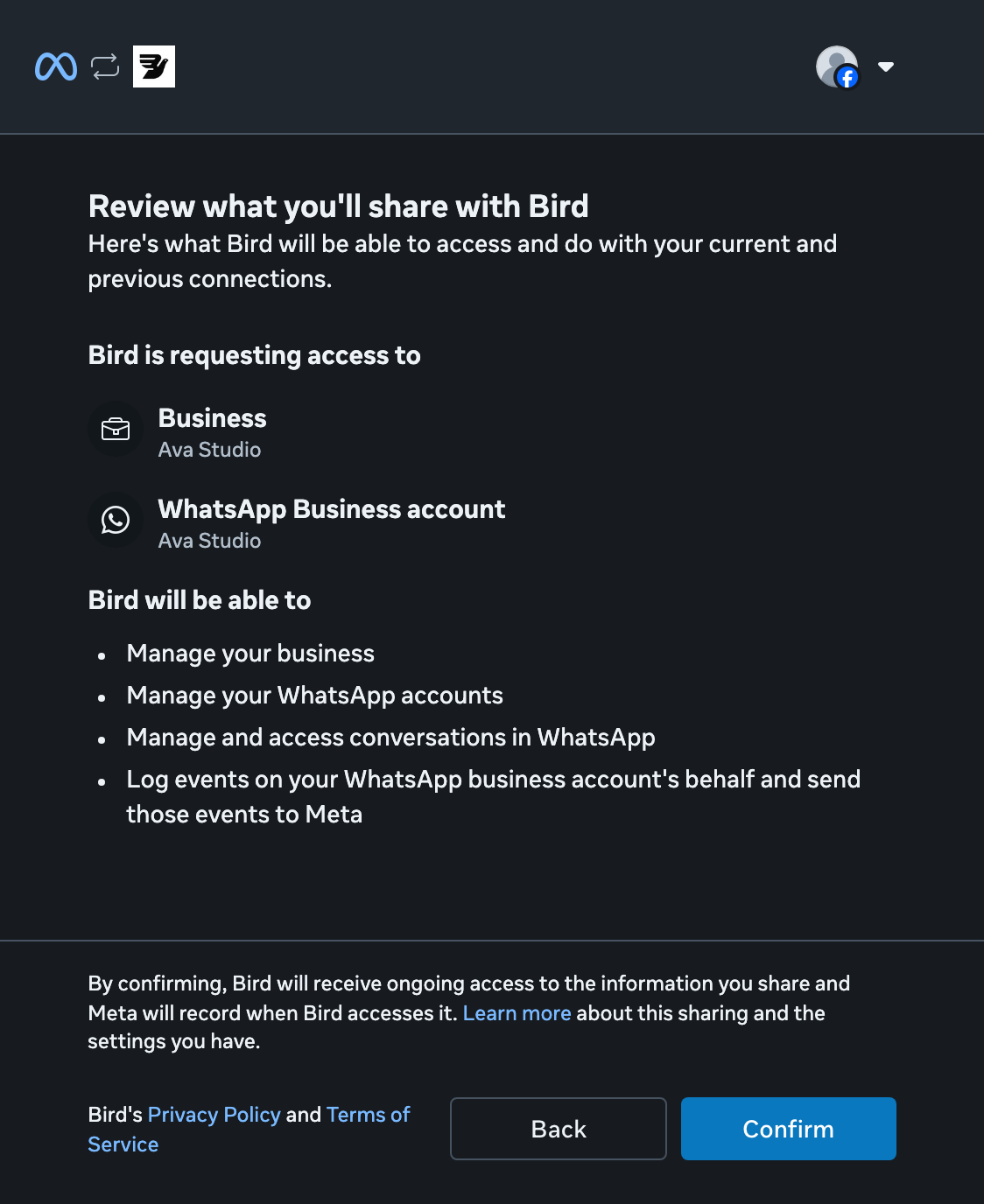
Review access
Review the permissions Bird requests, then select Confirm.
Finish Meta's setup
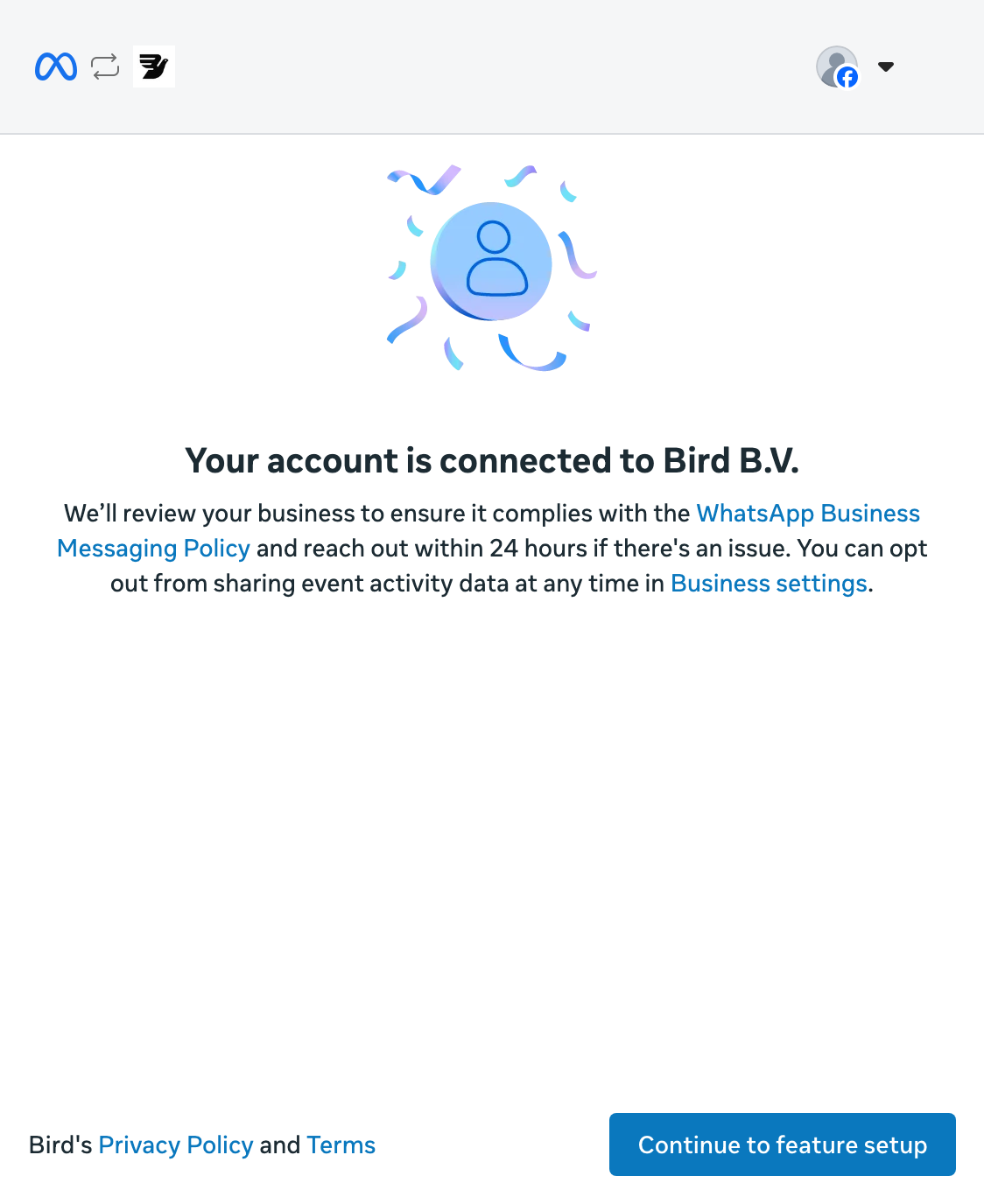
Meta confirms your account is connected. Select Continue to feature setup to open WhatsApp Manager.
Wait for Connected
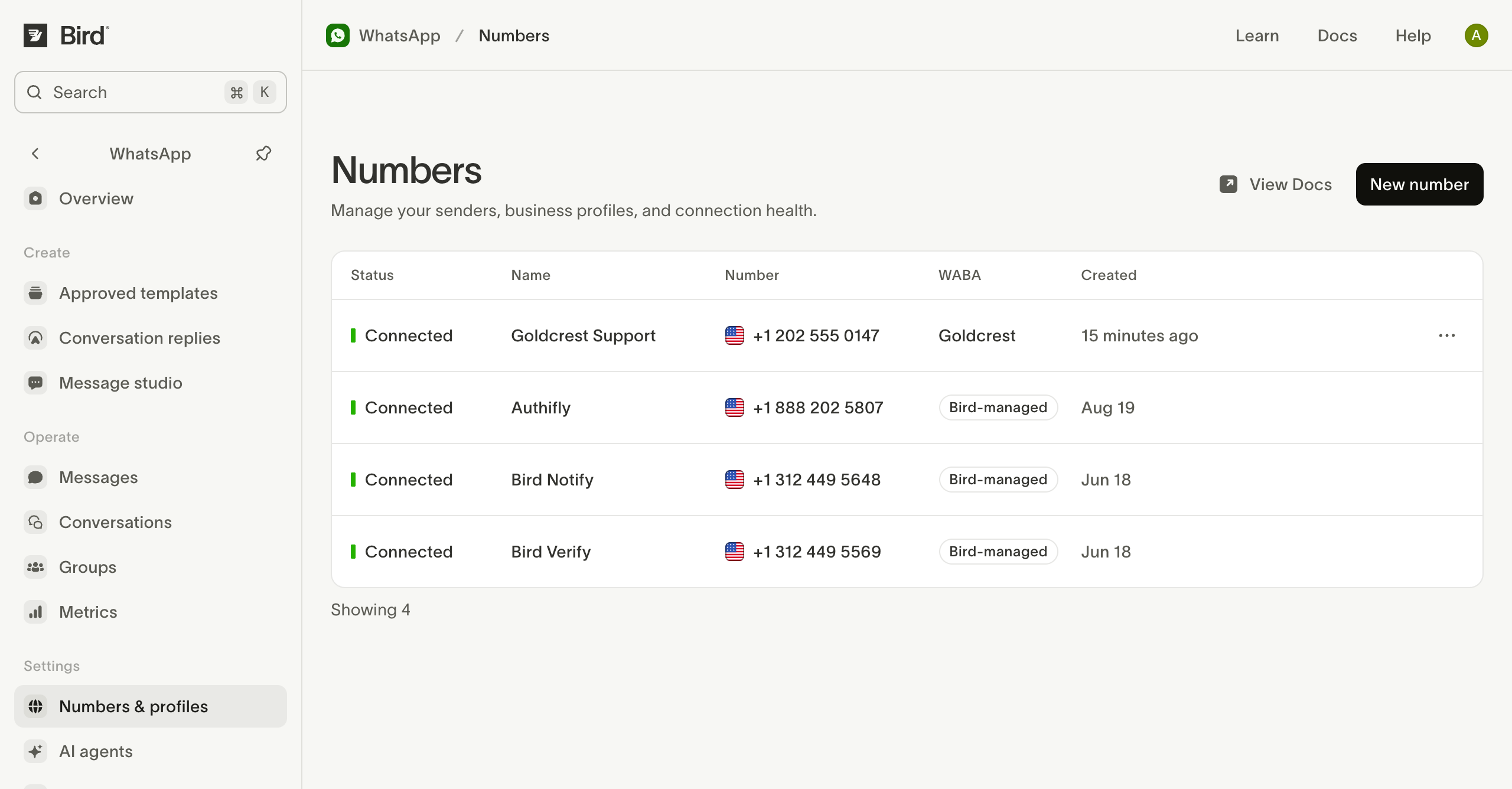
Return to Numbers in Bird and wait for Connected before sending. Pending means Bird is still completing setup with Meta.
Check your number
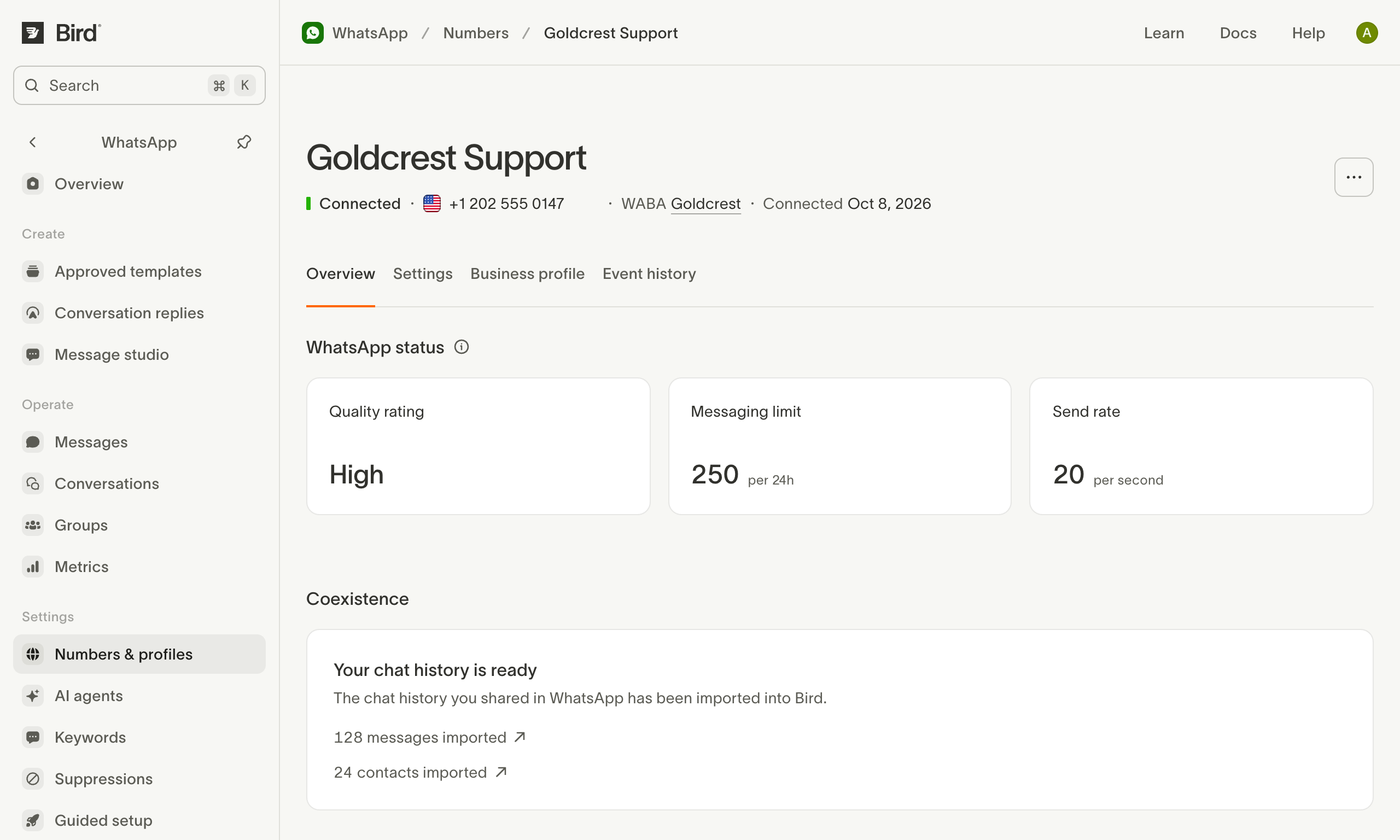
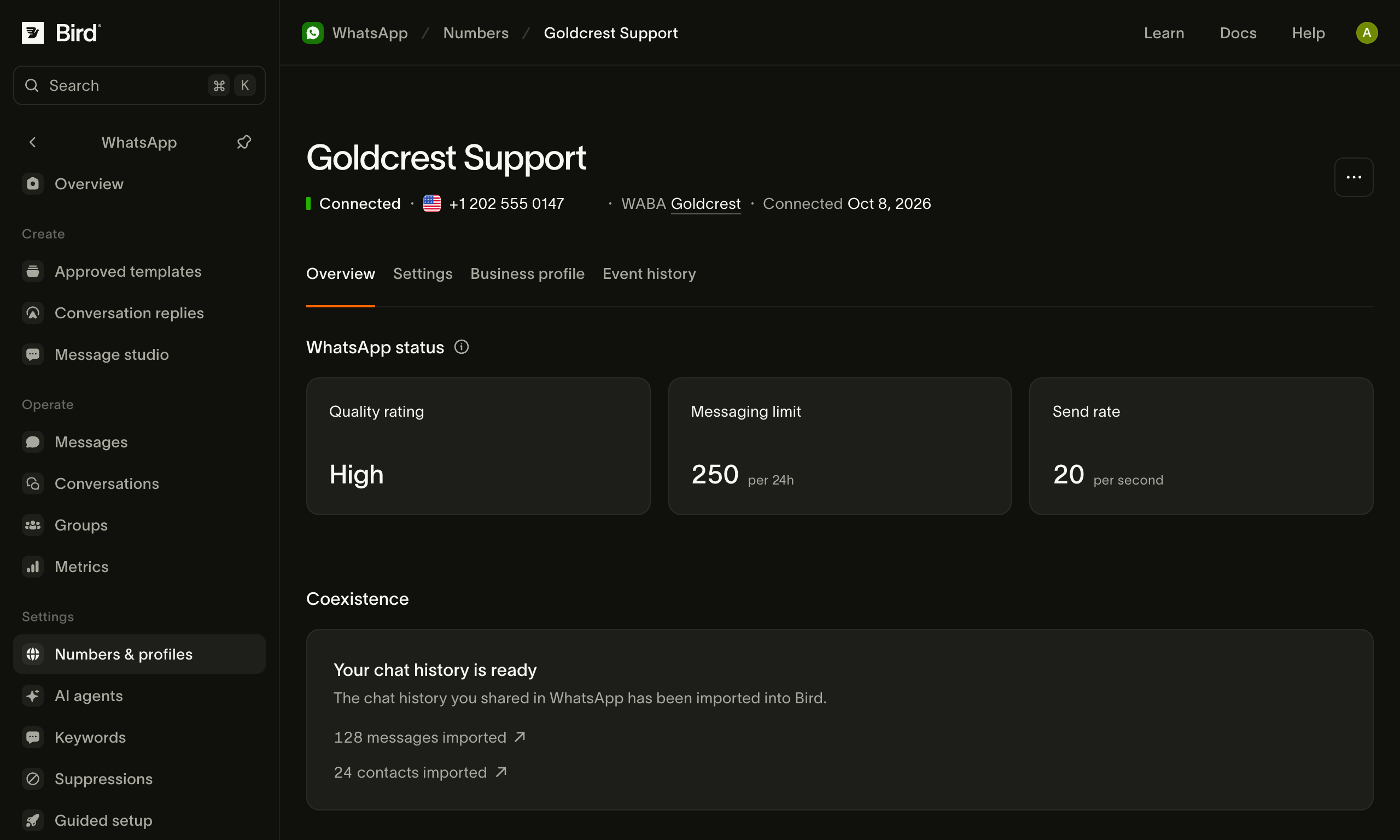
Open the connected number to check its status and sending limits. The Coexistence card shows your chat history and contact imports.
See Manage your numbers for number settings.
Ressources associées
Poursuivez avec la documentation, les guides et les exemples sur ce sujet.