Conecte seu número do WhatsApp
Conecte seu número do WhatsApp ao Bird. Estes exemplos curtos usam um número dos EUA pré-verificado e uma nova conta do WhatsApp Business.
Comece na página Numbers com um número que seu espaço de trabalho possui no Bird e um login da Meta com permissão para gerenciar sua empresa.
Selecione seu número no Bird
Escolha New number, selecione seu número na lista Number e selecione Connect this number.
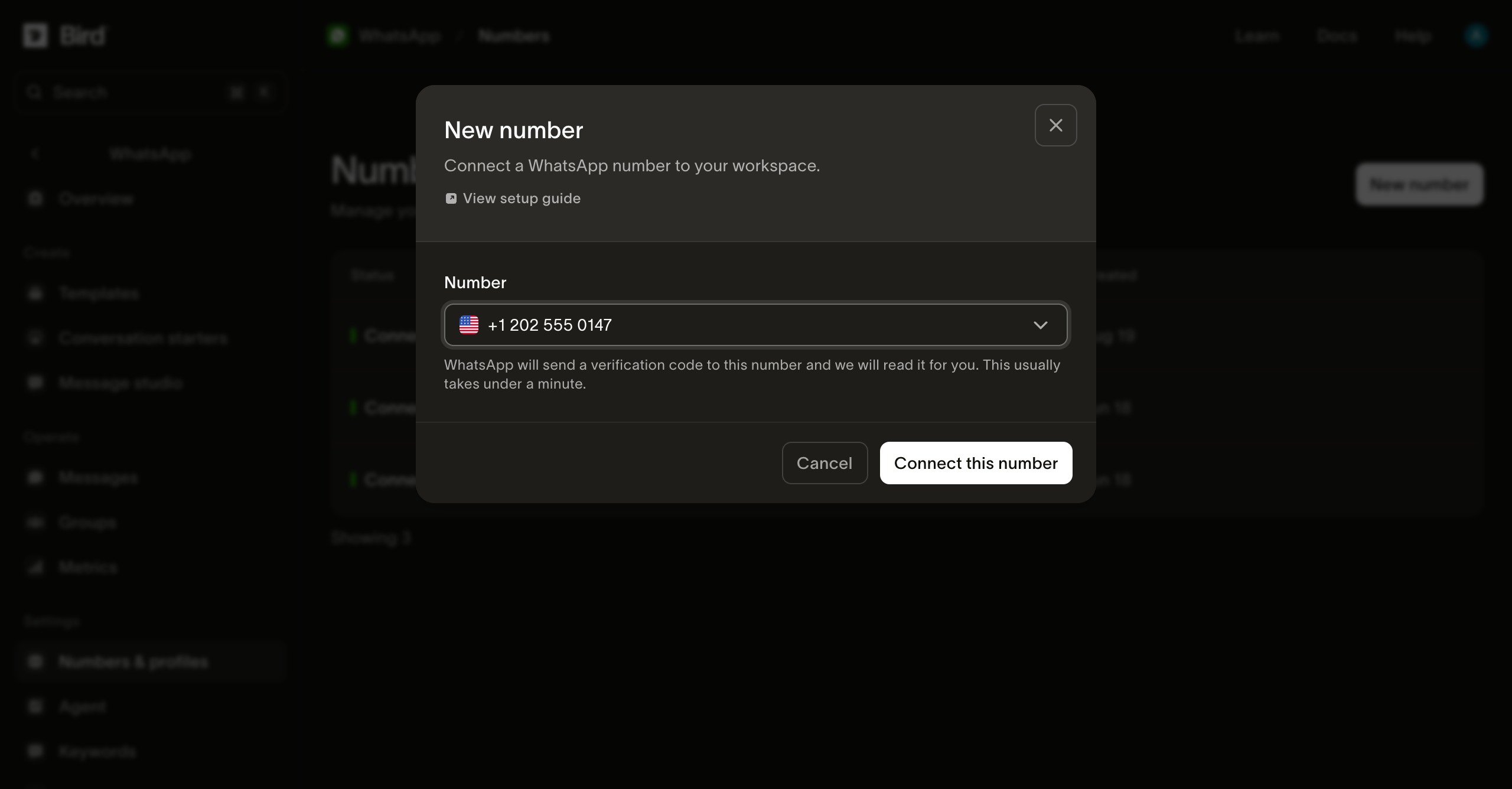
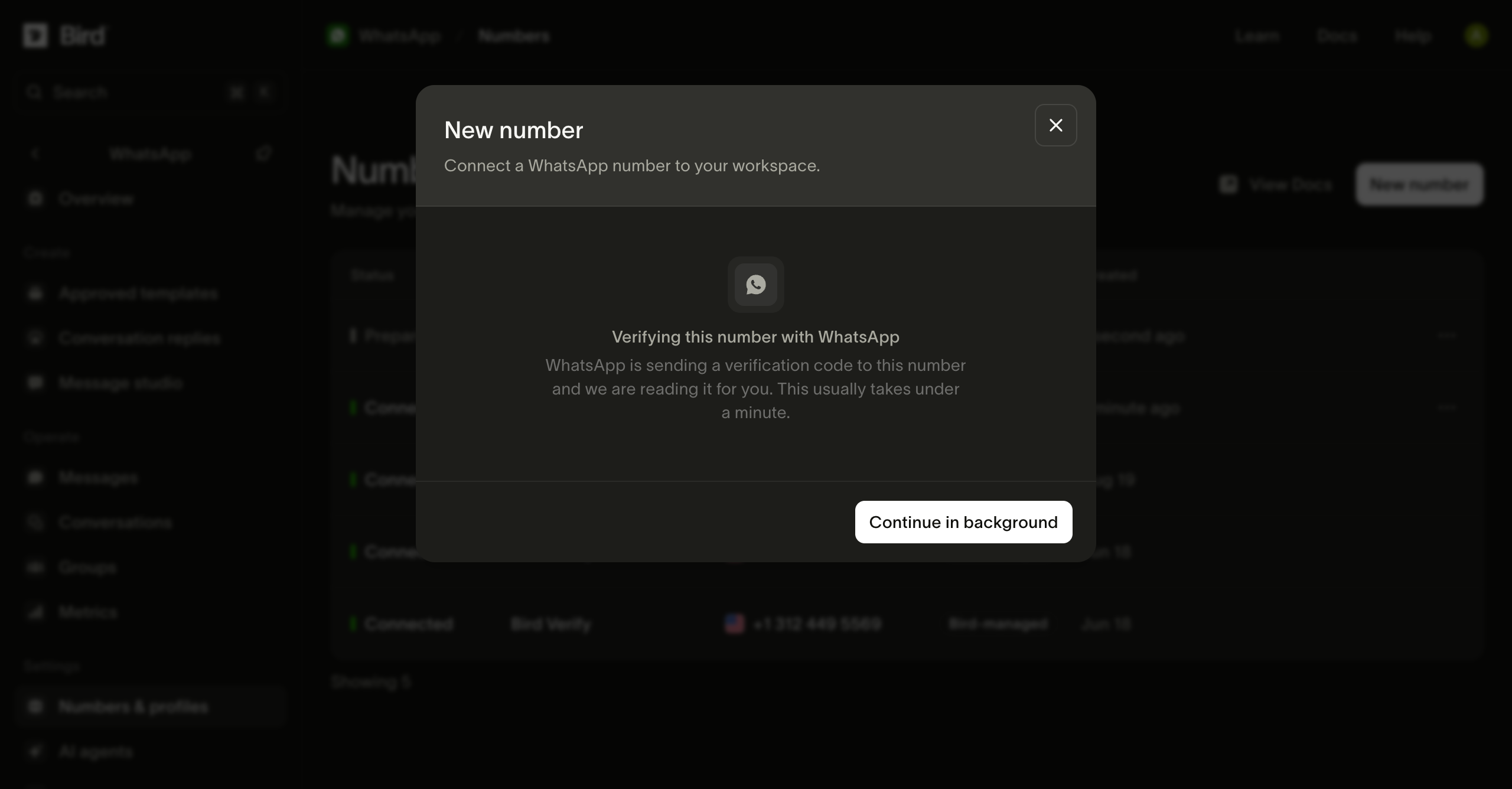
Aguarde a verificação
O Bird recebe o código de verificação da Meta para você. Você pode selecionar Continue in background e acompanhar o progresso na lista de números.
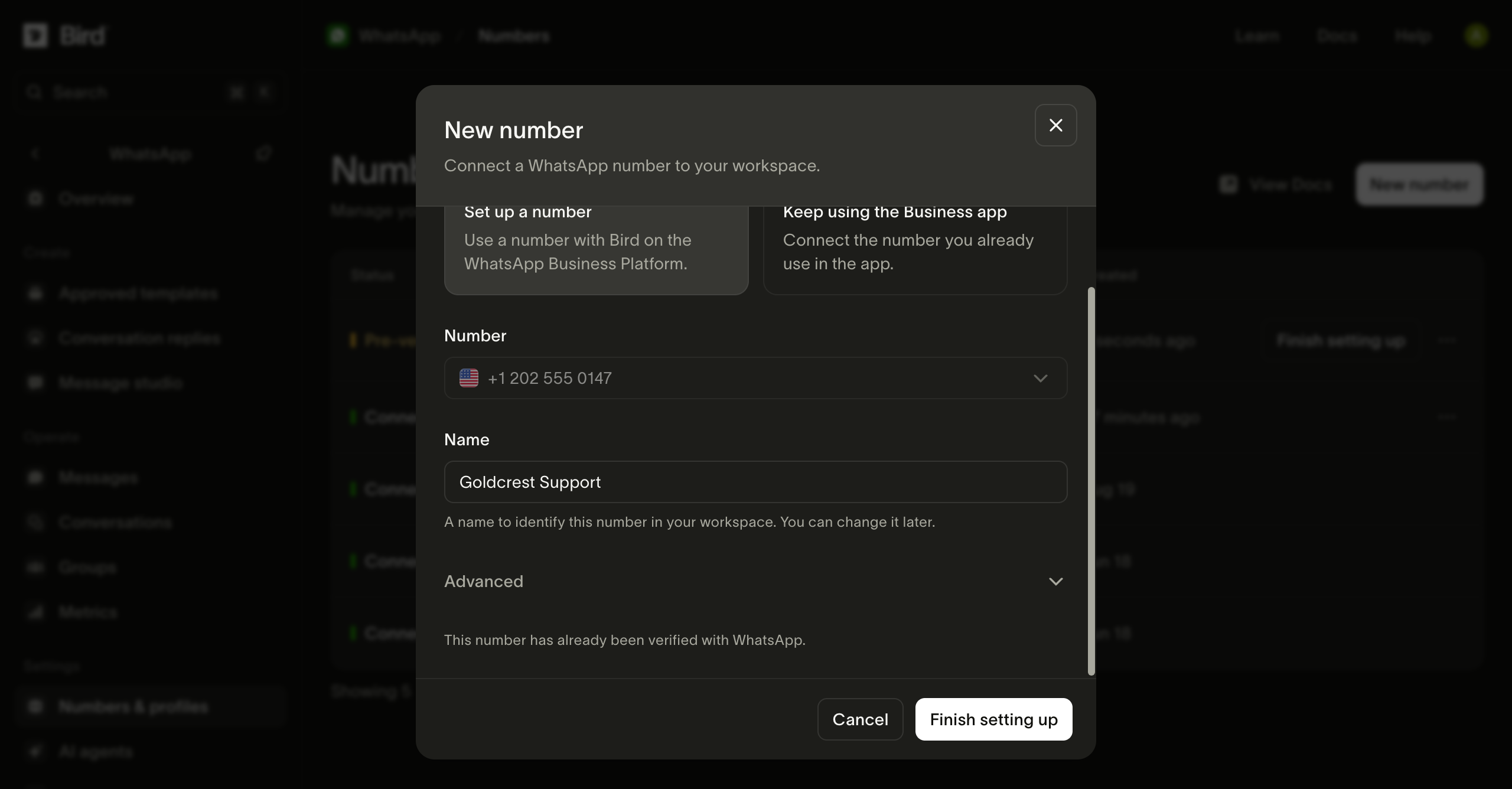
Abra a configuração da Meta
Quando o número estiver Pre-verified, dê um nome a ele e selecione Finish setting up. Entre na Meta quando solicitado.
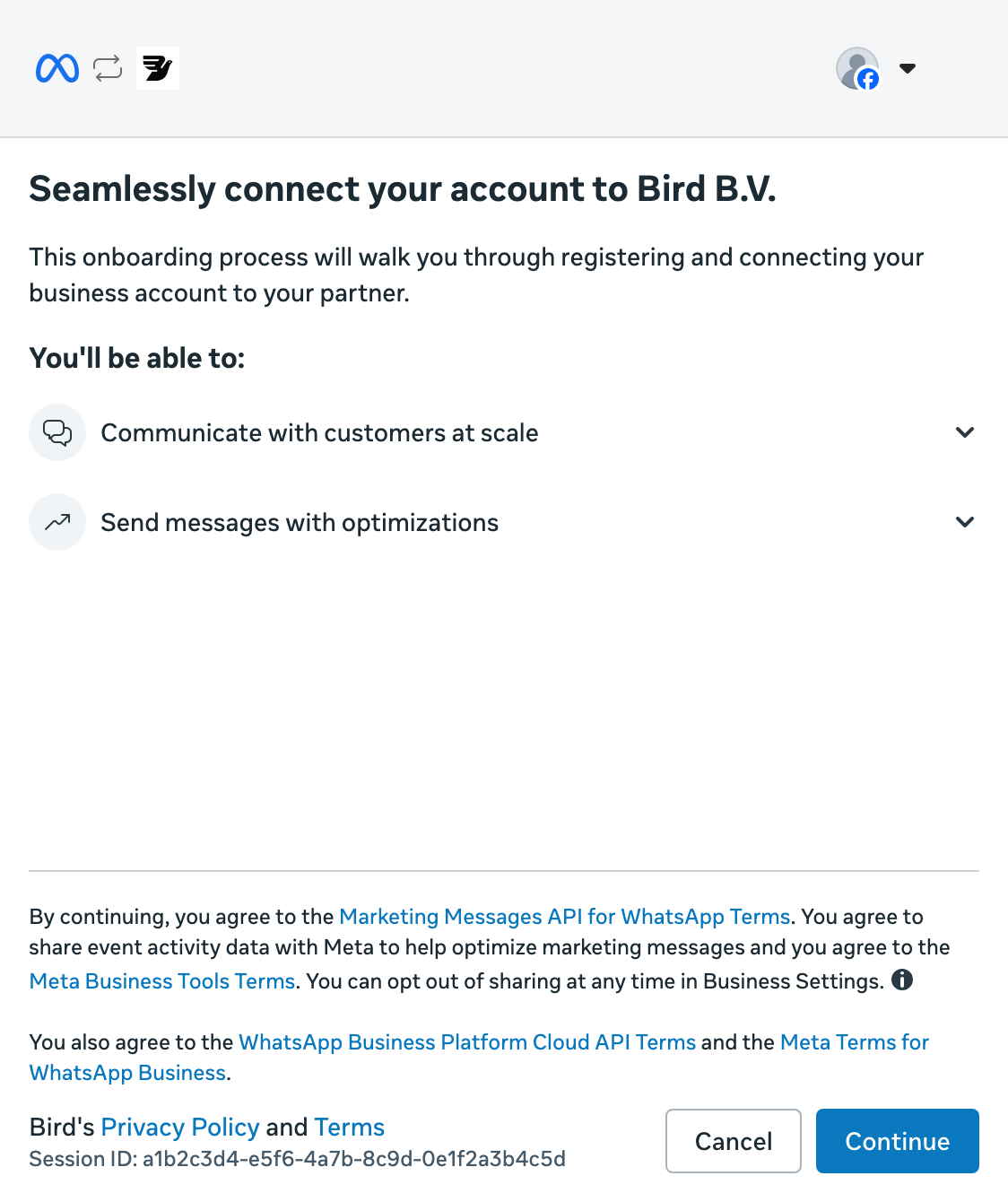
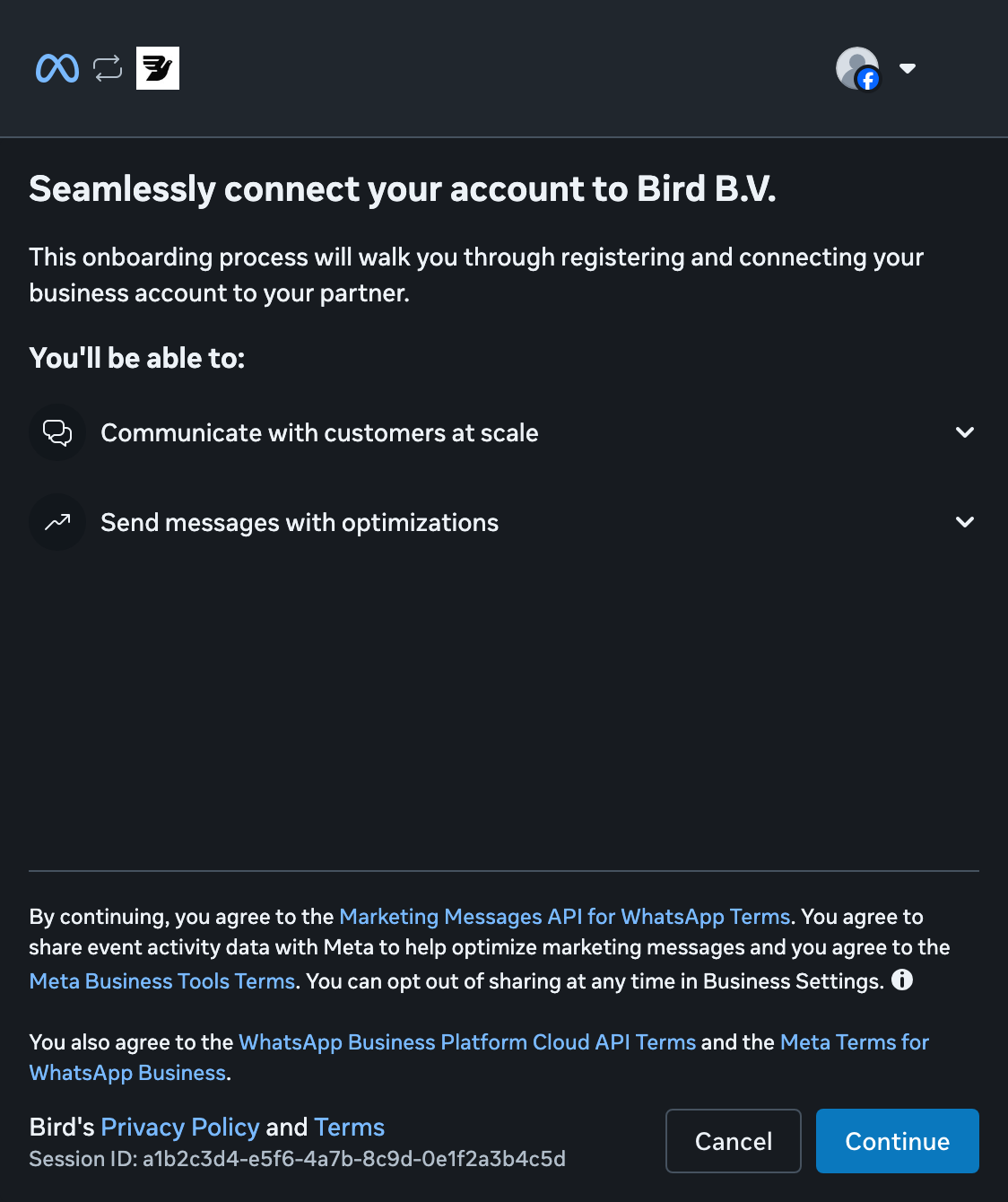
Continue com a Meta
Selecione Continue para começar a conectar sua empresa ao Bird.
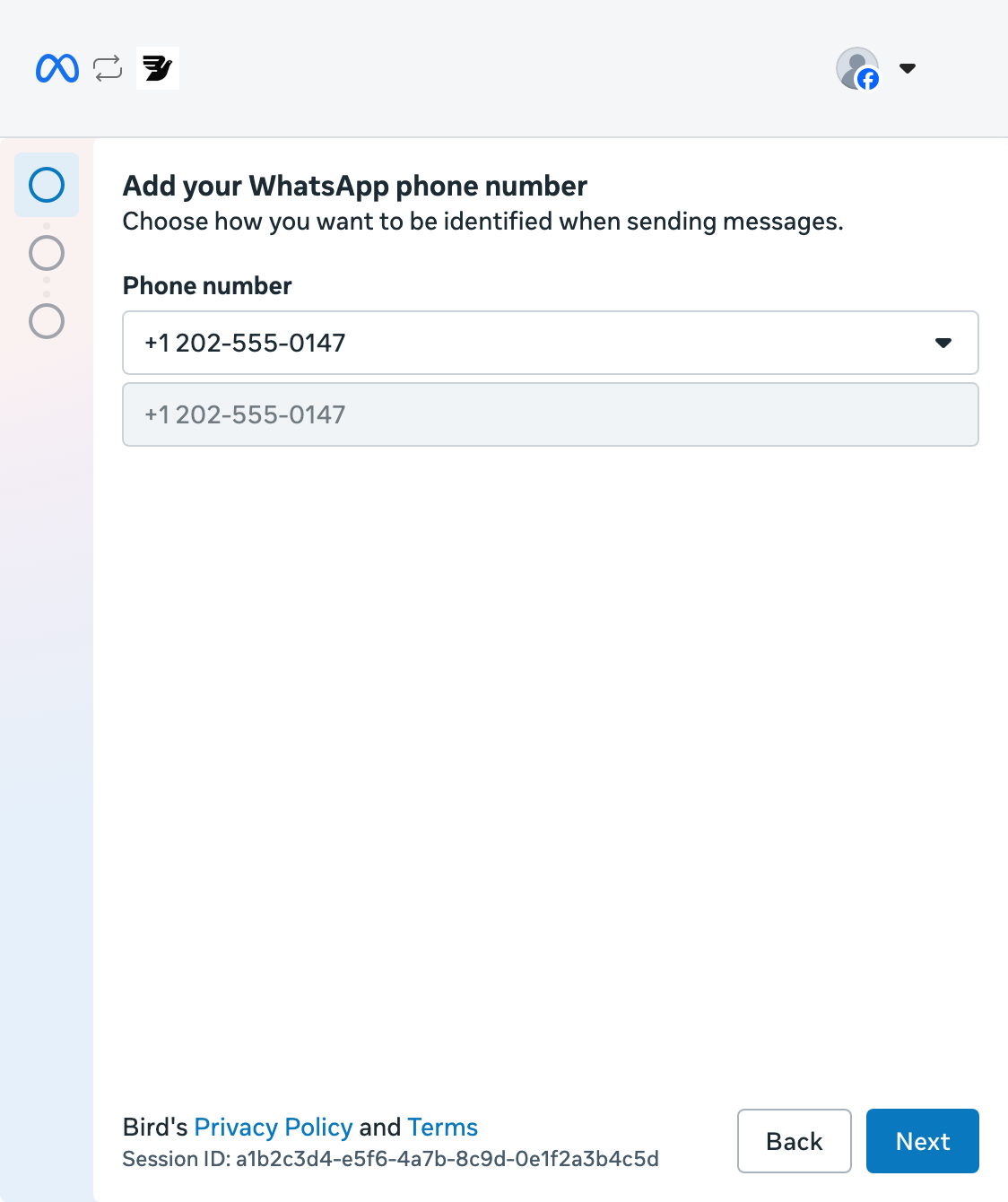
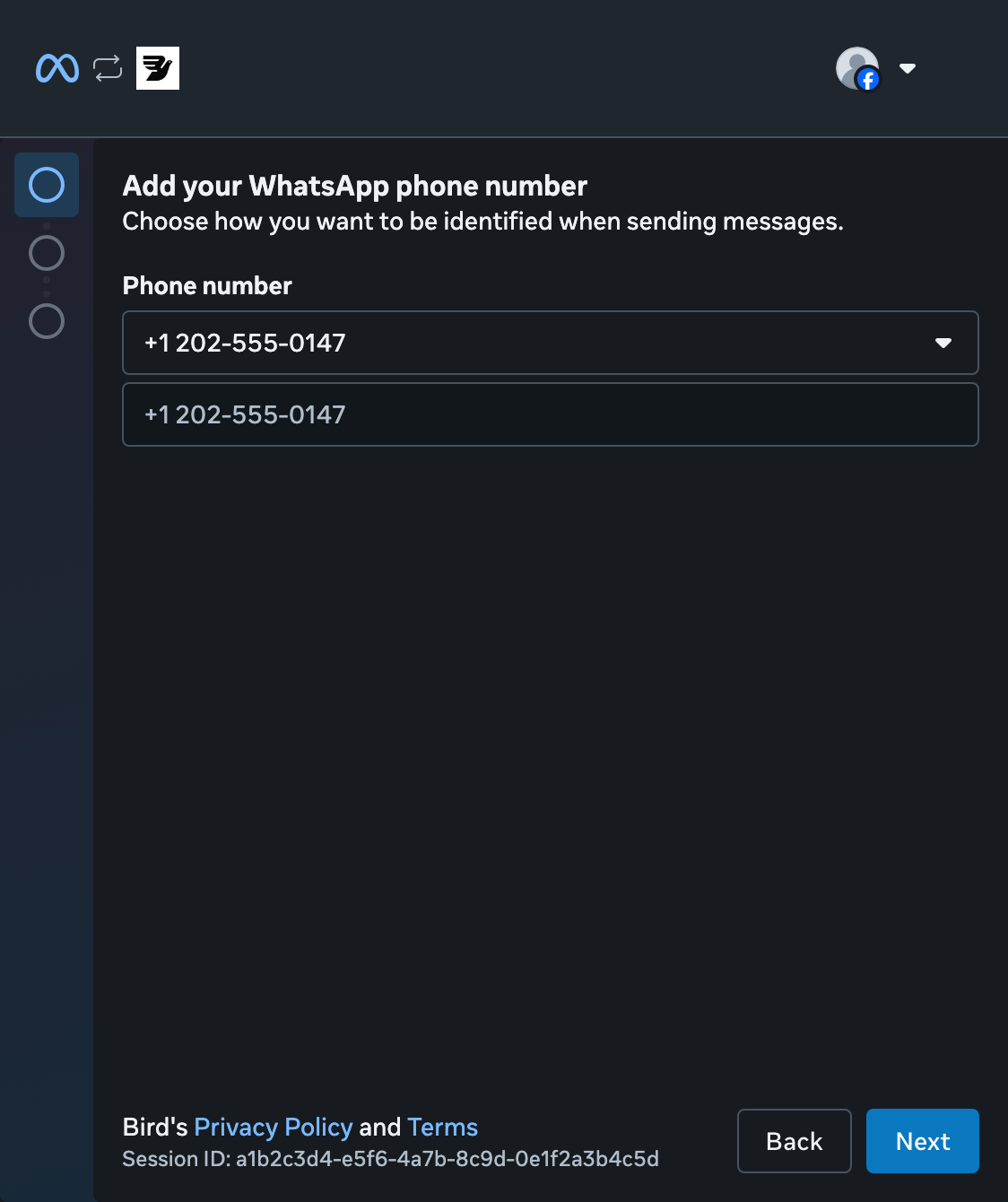
Escolha seu número
Abra a lista de números, selecione seu número pré-verificado e selecione Next. Você não precisa de outro código por SMS.
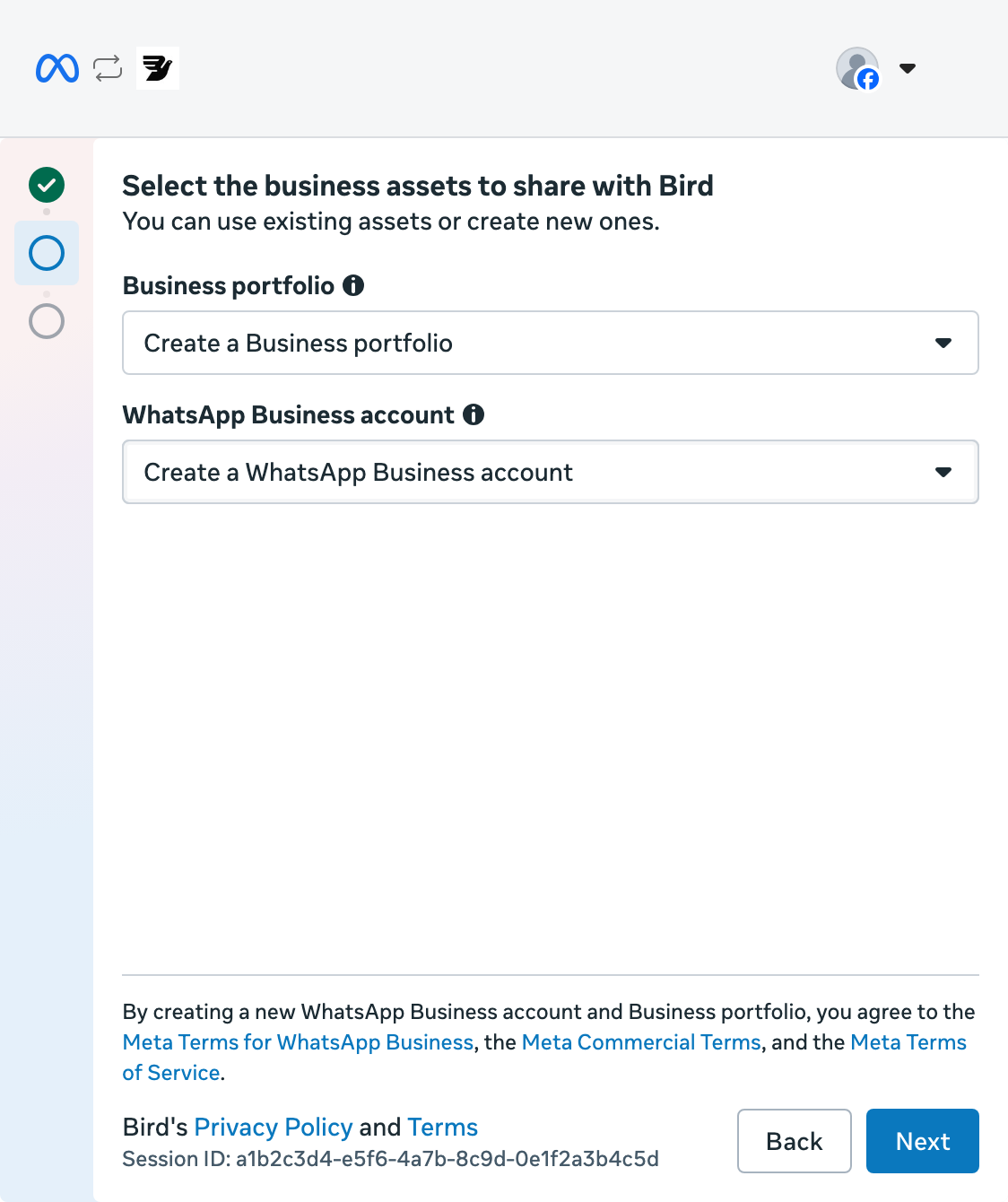
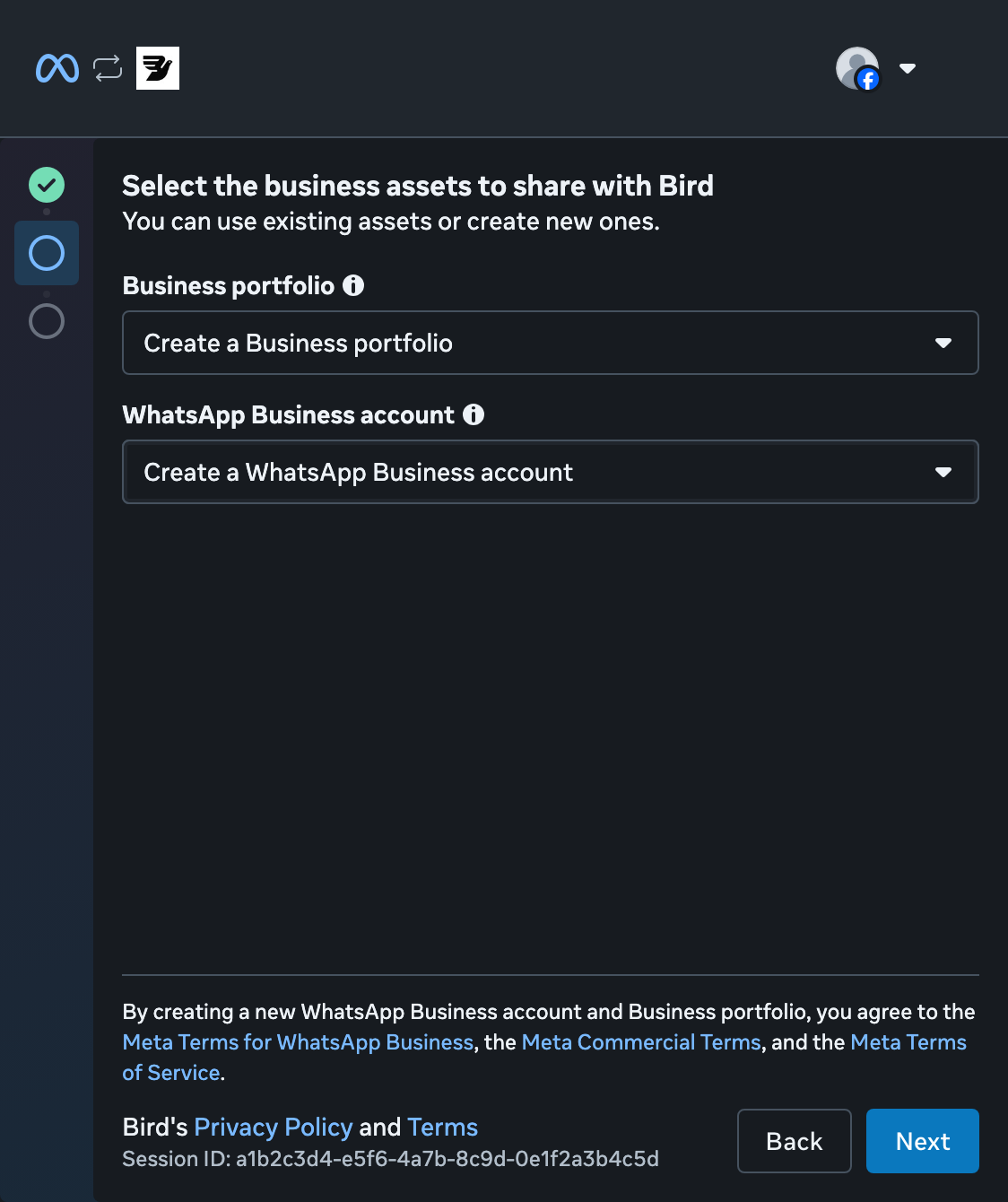
Crie um portfólio empresarial
Selecione Create a Business portfolio. Mantenha Create a WhatsApp Business account selecionado e selecione Next. Se você já tem um portfólio, pode escolhê-lo.
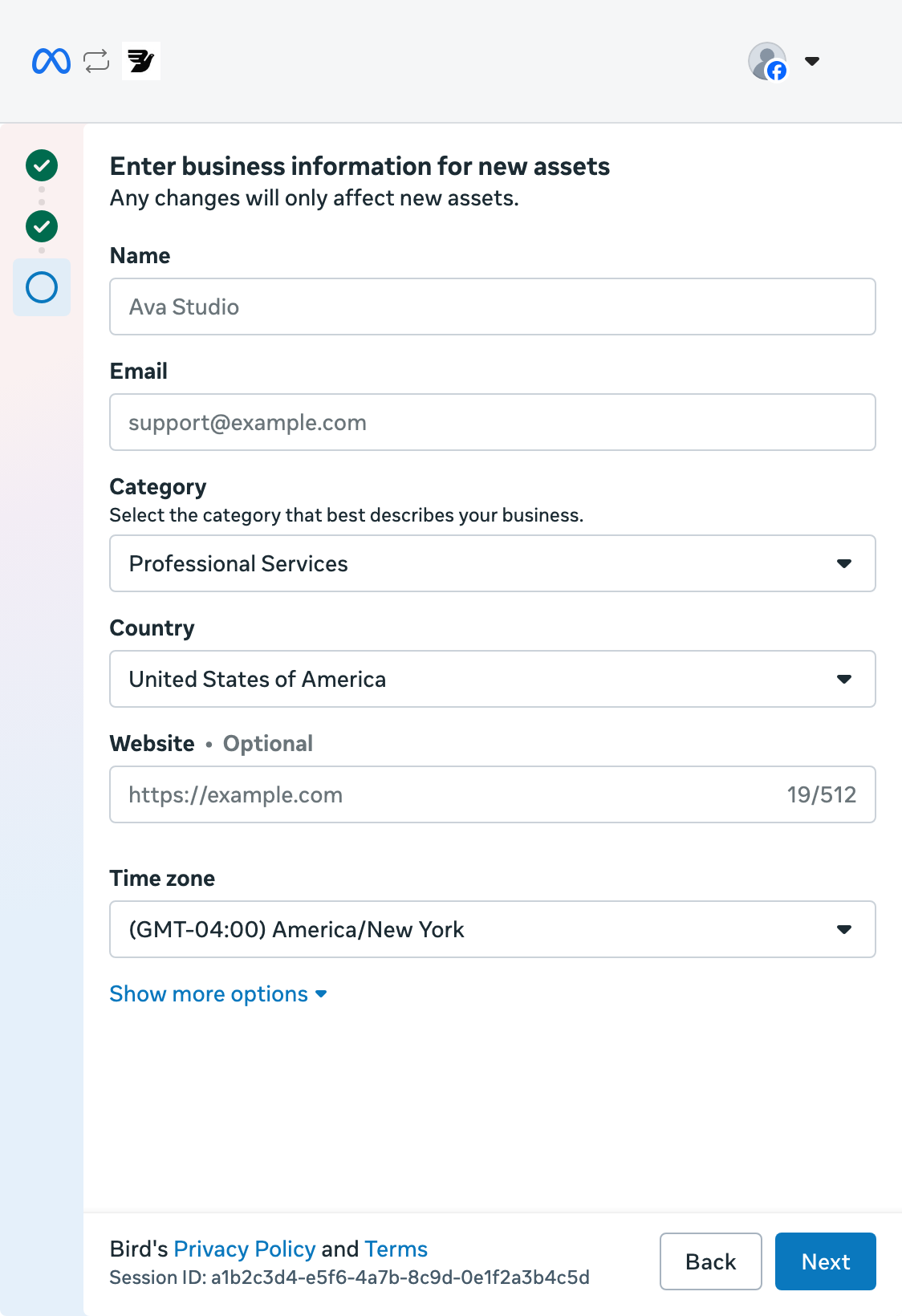
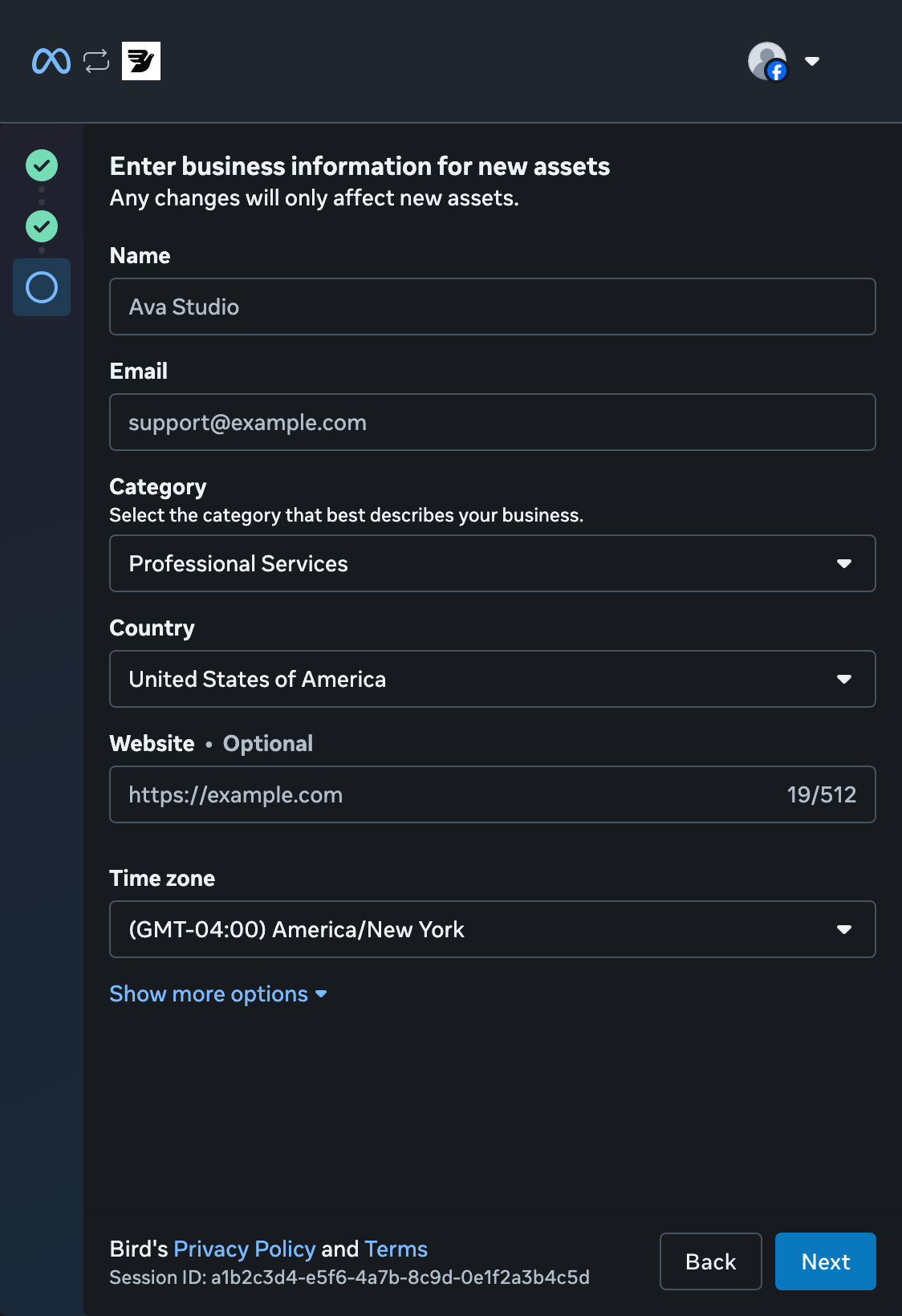
Adicione os dados da sua empresa
Informe o nome e o e-mail da sua empresa e escolha uma categoria e um país. Adicione seu site ou indique que não tem um. Confira o fuso horário e selecione Next.
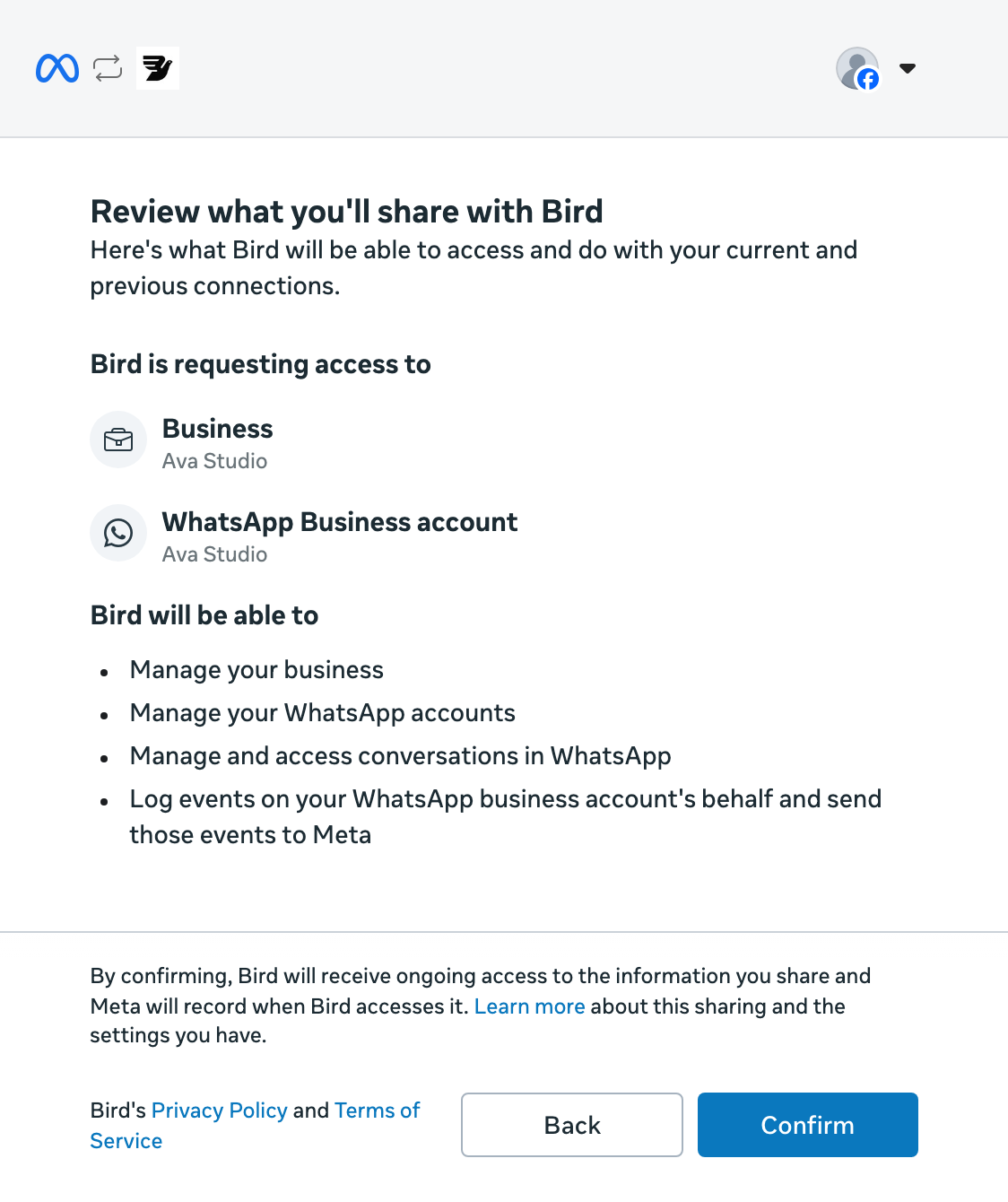
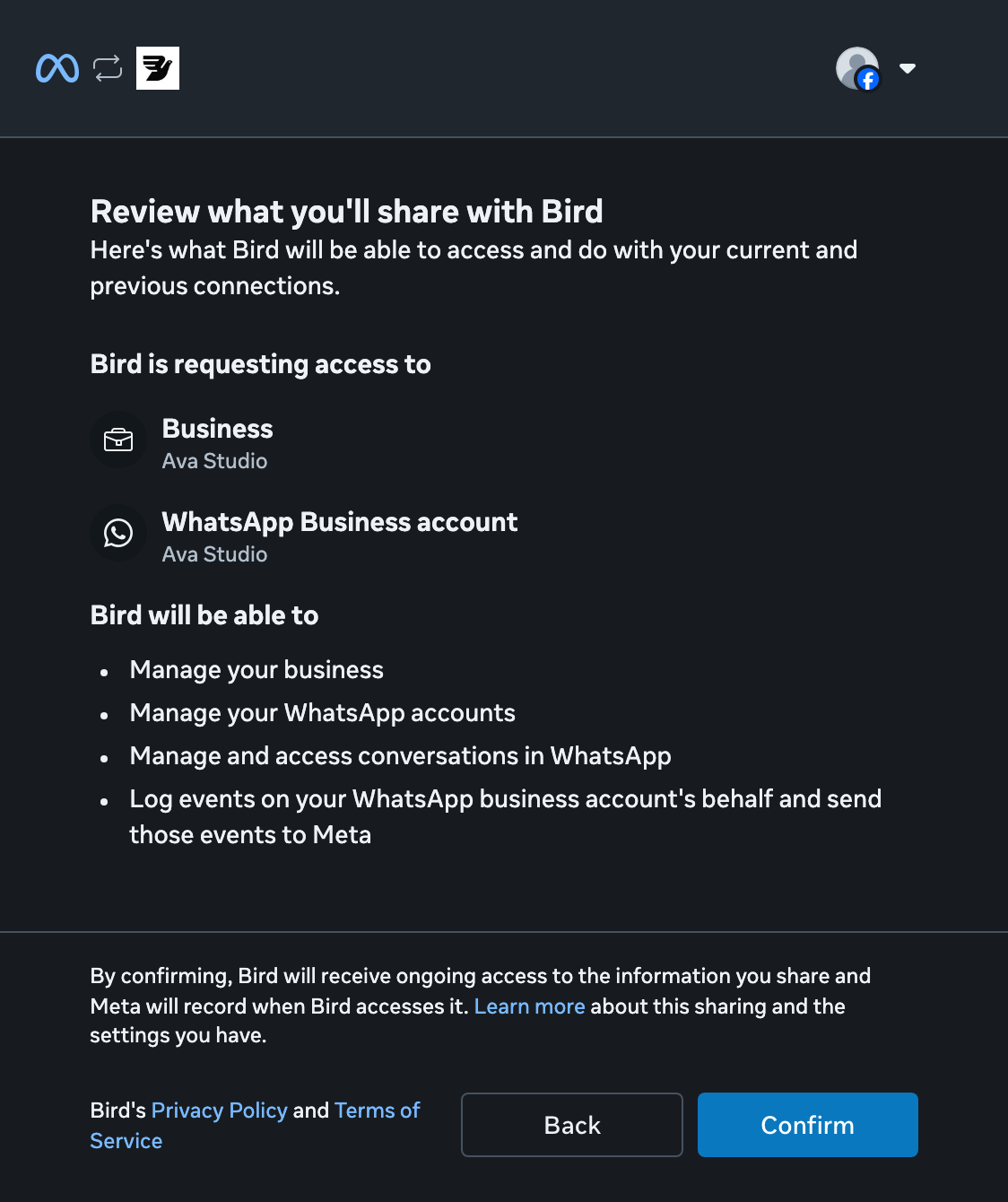
Revise o acesso
Revise as permissões que o Bird solicita e selecione Confirm.
Volte ao Bird
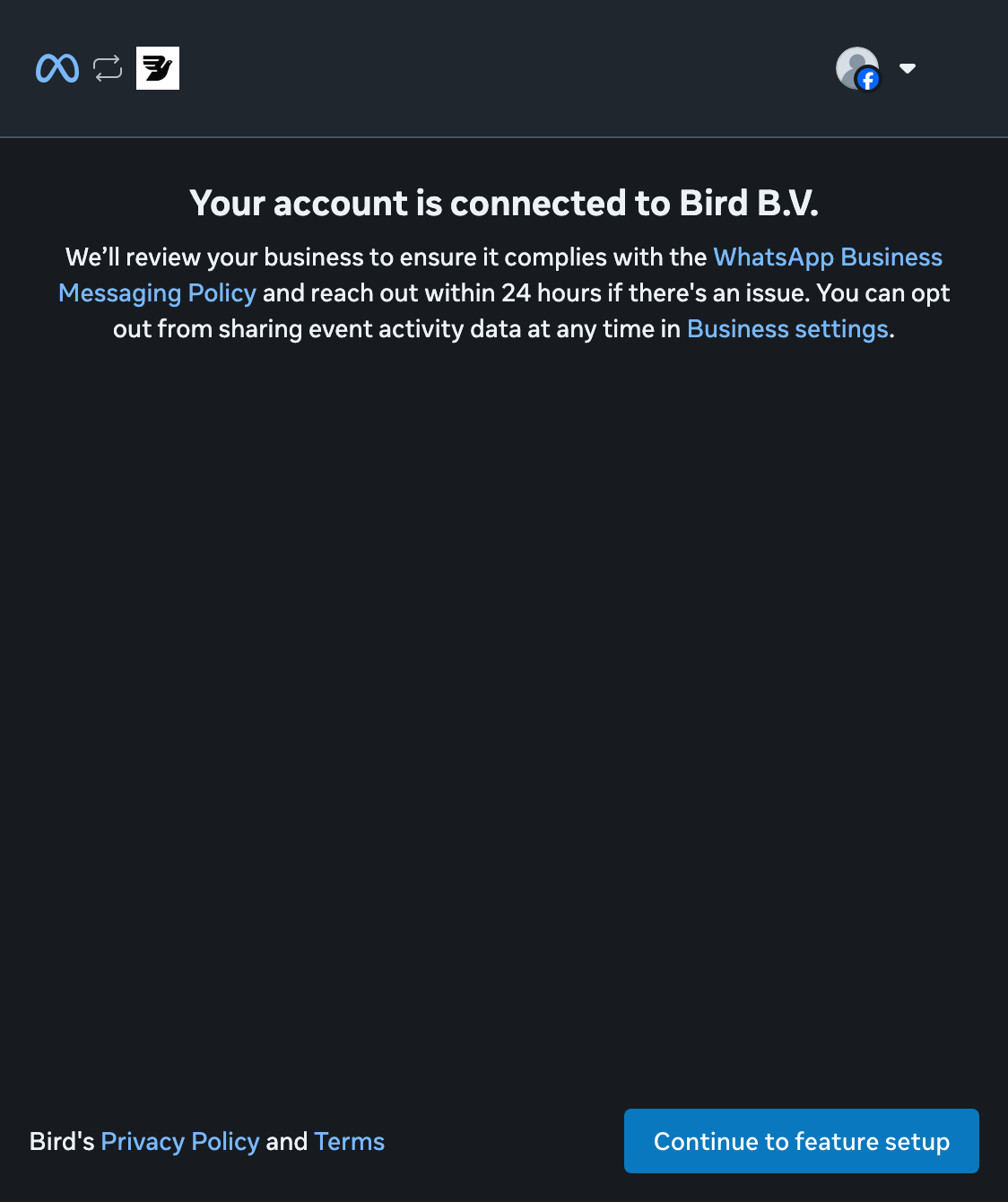
Selecione Continue to feature setup para concluir a configuração da Meta e voltar ao Bird.
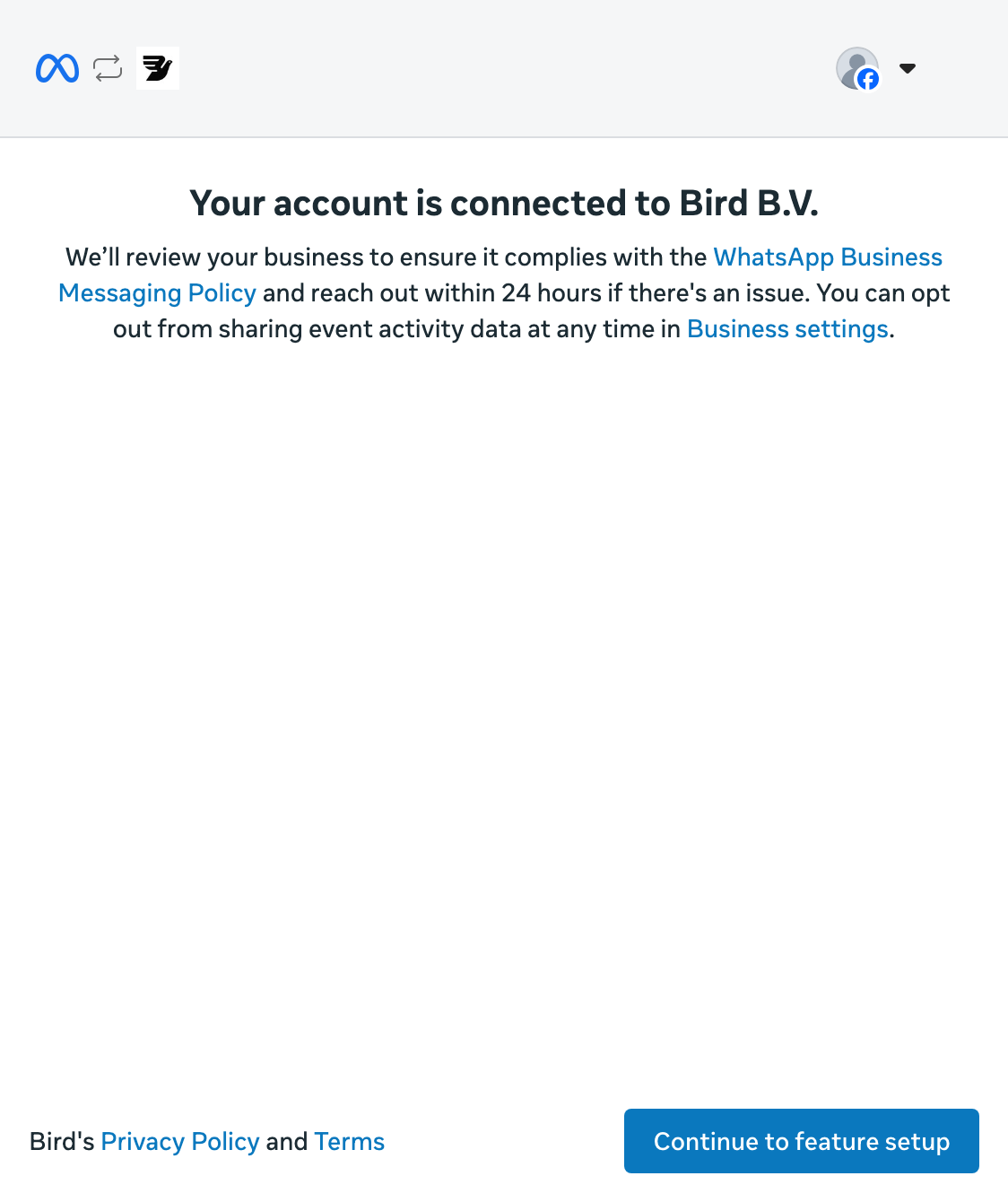
Aguarde o status Connected
De volta a Numbers, aguarde o status Connected antes de enviar. Pending significa que o Bird ainda está registrando o número na Meta.
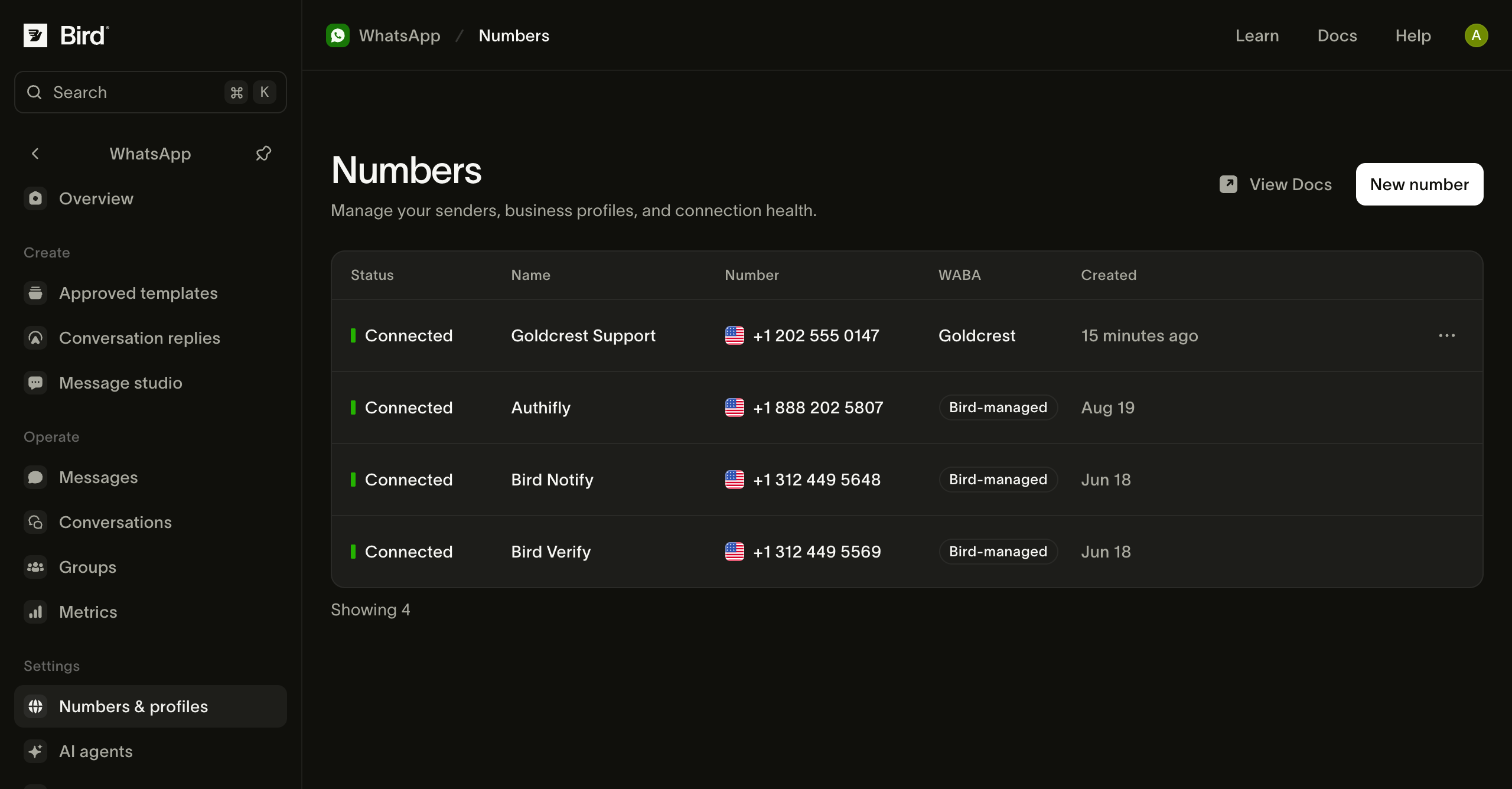
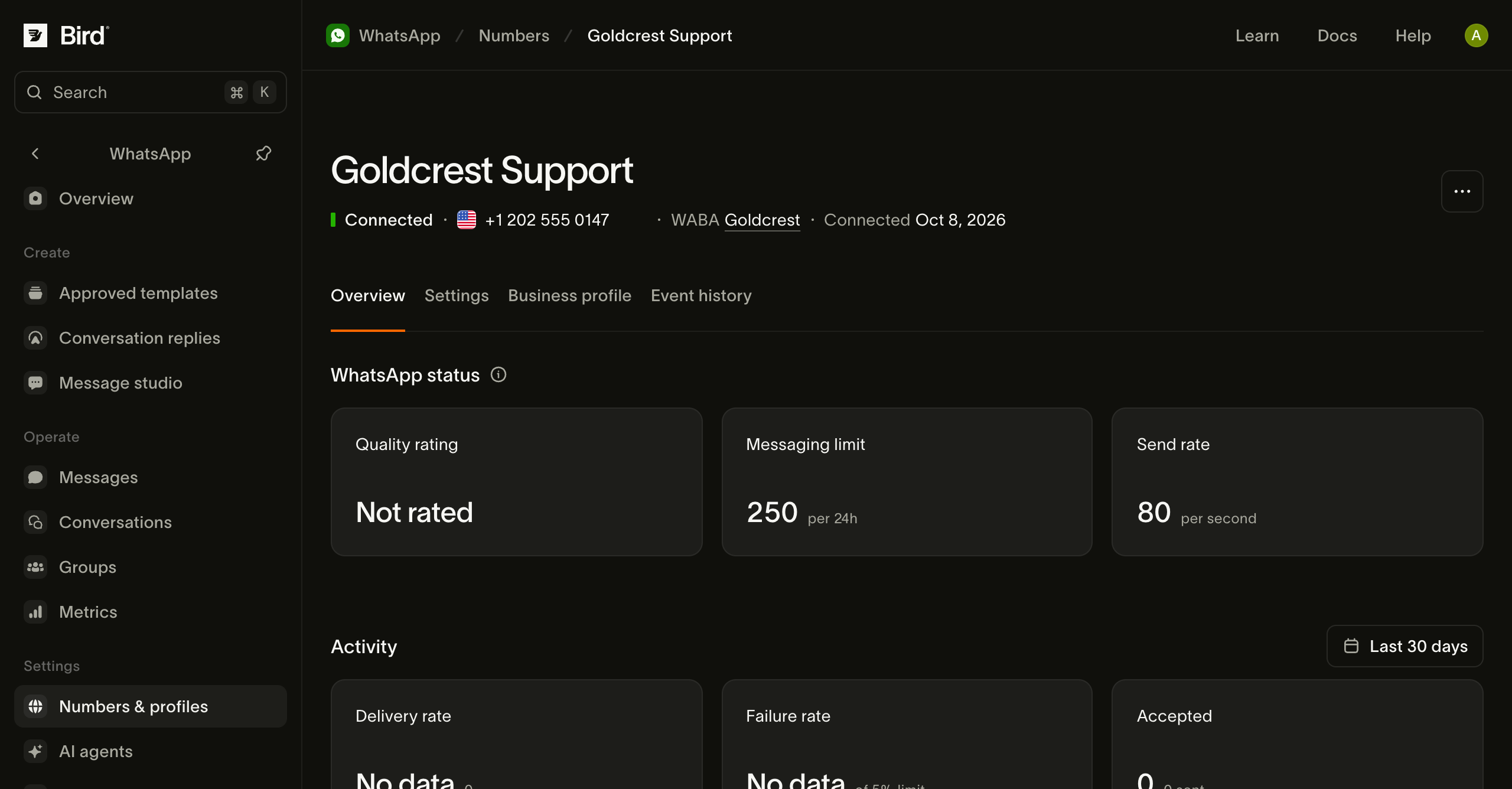
Confira seu número
Abra o número conectado para conferir o status e os limites de envio. Use Business profile para revisar o que os destinatários veem.
Se a configuração parar, confira o status do número e como tentar novamente.
Para outras opções de número, veja Números padrão e seus próprios números.
Gerenciando números aborda perfis, contas comerciais, consultas à API e mensagens recebidas. Tudo pronto para enviar? Envie uma mensagem do WhatsApp.
Recursos relacionados
Continue com a documentação, guias e exemplos sobre este tópico.