Automatyzacja
Automate multi-step workflows across Email, SMS, and WhatsApp
Trigger visual workflows from application webhooks, incoming customer replies, or recurring schedules in Bird. Wait on delivery receipts or backend events, branch on contact attributes, and preview every step with sample data before publishing.
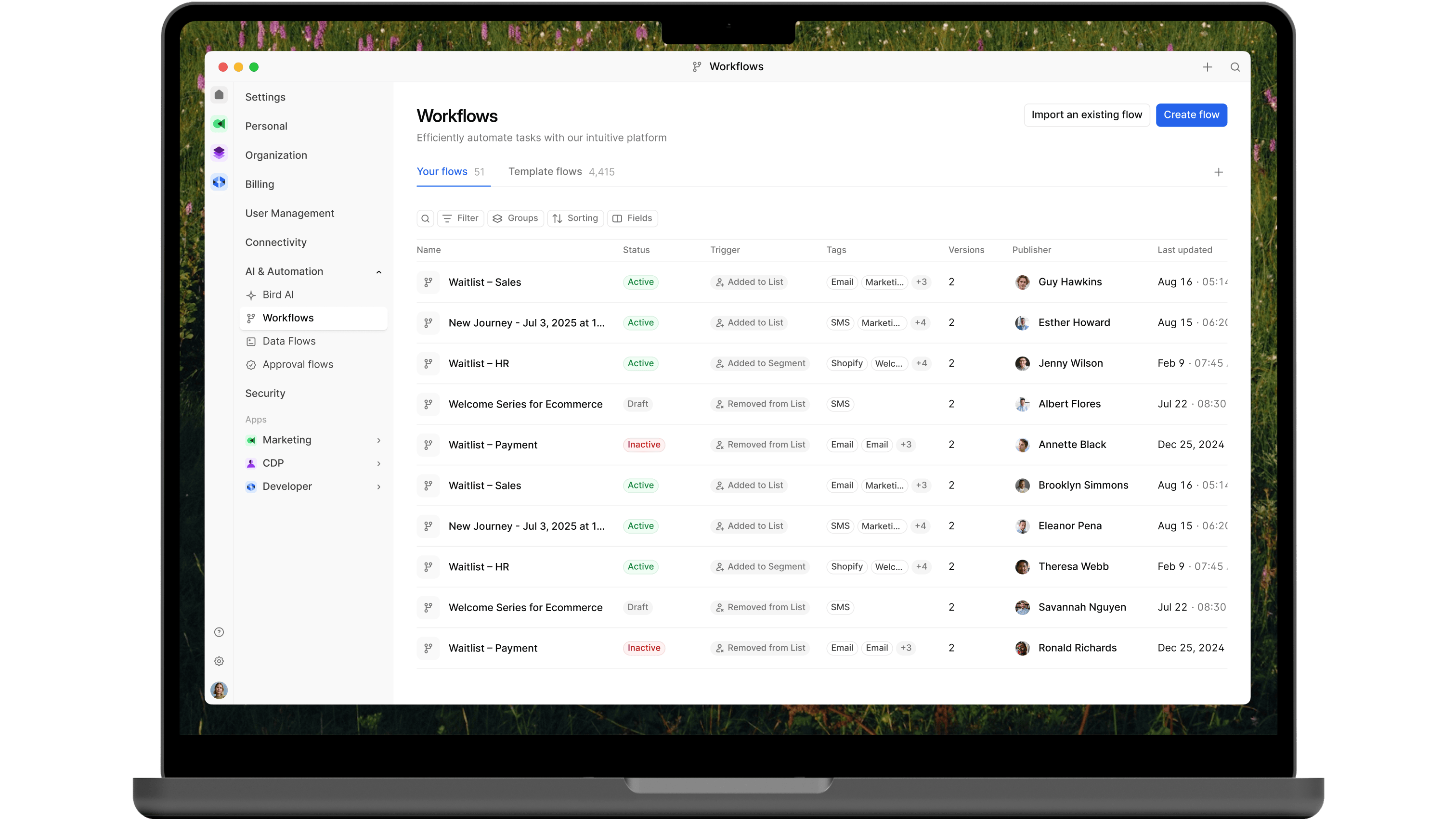
Visual workflow orchestration and messaging in one place.
Trigger multi-step flows from live application events, incoming texts and emails, or recurring schedules, and manage contacts and audiences as part of the run.
Event, Message, and Schedule Triggers
Start runs from application webhooks, inbound SMS, email, or WhatsApp messages, or a recurring timezone schedule
Wait for Delivery or App Events
Pause a run until an earlier message is delivered or read, or until your backend posts a matching confirmation event
Contact and Audience Actions
Create or update contacts, manage audience memberships, and record channel preferences directly inside a workflow
Multi-Language Template Support
Send localized Email, SMS, and WhatsApp templates using contact properties and trigger payload fields
Phone and Email Lookup Nodes
Validate phone numbers and email addresses mid-flow before sending high-priority notifications
Preview Runs and Overlapping Controls
Test draft workflows with sample payloads before publishing, and cancel or skip overlapping runs for the same contact
Coordinate multi-step follow-ups without writing custom state machines
Combine delays, conditional branches, delivery receipt checks, and contact updates in a single versioned workflow.
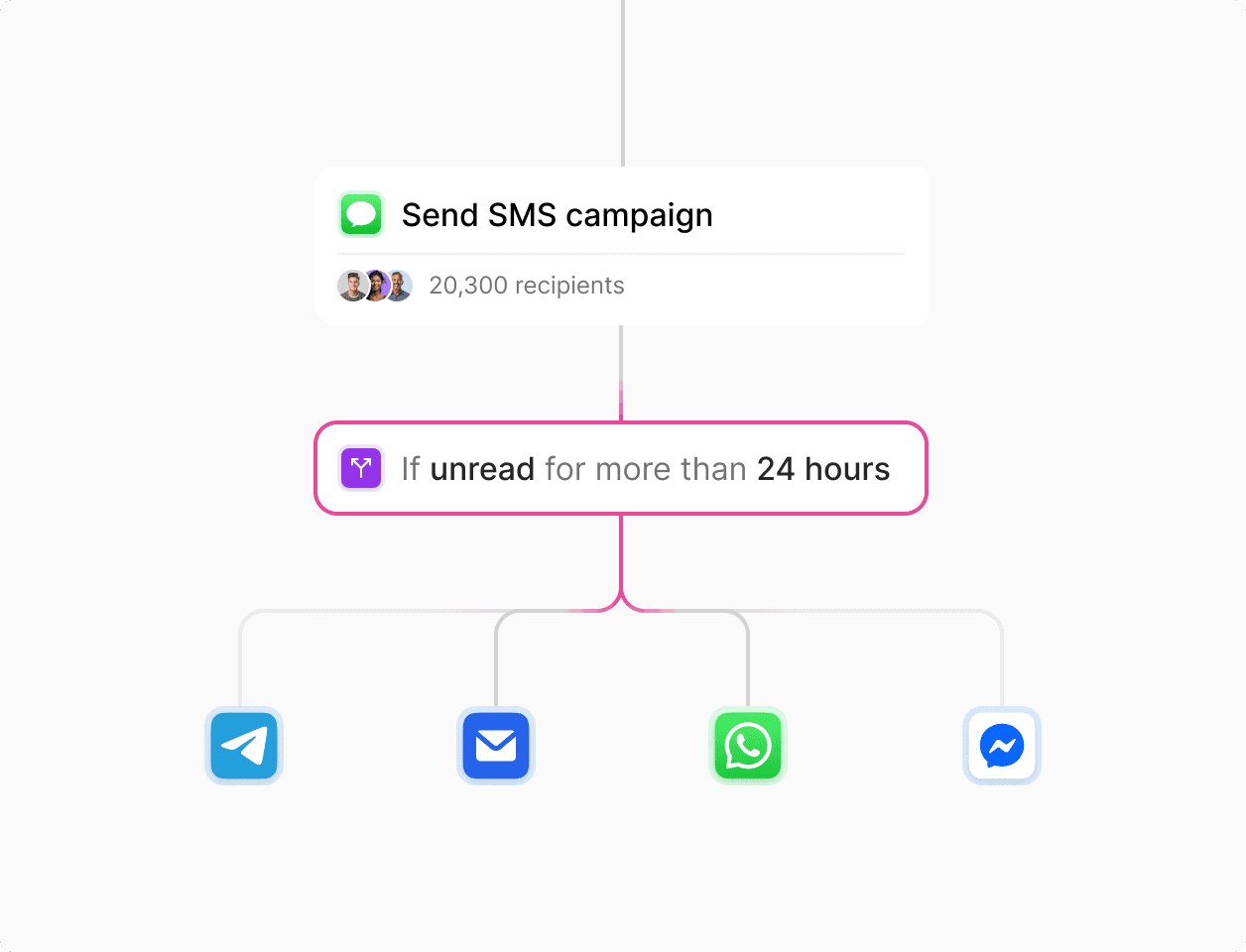
Wait on message events or application webhooks
Build onboarding, appointment reminder, and follow-up flows across Email, SMS, and WhatsApp. Use Wait for event to branch when a message goes unread, or Wait for application event to stop reminders once a customer completes an action.

Personalize messages with trigger payloads and contact attributes
Pass order details, appointment times, or account fields in your trigger webhook and merge them with stored contact properties and multi-language templates at send time.
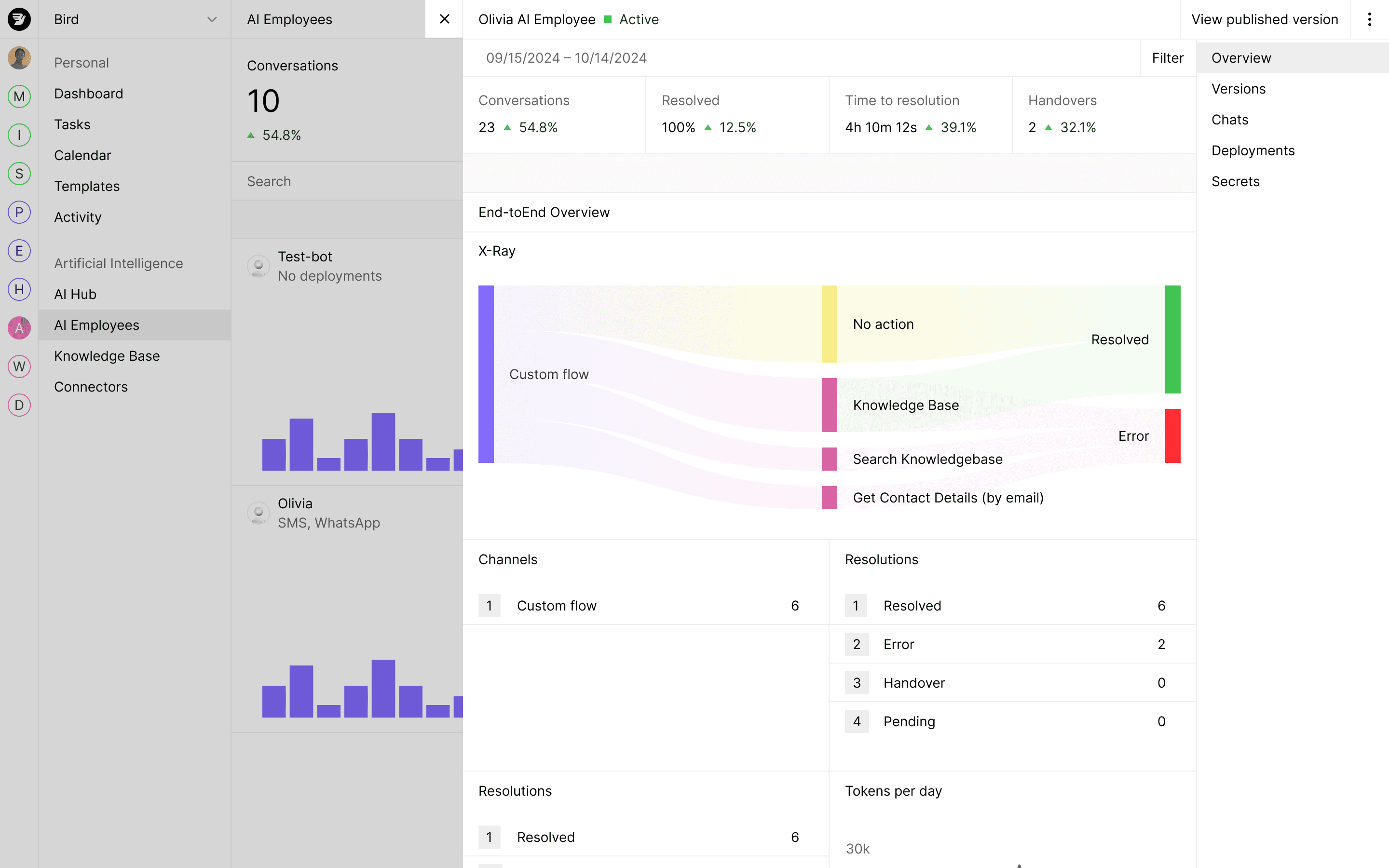
Inspect step-by-step run history and outcomes
Review completed, waiting, and failed runs in the Automations dashboard, inspect which branch each contact took, and debug payload values at every step.
Test draft workflows with sample data and validate recipients before sending
Preview workflow logic before publishing, verify recipient phone numbers and emails inside the flow, and update audiences and preferences automatically.
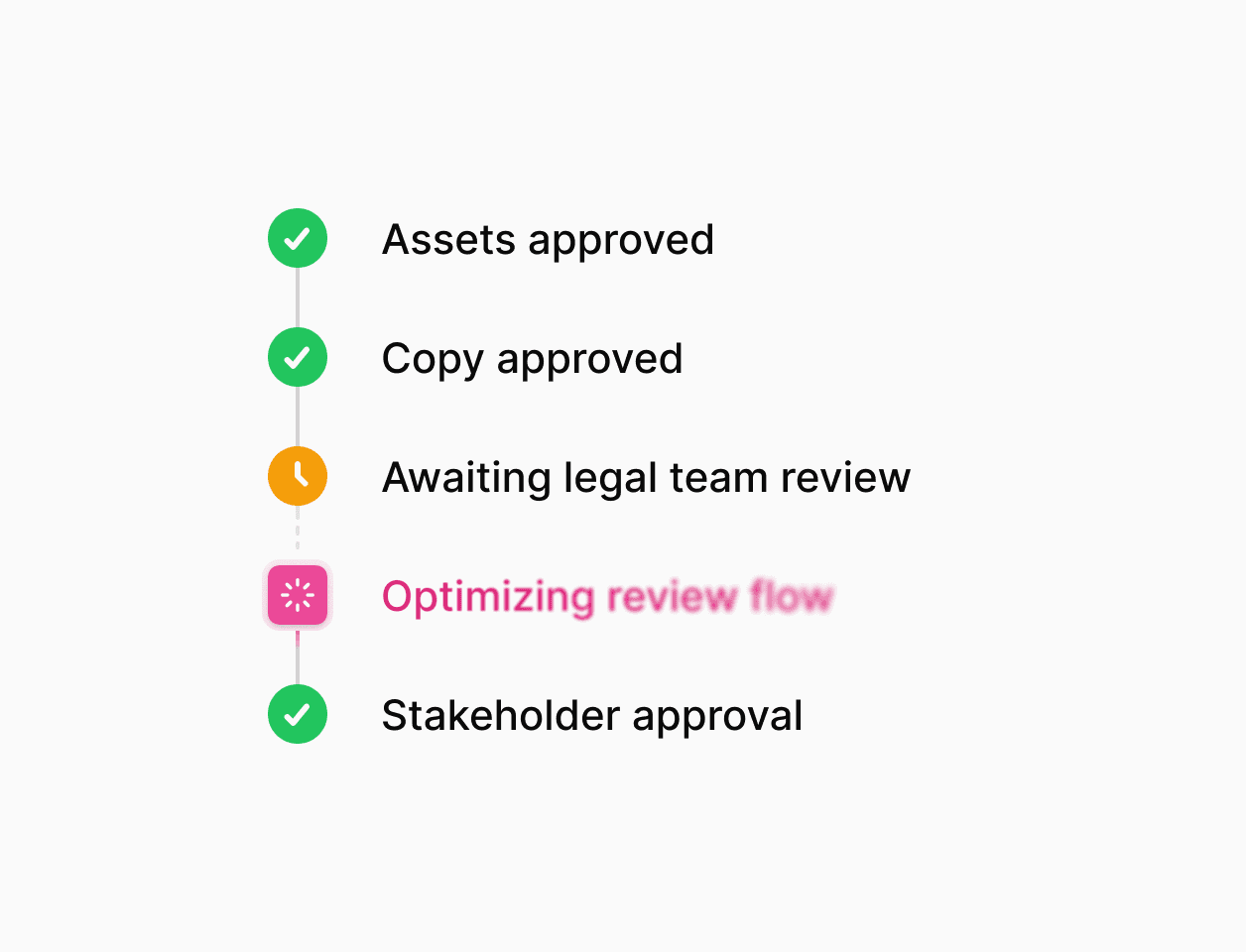
Preview draft workflows before publishing
Run draft workflows against sample event payloads or test contacts to verify branching rules, template variable fallbacks, and overlapping-run settings before making a version live.
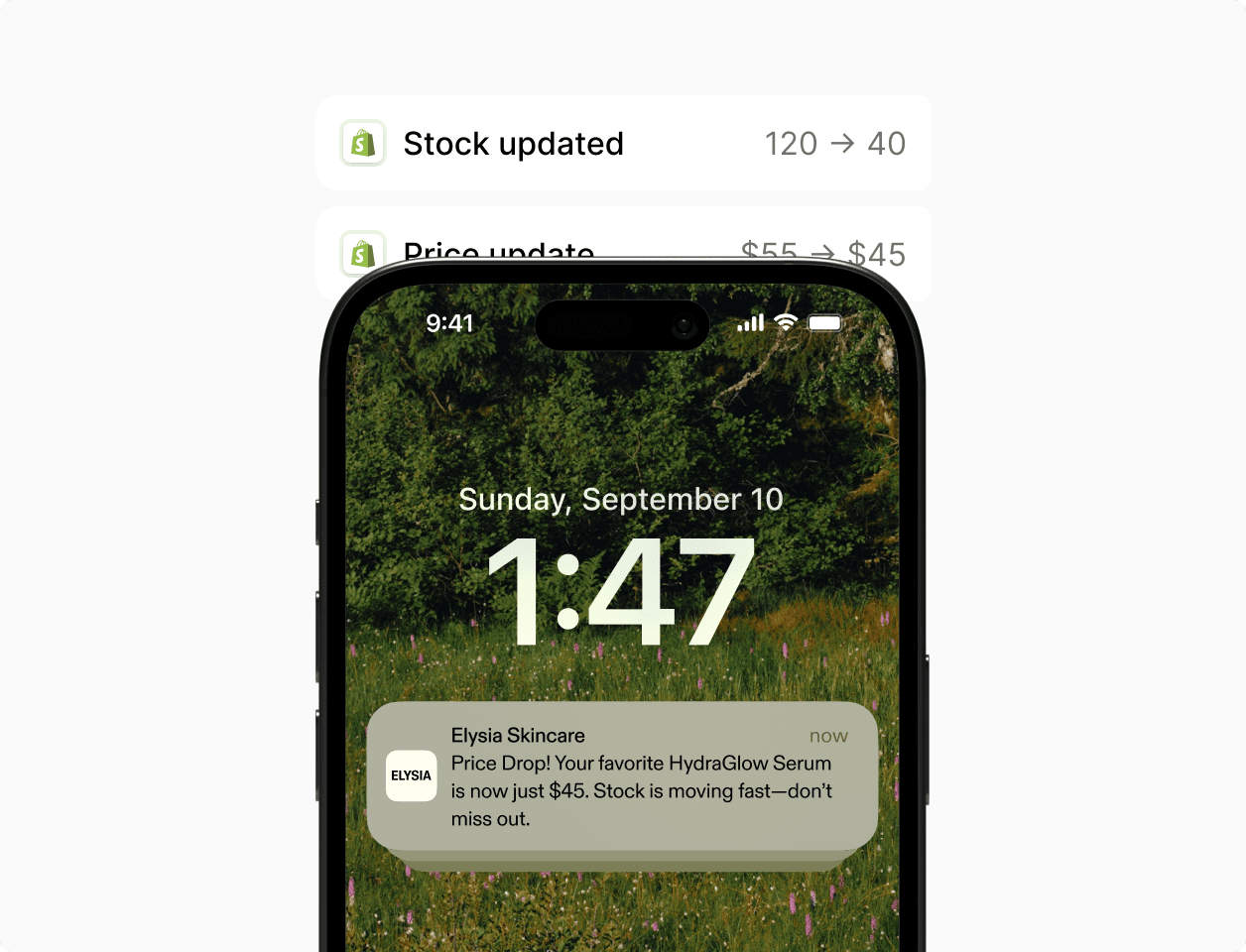
Update contacts, audiences, and preferences mid-run
Add or remove contacts from audiences, record opt-in or opt-out preferences, and run phone number or email lookups as built-in workflow steps.
Trusted by teams running high-volume customer journeys.
See how global brands use Bird to launch multi-channel campaigns and automated workflows.
94.4%
Poprawa dostarczalności SMS
3.2x
Szybsze uruchamianie kampanii
28%
Wyższy wskaźnik zaangażowania
Trigger workflows from your application and backend events.
Send webhook events, batch contact updates, and inbound message triggers from your stack.
Trigger and resume workflows with application webhooks
Post JSON events from your commerce, billing, or CRM backend to start workflows or resume runs waiting on a matching business key.
Shared contact records across channels
Read and update contact attributes, external IDs, audience memberships, and channel preferences on a single profile shared across Email, SMS, and WhatsApp.
Enterprise security and compliance controls.
Per-channel suppression enforcement and role-based workspace access.
Automatic preference and suppression checks
Record opt-ins and opt-outs during workflow runs and respect email unsubscribes, hard bounces, and SMS STOP suppressions automatically.
Audited security and role-based access
SOC 2 and ISO 27001 certified infrastructure with GDPR and CCPA privacy controls and role-based permissions for workspace teams.
Zastosuj w praktyce.
Przejdź do dokumentacji, przewodników i przykładów dotyczących tego tematu.