Audiences
An audience is a named list of contacts. You build an audience once and reuse it, so reaching the same group again means naming the list rather than assembling the addresses every time. A contact can belong to many audiences, and you add or remove members as people join and leave. You manage audiences in the dashboard's Contacts section, with the bird CLI, or through the audiences API.
The Audiences page
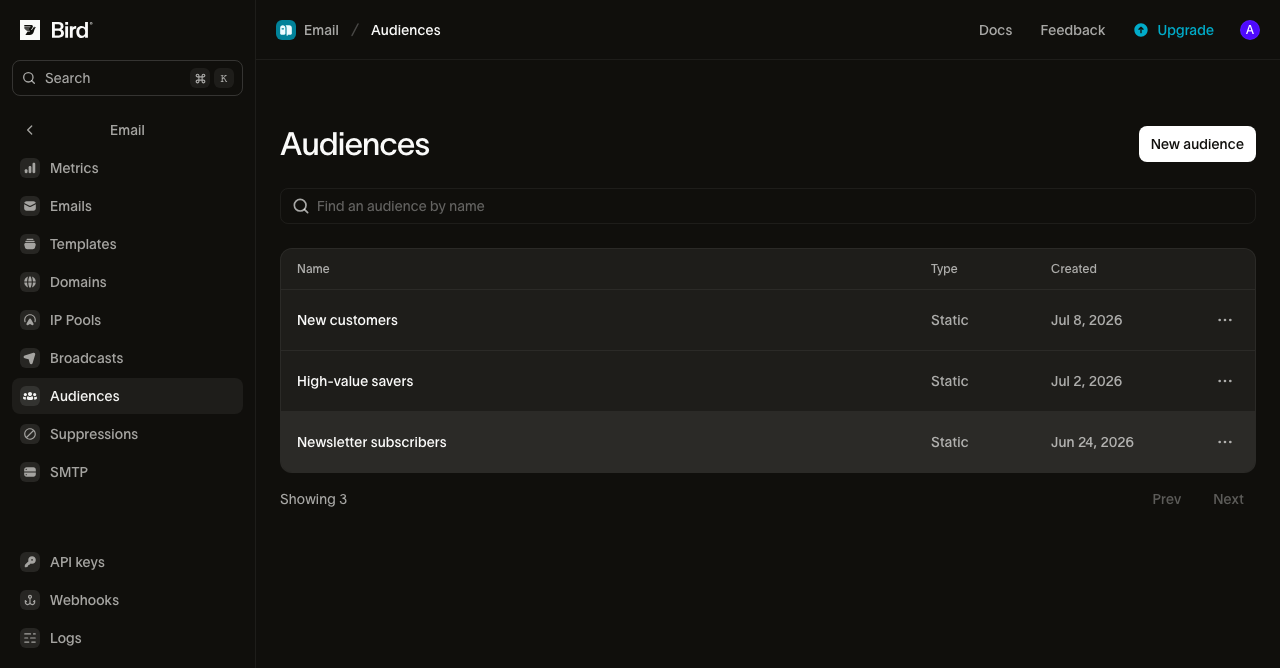
The Audiences page (Contacts → Audiences in the sidebar) lists your audiences by name, type, and creation date. Create one with a name and an optional description, then open it to see and manage its members. As with contacts, viewing needs the email_marketing read permission and managing needs write.
Members
Opening an audience shows its members, most recently added first, with each contact's email, name, and the date it joined.
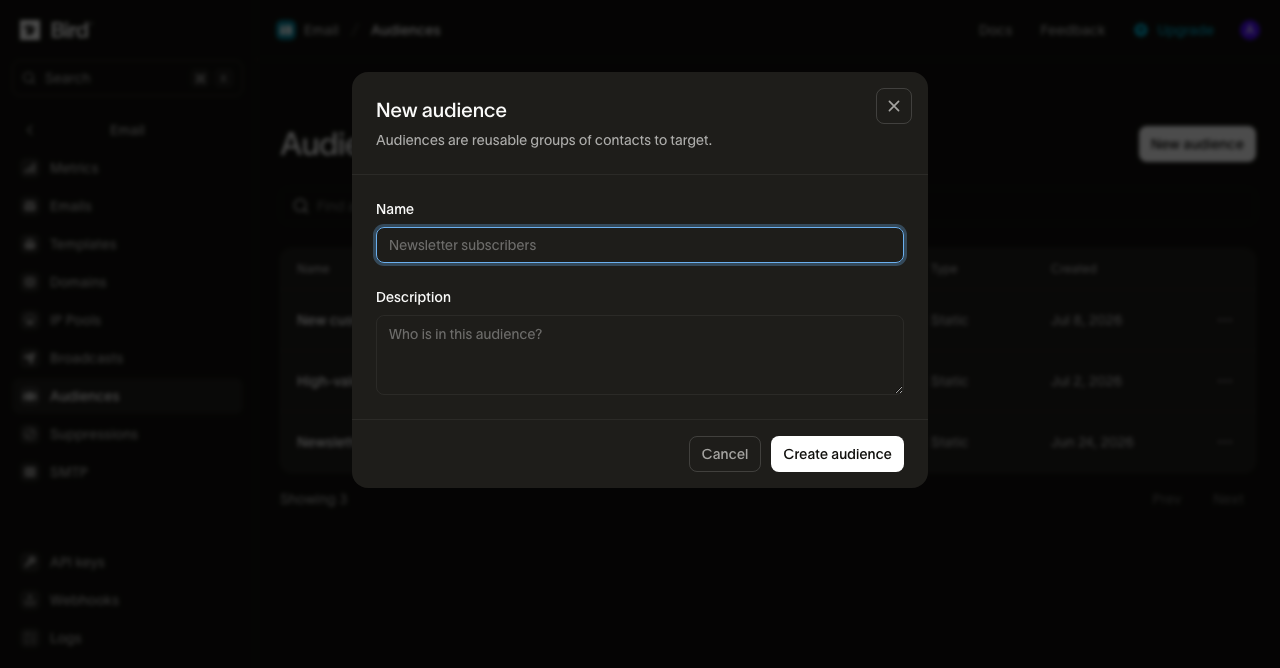
Two ways to add people:
- Add existing or new contacts by pasting email addresses on the audience, one per line, up to 1000 at a time. Bird matches each address to an existing contact or creates one, then assigns them all to the audience in a single step.
- Assign at import time by dropping contacts straight into audiences as you import or upsert them: the batch endpoint and bird contacts batch take an audience_ids list alongside the contacts.
Adding is idempotent, so a contact that is already a member stays in place and keeps its original join date. Removing a member takes the contact out of that audience only; the contact itself stays in your workspace and in any other audiences it belongs to. Remove one member from its row, or select several and remove them together.
From the CLI, bird audiences add-contacts <audience-id> and bird audiences remove-contacts <audience-id> add and remove contacts you already have IDs for. To match or create contacts from a list of email addresses in one step, the way the dashboard's paste flow does, use bird contacts batch with audience_ids.
Sending to an audience
Sending one message to a whole audience is a broadcast: pick the audience in the broadcast composer, and Bird resolves its current members into the recipient list at send time, rather than you listing addresses yourself. Broadcasts are built and sent entirely in the dashboard; if your recipient list isn't already a stored audience, send a batch or fan out over single sends instead.
Next steps
- Contacts: the recipient records and typed properties an audience is built from
- Broadcasts: send one message to this audience from the dashboard
- Batch sending: an alternative to broadcasts for a one-off recipient list, up to 100 messages per request
- Suppressions: the workspace list of addresses Bird will not deliver to
- API reference: full request and response schemas