Bird Marketing update: AI assistant, streamlined navigation & enhanced dashboards
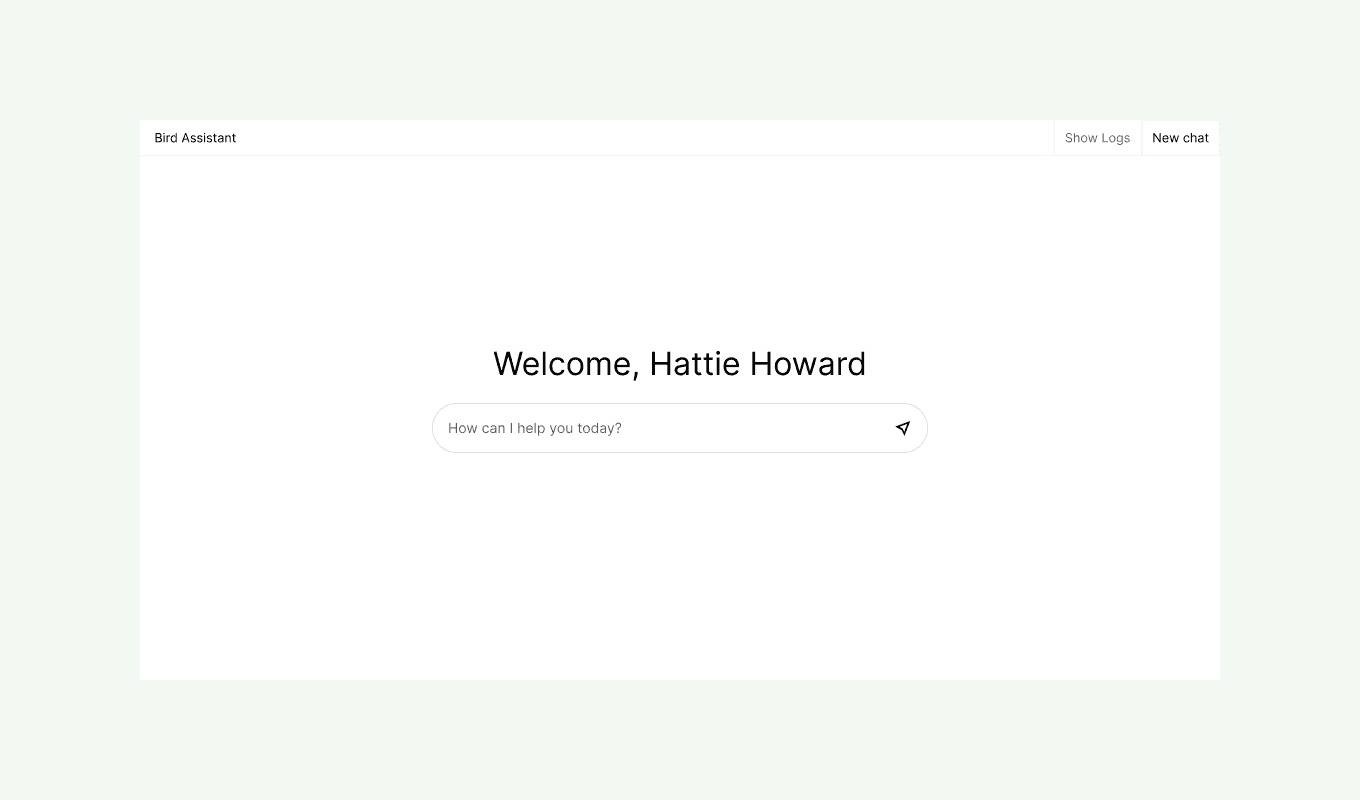
Our latest Bird Marketing update is here with thoughtful improvements to help you work smarter, not harder. We've focused on enhancing your experience in three key areas: intelligent assistance, simplified navigation, and improved data visualization.
New features
- Bird assistant: Ask questions about your analytics or specific features and get instant, personalized insights. This AI-powered tool helps you understand your data and make better marketing decisions without digging through reports.
- Admin menu: We've streamlined administrative tasks with a dedicated Admin menu. Efficiently manage workspace and company settings—including Integrations, Channels, Settings, Billing, and Security—all from one convenient location.
Improvements
Marketing dashboard:
- Top Metrics Display: Key metrics like delivery, open, and click rates now stand out for at-a-glance performance tracking
- Performance Visualization: Enhanced charts with color-coded legends make trend analysis faster and more intuitive
- Consolidated Overview: A comprehensive single-page view provides a clearer picture of all your marketing activities
Home dashboard:
The new home dashboard brings everything you need into one central workspace.
- Bird Assistant: Get AI-powered answers about your Bird instance
- Notifications: Stay informed about important updates
- My Inbox: Manage your personal mail directly from Bird
- Tasks: Create and assign tasks to collaborate with your team
- Compose: Create messages efficiently with the new Compose feature
- Meet: Schedule and join video calls directly from Bird
- Feedback: Share your thoughts to help us improve
- Support: Raise support cases if you encounter any issues
- Switch Workspace: Quickly toggle between different workspaces
- Log Out: Securely log out when you're finished