Omnichannel
Reach customers across Email, SMS, and WhatsApp from one workspace
Run scheduled broadcasts, event-triggered automations, and two-way customer conversations on Bird without stitching together separate channel tools. Share contact records, reusable audiences, localized templates, and per-channel opt-outs in one place.
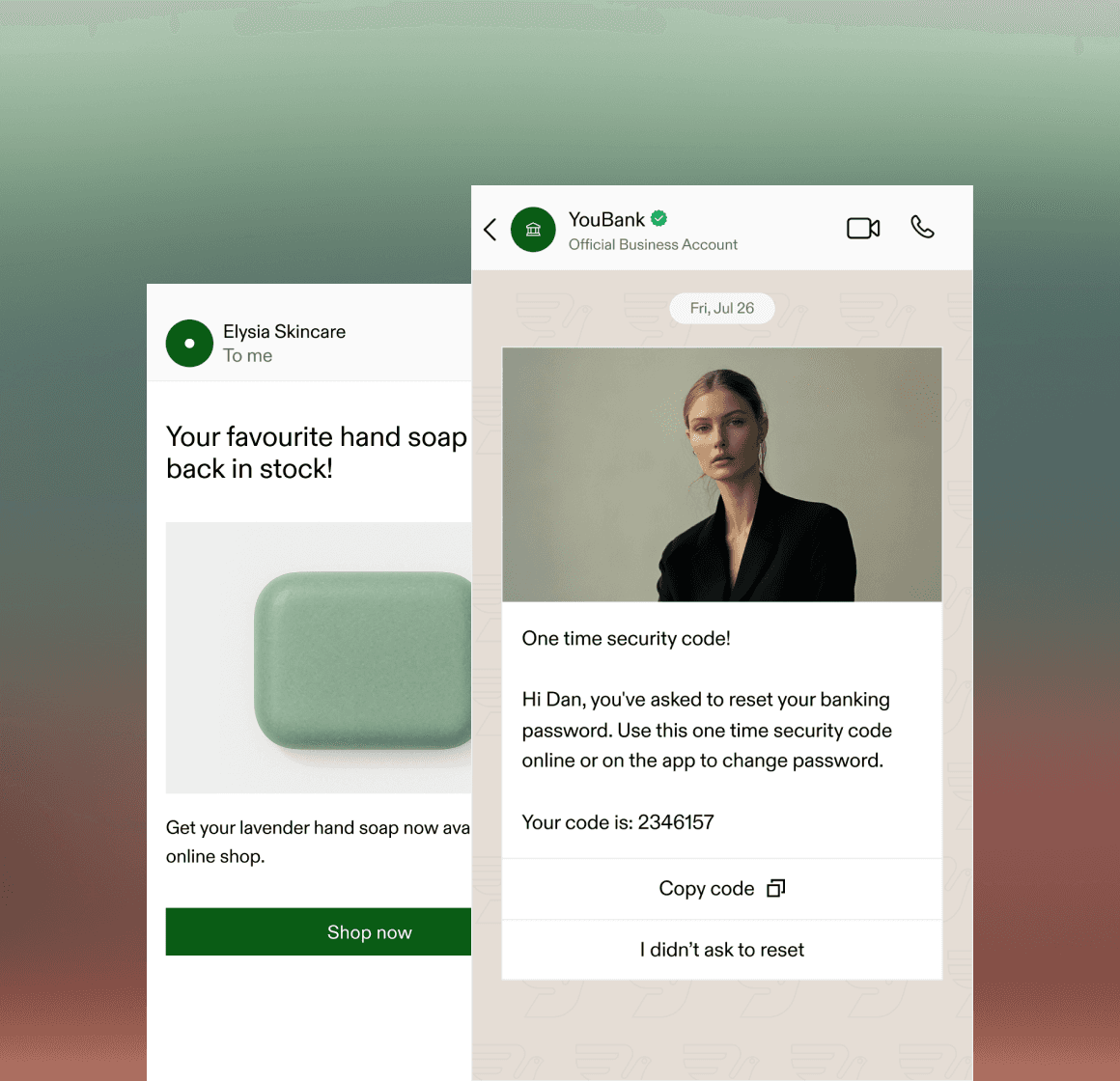
Direct messaging infrastructure and campaign tools in one platform.
Send campaigns over verified email domains, registered carrier numbers, and approved WhatsApp senders.
Shared Contact Database
Link email addresses, E.164 phone numbers, and external IDs on one contact record with up to 200 custom properties.
Verified Channel Senders
Send over SPF, DKIM, and DMARC domains, registered 10DLC, toll-free, or short code SMS numbers, and WhatsApp Business accounts.
Cross-Channel Automations
Trigger workflows from webhooks, inbound replies, or schedules and branch across channels when messages go unread.
Coordinate broadcasts, templates, and follow-up flows across channels
Sync contacts once, personalize templates with stored properties and event payloads, and inspect delivery and engagement per recipient.
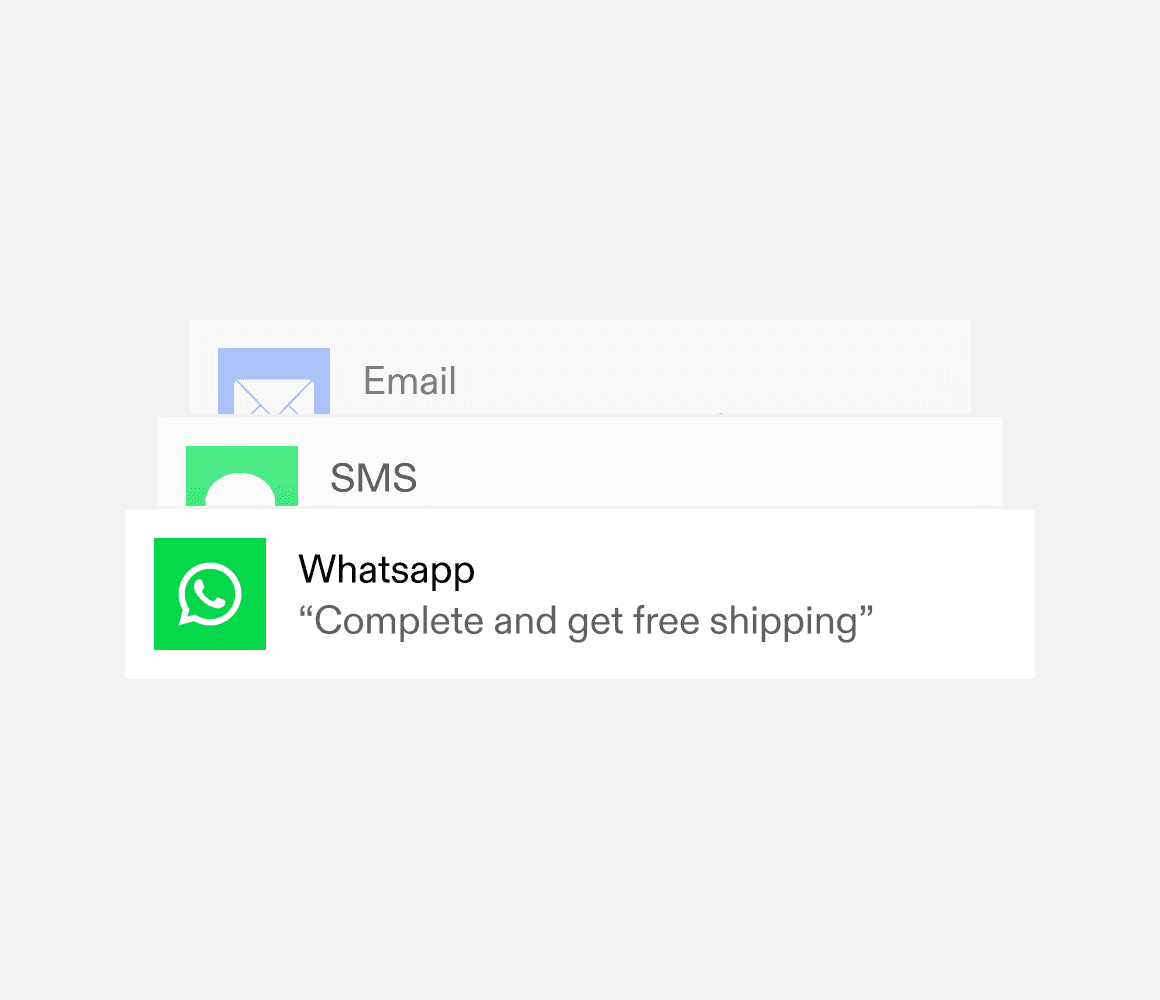
Reusable templates across Email, SMS, and WhatsApp
Maintain localized template variants under one ID and merge contact properties and fallback values when sending a broadcast or workflow step.
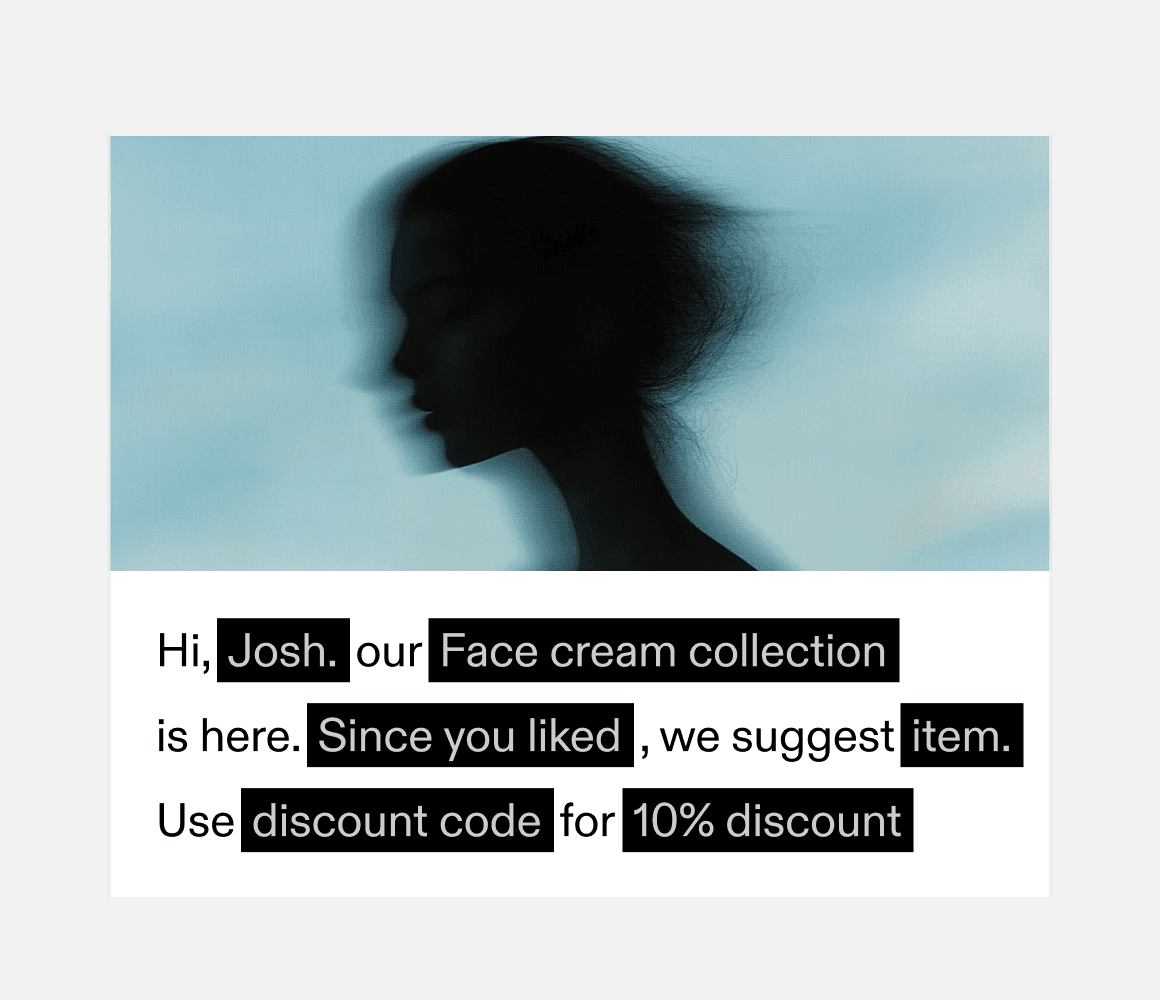
Personalize with contact attributes and event data
Combine stored contact properties with live webhook payload fields from your store, booking system, or application backend.
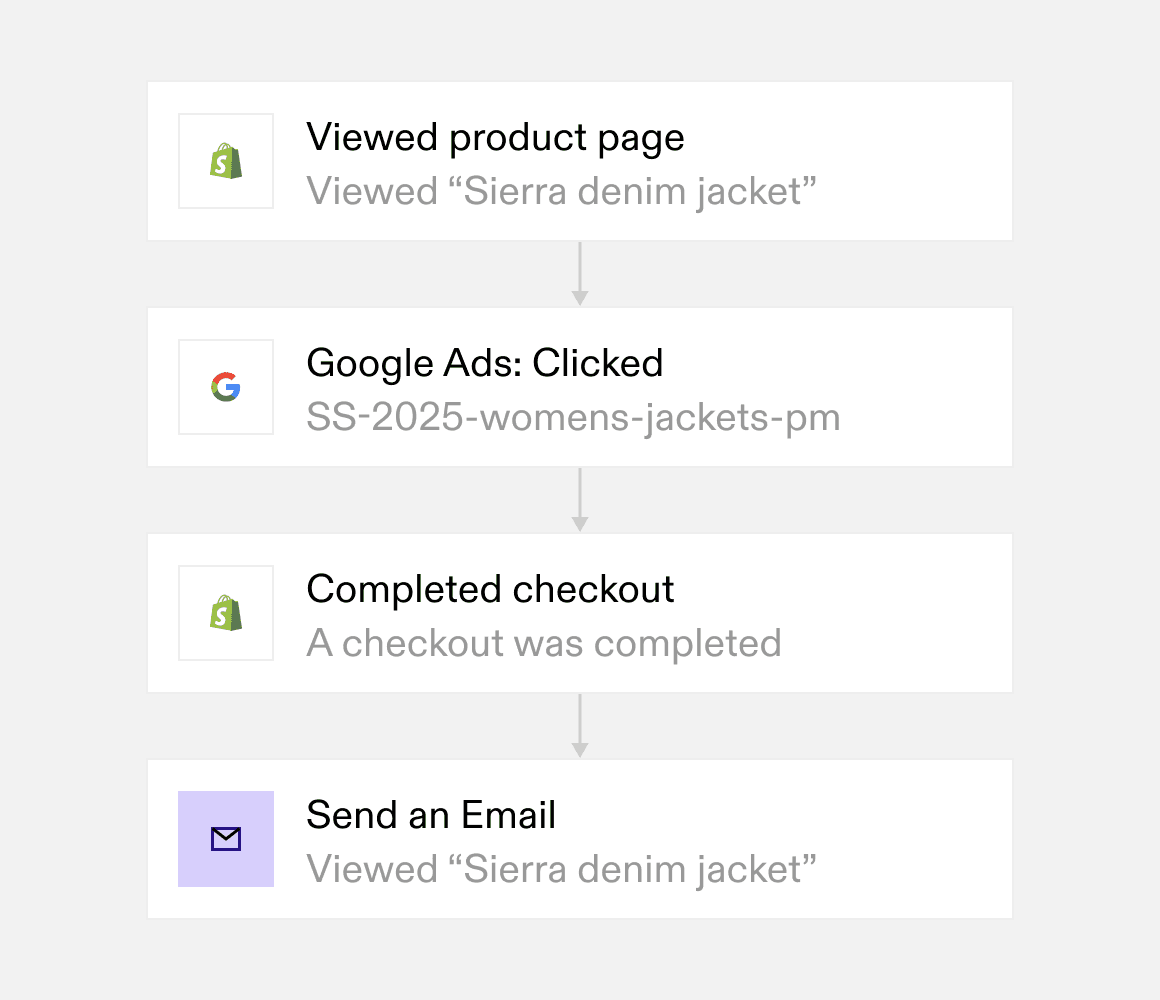
Branch workflows on delivery and customer actions
Pause journeys with Wait for event or Wait for application event steps, and send an SMS or WhatsApp follow-up when an email goes unread.
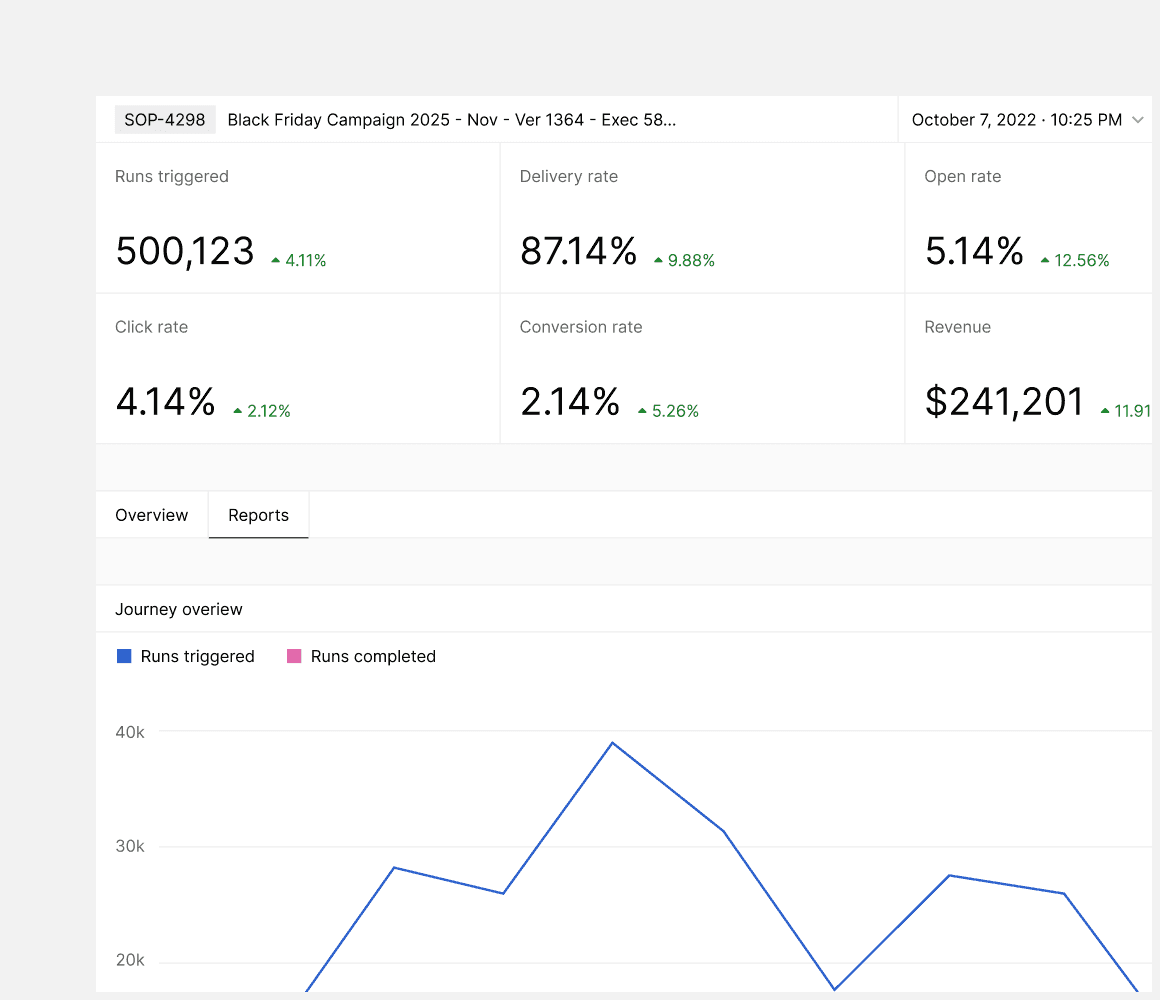
Monitor deliverability and recipient outcomes
Track sent, delivered, opened, clicked, bounced, and complained messages per recipient, and export up to 500,000 rows to CSV.
How cross-channel campaigns work
Import your audience, configure templates, and launch broadcasts or workflows.
- 01
Import contacts and audiences
Upload CSV, TSV, or Excel files up to 50,000 rows with column mapping, or upsert up to 1,000 contacts per batch API or CLI request.
- 02
Prepare localized templates
Create Email, SMS, and WhatsApp templates with contact property variables, default fallbacks, and language versions you can preview with sample data.
- 03
Send broadcasts or automate flows
Schedule audience broadcasts or trigger multi-step Automations from webhooks and inbound messages, with per-channel suppressions enforced automatically.
Built for multi-channel marketing and operations teams
Run campaigns from the dashboard or integrate directly via REST API, CLI, and Bird MCP.
API, Webhooks, CLI, and MCP
Trigger workflows from backend webhooks, sync contacts and audiences by API, or manage templates and broadcasts from the CLI and Bird MCP server.
Reusable Audiences
Group contacts into named audiences for broadcasts and automations, and preview total members alongside sendable email estimates before launching.
Scheduled Broadcasts
Send immediately or schedule campaigns up to a year ahead, with audience membership and channel suppressions resolved when sending begins.
Two-Way Conversations
Handle inbound WhatsApp replies with a Meta business agent or shared team inbox, and route SMS and email replies to webhooks or workflows.
Delivery and Engagement Logs
Inspect campaign summary counts, recipient-level delivery and bounce statuses, and step-by-step Automation run histories.
Per-Channel Suppressions
Filter out hard bounces, spam complaints, email unsubscribes, and SMS STOP opt-outs automatically without deleting contact history.
Start on one channel and expand across your stack.
Connect Email, SMS, and WhatsApp campaigns to the same workspace, contact directory, and API.
Batch API, webhooks, and spreadsheet sync
Sync contacts and custom properties from your application, CRM, or warehouse via POST /v1/contacts/batch, webhooks, CLI, or CSV uploads.
Shared templates and audience targeting
Reuse contact properties, audiences, and localized template versions across scheduled broadcasts and event-driven Automation runs.
Deliverability controls and enterprise security.
Per-channel opt-out enforcement and audited security controls.
Persistent opt-out and bounce protection
Channel suppressions and unsubscribes are stored separately from contact profiles so re-importing a spreadsheet does not re-subscribe an opted-out recipient.
Audited security and role-based access
Protect customer contact data with SOC 2 certified infrastructure, GDPR and CCPA compliance controls, and role-based workspace permissions.
If my team is running a critical, time-sensitive campaign and needs to send millions of emails in a short period of time, I know Bird can handle it
Kushal Manupati
Director of Marketing, Binance
15M+
WhatsApp messages sent
98%
Message delivery rate
2.5x
Increase in conversions
Trusted by high-volume consumer and enterprise brands.
See how global teams use Bird to run cross-channel campaigns and automated customer journeys.
94.4%
SMS deliverability improved
3.2x
Faster campaign launches
28%
Higher engagement rate
Pricing
One omnichannel marketing tool, lower costs, scale effortlessly.
Premium
$45/month
Contact-based pricing
- Monthly Contacts: 3,000
- Unlimited Email, SMS, or WhatsApp sends**
- Global coverage for SMS & WhatsApp
- Journeys, CDP, Templates, Integrations & more
- GDPR compliance & enterprise features
- Custom support plans
- Advanced deliverability services
* Pricing is based on an annual upfront contract. ** WhatsApp and third-party SMS fees apply where applicable, with no additional markup.
Frequently asked questions.
Common questions about running cross-channel campaigns in Bird
How does Bird coordinate campaigns across Email, SMS, and WhatsApp?
How does Bird protect email and SMS deliverability?
How do I import contacts and keep audiences updated?
Which messaging channels can I use in Bird?
Can I personalize messages using customer and event data?
How can I get started with cross-channel campaigns in Bird?
Put it into practice.
Continue with the documentation, guides and examples for this topic.