Changelog
Récemment livré.
Page 8
feature
Bird Platform update: New language support
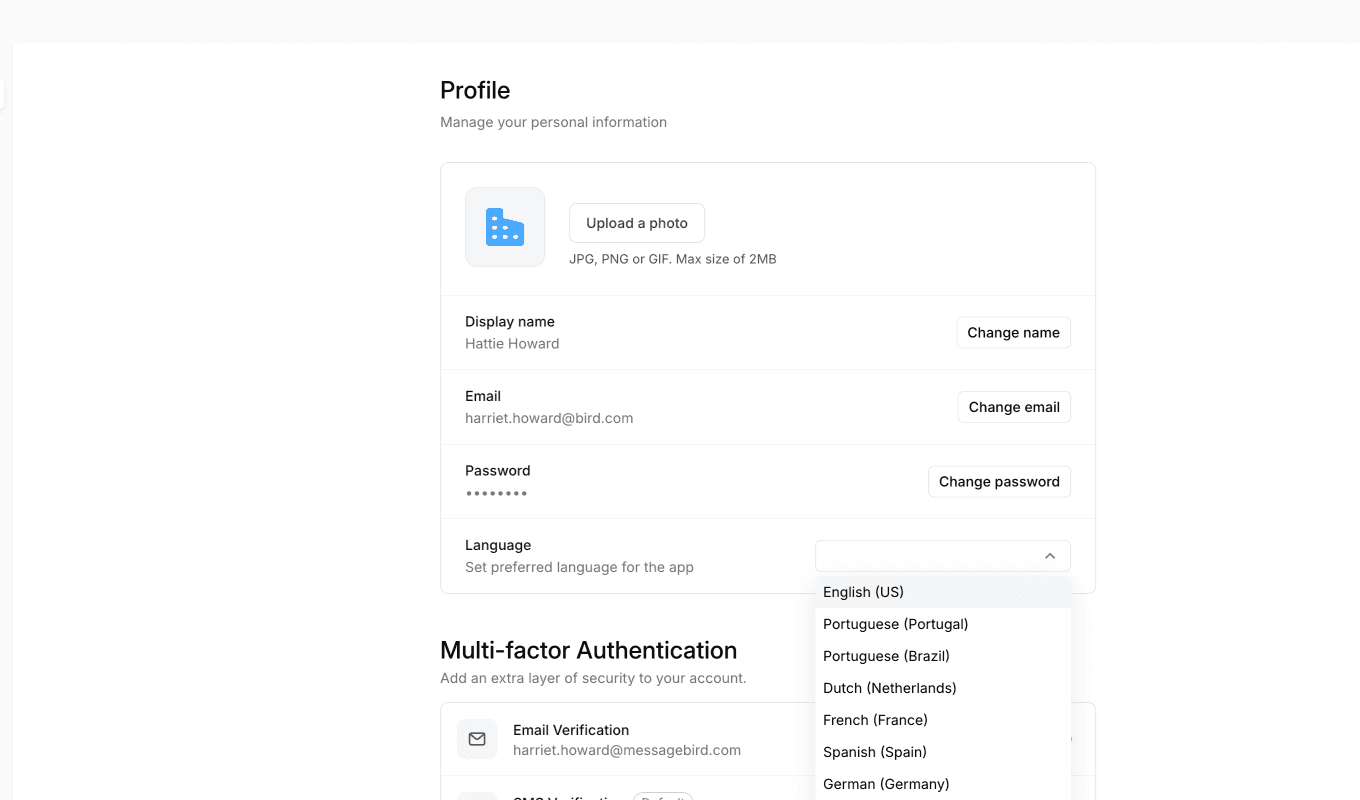
The Bird app now supports multiple languages natively. If your browser is set to one of the supported languages, the app will automatically appear in that language.
Supported languages
- Portuguese - Portugal
- Portuguese - Brazil
- Dutch - Netherlands
- French - France
- German - Germany
- Spanish - Spain
- Russian - Russia
How it works
The app detects your preferred language from your browser settings and displays the interface in that language. All static text will be translated with correct locale rules for currency, plurals, and number formatting.
You can also set your preferred language directly in Bird via Profile → Language. If set, this takes priority over your browser language.
Learn more about language support →
Good to know
Some dynamically loaded content, such as custom pages and dashboards pulled from the API, may not yet be translated. We're continuing to expand translation coverage over time.
If you have any questions, please don't hesitate to reach out to our support team.
feature
Bird Platform update: Contacts and CRM access changes
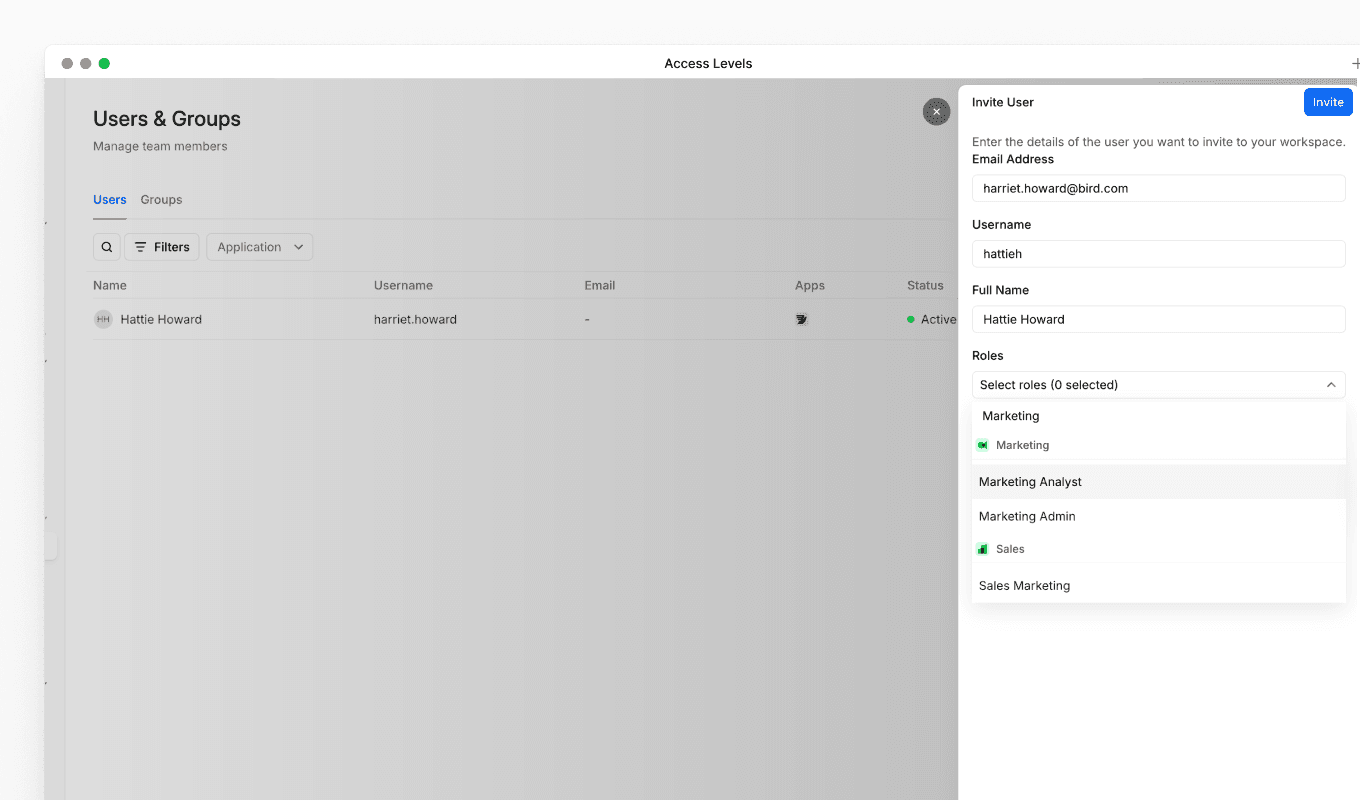
We've updated the default permissions for contacts and CRM access to improve workspace security and follow the principle of least privilege, ensuring users only have access to the data they need for their role.
What's changed
Previously, all users had access to contacts and CRM data as part of their base permissions. Going forward, contacts and CRM access is no longer included by default. Users now need a specific role to access this data.
Who is affected
Who is affected
- Users with only a Developer role: You will no longer have access to contacts and CRM data.
- Users with a Marketing, Inbox, or CRM role: No change. You will continue to have access to contacts and CRM data.
What this means for you
If you have a Developer role and can no longer access contacts or CRM data, this is expected behaviour following this update. If you need access to contacts and CRM data for your work, you will need an additional role assigned to your account.
How to regain access
To regain access to contacts and CRM data, speak to your Organization Admin. They can assign a Marketing, Inbox, or CRM role to your account alongside your existing Developer role.
feature
Bird Platform update: Developer app visibility changes
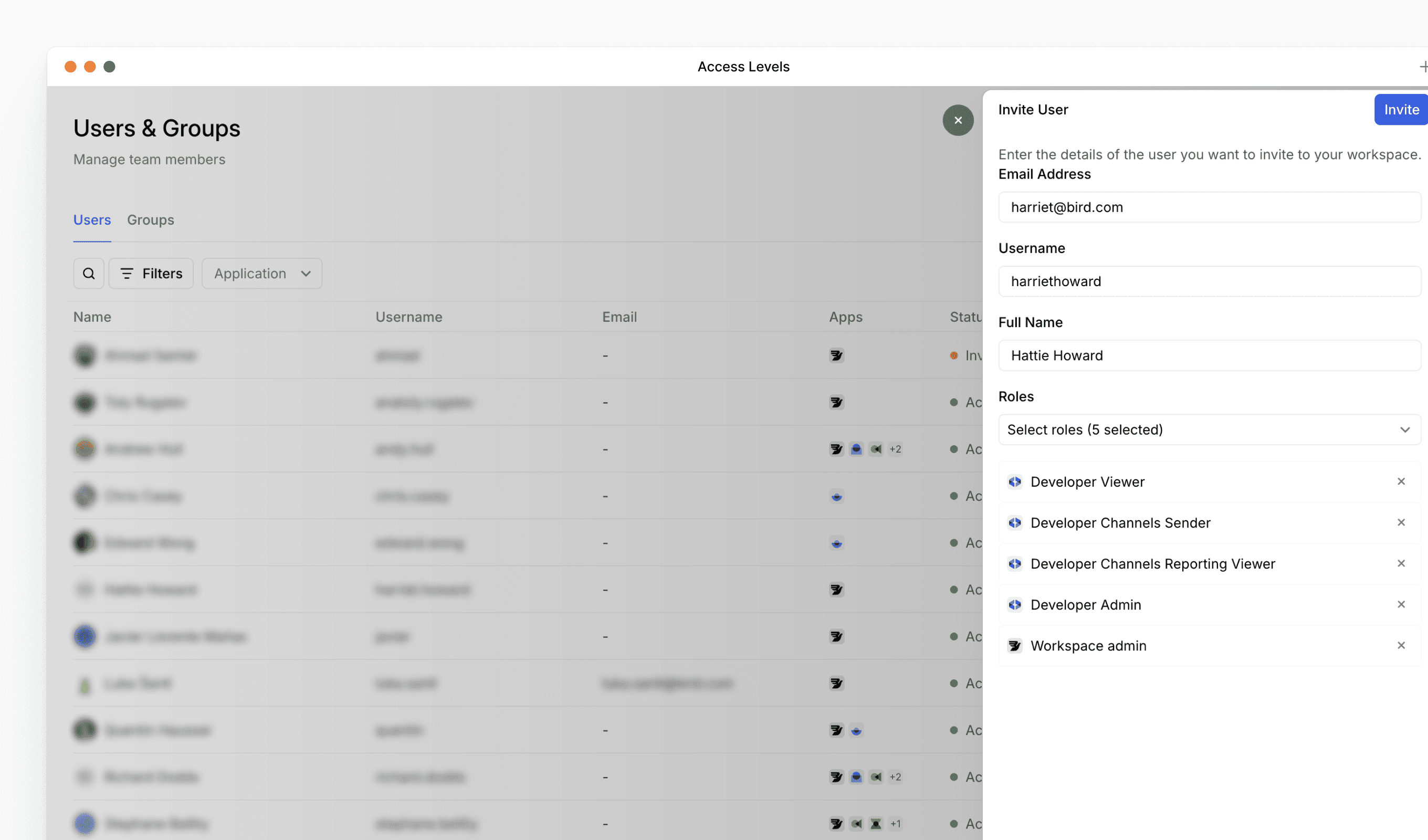
We've updated the permissions required to access the Developer app to improve workspace security and ensure appropriate access control.
What's changed
Developer app visibility requirements: Going forward, users need to have either a developer app role or a workspace admin role to view the Developer app in the left menu panel.
What this means for you
If you or your team members can no longer see the Developer app in the navigation menu, check that the appropriate role has been assigned. Workspace admins can grant the developer app role to users who need access.
feature
Bird Platform update: segmentation improvements & enhanced reporting
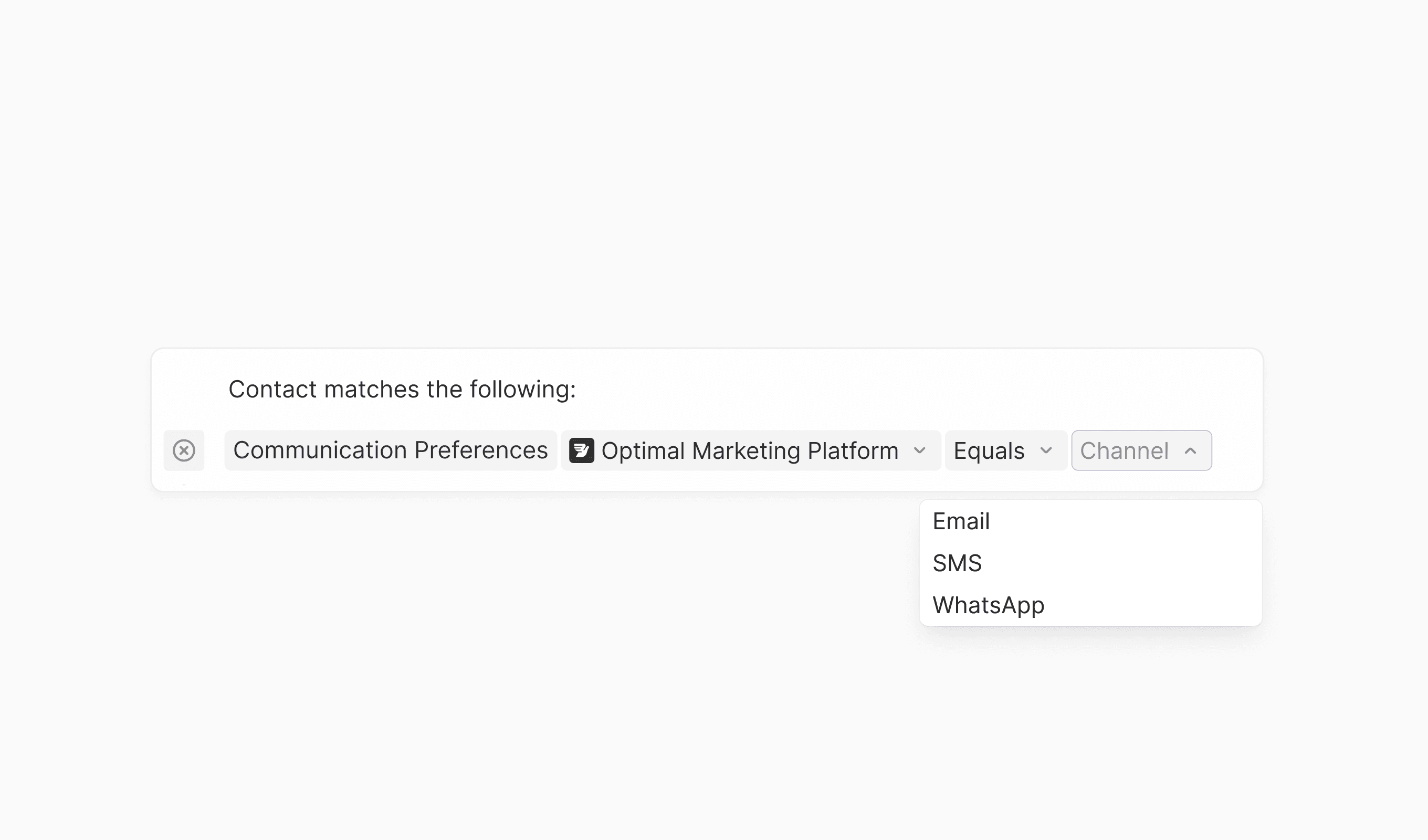
Our latest update introduces several enhancements across segmentation, reporting, and campaign management. These enhancements streamline common workflows and provide better visibility into contact data and message performance.
New features
- AI-based Optimal Marketing Platform segmentation: Target contacts based on their preferred communication channel using AI-powered optimal platform detection
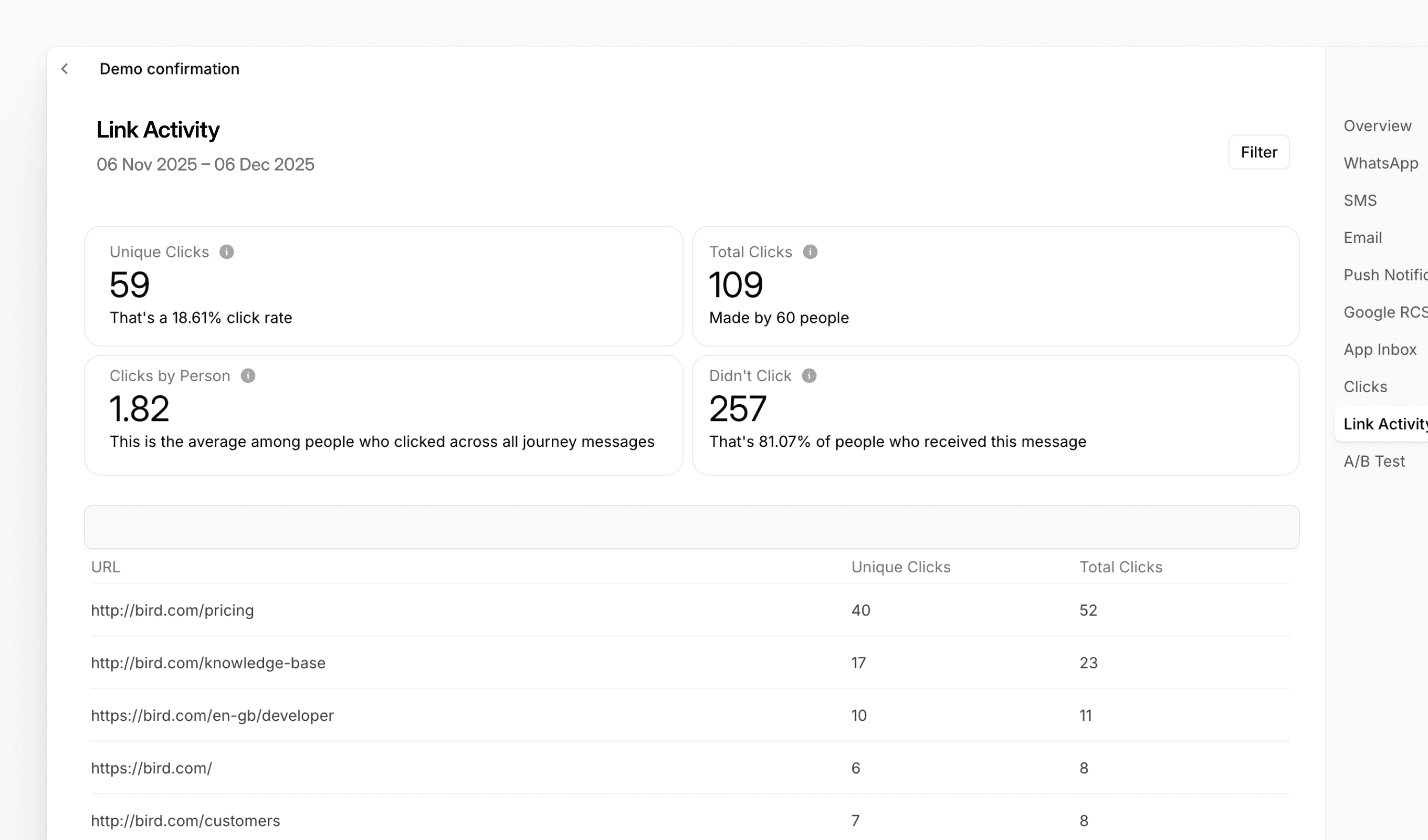
- Link Activity reporting for Journeys: New dedicated tab in Journey reports displaying click metrics per URL, including unique clicks, total clicks, and click rates
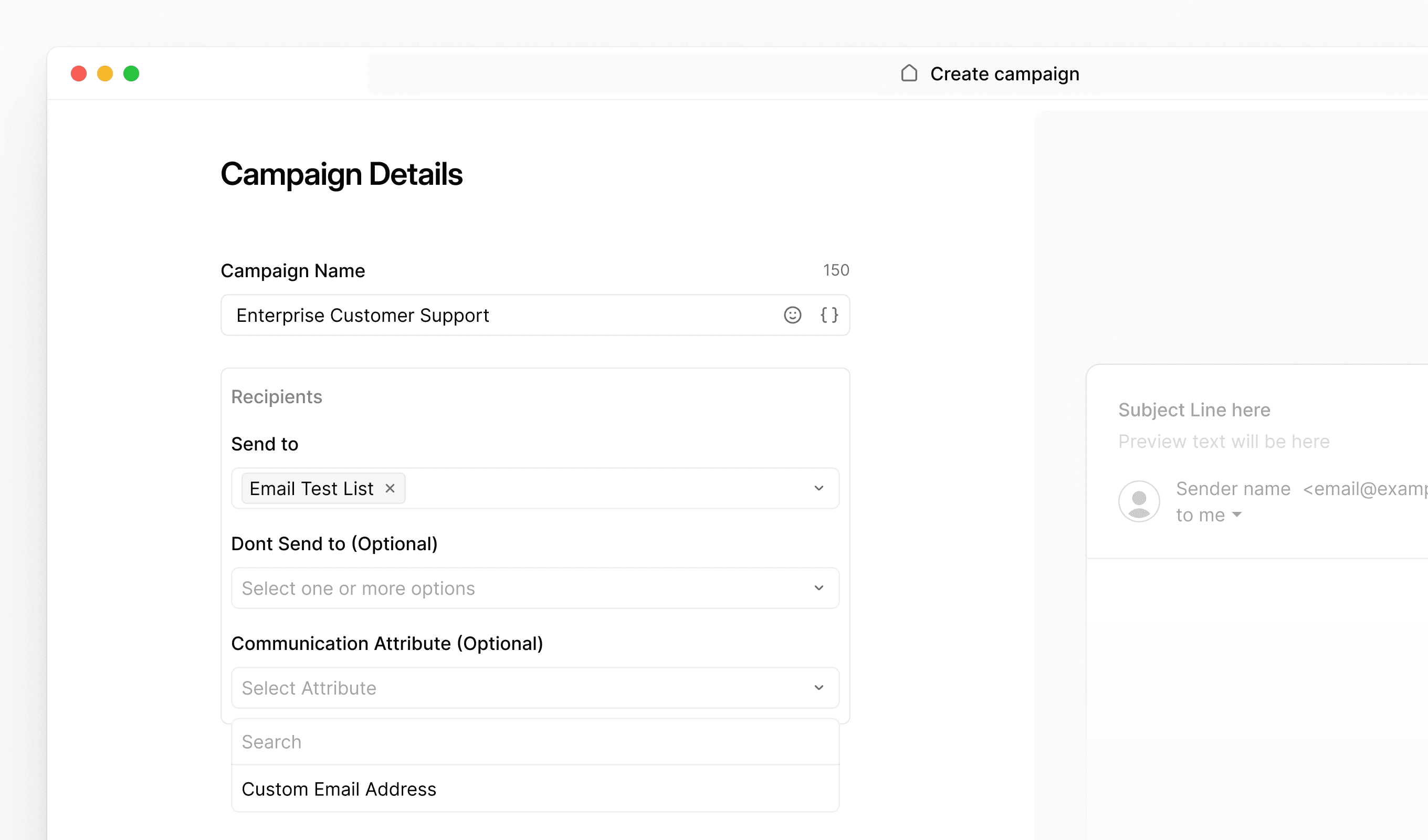
- Communication Attribute visibility: Enhanced dropdown interface in campaigns and journeys for easier selection of communication attributes
Improvements
- Test email identification: Email subject lines now automatically include [TEST] prefix when sending test messages from Bird for clearer inbox organization
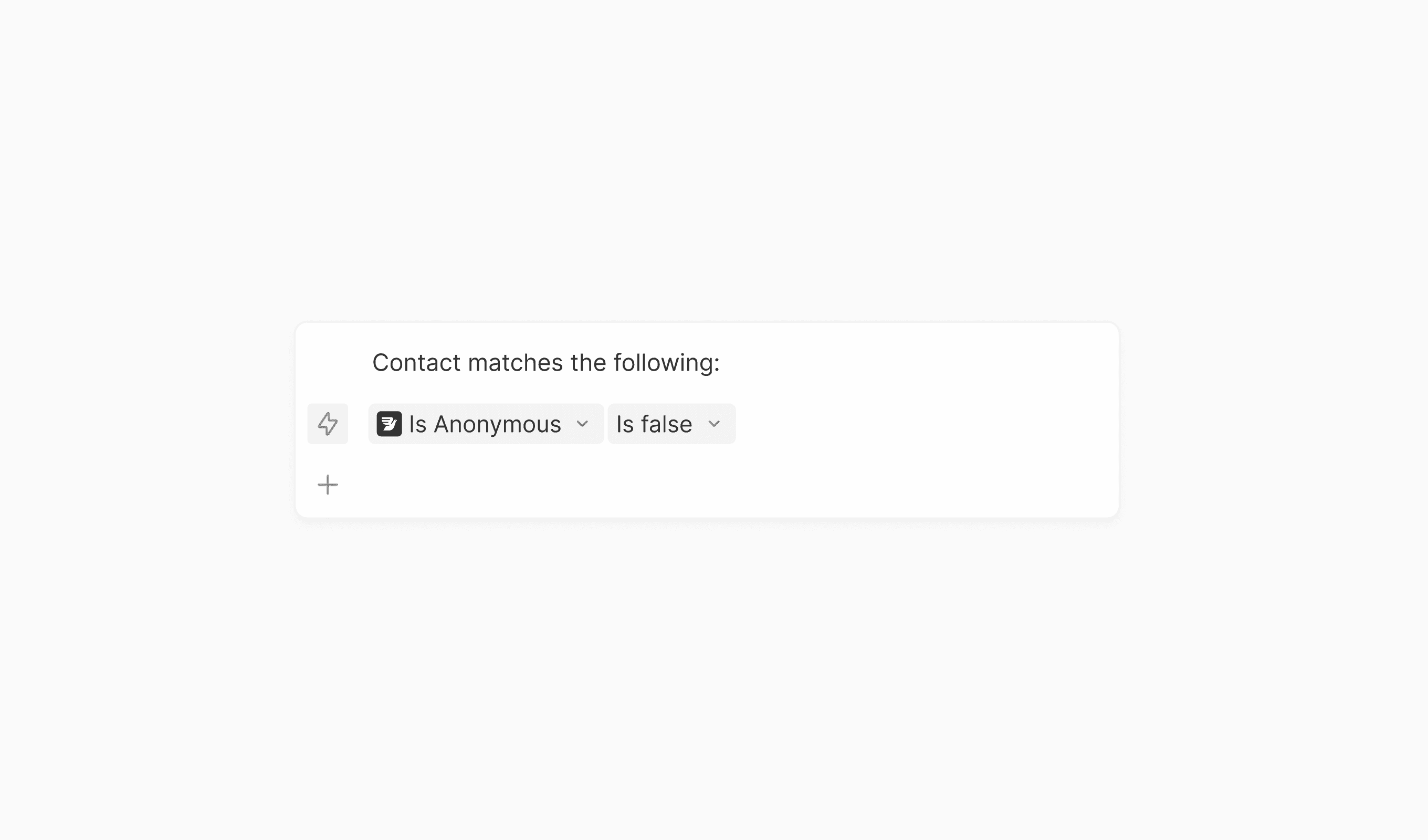
- Default anonymous contact filter: New "Is Anonymous" filter in Contacts view to quickly identify and filter contacts without email or phone numbers
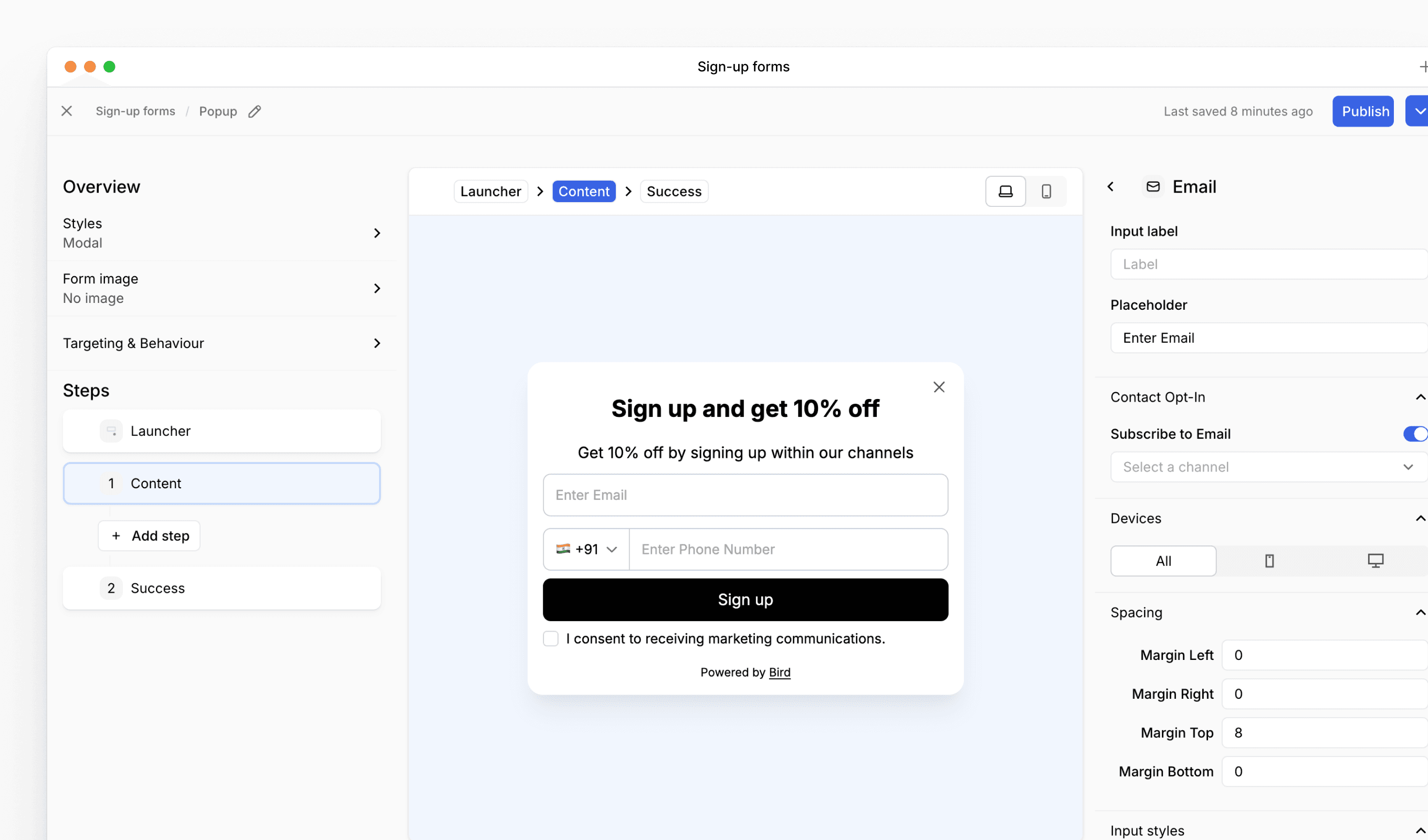
- Sign up form editor: new three-pane layout: The sign up form editor now uses a three-pane layout for easier editing. The left panel handles form-level settings and step navigation, the center shows your preview, and the right panel lets you configure individual content blocks
feature
Meta Ads update: Lead sync and expanded ad workflow actions
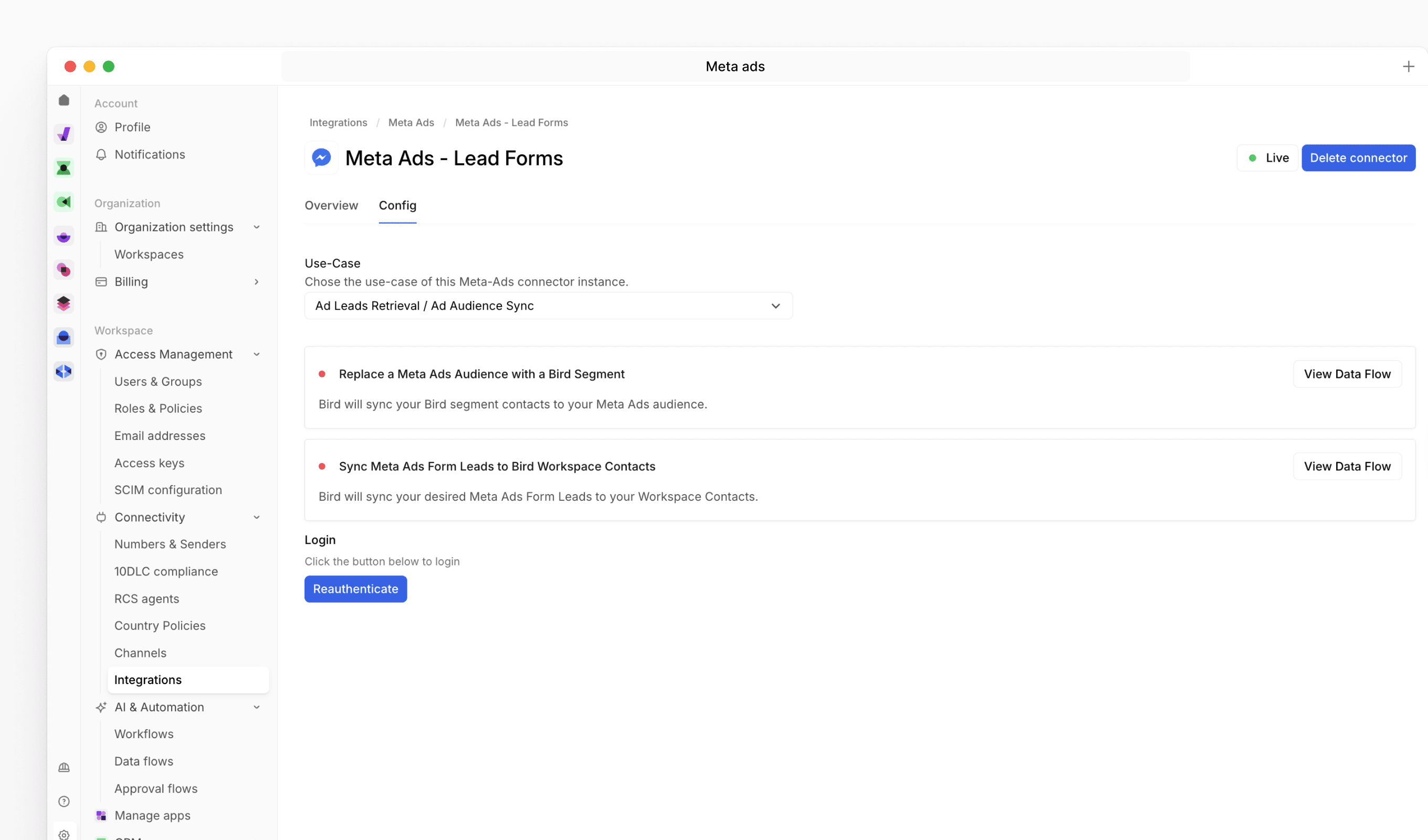
Our latest update enhances the Meta Ads connector with automated lead syncing and a full set of ad-level workflow actions, making it easier to manage audiences, capture leads, and send conversion events directly from Bird.
Read the full Meta Ads integration article.
New features
Lead sync to Bird Contact Lists:
Sync leads from Meta Ads lead forms directly into Bird contact lists by adding your Form ID and selecting a destination list.
Segment-to-audience syncing:
Send any Bird Segment to Meta as a Custom Audience. Clone flows to quickly sync multiple segments to different audiences.
Expanded workflow actions:
Access new actions inside Flows, including the ability to:
- Fetch ad accounts, campaigns, adsets, ads, and leads
- Retrieve form leads
- Populate campaign information
- Create, list, add to, or remove from Custom Audiences
Send Ad Events via Conversions API:
Send messaging-related conversion events from WhatsApp, Messenger, or Instagram, including:
- Purchase
- LeadSubmitted
- InitiateCheckout
- AddToCart
- ViewContent
- OrderCreated
- OrderShipped
Channel-specific user data support:
Provide required user data fields for each channel—such as WABA IDs, page-scoped IDs, and Instagram session IDs—directly within the Send Ad Event step.
Automation-ready:
Trigger journeys when leads are added to lists or when contact attributes update, enabling automated follow-ups for imported Meta leads.