Automate Approvals
Validate, preview, and review campaigns and workflows before they go live
Separate editable drafts from live published versions in Bird. Run pre-publish checks on templates and workflows, simulate runs with sample payloads, and enforce role-based publishing permissions across your team.

Pre-publish checks, draft previews, and version controls in one workspace.
Catch broken variables, unverified domains, and missing workflow fields before launch while keeping active campaigns running on published versions.
Draft and Published Versions
Edit and review drafts while live traffic continues running on numbered, immutable published versions
Workflow Pre-Publish Checks
Flag missing node fields, disconnected steps, broken expressions, and trigger data changes before publication
Sample-Data Workflow Previews
Simulate workflow branches, wait steps, and actions with sample payloads without sending live messages or using run quota
Template and Broadcast Rehearsals
Preview localized email templates against contact records, send test emails, and rehearse broadcasts with sandbox test addresses
Broadcast Pre-Send Verification
Confirm verified sending domains, published template versions, and deliverable recipient counts after suppressions before scheduling
Role Permissions and Revision Guards
Control who can view or publish changes with workspace roles and block conflicting draft edits from overwriting teammate work
Edit and review drafts without disrupting live traffic
Email templates and Automation workflows separate editable drafts from immutable, numbered published versions in Bird.
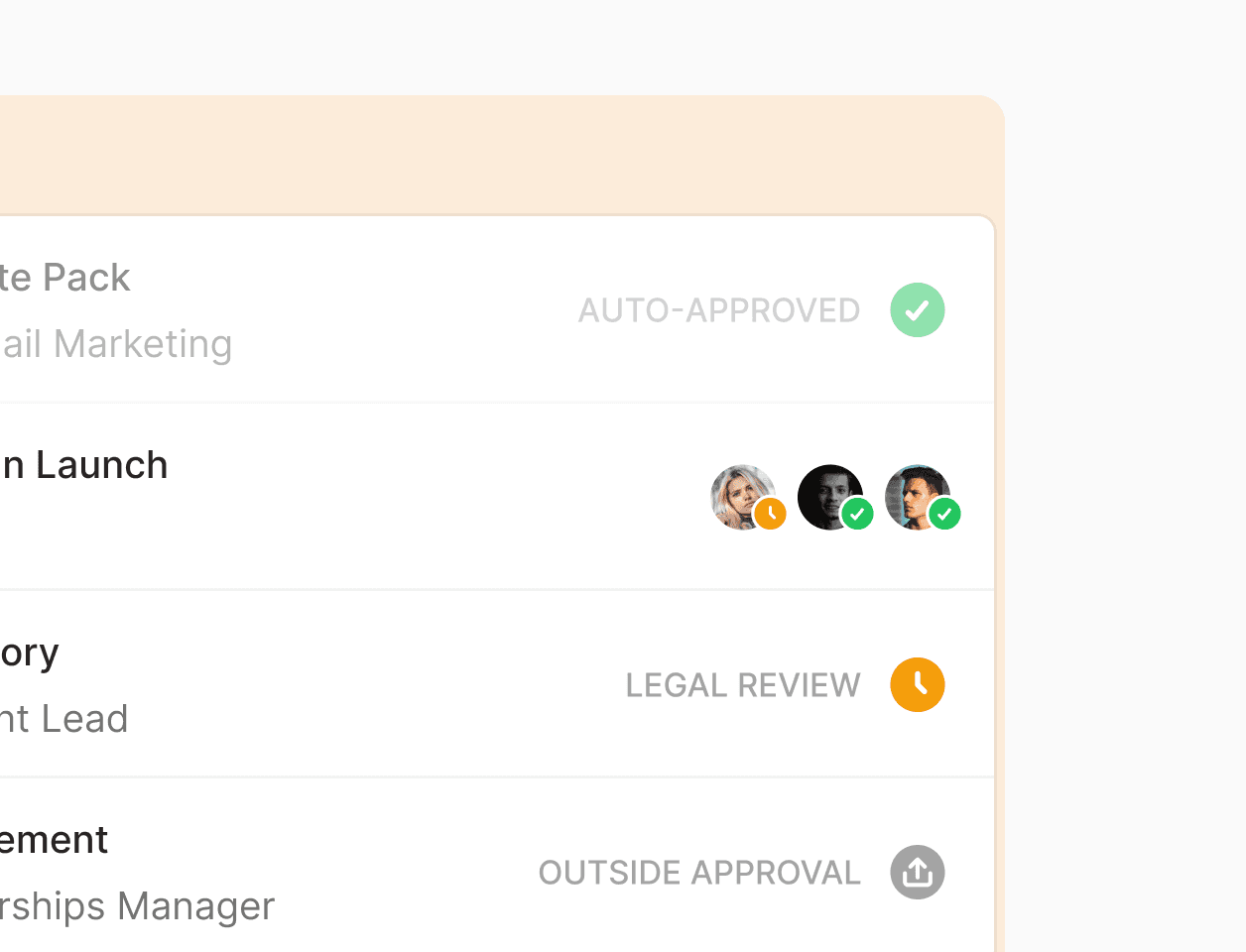
Separate editable drafts from live versions
Update copy, adjust branching logic, and review changes in a draft while active workflow runs and live sends continue using the current published version.
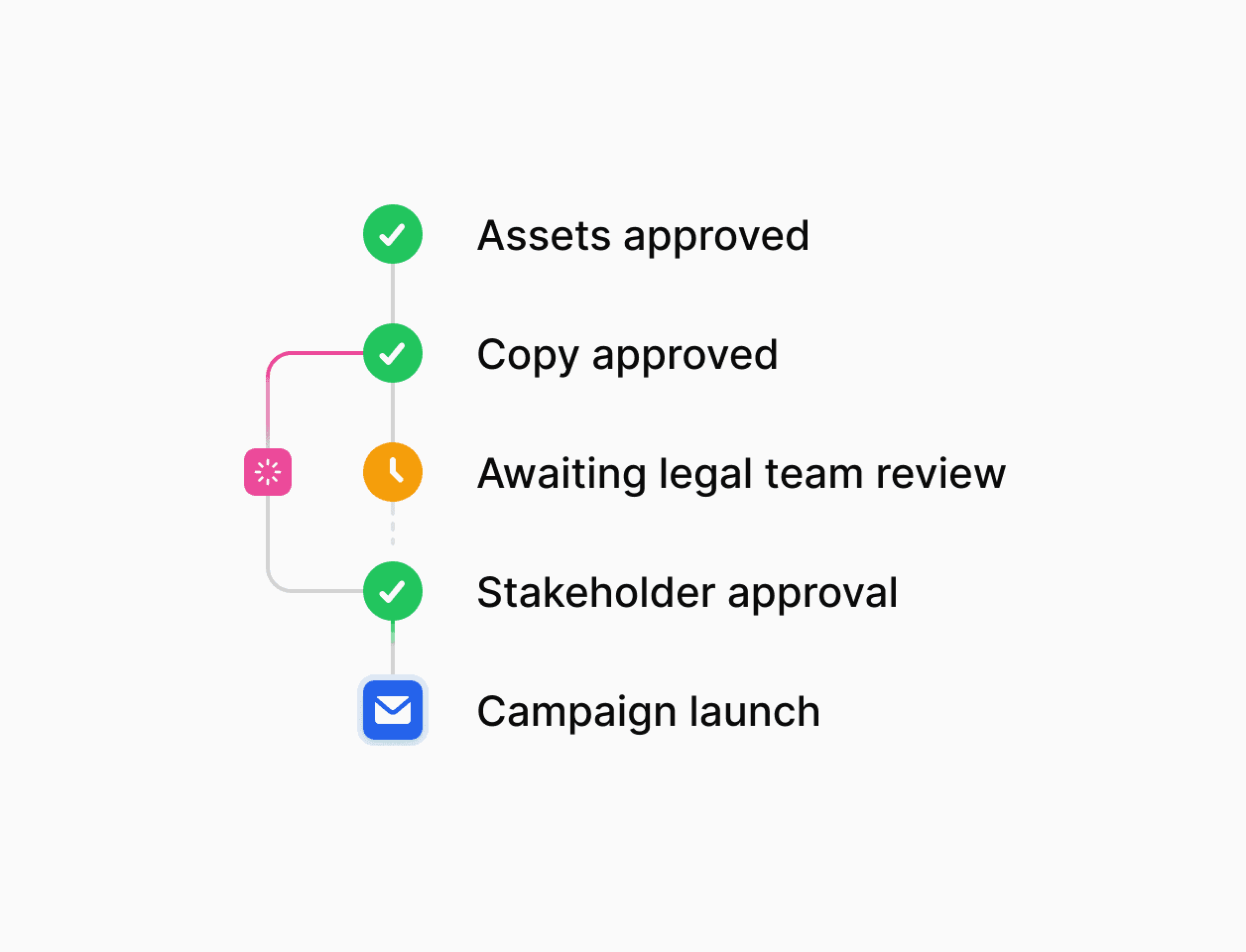
Numbered version history and rollbacks
Publish a new numbered version when review is complete, inspect earlier snapshots, and roll back or restore a previous version into your draft when needed.
Catch broken templates and workflow errors before publishing
Built-in validation checks inspect workflow nodes, trigger contracts, and localized template variants before changes can go live.
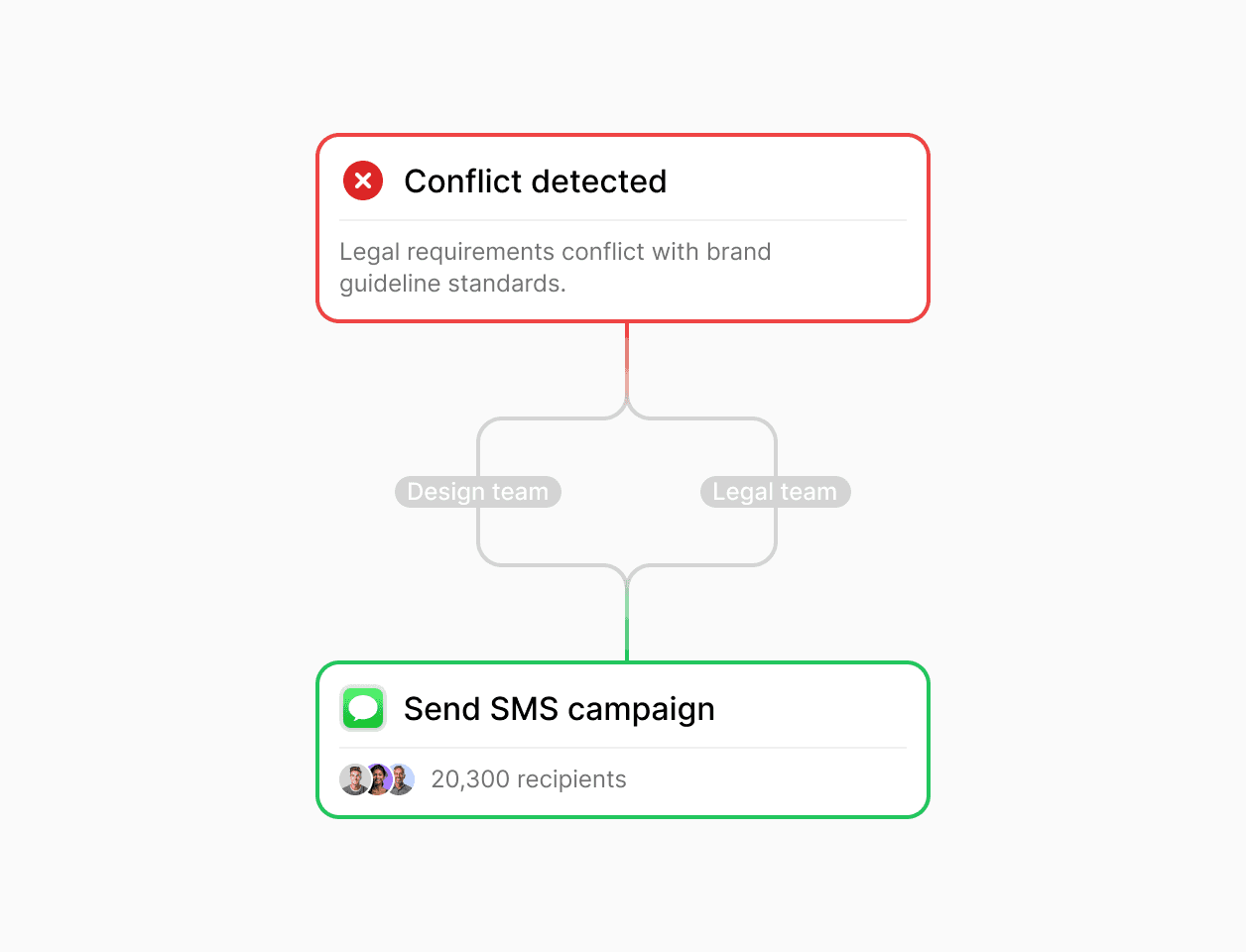
Automated workflow and template checks
Checks in Automations flag missing fields, invalid connections, broken expressions, and trigger event-contract warnings. Email template validation catches missing subjects, HTML bodies, required variables, archived contact properties, and unsupported Liquid tags across language variants at once.
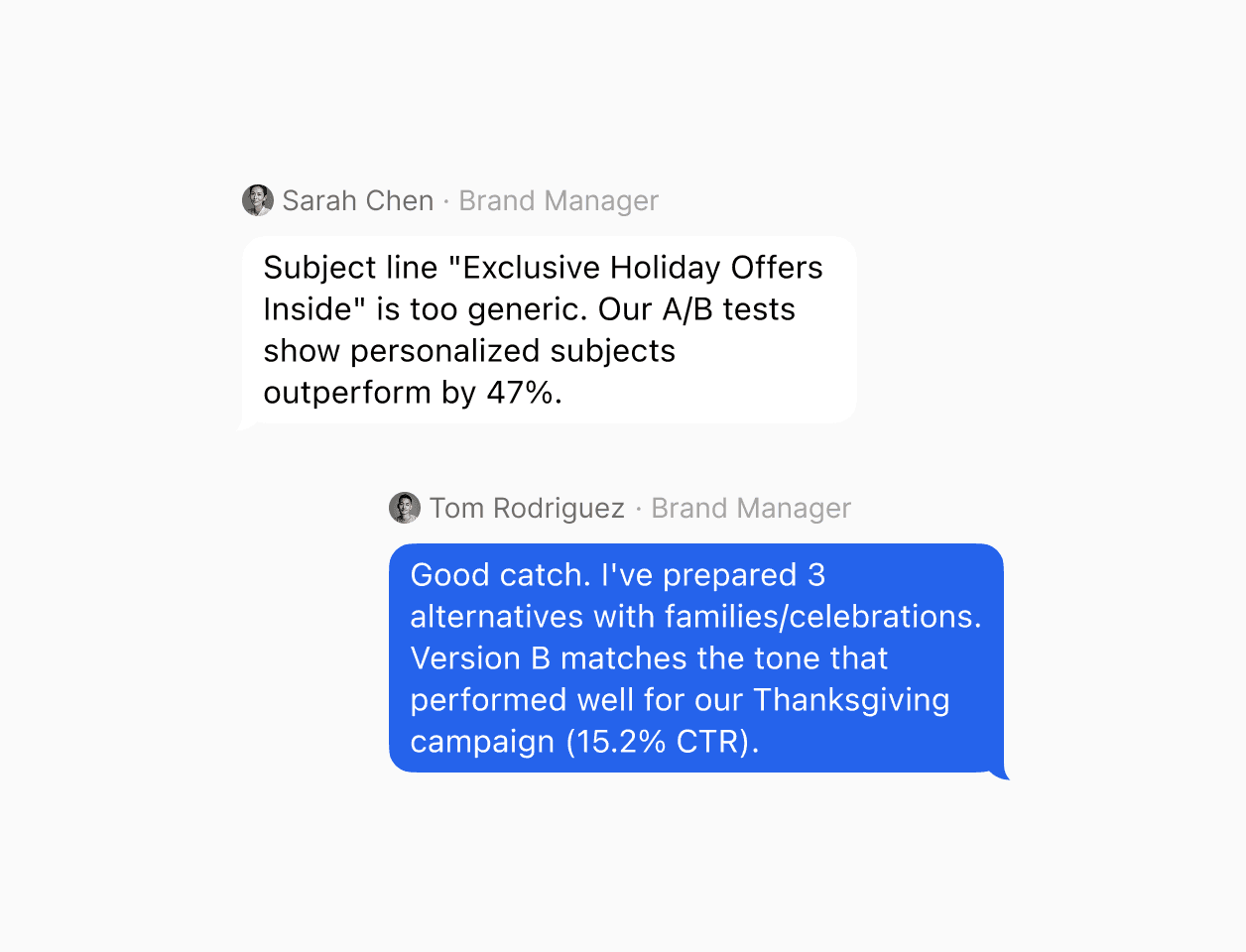
Revision conflict protection for teams
When multiple teammates work on templates or workflows, revision guards prevent stale browser tabs from overwriting newer draft edits saved by another user.

With Flow Builder we are able to adapt and run the same process through very heterogeneous markets: from Croatia to Uganda or Kazakhstan.
Luis Grau Granada
Global Head of Courier Operations
4x
Faster partner onboarding for some countries
300%
Efficiency in partner onboarding capacity
30-80%
Reduction in partner onboarding costs
Simulate runs with sample data and verify broadcasts before launch
Test workflow paths, preview rendered templates, and confirm audience eligibility before sending or scheduling a campaign.
Preview workflows and send test emails
Run Preview workflow with sample trigger payloads and simulated action or wait outcomes without sending real messages or consuming run quota. Preview email templates with contact records or fallback values, send test emails, and rehearse broadcasts with sandbox test addresses.
Broadcast review and suppression checks
The Broadcast review dialog verifies that your sending domain is authenticated, your selected template is published, and your target audience has deliverable recipients after unsubscribes and suppressions before you send now or schedule up to a year ahead.
Enforce role-based publishing permissions and audit trails
Control who can edit or publish changes in Bird and track version history and execution outcomes across your workspace.
Workspace roles and scoped API permissions
Assign Admin and Developer roles to teammates who build and publish workflows or templates, give stakeholders Analyst access to view drafts and reports, and scope API keys to specific read or write operations.

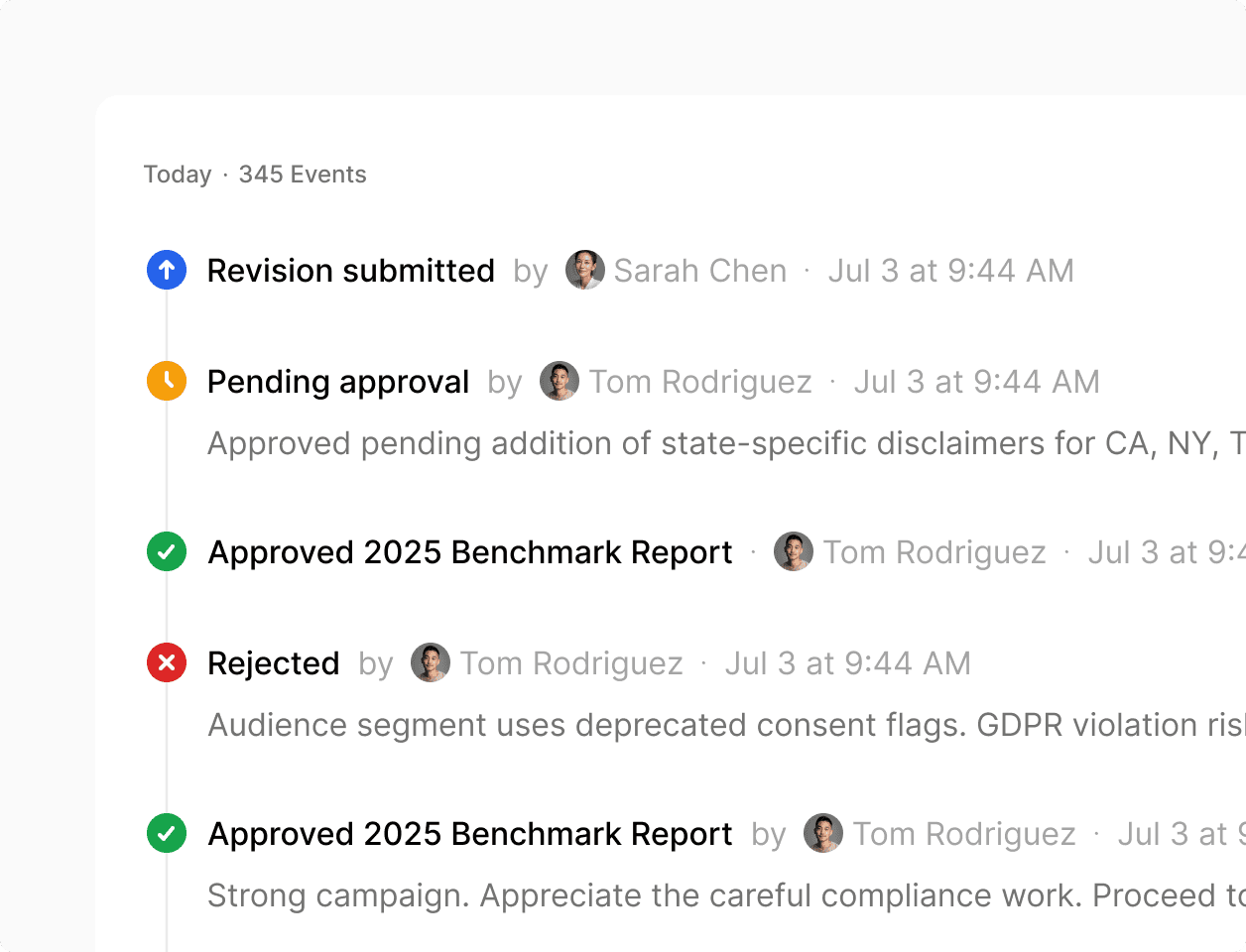
Workspace audit logs and version history
Track published template and workflow versions alongside workspace audit logs and step-by-step run history so teams can review what went live and how each run executed.
Trusted by companies that depend on their data.
See how leading brands use Bird to automate their marketing.
94.4%
SMS deliverability improved
3.2x
Faster campaign launches
28%
Higher engagement rate
Connect your application events and contact data.
Sync contacts, manage templates, and trigger workflows via REST API, webhooks, CLI, MCP, and CSV imports.
Manage templates and triggers from code or dashboard
Post webhook events from your backend to trigger or resume workflows, and manage templates and automations through the REST API, Bird CLI, or MCP server.
Shared contact records across channels
Import contacts via CSV or sync attributes, external IDs, audience memberships, and channel preferences through the API on a single profile shared across Email, SMS, and WhatsApp.
Enterprise security and compliance controls.
Per-channel suppression enforcement and role-based workspace access.
Automatic preference and suppression checks
Record opt-ins and opt-outs during workflow runs and respect email unsubscribes, hard bounces, and SMS STOP suppressions automatically.
Audited security and role-based access
Bird is SOC 2 certified with GDPR, CCPA, and HIPAA compliance, plus role-based permissions for workspace teams.
Put it into practice.
Continue with the documentation, guides and examples for this topic.