Automate Workflows
Orchestrate multi-step customer workflows from live events, replies, and schedules
Build visual workflows in Bird that pause for delivery receipts or backend events, branch on contact data, validate phone numbers and emails, and publish in immutable versions.
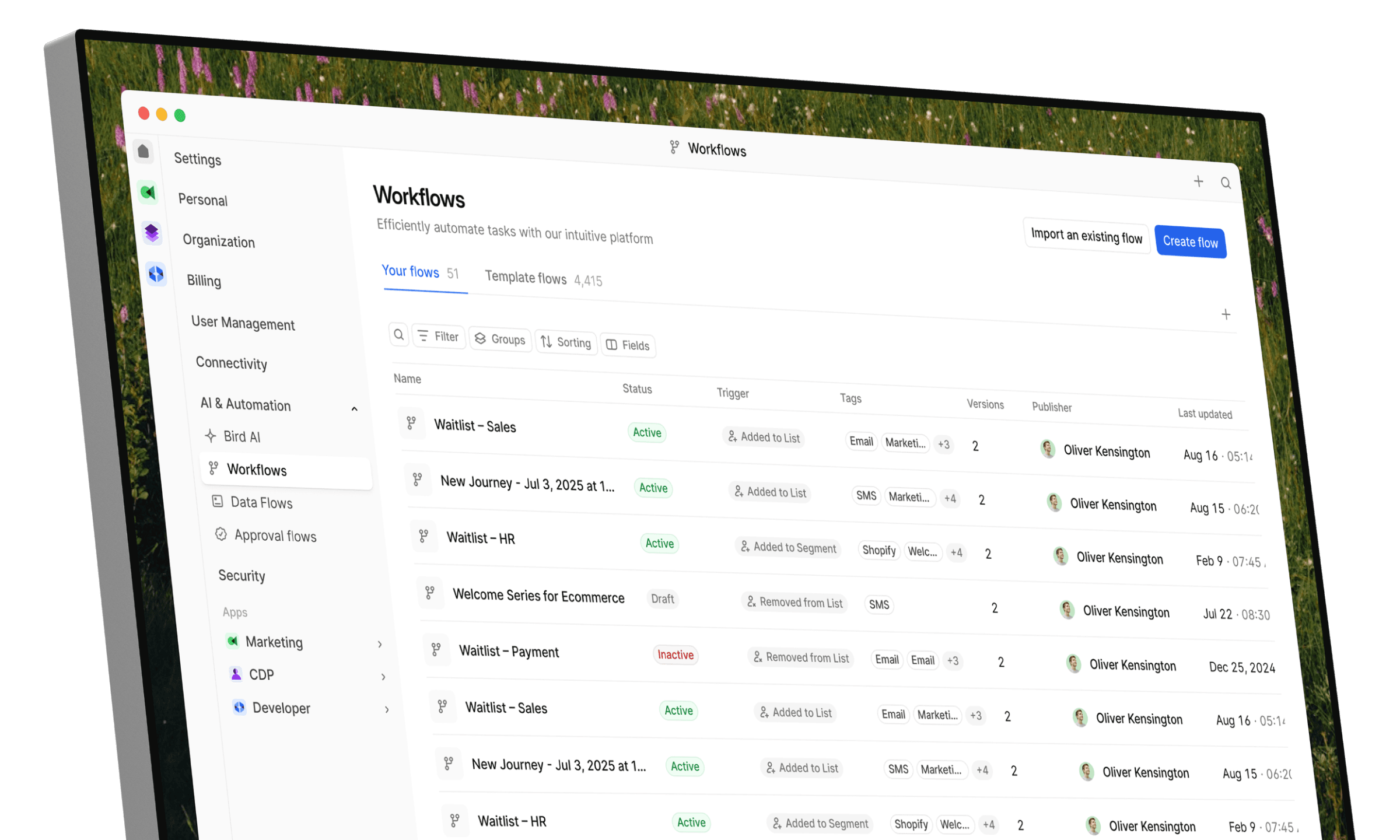
Visual workflows built for event-driven messaging.
Start runs from live events, incoming messages, or schedules, coordinate waits and branching logic, and inspect each step in production.
Event, Message, and Schedule Triggers
Start workflow runs from application webhooks, inbound SMS, email, or WhatsApp replies, or recurring schedules in a chosen timezone
Delays and Event Waits
Pause runs for a set duration, wait for message delivery receipts or WhatsApp read receipts, or hold until your backend sends a matching confirmation event
Conditional Branching and Calculations
Route contacts through multi-condition branches and calculated expressions using trigger payload data and stored contact attributes
Draft Checks and Sample Previews
Catch missing fields or broken expressions with static checks and simulate branches and waits with sample data before publishing
Phone and Email Lookups
Validate recipient phone numbers and email addresses mid-run and record channel opt-in or opt-out preferences before sending
Contact and Audience Updates
Create or update contact profiles, manage static audience memberships, and control overlapping runs per business key
Trigger workflows from events, replies, or schedules and branch on live data
Start runs in Bird when your backend posts an application event, when a customer replies on SMS, email, or WhatsApp, or on a recurring schedule, then route each run with multi-condition logic.
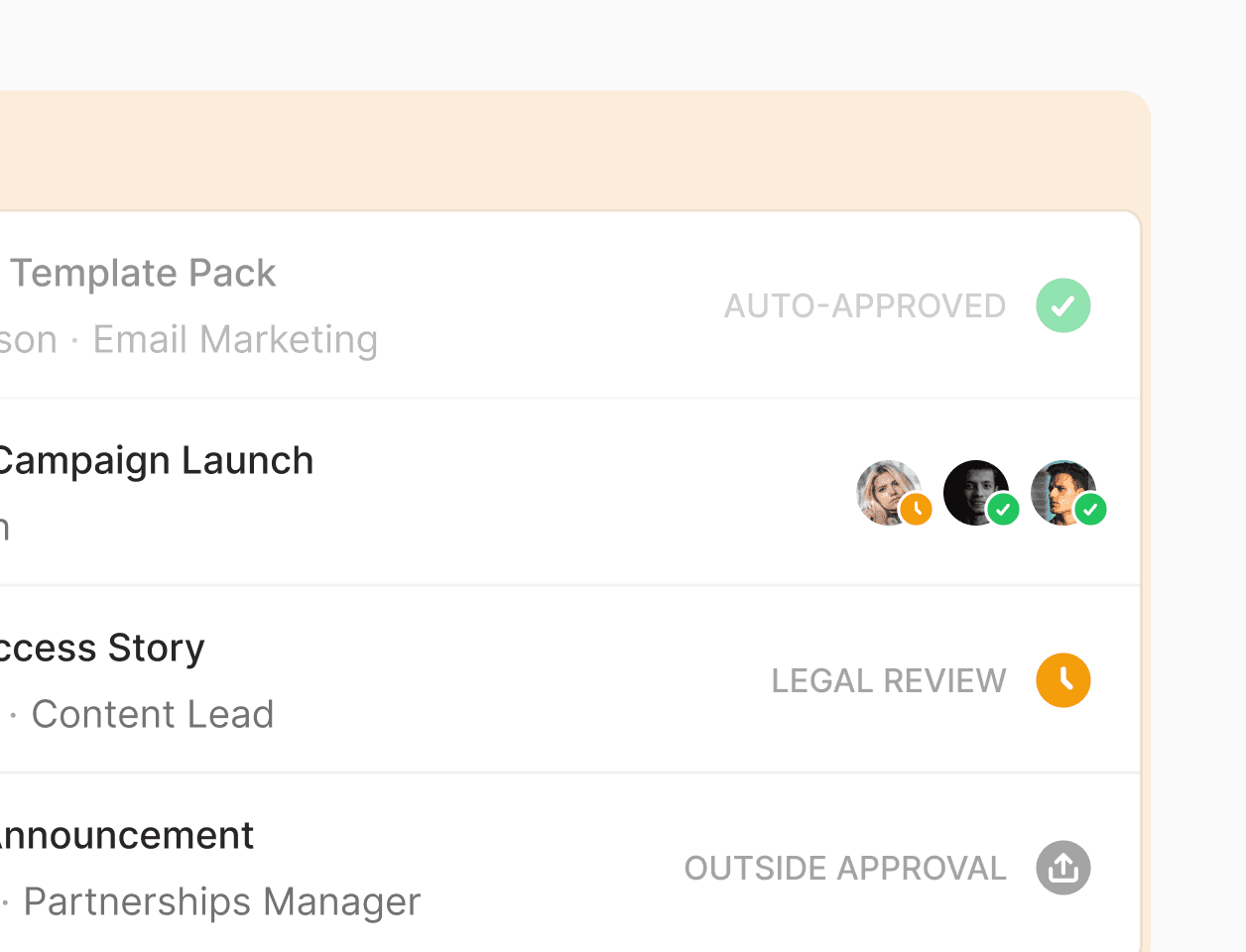
Filter event, message, and schedule triggers
Start workflows from application event webhooks, incoming SMS, email, or WhatsApp messages with optional trigger filters, or recurring schedules in your chosen timezone. Control overlapping runs per business key so duplicate events can cancel, skip, or run in parallel.
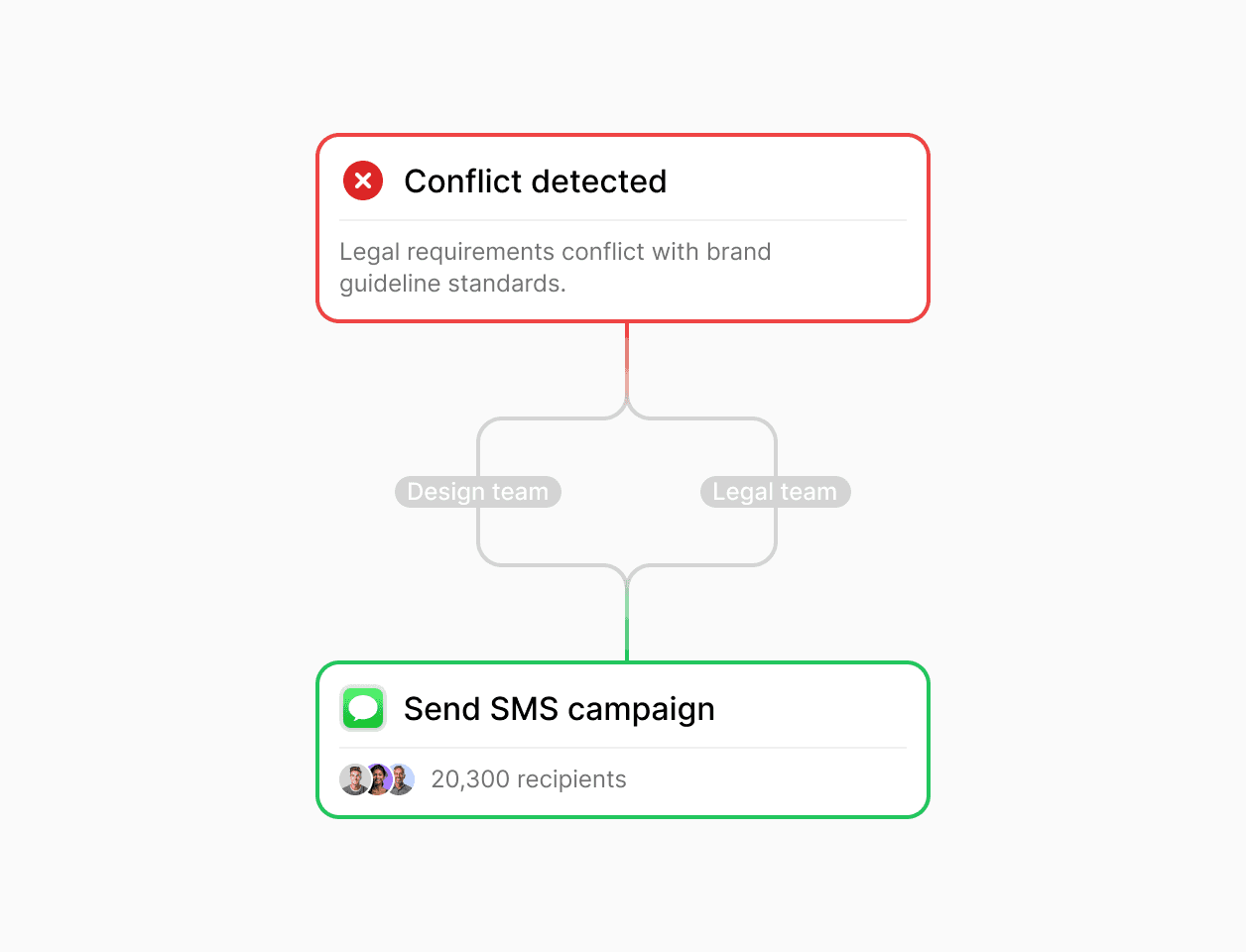
Branch on conditions and update contacts mid-run
Evaluate multi-condition branches and calculated values from trigger payloads and contact attributes. Create or update contact records, modify static audience memberships, and record channel opt-in or opt-out preferences as steps in the flow.
Validate draft workflows and recipient addresses before messages go out
Run static draft checks, simulate workflow execution with sample data in Bird, and verify recipient phone numbers and email addresses before sending.
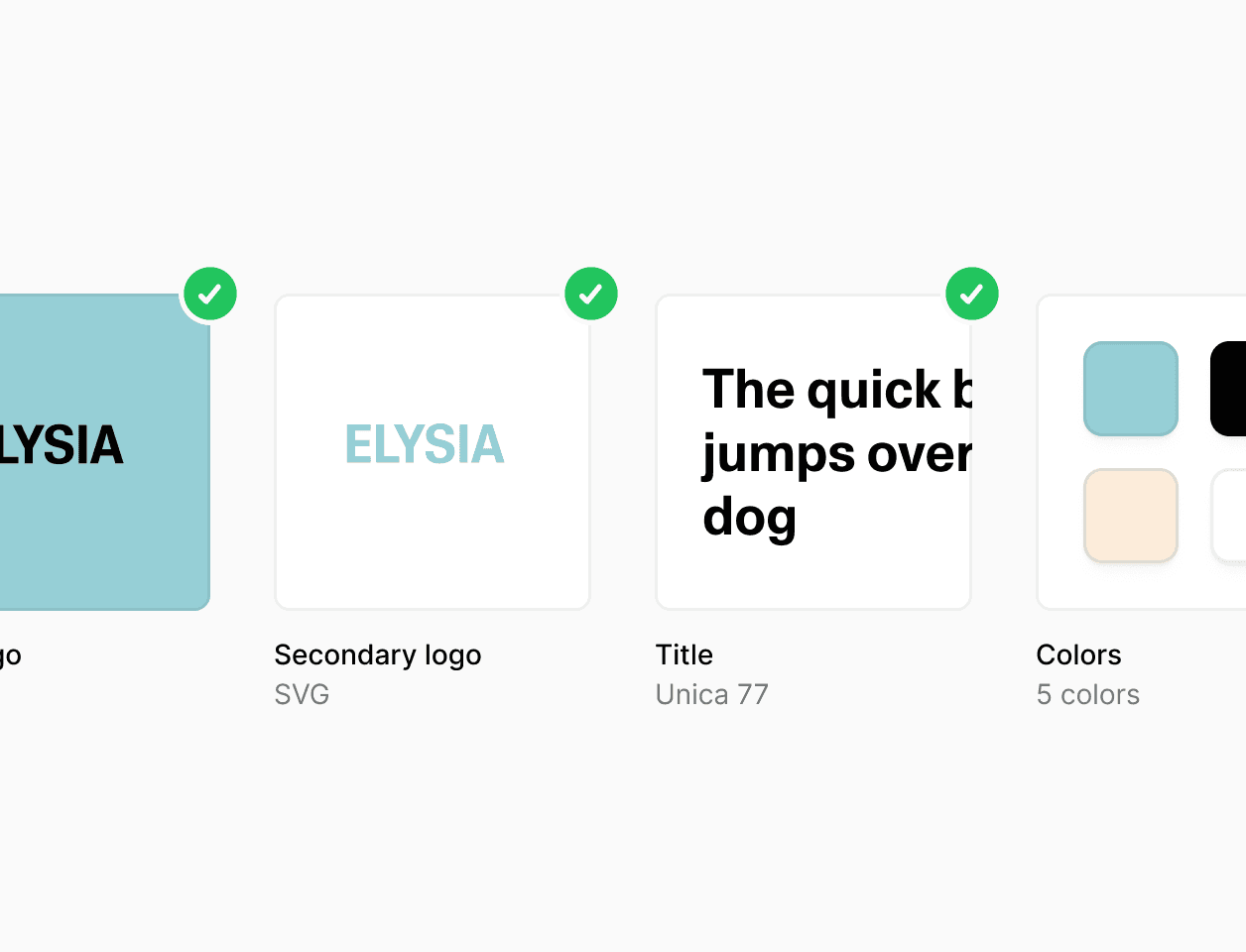
Draft checks, sample previews, and versioned publishing
Run static checks on drafts to catch missing fields or broken expressions, and simulate branches and waits with sample data in workflow preview without sending live messages. Publish immutable versions while active runs finish on the version they started with.
Built-in phone and email lookups and preference updates
Validate phone numbers and email addresses with built-in lookup steps before dispatching notifications. Update contact channel preferences inside the workflow and rely on automatic suppression checks for unsubscribes, hard bounces, and SMS STOP replies.

With Flow Builder we are able to adapt and run the same process through very heterogeneous markets: from Croatia to Uganda or Kazakhstan.
Luis Grau Granada
Global Head of Courier Operations
4x
Faster partner onboarding for some countries
300%
Efficiency in partner onboarding capacity
30-80%
Reduction in partner onboarding costs
Coordinate delays, delivery waits, and cross-channel follow-ups
Sequence Email, SMS, and WhatsApp steps in Bird with timed delays, delivery receipt and WhatsApp read receipt waits, and backend event confirmation checks.

Pause for a set duration, timestamp, or application event
Hold a workflow run for a fixed duration or until a scheduled timestamp, or wait for a matching application event from your backend, such as canceling a reminder once a customer completes checkout or confirms an appointment.
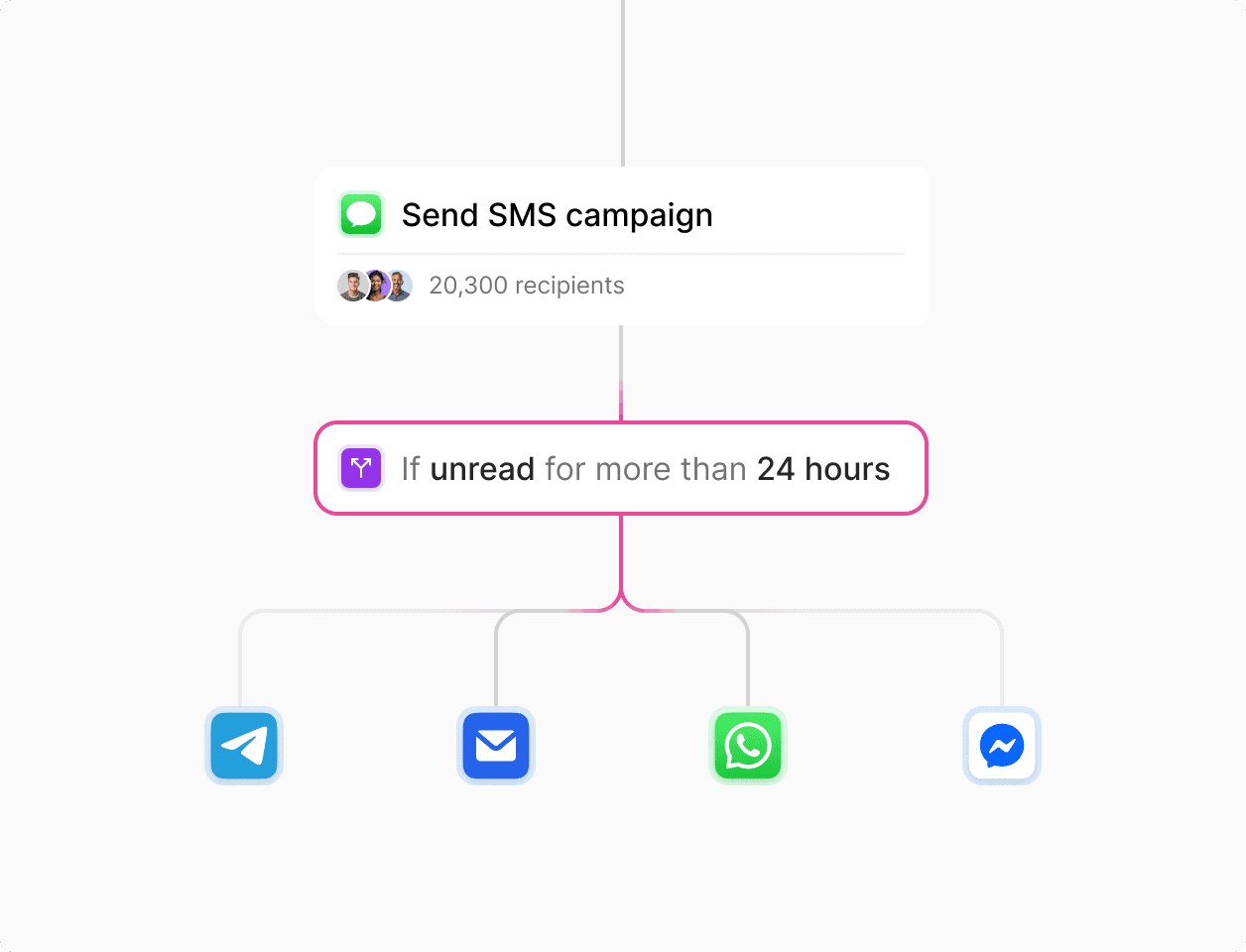
Wait on delivery receipts or WhatsApp read receipts before following up
Pause after sending an Email, SMS, or WhatsApp template to wait for a delivery receipt, or wait for a read receipt on WhatsApp, then branch to a follow-up channel if the step times out or fails to deliver.
Inspect step-by-step run history and track execution metrics
Trace individual workflow runs through each node in Bird and measure completion rates, failure reasons, and run durations across published versions.

Step-by-step run history and outcome diagnostics
Inspect queued, running, waiting, succeeded, failed, and canceled runs in the Automations dashboard. View step inputs, outputs, branch selections, and outcome reasons to debug payload data and external webhook responses.
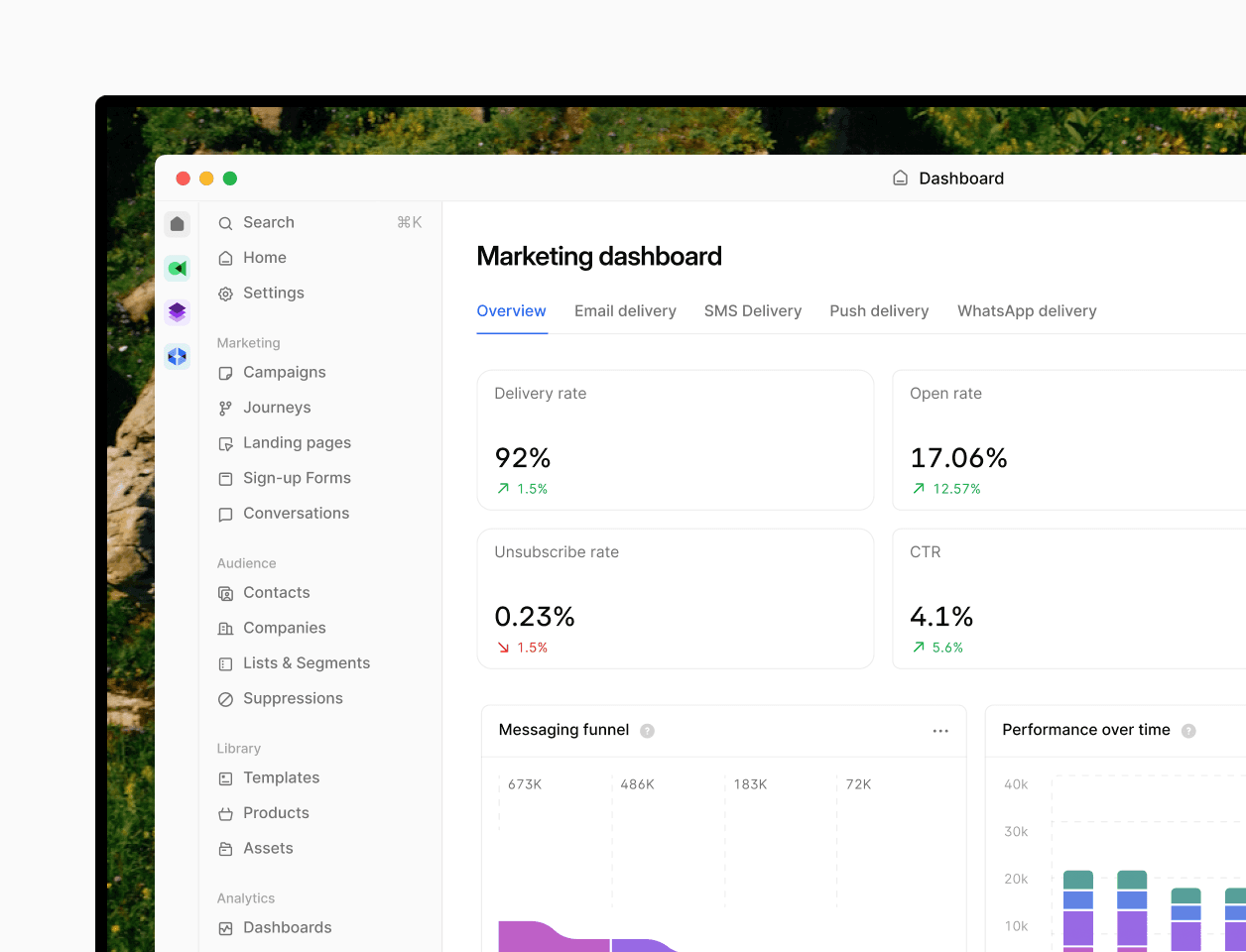
Version-level completion rates and duration percentiles
Track total runs, completion rates, success rates, and median and 95th-percentile run durations across workflow versions to see how timing changes or new branches affect live execution.
Trusted by companies that depend on their data.
See how leading brands use Bird to automate their marketing.
94.4%
SMS deliverability improved
3.2x
Faster campaign launches
28%
Higher engagement rate
Trigger workflows and sync contacts from your stack.
Connect application webhooks, REST APIs, CLI, MCP tools, and CSV imports.
Trigger and resume runs via webhooks and APIs
Start workflows or resume waiting steps from your commerce, billing, or CRM backend using application webhooks, the REST API, CLI, or MCP tools.
Shared contact records across channels
Sync contacts via REST API or CSV import and update attributes, audience memberships, and channel preferences on a shared profile across Email, SMS, and WhatsApp.
Enterprise security and compliance controls.
Per-channel suppression enforcement and role-based workspace access.
Automatic preference and suppression checks
Record opt-ins and opt-outs during workflow runs and enforce email unsubscribes, hard bounces, and SMS STOP suppressions automatically across sends.
Audited security and role-based access
Bird is SOC 2 certified with GDPR, CCPA, and HIPAA compliance, plus role-based permissions for workspace teams.
Put it into practice.
Continue with the documentation, guides and examples for this topic.