Chatbot Builder
Build automated reply workflows for WhatsApp, SMS, and Email
Trigger visual workflows in Bird Automations when a customer sends an inbound message, branch on contact attributes or reply content, and configure Meta business agents with shared inbox handoffs on WhatsApp.

Visual reply workflows and WhatsApp agent configuration.
Combine inbound message triggers, wait nodes, conditional branches, and localized templates in one workspace.
Inbound Message Triggers
Start an Automation run whenever a customer texts, emails, or messages your WhatsApp sender.
Contact & Audience Context
Branch flows using up to 200 typed custom properties and update audience memberships mid-run.
WhatsApp Business Agents
Enable a Meta business agent on your WhatsApp number and hand threads to teammates in Conversations.
Wait for Event Steps
Pause a workflow until a sent message is read or your backend posts a confirmation webhook.
Draft Previews & Run History
Test draft workflows with sample payloads before publishing and inspect each live step.
Localized Template Replies
Send multi-language Email, SMS, and WhatsApp template versions with contact property fallbacks.
Design branching reply flows in the visual canvas
Connect inbound message triggers, conditional branches, and wait steps without maintaining custom state machines.
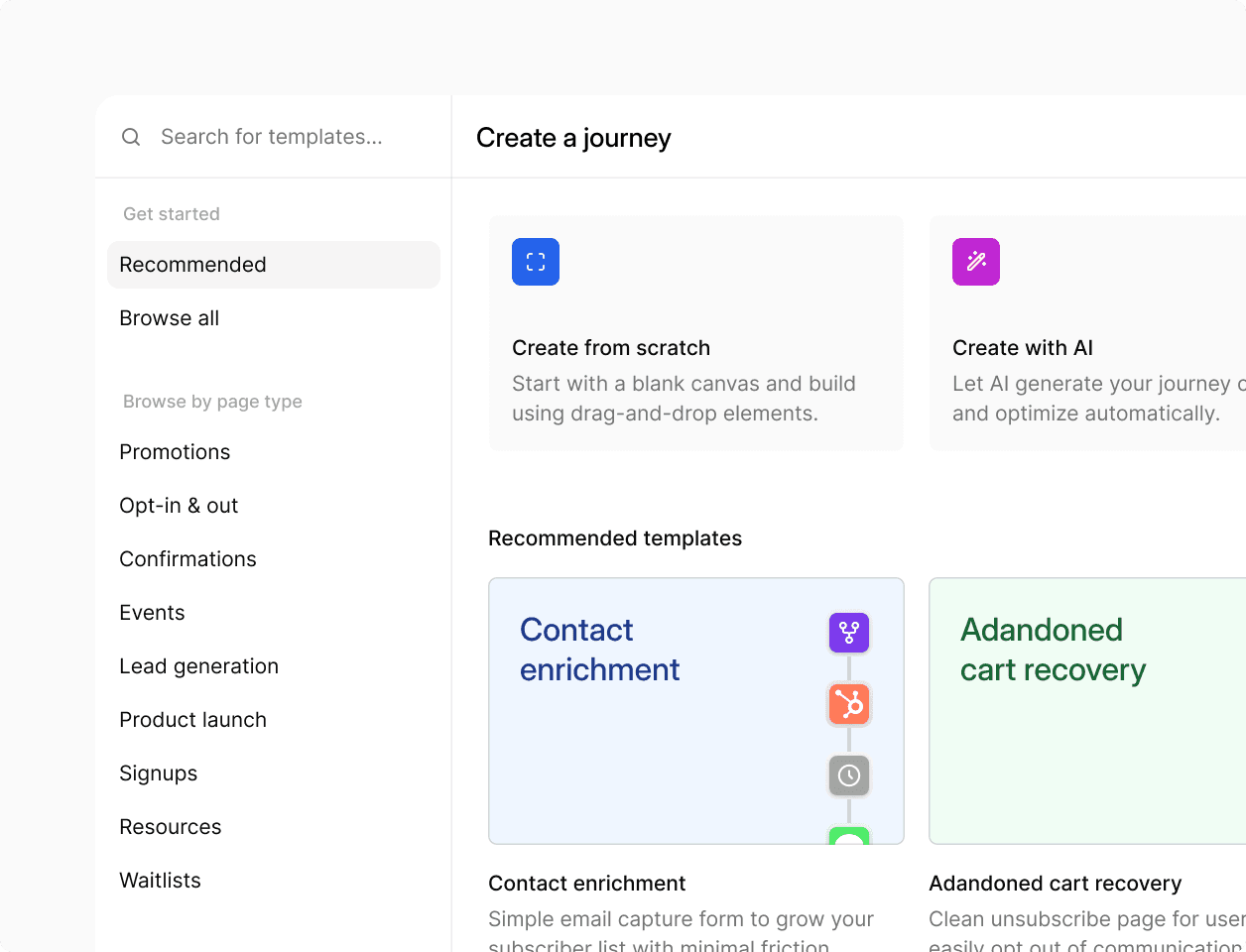
Visual Automation canvas
Add decision nodes, time delays, Wait for event steps, and contact update actions in the Bird Automations editor, then preview the draft with sample data before publishing.
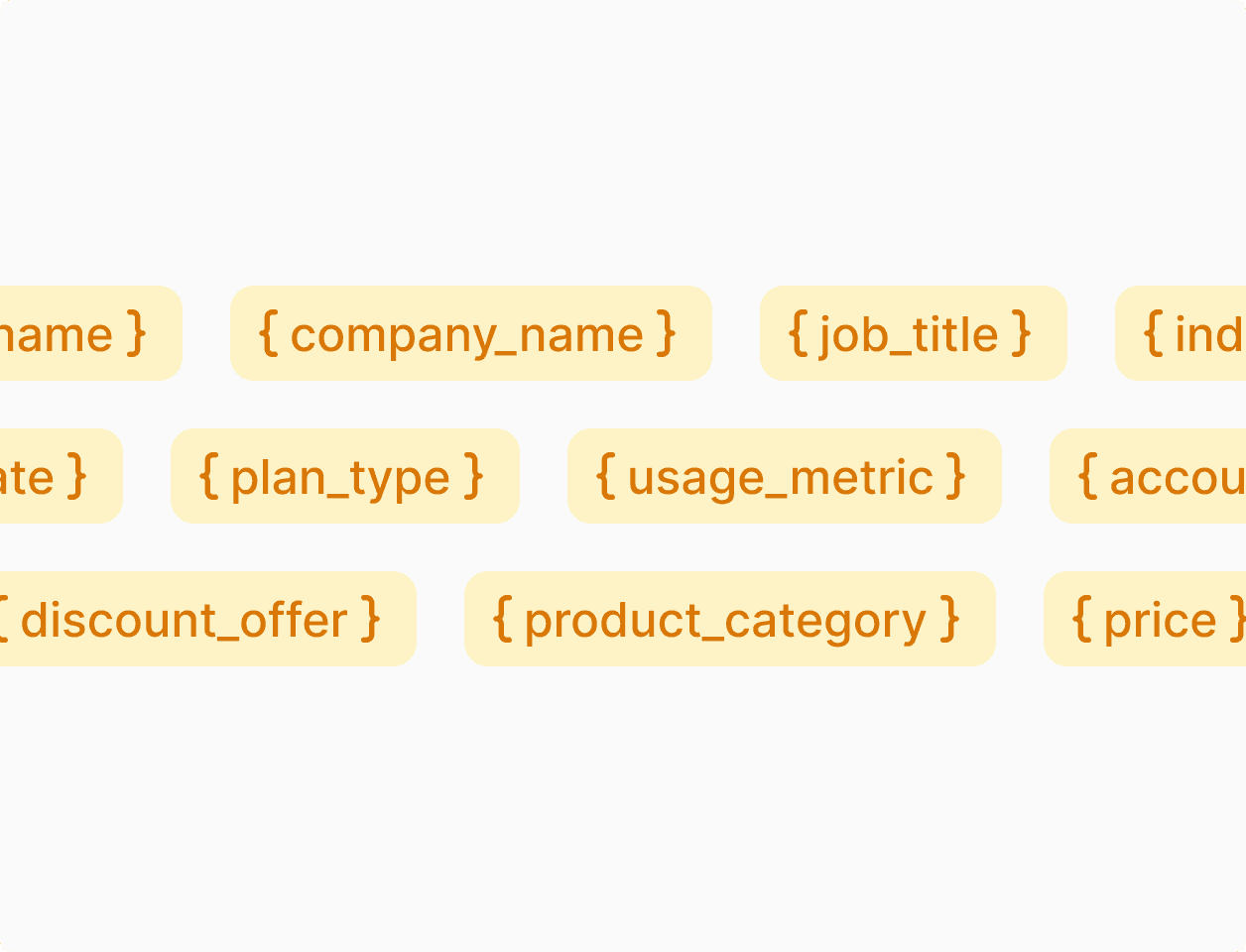
Meta business agents and custom AI webhooks
Turn on a Meta business agent for WhatsApp inquiries, or route inbound SMS, WhatsApp, and Email messages to your own AI agent via signed webhooks and the Mailbox API.
Coordinate automated replies across WhatsApp, SMS, and Email
Send localized template responses, update contact preferences mid-flow, and let teammates take over active WhatsApp threads when needed.
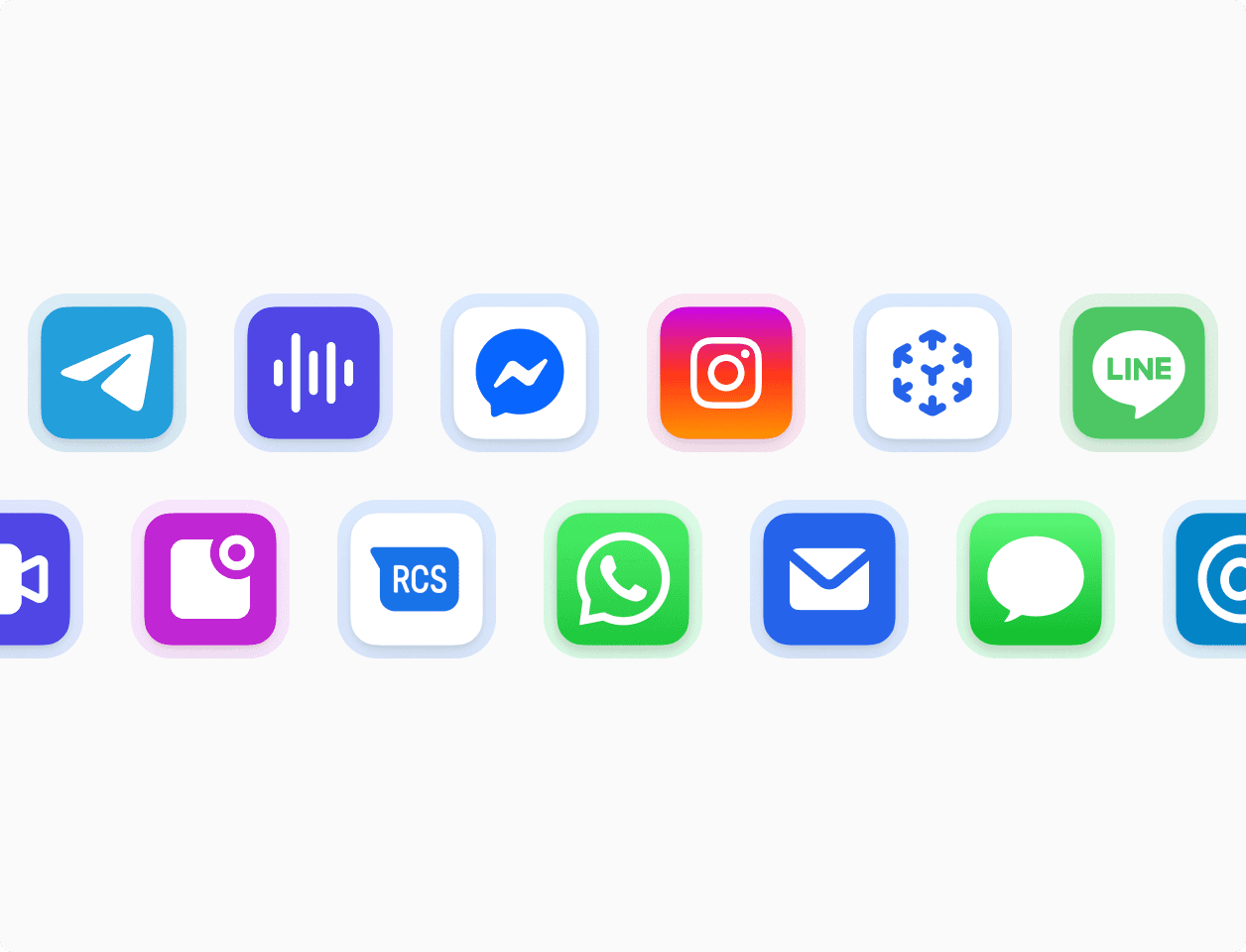
Multi-channel workflow actions
Send WhatsApp templates, SMS messages, and emails from the same workflow run, and validate recipient phone numbers or email addresses with built-in Lookup steps.
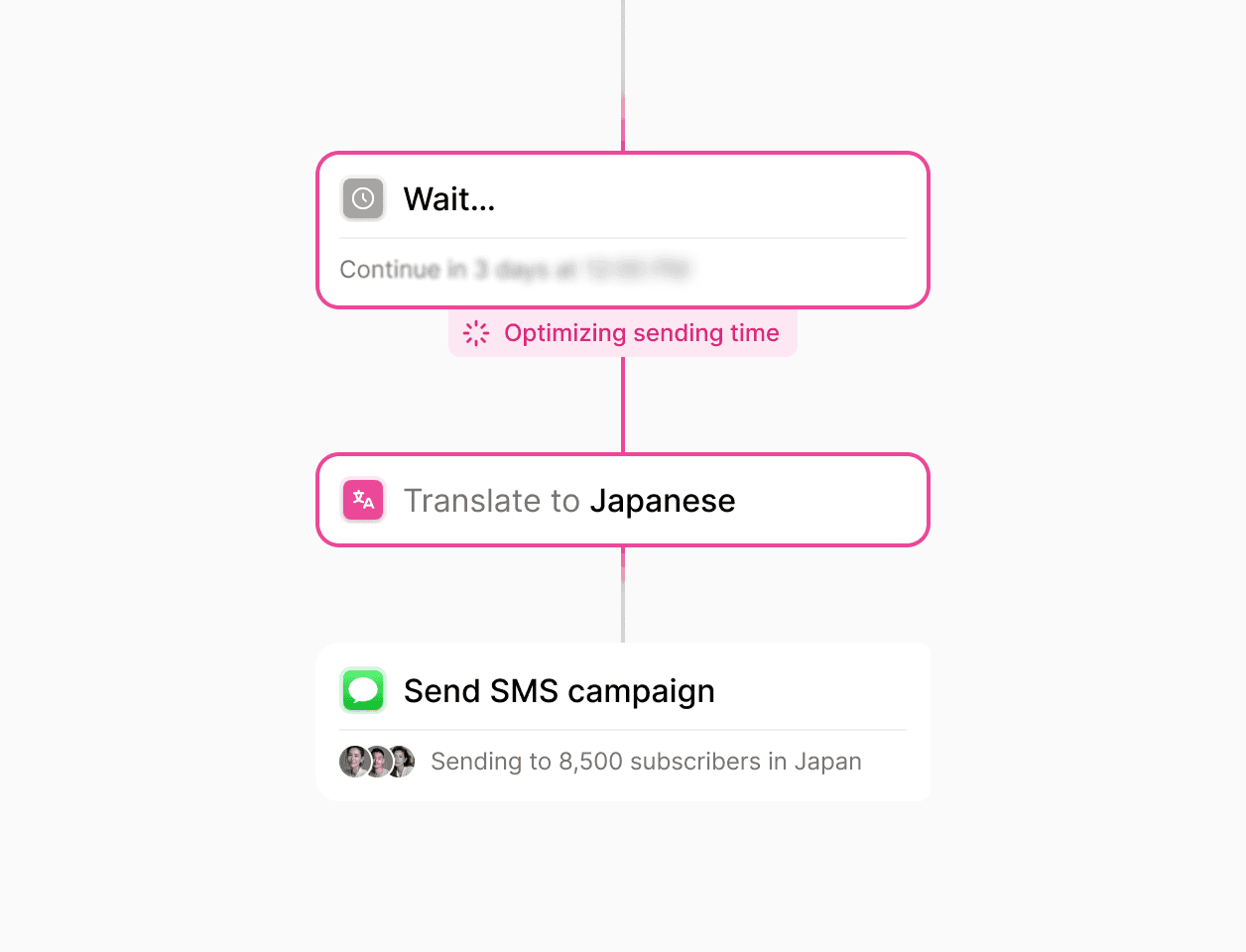
Clean handoffs to and from your team
When a teammate replies to a customer in WhatsApp Conversations, the automated agent pauses on that thread without interrupting, and can be reassigned once the issue is resolved.

With Flow Builder we are able to adapt and run the same process through very heterogeneous markets: from Croatia to Uganda or Kazakhstan.
Luis Grau Granada
Global Head of Courier Operations
4x
Faster partner onboarding for some countries
300%
Efficiency in partner onboarding capacity
30-80%
Reduction in partner onboarding costs
Trusted by high-volume consumer and enterprise brands.
See how global teams use Bird to run cross-channel campaigns and automated customer journeys.
94.4%
SMS deliverability improved
3.2x
Faster campaign launches
28%
Higher engagement rate
Connect your application and contact data.
Trigger and resume workflows via webhooks and sync contacts via API.
Webhooks, batch API, and Agent Mailboxes
Upsert up to 1,000 contacts per API request, resume waiting workflows with application webhooks, or provision dedicated agent email inboxes with the Mailbox API.
Shared contact records across channels
Store email addresses, E.164 phone numbers, external IDs, audience memberships, and up to 200 custom properties on one record shared across channels.
Deliverability controls and enterprise security.
Per-channel opt-out enforcement and audited security controls.
Automatic preference and suppression checks
Record opt-ins and opt-outs during workflow runs and honor SMS STOP replies, email unsubscribes, and hard bounces automatically.
Audited security and privacy controls
Protect customer conversation data with SOC 2 certified infrastructure, GDPR, CCPA, and HIPAA compliance controls, and role-based workspace permissions.
Put it into practice.
Continue with the documentation, guides and examples for this topic.