نظرة عامة
عند إرسال الحملات، قد تواجه سيناريو حيث قمت بإضافة قوائمك المستهدفة والشرائح ولكن عدد المستلمين المقدر هو 0 أو هناك فشل في الإرسال أو التسليم. ستتناول هذه المقالة القضايا الشائعة وكيفية حلها.
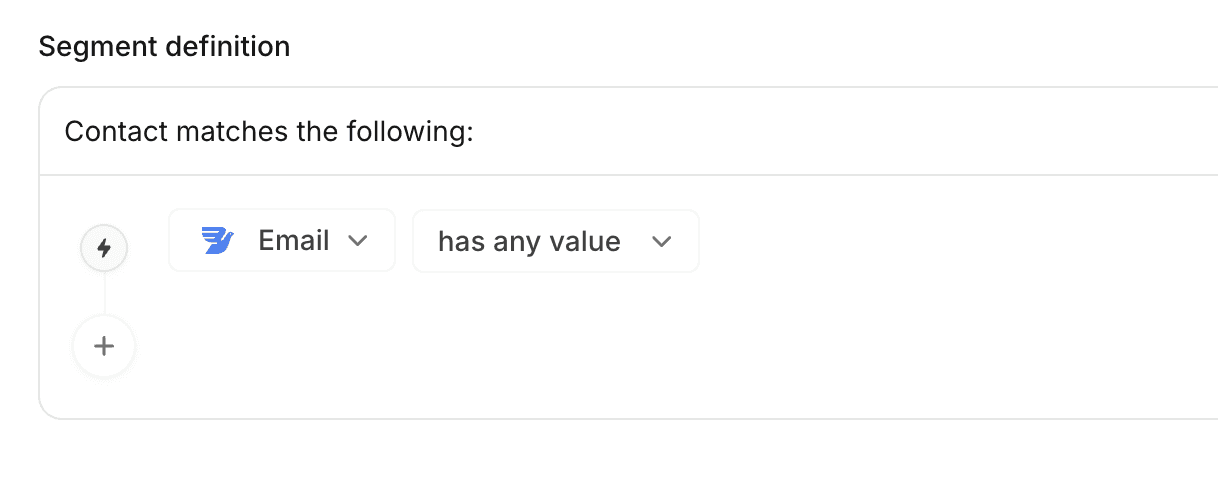
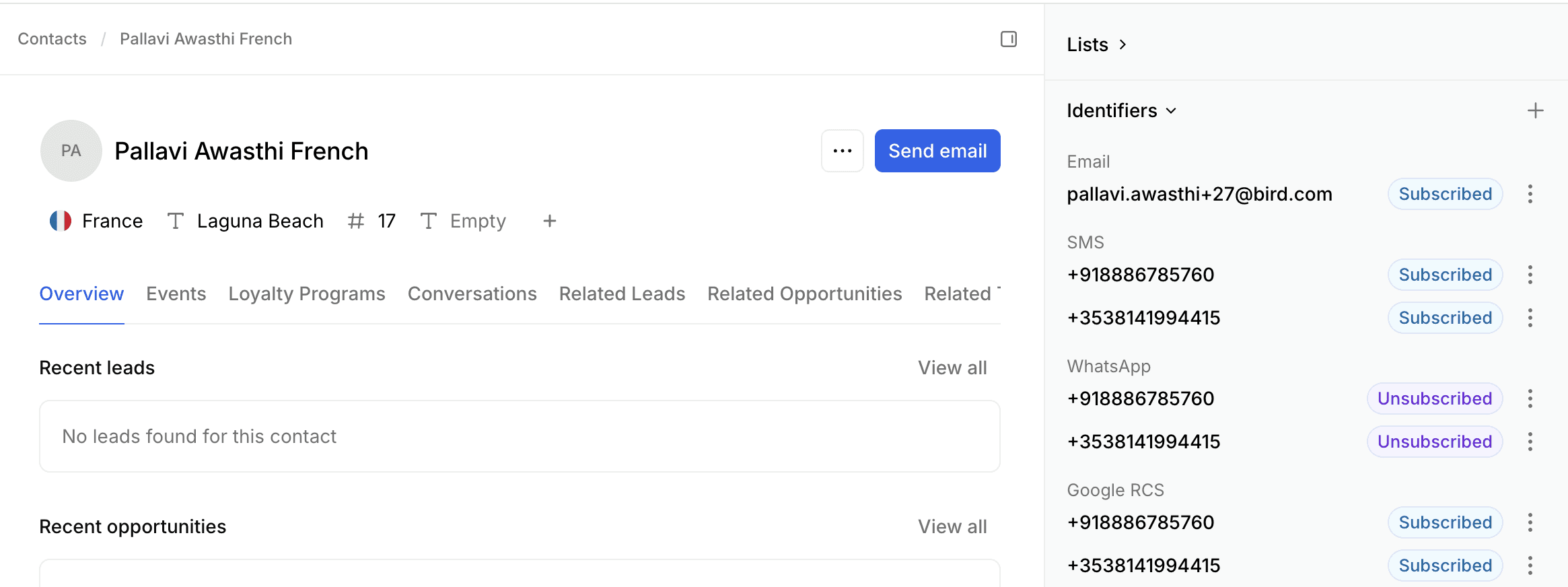
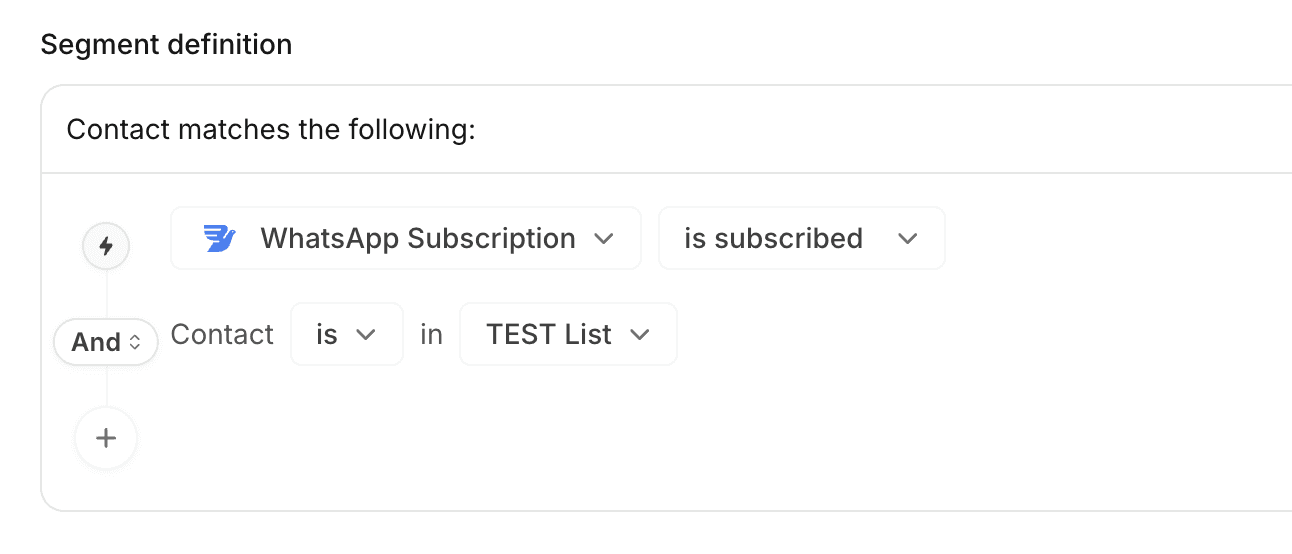
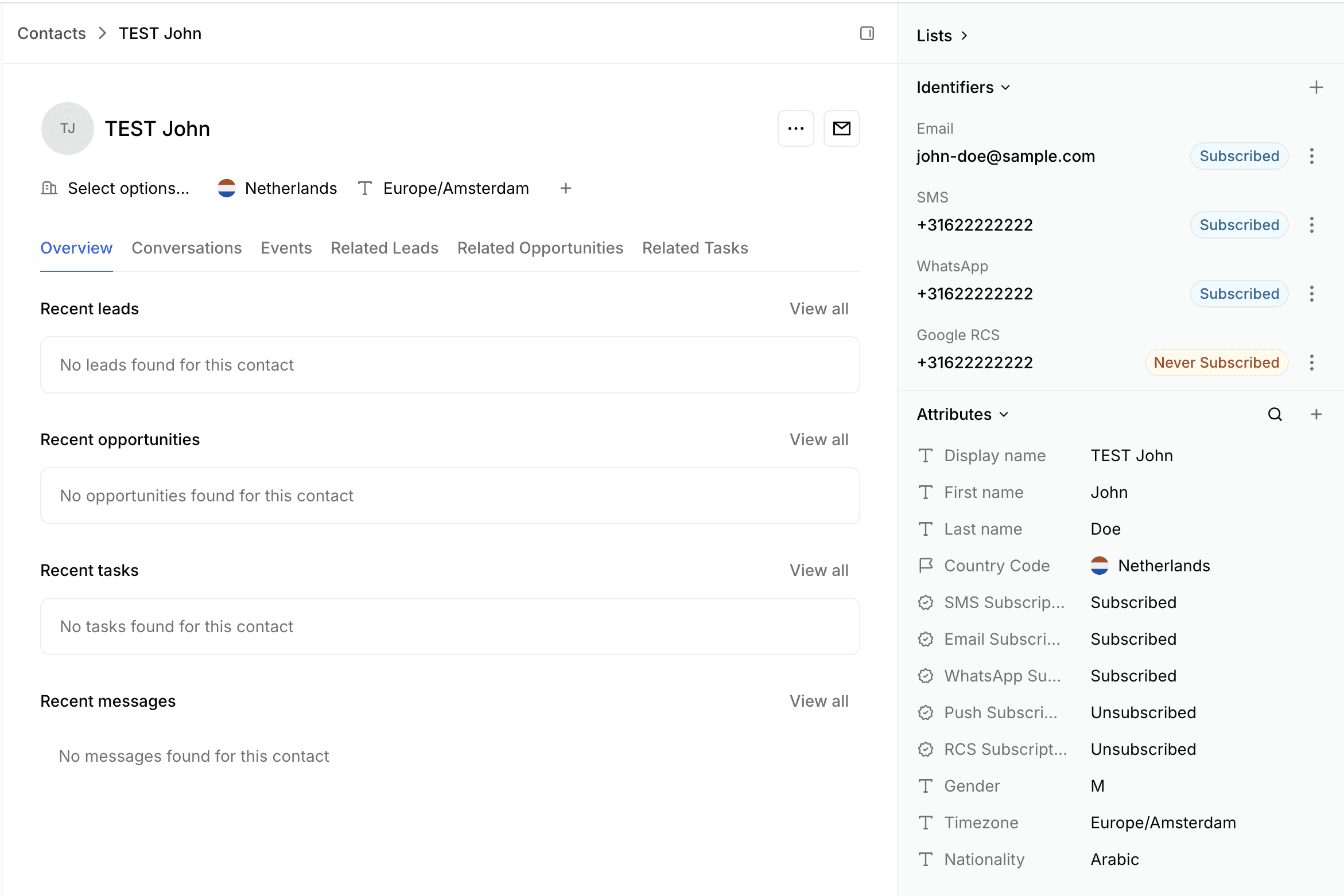
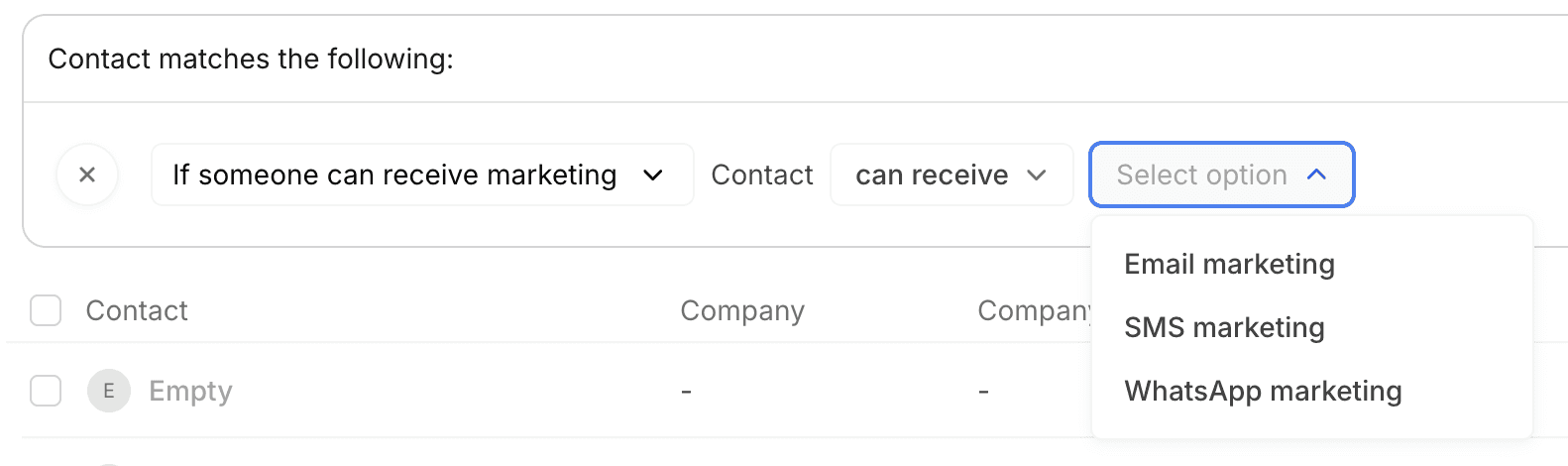
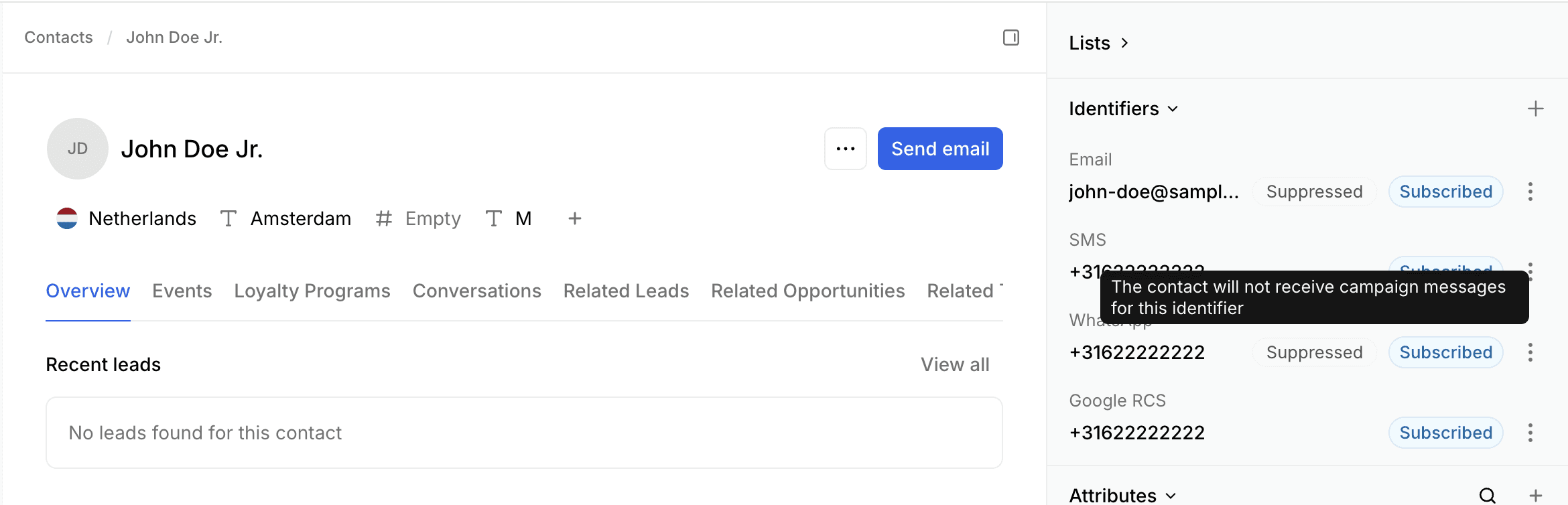
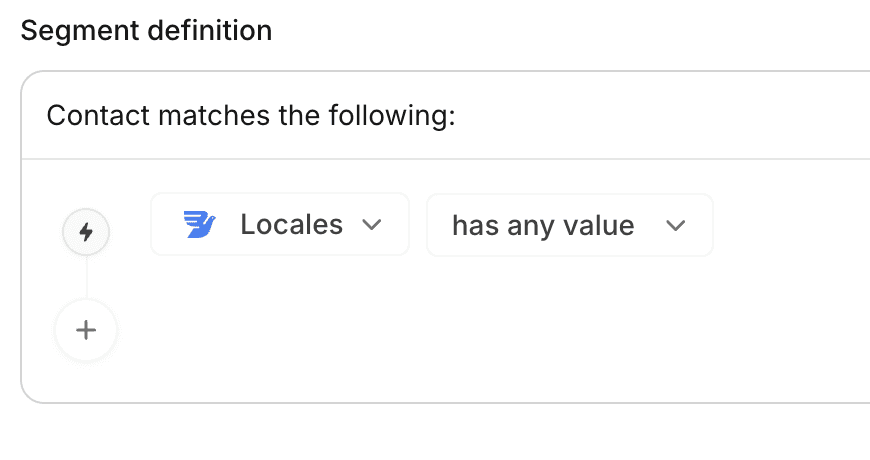
المستلمون المقدرون يظهرون 0 أو أقل من المتوقع
لم يتم إرسال رسائل الحملة
لقد حصلت حملتك على حالة "تم الإرسال" أو "فشلت" وقد أرسلت 0 أو أقل من المتوقع مقارنة بالمستلمين المستهدفين
تحقق مرة أخرى من المستلمين المقدر لديهم والمستهدفين: إذا كنت قد فاتتك هذه النقطة أثناء بناء الحملة، تحقق من المستلمين المقدر لديهم عن طريق عرض حملتك مرة أخرى.
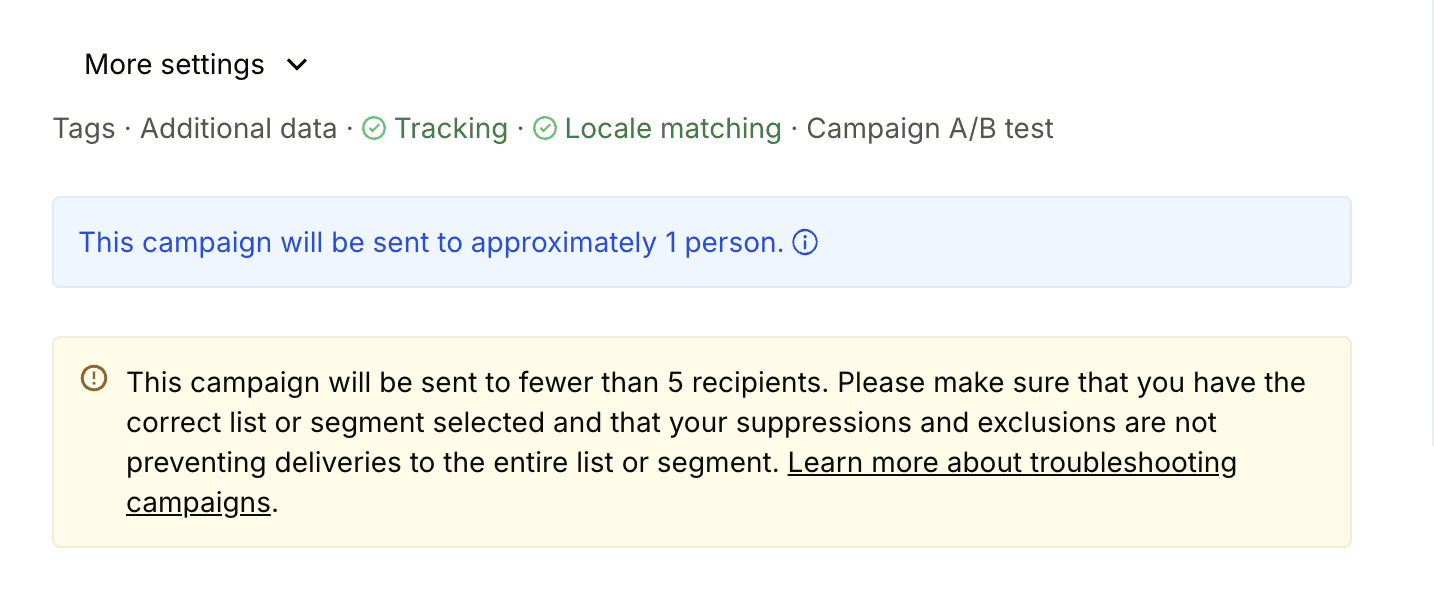
لاحظ أن شريحتك المستهدفة ديناميكية وقد تتغير على مدى فترة من الوقت، لذلك يمكنك التحقق من مقياس المستلمين في تقرير الحملة والذي يشير إلى ما كان الجمهور المستهدف في وقت الإرسال

حدد الحد الأقصى للمستلمين: إذا كنت قد قمت بتحديد حد أقصى للمستلمين عند بناء الحملة، فسيتم تقييد الإرسال لهذا العدد
تحقق من علامة أسباب الفشل في تقارير الحملة: اذهب إلى تقارير الحملة > أسباب الفشل للتحقق من سبب تخطي رسائلك أو فشل إرسالها

ستؤدي أسباب فشل الإرسال إلى عدم إرسال جميع أو جزء من رسائل الحملة. يمكن أن تشمل ما يلي:
سبب التخطي/الفشل | الوصف | التصحيح |
|---|---|---|
قوائم/شرائح مستبعدة | تم تخطي جهات الاتصال لأن القوائم/الشرائح تم اختيارها للاستبعاد في الحملة | حاول إعادة إنشاء شريحة مع جميع الشمارات المضمنة والمستبعدة للتحقق من العدد النهائي للمستلمين |
تم الوصول إلى حد التكرار | تم تخطي جهات الاتصال التي تم مراسلتها مؤخرًا بسبب حد التكرار | قم بإيقاف تشغيل المفتاح تحت المستلمين > متقدم > تخطي جهات الاتصال المرسلة مؤخرًا. قم بتحديث إعداد حد التكرار إذا لزم الأمر. |
غير مشترك | السمة الاشتراكية لجهات الاتصال غير موصوفة كمشتركة أو أنها قد اختارت الانسحاب | قم بتحديث السمة الاشتراكية إذا كنت تعتقد أن هذه البيانات غير صحيحة. يُوصى بأخذ اشتراك جهة الاتصال بعين الاعتبار |
مكتوم | معرف المستلم مثل البريد الإلكتروني / رقم الهاتف مكتوم | تحقق من الشرط الخاص إذا كان يمكن أن تتلقى جهة الاتصال |
القالب غير نشط أو مفقود | القالب المحتوى ليس في حالة نشطة أو منشورة أو معتمدة أو مفقودة | أعد الإرسال عن طريق النسخ وإعادة اختيار القالب النشط |
قيود الإرسال عبر واتساب | قد تكون هناك قيود على الإرسال عبر واتساب لفترة 24 ساعة متجددة لحسابك. كما أن واتساب يقيّد إرسال الرسائل التسويقية للمستلمين في الولايات المتحدة. | تحقق من حدود الإرسال الخاصة بك في مدير أعمال واتساب |
القيمة المفقودة للتخصيص | لم يتم العثور على القيمة المتغيرة للتخصيص لجهة الاتصال | تأكد من أنك قد قدمت قيمة افتراضية لجميع المتغيرات المخصصة |
سمة جهة الاتصال مفقودة | السمة المشار إليها في قالب المحتوى غير موجودة | تحقق من أي إشارات إلى سمات التواصل وتأكد من أنها موجودة تحت جهات الاتصال > إدارة البيانات > سمات الاتصال |
المحتوى المفقود | كتلة المحتوى المشار إليها في القالب غير موجودة | تحقق من أي إشارات إلى كتل المحتوى وتأكد من أنها موجودة تحت كتل المحتوى |
مرور الوقت المقرر | تم تخطي المستلمين حيث انقضى الوقت المجدول بالفعل في منطقتهم الزمنية لإرسال المستلمين المحليين | تأكد دائمًا لحملاتك: تحت الجدول الزمني > مرور الوقت > أرسل على الفور |
لا توجد منطقة زمنية | تم تخطي المستلمين حيث لم يتم تعيين منطقة زمنية على جهات الاتصال الخاصة بهم لإرسال المستلمين المحليين | تحقق من سمة المنطقة الزمنية لجهات الاتصال الخاصة بك. أضف شرطًا لتجزئة خصائص جهة الاتصال > المنطقة الزمنية > موجودة |
الاستبعاد العالمي | تم تخطي المستلمين بسبب الاستبعاد العالمي المطبق على الحملة | تحقق من المفتاح الخارجي للاستبعاد تحت المستلمين > متقدم |
استبعاد الحملة | تم تخطي المستلمين بسبب الاستبعاد على الحملة | تحقق من مفتاح نسبة الاستبعاد تحت المستلمين > متقدم |
فشل توليد الجمهور | فشل في توليد الجمهور النهائي للحملة | حاول إعادة إرسال الحملة عن طريق النسخ |
مفقود تطابق الإعدادات المحلية | السمة المحلية غير مضبوطة على جهة الاتصال لتطابق الإعدادات المحلية الصارم | تحقق من سمة الإعدادات المحلية على جهات الاتصال. أضف الشرط: خصائص جهة الاتصال > الإعدادات المحلية > توجد |
رمز الخصم مفقود | حوض الخصم المشار إليه في قالب المحتوى غير موجود | تأكد من أنك قد أشرت إلى حوض خصم في المحتوى الذي يوجد تحت الخصومات |
رموز الخصم غير متاحة | حوض الخصم المشار إليه في قالب المحتوى ليس لديه رموز قسائم كافية | تأكد من أن لديك عدد كافٍ من رموز الخصم المتاحة في حوض الخصم المستخدم في محتواك |
فشل المشرف | عنوان المستلم فشل بسبب سياسات Bird الافتراضية لمشاكل البريد العشوائي، التراجع وإلغاء الاشتراك | لا يمكنك تجاوز هذه الفشلات لأنها تساعد في بناء السمعة |
لا توجد خطة اشتراك | تم إنهاء أو انتهاء خطة اشتراكك | يرجى التحقق من حالة فاتورة الفوترة الخاصة بك تحت وحدة التحكم الإدارية > الفوترة > الفواتير |
رصيد المحفظة غير كافٍ | لا تحتوي محفظتك على رصيد كافٍ للإرسال | قم بتمويل رصيد المحفظة الخاص بك لرسوم SMS وواتساب من الطرف الثالث تحت وحدة التحكم الإدارية > الفوترة > المحافظ |
لا توجد تغطية لرقم الهاتف | لا توجد تغطية متاحة لرقم هاتف المستلم | اذهب إلى وحدة التحكم الإدارية > الاتصال > القنوات > SMS > انقر على قناة > الوجهات للتحقق |
البريد الإلكتروني/الهاتف غير صالح | لا تحتوي المستلمين على بريد إلكتروني أو رقم هاتف صالح | تحقق من عنوان البريد الإلكتروني ومعرفات الهاتف لجهات الاتصال الخاصة بك. ستُحظر هذه القفزات الصعبة في المستقبل |
الحد الأقصى للمستلمين | تم تخطي المستلمين بسبب الوصول إلى الحد الأقصى للمستلمين كما هو محدد في الحملة | تحقق من حملتك > المستلمون > متقدم > الحد الأقصى للمستلمين |
خطأ في مصدر البيانات الخارجية | مصدر البيانات الخارجية باستخدام Datafetch في كود سائل قالب المحتوى أرجع خطأ أو无法解析 | تحقق من مصدر البيانات الخارجي الخاص بك عن طريق النقر على اختبار الإعدادات |
خطأ سائل | أرجع الكود السائل المستخدم في قالب المحتوى خطأ بسبب مشكلة في العرض أو التحليل | تحقق من بناء جملة السائل المستخدم في قالبك |
عمق تداخل السائل كبير جداً | الرموز السائلة المستخدمة في قالب المحتوى تحتوي على مستويات تداخل أكبر من المدعومة مما تسبب في مشاكل في العرض | تحقق من بناء جملة السائل المستخدم في قالبك |
بيانات إضافية مفقودة | إذا كانت جميع جهات الاتصال الخاصة بك لا تحتوي على تخصيص بيانات إضافية محددة، فقد يتم تخطيها | تحقق من أن ملف CSV الخاص بك يحتوي على صفوف لجميع المستلمين |
تجاوز حدود الإرسال | إذا كنت تستخدم مرسلًا تجريبيًا يحتوي على حدود للإرسال | لا تستخدم قنوات الاختبار مثل @birdmailbox.com للإرسال لأنها تحتوي على حدود |
تم إرسال رسائل الحملة ولكن لم يتم تسليمها
هذا يعني أن طائرًا قد أرسل الرسالة ولكن لم يتم تسليمها بنجاح إلى المستلم. قد يحدث ذلك لعدة أسباب.
تقارير الحملات:
علامة أسباب الفشل في تقارير الحملات: اذهب إلى تقارير الحملات > أسباب الفشل للتحقق من سبب فشل تسليم رسائلك.
يمكنك أيضًا التحقق من الأقسام التالية في تقرير الحملات.
تقارير الحملات > نشاط المستلم > الرسائل المرتدة للبريد الإلكتروني.
تقارير الحملات > نشاط المستلم > فشل للرسائل النصية القصيرة وواتساب والدفع.
بالإضافة إلى ذلك، يمكنك الذهاب للتحقق من سجلات الرسائل لكل منصة.
سجلات الرسائل: اذهب إلى المطور > اختر المنصة وانتقل إلى السجلات للتحقق من الخطأ.
المطور > البريد الإلكتروني > سجل الرسائل الإلكترونية
المطور > الرسائل القصيرة > سجل الرسائل
المطور > واتساب > سجل الرسائل
بالنسبة لأي رسائل خطأ تتعلق بتسليم واتساب القادمة من فيسبوك، يرجى الرجوع إلى التفاصيل على توثيق أخطاء واتساب.