FLOW - How to bulk delete contacts
Create a bulk delete data flow
Go to Workflows > Data flow. You can also access it from Admin console > Workflows > Data flows
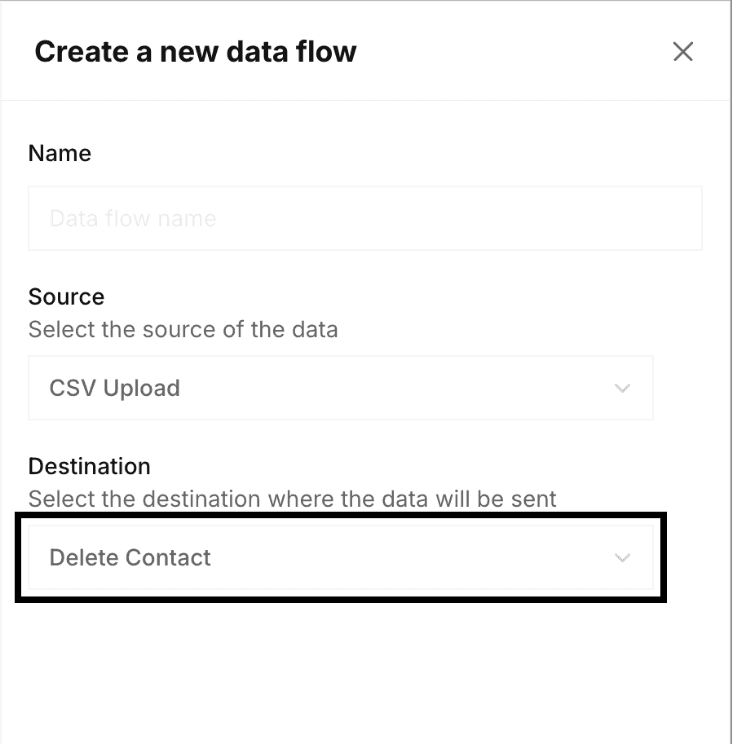
- Create a new data flow with following source and destination
- Source: CSV Upload
- Destination: Delete contact
Once created, you will need to add the following in JSONATA expression if your key identifier is phonenumber:
{
 "identifierKey": "phonenumber",
 "identifierValue": "+" & $.Phone
}
If your key identifier is emailaddress:
{
 "identifierKey": "emailaddress",
 "identifierValue": $.Email
}
If you want to delete contacts irrespective of the identifier you can use below format. In this case, ID is the name of the column of csv file you upload.
{
 "contactId": $.ID
}
Upload file to delete
Now, you can export contacts from a list or segment or the contacts page, and upload here in the data flow.
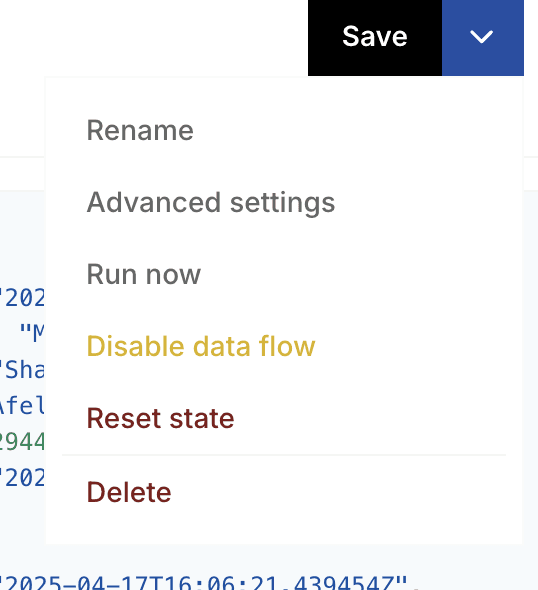
- Click on Save and then click on Run Now
- You can Edit data flow to upload more files and then again click on Save > Run Now.