The Complete Guide to Apple Messages for Business
Marketing
Guide Takeaways
Apple Messages for Business lets brands reach over a billion iOS users directly inside the Messages app.
It delivers a familiar, frictionless customer experience that feels like texting a friend.
The channel supports rich, interactive features such as Apple Pay, quick replies, list pickers, time pickers, and AR previews.
Customers benefit from convenience, personalization, security, and seamless integration with the Apple ecosystem.
Businesses must work with an Apple-approved MSP to get started and pass Apple’s UX review before going live.
Apple Messages for Business unlocks new opportunities across sales, support, and mobile-first customer journeys.
Bird stands out as an MSP due to its unified inbox, automation, analytics, compliance, and multi-channel customer profiles.
With Bird, Apple Messages becomes part of a broader customer engagement strategy, not just another messaging channel.
Q&A Highlights
What is Apple Messages for Business?
It’s a messaging channel that lets customers interact with brands inside the native iOS Messages app, with support for rich features and secure communication.
Why should businesses use it?
It reaches a massive iOS audience, offers a familiar UX, supports rich media, and integrates with Apple’s ecosystem, improving customer engagement and satisfaction.
What kinds of features does it support?
Rich links, quick replies, list pickers, time pickers, Apple Pay, authentication, app extensions, image/video sharing, document attachments, and AR.
Is it secure?
Yes. Conversations are encrypted, and Apple gives customers control over what information they share.
How do businesses sign up?
By working with an Apple-approved MSP, registering through Apple Business Register, completing setup, and passing Apple’s review.
Why do I need an MSP to use this channel?
Apple requires all businesses to integrate through approved providers to ensure compliance, UX quality, and technical consistency.
How does Bird improve the Apple Messages for Business experience?
Bird offers a unified inbox, automation, centralized customer profiles, advanced analytics, built-in compliance, and simple multi-channel management.
Can Apple Messages for Business be used for sales?
Yes—features like Apple Pay, list pickers, product previews, and AR make it ideal for purchases, scheduling, and guided buying flows.
Explore iOS customer marketing with Apple Messages for Business—your key to unlocking a new world of customer engagement.
Modern customers expect you to meet them where they are—and “where they are,” these days, is on iPhones, iPads, Apple Watches, and Macs.
In fact, more than 1.46B people worldwide are using iPhones. In the U.S. alone, almost every other person you meet owns one. Looking at the up-and-coming generation, about 90% of teenagers own an iPhone—and intend to keep buying iPhones as they become adults.
But not all businesses are jumping at the opportunity to speak to the growing iOS audience, which is a huge missed opportunity. Apple Messages for Business could be just the golden ticket your brand needs to reach your customers where they spend most of their digital communications time: right in their Messages app.
With Apple Messages for Business, you can connect with your audience in a way that’s not only convenient for them, but feels as personalized and familiar as texting a friend.
Apple Messages for Business connects businesses directly with their customers through the familiar and widely used Messages app on iOS devices. It's a powerful tool integrated into the Apple ecosystem, designed to facilitate seamless, efficient, and personalized communication between companies and their customers.
At its core, Apple Messages for Business leverages the popularity and intuitive design of the native iOS messaging platform. This means customers can interact with businesses as easily as they send texts, but with added functionalities tailored for professional interactions.
Adopting Apple Messages for Business is a smart move for any business looking to tap into the iOS user base. It's all about making customer interactions more convenient, secure, and personal, right from their iPhones, iPads, or Macs.
Apple Messages for Business is the up-and-coming way to drive customer engagement and meet your customers on Messages—an app they already love.

Here are some benefits you’ll offer customers by integrating this Apple solution into your engagement strategy:
Reach a Wider Audience: With over a billion active iPhone users globally, using Apple Messages for Business puts you in direct contact with a vast and growing audience that represents over 70% of the premium smartphone market.
Familiar and Convenient for Users: The familiarity of the Messages app for iOS users means there's virtually no learning curve. Customers can communicate with your business as easily as they would text a sibling.
Enhanced Customer Experience: With rich media, like photos, videos and links and direct, immediate customer support, Apple Messages for Business elevates and personalizes the customer experience beyond simple text messages.
Seamless Integration with iOS Features: Integration with Apple Pay and calendar makes finding products, completing transactions, and scheduling appointments effortless.
Privacy and Security: Known for its commitment to user security and privacy, Apple protects customer data as a paramount priority. Conversations are encrypted, and customers have control over the information they share, building their trust and loyalty to the iOS ecosystem and particularly, the Messages app.
Incorporating Apple Messages for Business is more than just following a trend; it's about making a calculated decision to level up your customer communication strategy.


To sign up for Apple Messages for Business, you’ll need to work with an Apple-approved Managed Service Provider (MSP). Apple has specific guidelines and standards that must be met to use their Messages for Business platform; MSPs are familiar with these requirements and handle compliance for you, preventing any potential issues or violations.
Here’s a step-by-step guide to signing up for Apple Messages for Business:
Choose an Apple-Approved MSP: Your first step is selecting a Managed Service Provider (MSP) that is approved by Apple. Companies like Bird fall into this category, offering the necessary expertise and integration services.
Register Your Organization: Register your company through the Apple Business Register. Note: There’s a button for brands looking to get started toward the bottom of the page.
Create a Messages for Business Account: Provide details about your business and what you plan to use the service for.
Collaborate With Your MSP: Your chosen MSP will assist you in the technical setup, integrating Apple Messages for Business with your existing systems, and ensuring compliance with Apple’s guidelines.
Customize Your Branding: Adjust your Business Profile to align with your brand identity. This can include setting up business logos, color schemes, and other branding elements.
Submit Your Account to Apple for Testing and Approval: Before going live, Apple will conduct a user experience review to make sure everything works as expected. After this, Apple will also need to approve your account, which can take a few days.
Go Live: Once approved, your Messages for Business account is ready for customer interactions!

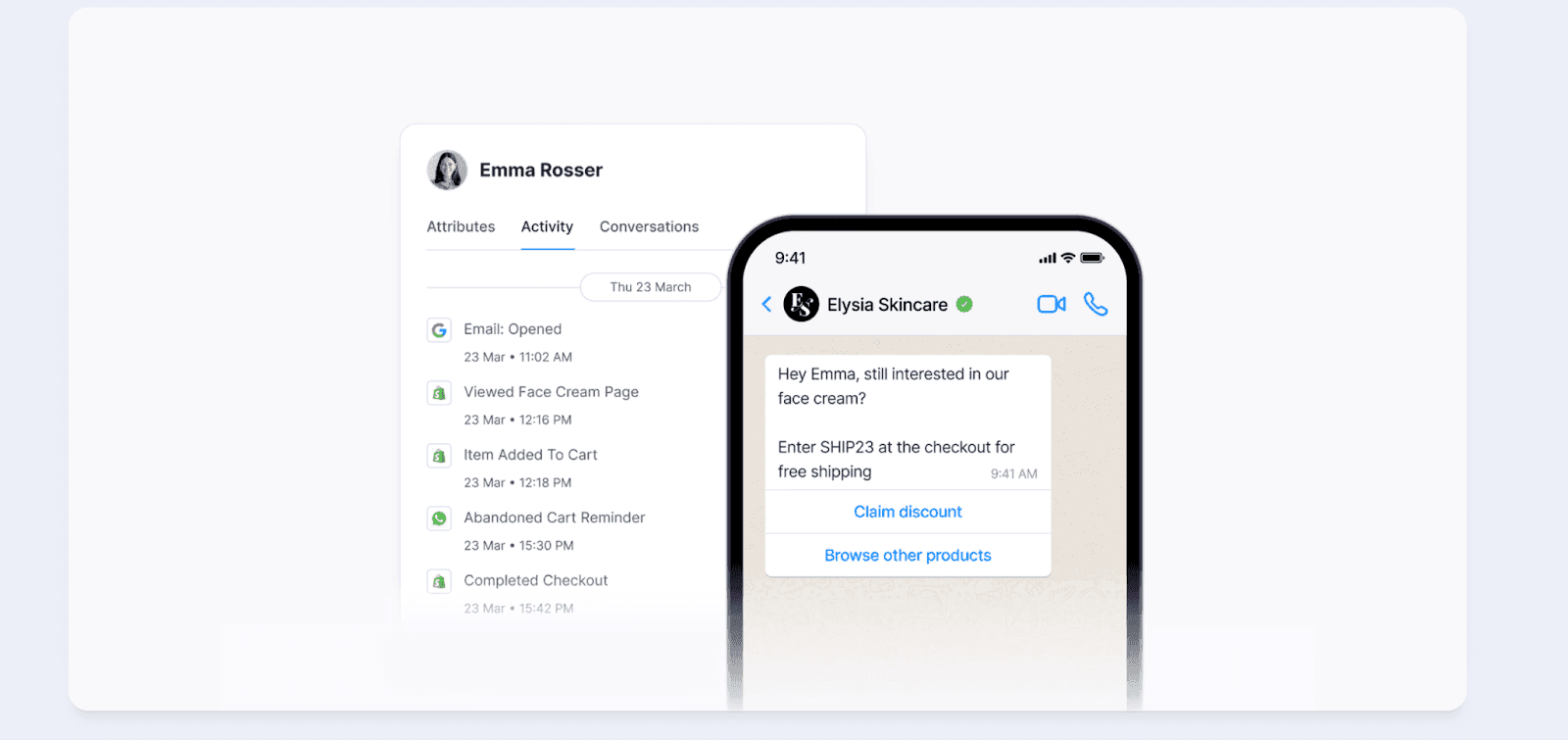
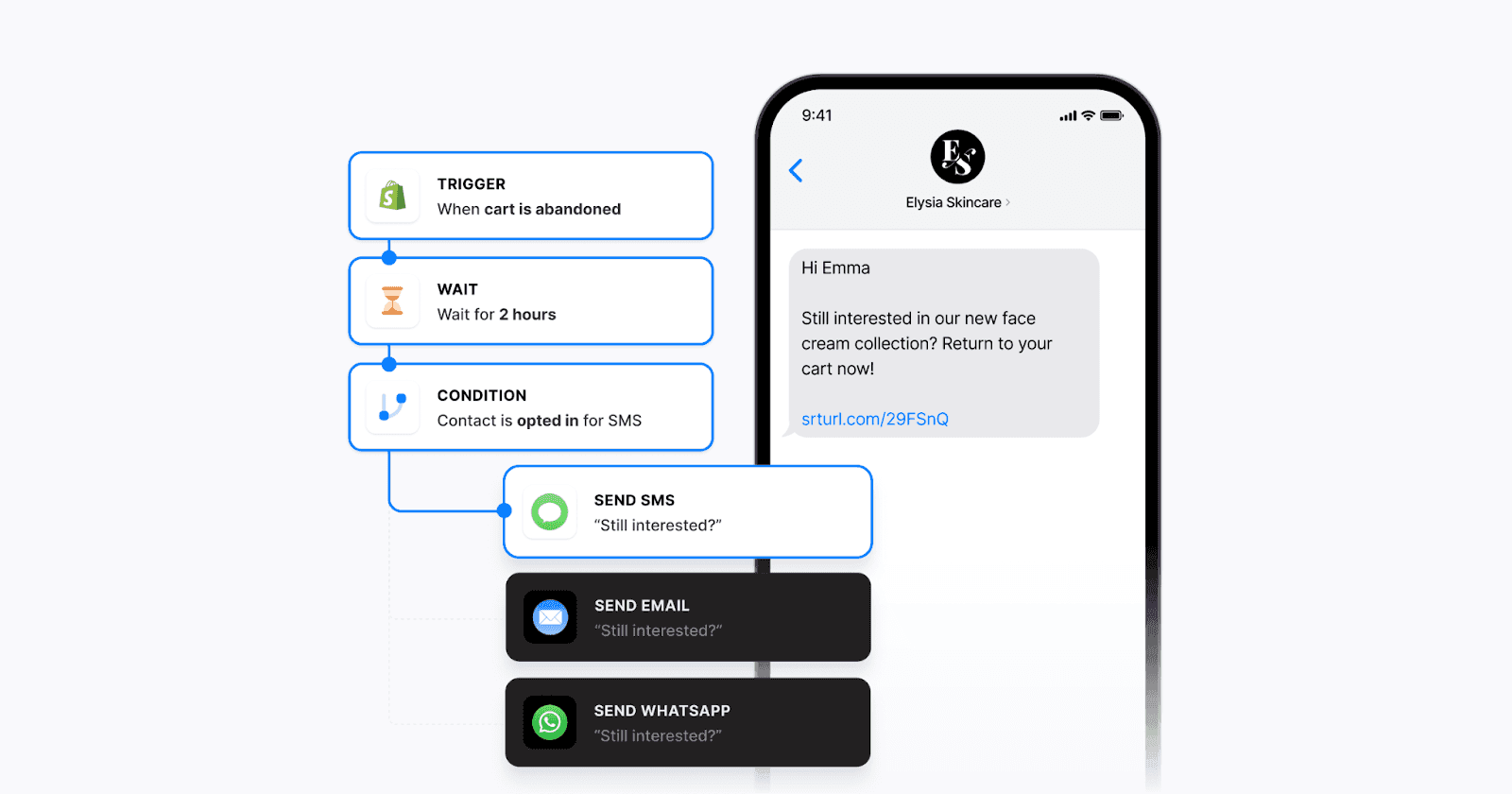
Tapping into the potential of Apple Messages for Business doesn’t mean sacrificing quality on your other communication channels. With Bird, you can unify all of your communication channels under one efficient, intuitive umbrella and connect with your customers on the platforms they love and use daily.
If you're ready to try Apple Messages for Business, or are simply curious about unifying your communication channels for a better customer experience, reach out for a tailored demo. We can help set up your use case or answer any questions you have about Apple Messages for Business.