Changelog · back to all
Bird Navigation update: simplified menus and reorganized settings
feature
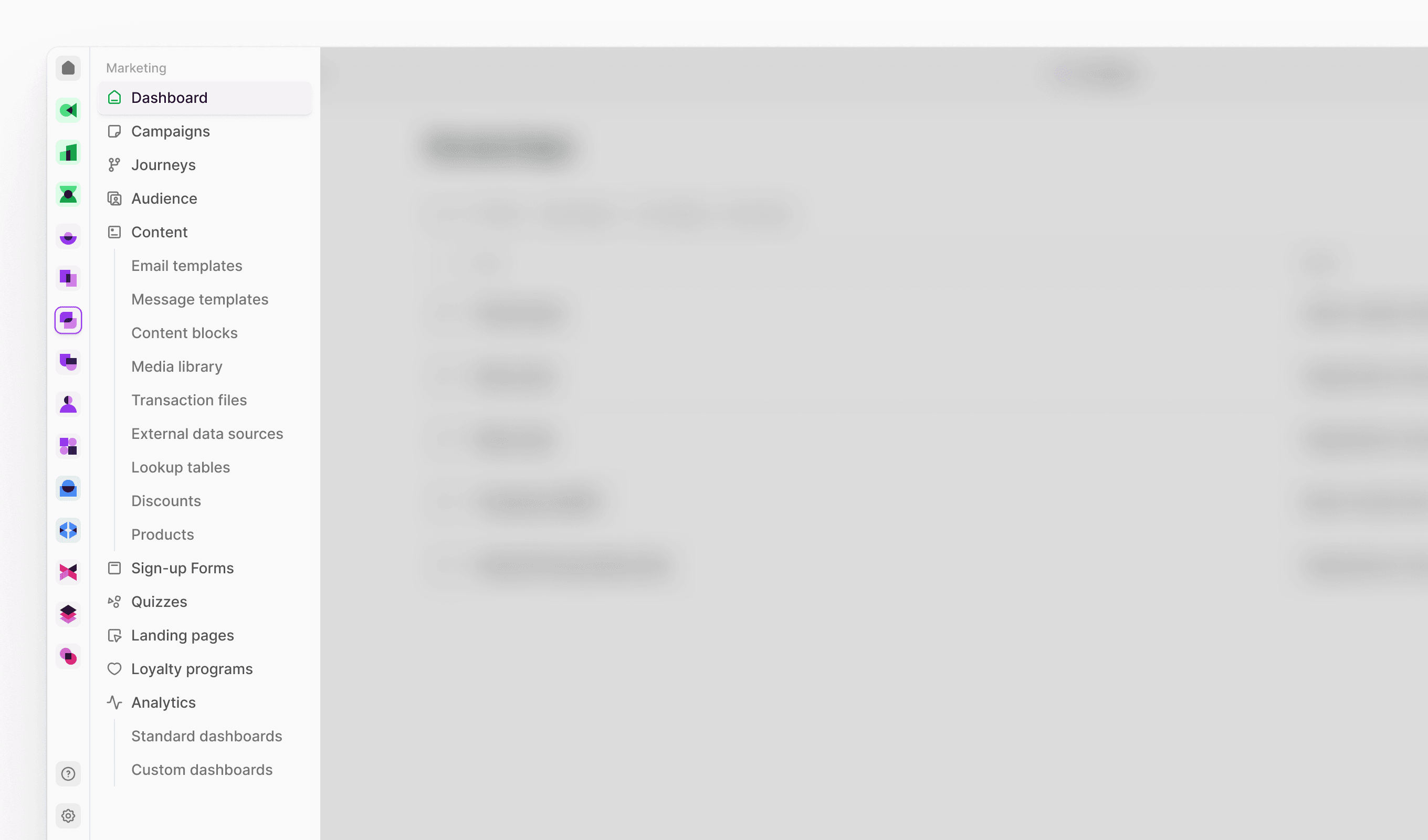
We've redesigned Bird's navigation to make finding features faster and more intuitive. The Marketing menu is now more streamlined, and settings are more accessible.
New features
- User Management section in Settings: We've created a dedicated space for all team-related administration. This new section brings together user accounts, group organization, and automated provisioning tools in one place.
- Users: Manage team member accounts and set permissions
- Groups: Create user groups for streamlined access control
- SCIM Access Keys: Configure automated user provisioning and management
- Connectivity section in Settings: All your external connections and communication setup are now organized under one umbrella. This section consolidates how you connect Bird to other platforms and manage your communication channels.
- Senders: Set up and manage your sending identities
- Channels: Configure your communication channels (email, SMS, etc.)
- Integrations: Connect Bird to third-party platforms and services
- AI and Automation section in Settings: Your intelligent automation tools are now grouped together for easier workflow management. This section houses all the features that help automate and optimize your marketing processes.
- Bird AI: Access and configure AI-powered features
- Workflows: Create and manage automated marketing processes
- Data Flows: Set up automated data processing and routing
- Approval Flows: Design approval processes for campaign management
Improvements
-
Marketing menu streamlined: Products moved under Content section where they're used for email personalization; Sign-up forms, Quizzes, Landing Pages, and Loyalty Programs now grouped as standalone menu items for easier access to interactive user experience tools
-
Settings more accessible: Settings moved to main menu dropdown for direct access instead of being in user profile menu