Marketing Journeys
Guide customers across Email, SMS, and WhatsApp with event-driven flows
Start visual customer journeys in Bird when your application posts a webhook, a customer texts or emails your sender, or a schedule fires. Pause until a message is read or an order completes, branch on contact attributes, and preview each step before publishing.
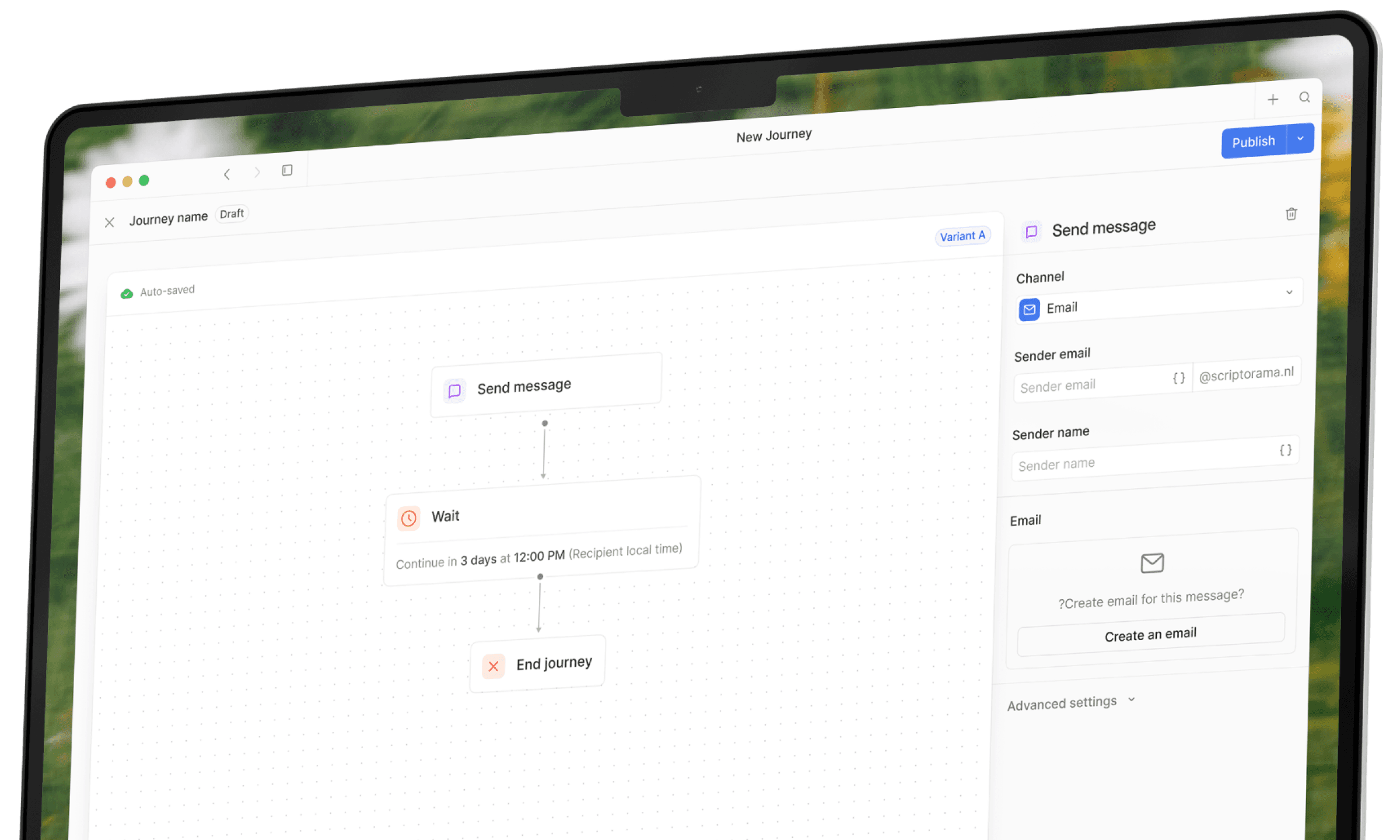
Multi-step customer journeys without custom state machines.
Combine webhook triggers, delivery receipt waits, conditional branches, and audience updates in one versioned workflow.
Wait for Delivery or App Events
Pause a journey until an earlier message is read or your backend posts a confirmation webhook.
Cross-Channel Steps
Send localized Email, SMS, and WhatsApp templates from the same workflow canvas.
Webhook, Reply, and Schedule Triggers
Start runs from application events, incoming customer messages, or recurring timezone schedules.
Payload and Property Merging
Personalize each step using stored contact properties and live fields from the trigger event.
Visual Canvas and Draft Previews
Test branching rules and variable fallbacks against sample payloads before making a version live.
Step-by-Step Run Logs
Inspect completed, waiting, and failed runs to see which path each contact took.
Start journeys from live application events and pause until actions complete
Trigger onboarding, booking reminder, or checkout follow-up sequences from your backend, and stop reminders as soon as the customer finishes the task.

Application webhook, message, and schedule triggers
Post JSON events from your commerce, billing, or CRM backend to start a journey, trigger runs when a customer texts or emails your sender, or run on a recurring schedule.
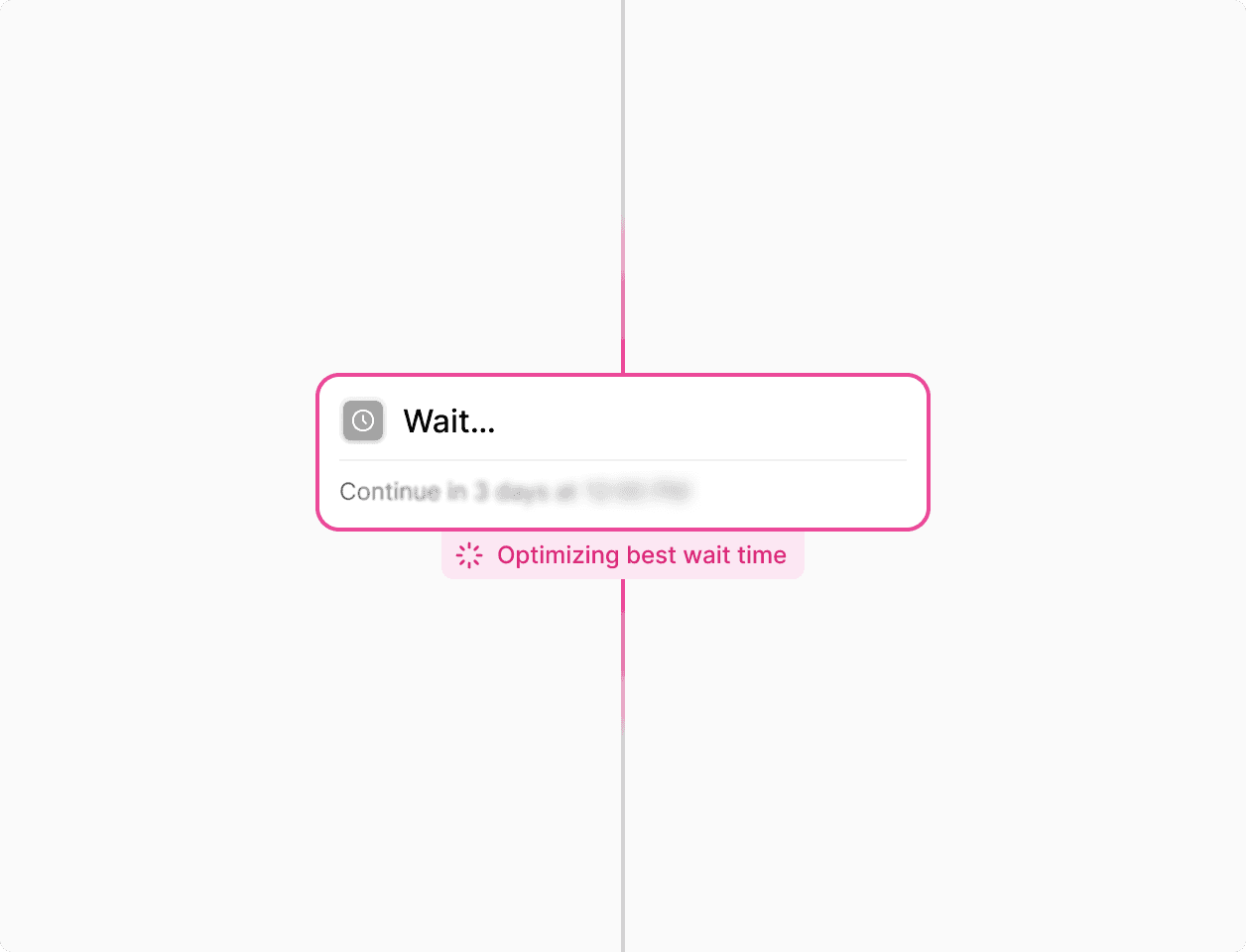
Wait for application event steps
Hold a workflow until your backend sends a confirmation event matching a business key such as an order ID or appointment ID, or branch automatically when the wait window expires.
Coordinate follow-ups across Email, SMS, and WhatsApp
Check whether an earlier message was delivered or read before sending a reminder on another channel, while honoring per-channel opt-outs.
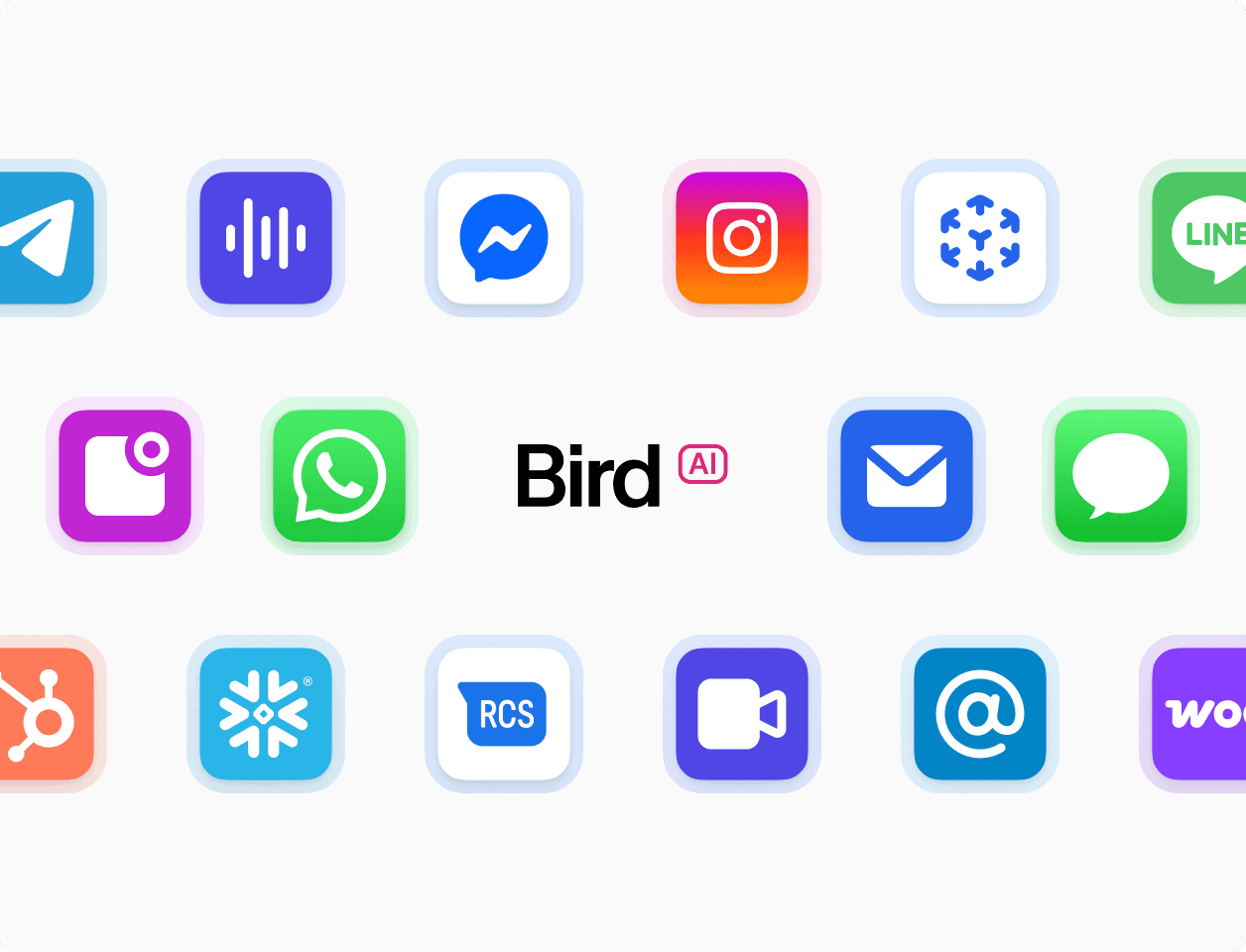
Shared contact records and preferences
Each step reads from the same contact profile, audience memberships, and channel suppression state so customers do not receive follow-ups on a channel they opted out of.
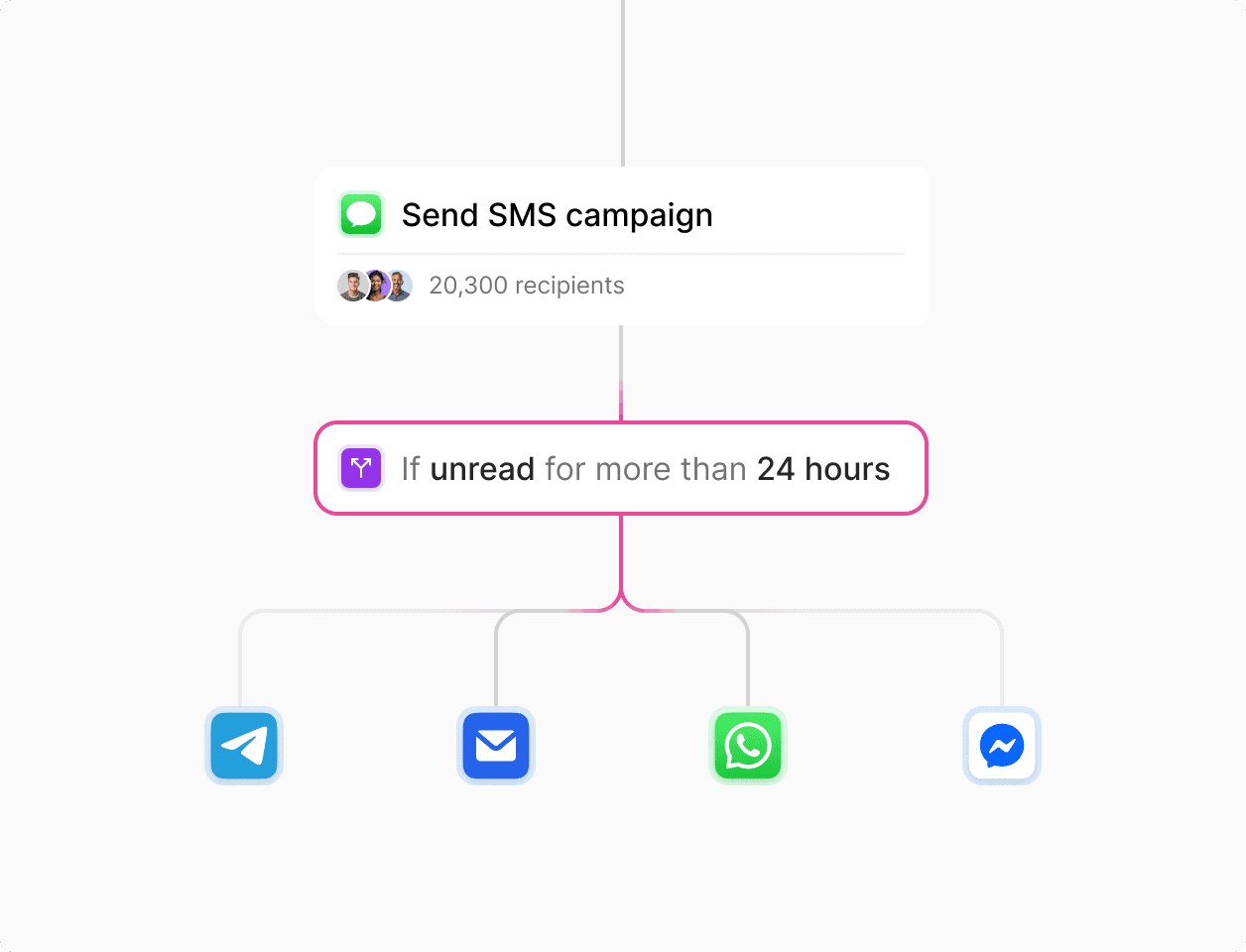
Branch on delivery and read receipts
Use Wait for event steps to check whether an email or WhatsApp message was delivered or opened within your timeout window, then escalate to SMS when a reminder is needed.
Personalize journey steps and update contact records mid-run
Merge webhook payload fields with stored contact attributes, validate recipient numbers and emails, and update audiences as customers progress.
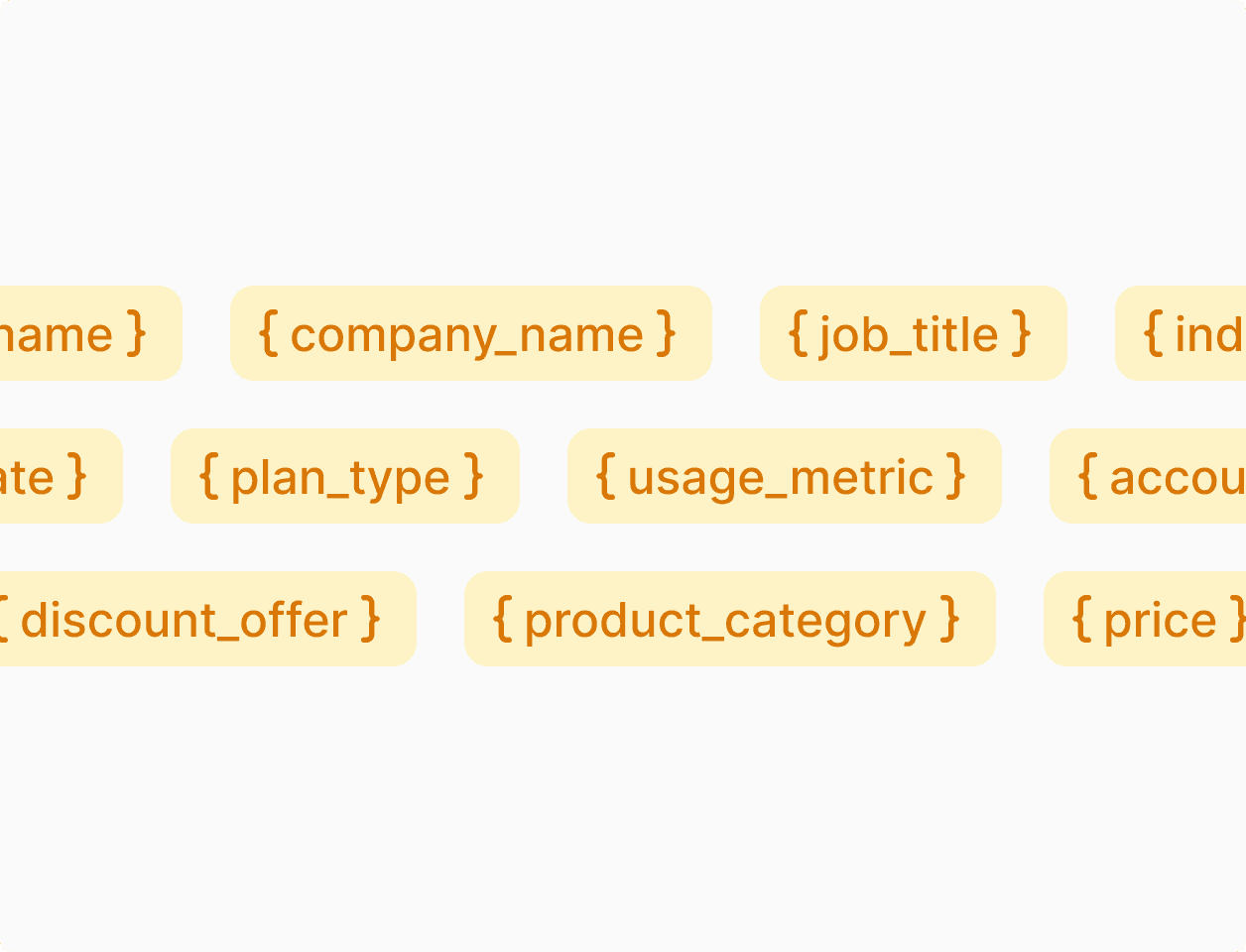
Trigger payload and contact attribute variables
Pass order items, renewal dates, or appointment details in your trigger event and combine them with up to 200 typed contact properties inside multi-language templates.
Mid-flow audience updates and recipient lookups
Add or remove contacts from audiences, record opt-in or opt-out preferences, and run phone number or email Lookup steps inside the journey before sending.
Test draft journeys with sample data and inspect active runs
Verify conditional branches and overlapping-run rules before publishing, and debug live executions step by step.
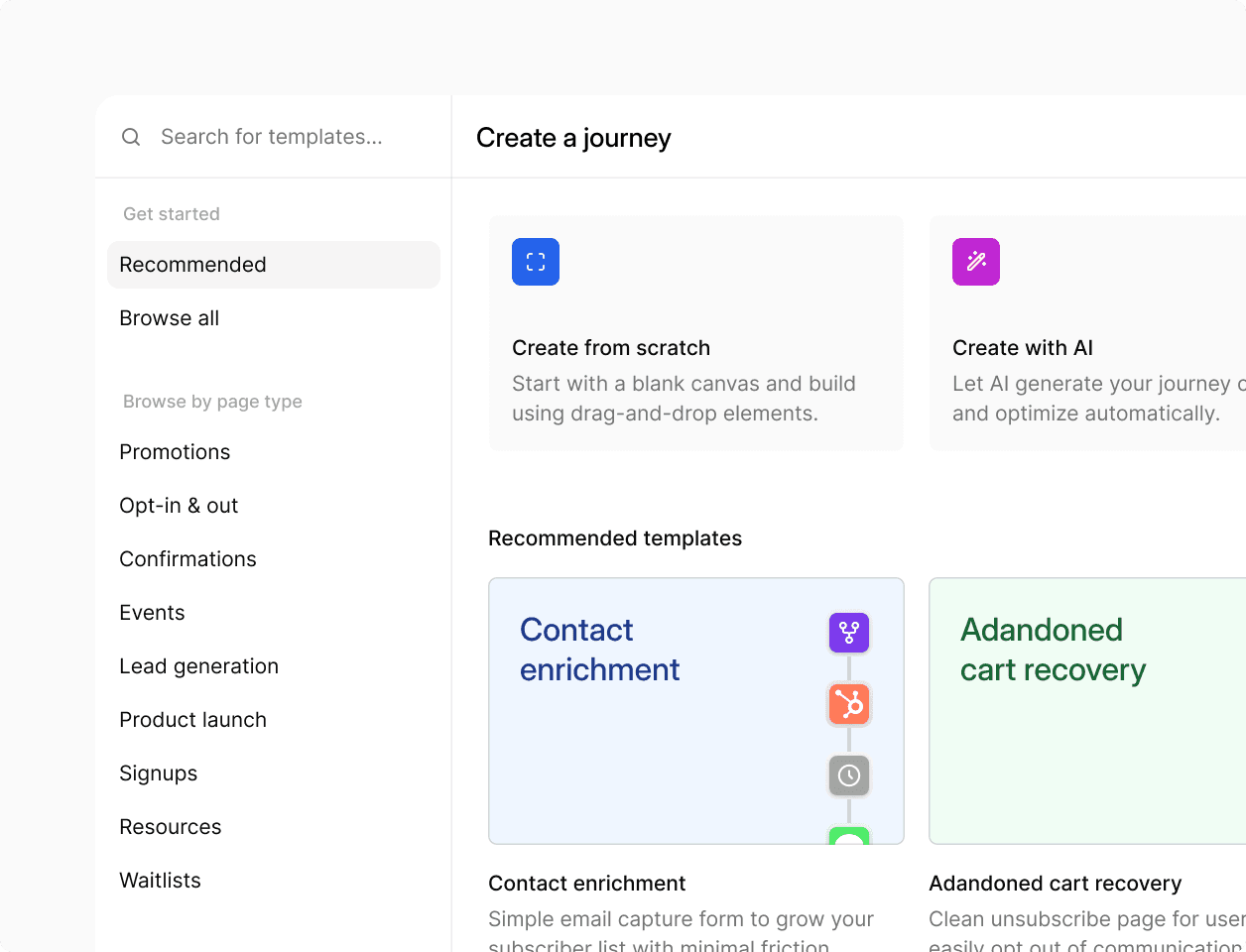
Draft previews and overlapping-run controls
Simulate runs with sample webhook payloads or test contacts before publishing a version, and choose whether new triggers cancel or skip active runs for the same contact.
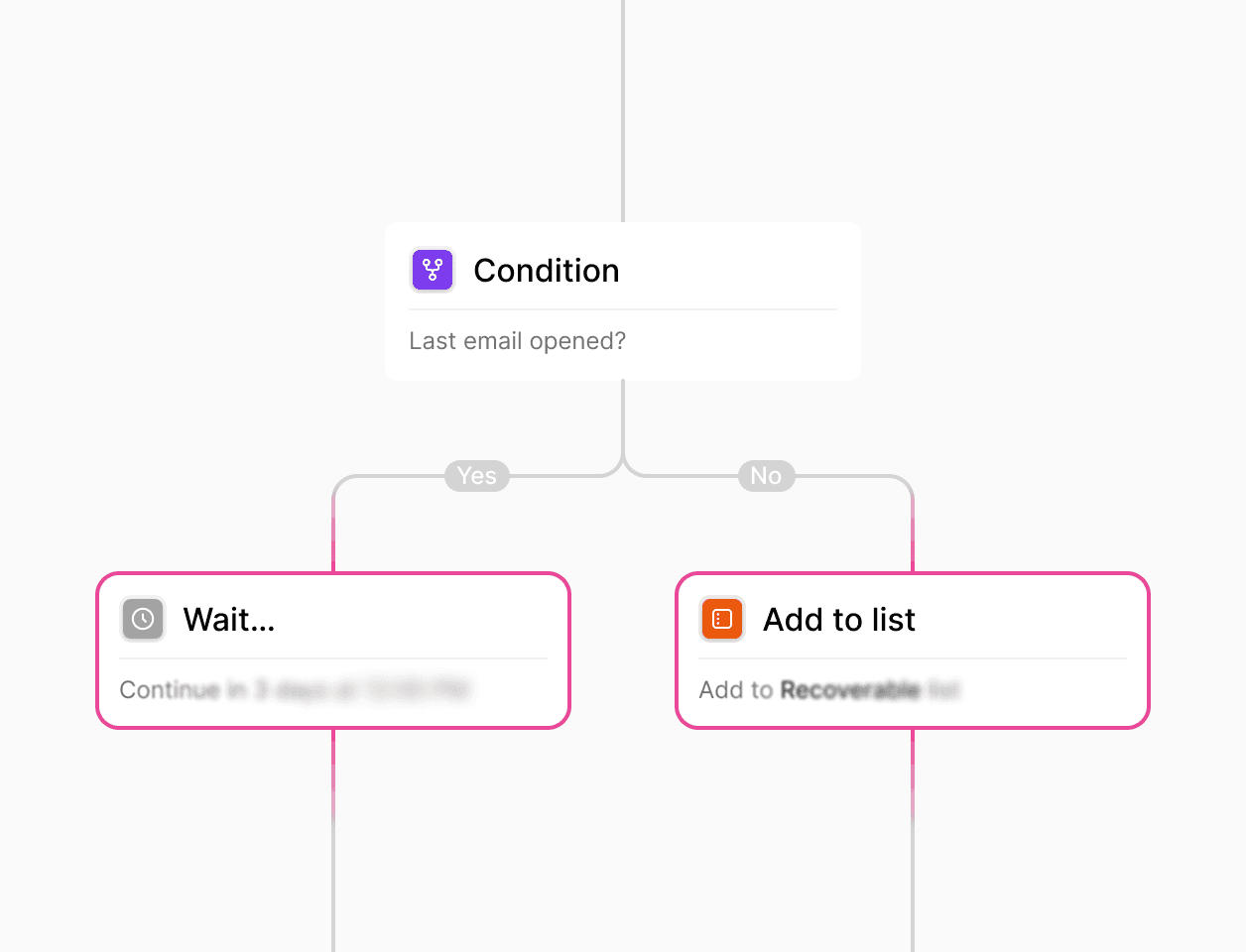
Conditional branching and run history
Branch journeys on contact properties, payload fields, or delivery status, and inspect completed, waiting, and failed runs in the dashboard.

With Flow Builder we are able to adapt and run the same process through very heterogeneous markets: from Croatia to Uganda or Kazakhstan.
Luis Grau Granada
Global Head of Courier Operations
4x
Faster partner onboarding for some countries
300%
Efficiency in partner onboarding capacity
30-80%
Reduction in partner onboarding costs
Trusted by high-volume consumer and enterprise brands.
See how global teams use Bird to run cross-channel campaigns and automated customer journeys.
94.4%
SMS deliverability improved
3.2x
Faster campaign launches
28%
Higher engagement rate
Trigger journeys and sync contacts from your stack.
Connect your application, CRM, or warehouse through webhooks, REST API, CLI, or CSV imports.
Trigger and resume runs with webhooks
Start workflows from backend events or resume waiting runs when a matching confirmation webhook arrives, and batch-sync up to 1,000 contacts per API request.
One contact profile across channels
Share email addresses, phone numbers, external IDs, audience memberships, and up to 200 custom properties across Email, SMS, and WhatsApp steps.
Deliverability controls and enterprise security.
Per-channel opt-out enforcement and audited security controls.
Automatic preference and suppression checks
Record opt-ins and opt-outs during journey runs and honor email unsubscribes, hard bounces, and SMS STOP suppressions automatically.
Audited security and privacy controls
Protect customer contact data with SOC 2 certified infrastructure, GDPR, CCPA, and HIPAA compliance controls, and role-based workspace permissions.
Put it into practice.
Continue with the documentation, guides and examples for this topic.