Changelog · back to all
Bird Inbox update: enhanced messaging experience & streamlined workflows
feature
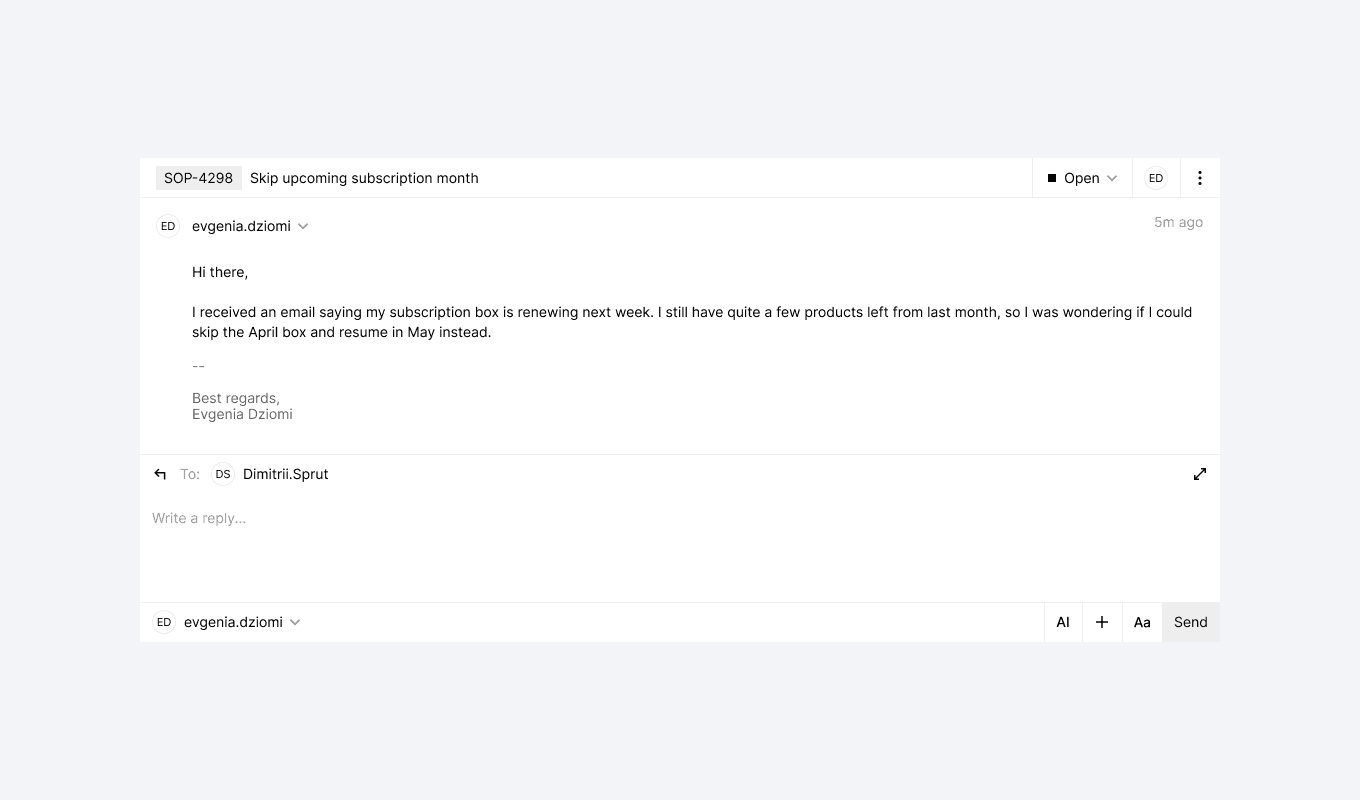
Our latest Bird Inbox update brings significant improvements to how you compose, view, and manage messages. We've refined the interface based on your feedback to make communication more efficient while adding new features that support both individual and team workflows.
New features
Message views
- Full-Screen Composer: Enjoy distraction-free writing with our new full-screen mode, available when composing new messages or in conversations view
- Channel Selection Flow: Start by selecting your preferred channel before entering the full-screen composer
- Channel Search: Quickly find the right channel by searching by name when composing new messages
Improvements
Message Composer
- Smarter Height Management: Better space utilization in both regular and expanded modes
- Clearer Collapse Controls: Updated editor collapse button with an intuitive icon and helpful tooltip
- Signature Controls: Signatures now hidden by default with the option to expand when needed
- Organized Toolbar: Cleaner interface with buttons logically grouped into sections
Fixes
- Macros Search: Added a close button to the macros search box, allowing you to dismiss the popup without selecting a macro