feature
Drag & Drop Images Now in the Inbox Composer
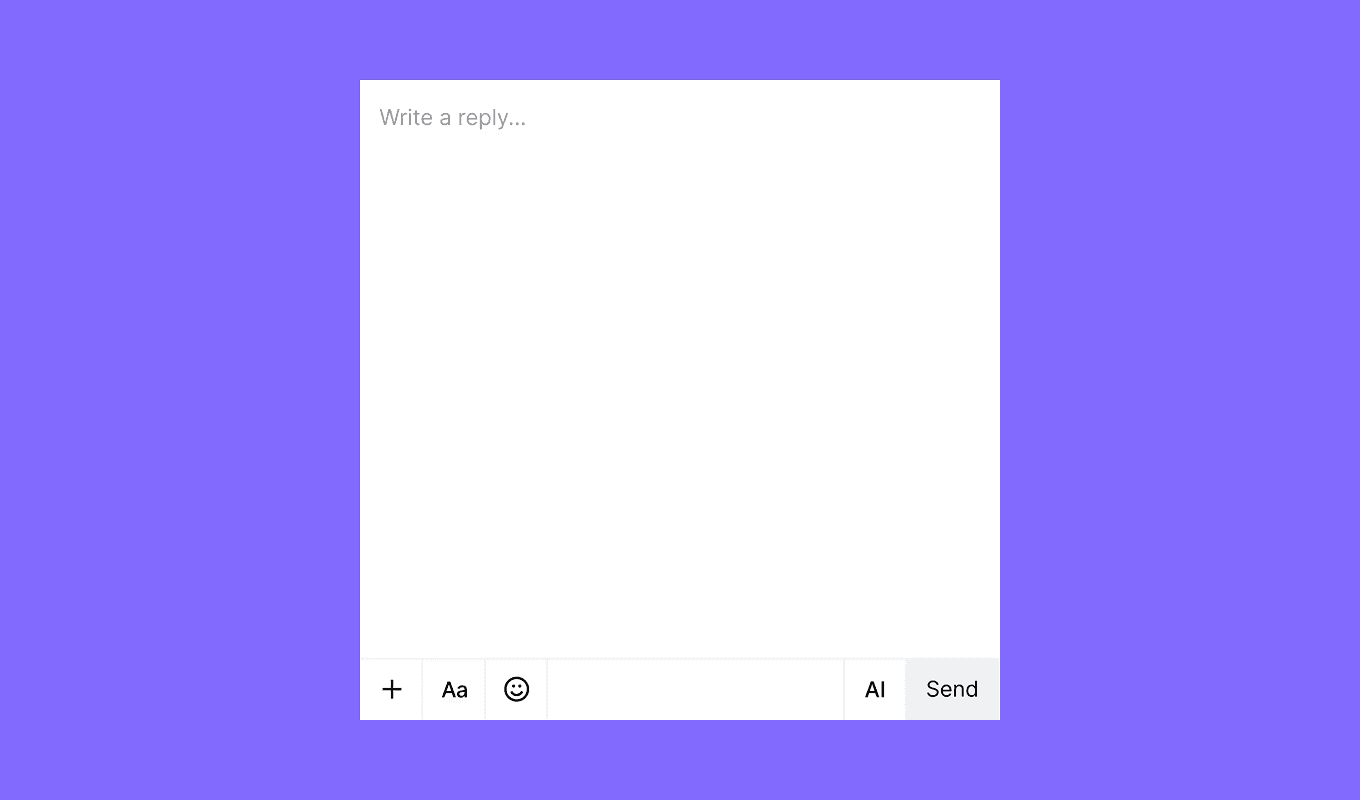
This week we focused on making messaging creation faster and more intuitive. The new drag and drop functionality in the Inbox message composer allows you to effortlessly add images to your messages
We’ve also rolled out several enhancements and bug fixes across both our Inbox and Marketing platforms.
New features
Inbox
- Drag & Drop Images: Easily add images by dragging and dropping them into your messages.
- Contact Center Integration: Contact Center features have been moved from Preferences to the main Inbox menu for quicker access.
Marketing
- Message Step Level Analytics Export: Access granular reporting with our new export functionality, offering detailed journey and message step analytics for offline analysis.
Improvements
Inbox
- Assign to Agent – Route to Agent: We've enhanced the sidepanel activities panel by adding detailed route-to-agent information, simplifying ticket assignments.
Marketing
- Journey Analytics Enhancements:
- Displays relative branch percentages between steps.
- A new view shows Entered vs Total Triggers for deeper campaign insights.
Fixes
Inbox
- Fixed an issue that prevented snoozed tickets from being closed directly.
- Resolved the "Not enough balance" alert when the charge is actually 0.
Marketing
- Addressed the WhatsApp Authentication Template Status bug.
- Corrected the Jump Step issue in campaign workflows.
feature
Introducing the Preference Center: More Control, Better Experience
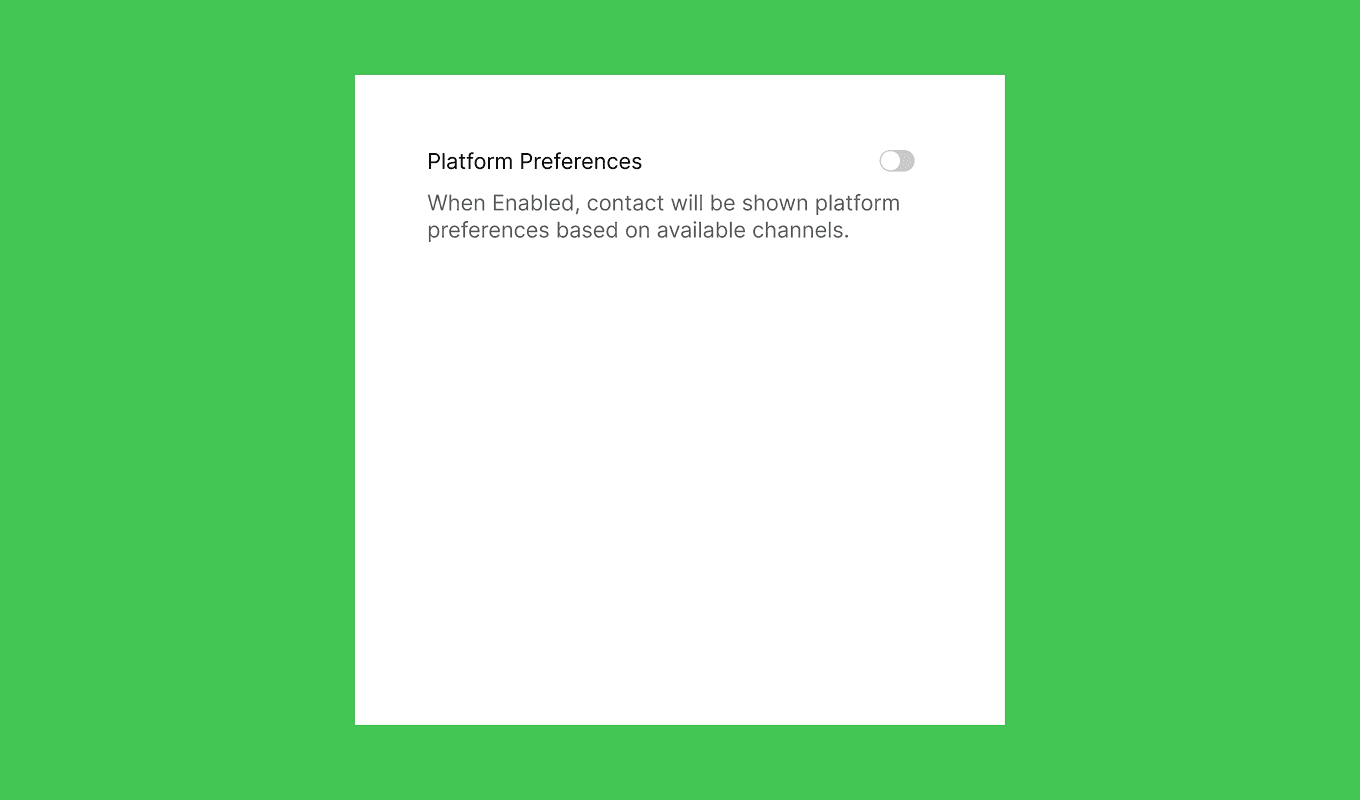
We're excited to introduce the Preference Center, giving contacts more control over how they receive communications based on available channels. This update, along with other improvements, enhances usability, performance, and reliability across the platform.
New features
Marketing
- Preference Centers – Enable users to manage their platform preferences based on available communication channels.
Inbox
- AI-powered translation in Composer – Instantly translate messages with AI for seamless communication.
AI
- Support for Claude 3.7 & GPT-4.5 for enhanced AI-powered capabilities.
Improvements
Marketing
- Enhanced email template display on Android for better readability.
Inbox
- Improved email thread separation for enhanced readability.
- Redesigned toaster notifications for better user experience.
- Exact pricing displayed for new agent seats in the “Add Agent” form.
- Added a new action rule condition to identify “split from” tickets.
Fixes
Marketing
- Fixed issues with WhatsApp templates.
- Resolved push notification SDK bugs.
Inbox
- Fixed image resizing issues in Composer.
- Resolved attachment loss when sending messages with Cmd+Return.
feature
Improved Inbox and Marketing Features: Spam Filter Redesign and More
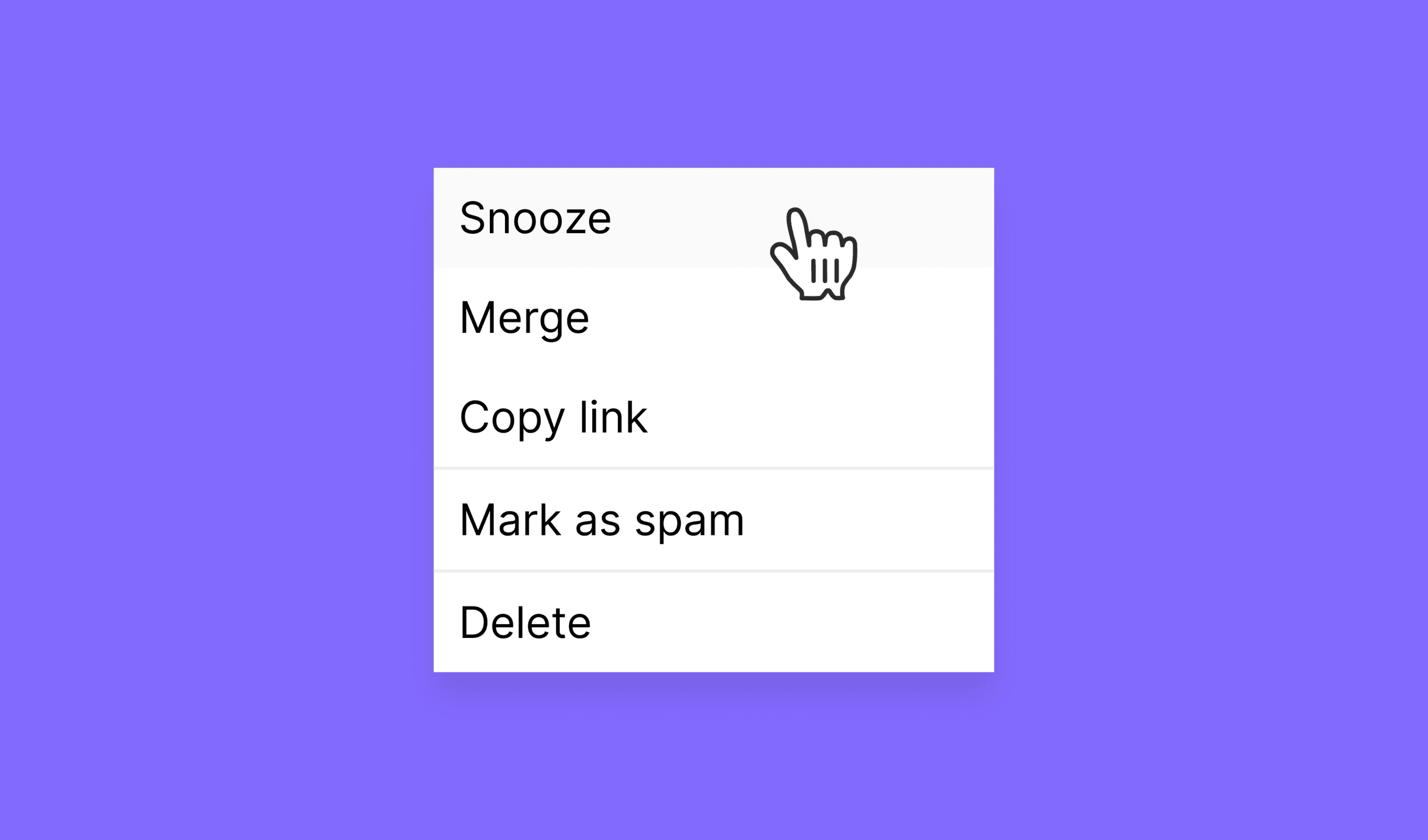
This update brings a range of enhancements across Inbox and Marketing, including a redesigned spam filter that lets you mark or unmark tickets directly from the conversation. Alongside this, we’ve made improvements to journey insights, ticket visibility, and addressed key bugs for a smoother experience.
New features
Marketing
- Export message step-level metrics for journeys.
Inbox
- Redesigned spam filter allows marking/unmarking tickets directly from conversations.
Improvements
Marketing
- Enhanced time filters in journey insights.
Inbox
- Toggle ticket statuses in the header with one click.
Fixes
Marketing
- Campaign delivery analytics issues resolved.
- Journey branch analytics issues fixed.
Inbox
- Composer spacing and draft issues corrected.
- Message template spacing and paragraph formatting improved.
- Resolved visibility errors in Inbox forms on Windows OS.
- Identifiers can now be copied with a single click.
improvement
Updated SLA settings in Inbox and other enhancements.
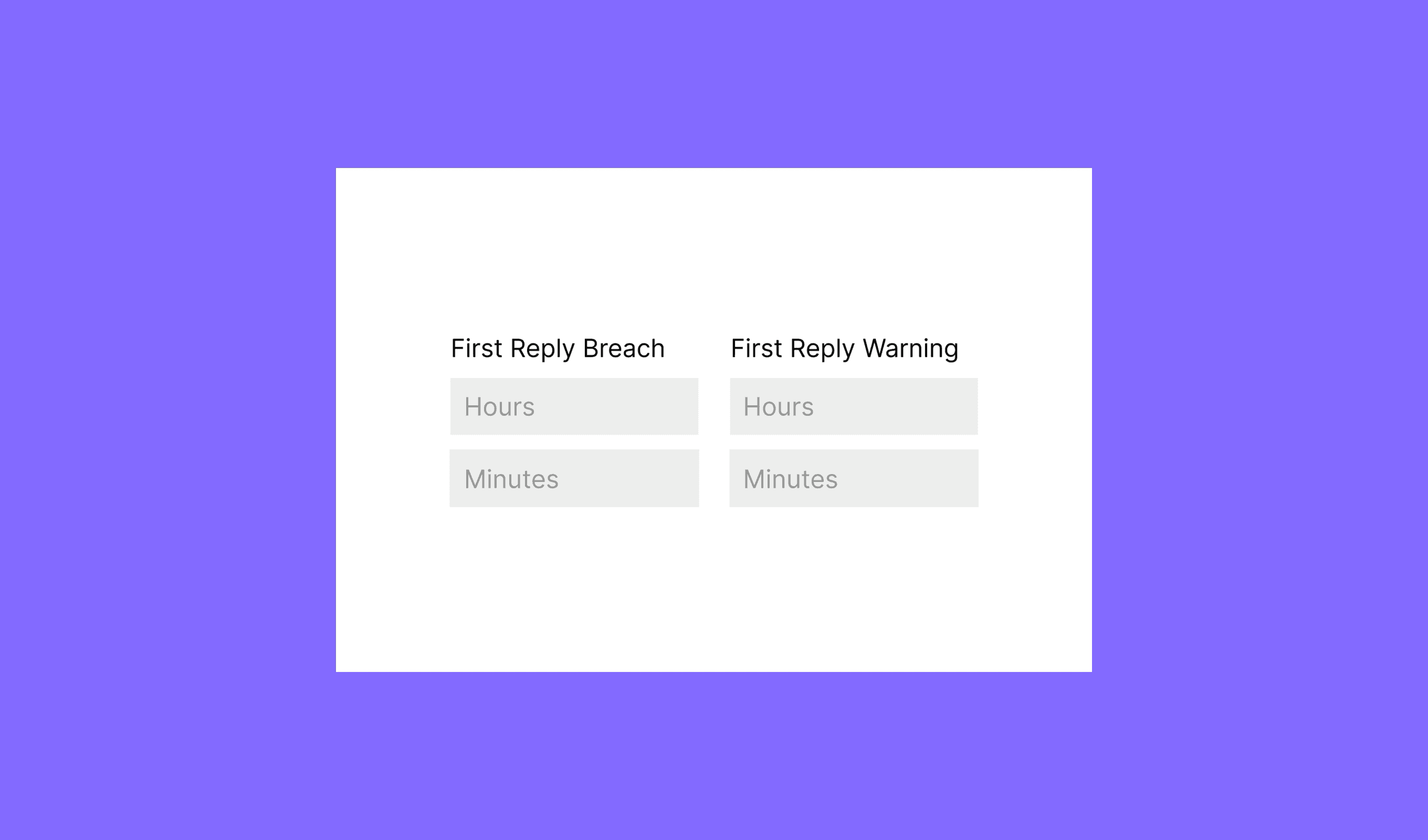
We’ve rolled out several key improvements and addressed some important fixes to enhance your experience across Marketing and Inbox products.
We’ll continue to monitor feedback and push updates to improve functionality. Stay tuned for future releases.
Improvements
Marketing
- Top Performing Campaigns: You can now view your top-performing campaigns directly in the Dashboard → Overview section for quick insights.
- Campaign Report Sheet: The width of the campaign report sheet has been increased for better readability and accessibility.
Inbox
- Blocking Participants: Moved blocking action from the header to the Participant sidebar.
- SLA Policy Management: A new Create/Edit/Delete form is now available for managing SLA policies more efficiently.
- Agent Status on Dropdowns: Added the agent status to the “Assign Agent” dropdown for better visibility and management.
- Column Visibility Configuration: Introduced column visibility settings, which will be picked up by the system team for future improvements.
- Copy Update: The “Mark as spam” action has been renamed to “Block Sender” for clearer intent.
Fixes
Marketing
- Ensured line-height is properly applied to list items within the email template editor.
- Fixed the color variants for TikTok icons in email templates to match the preview correctly.
- Tags in journey lists now properly stay within the column, preventing overflow.
Inbox
- Improved the handling of optimistic updates for inbox lists to avoid data inconsistencies.
- Disabled the send message functionality for empty composers to prevent users from accidentally sending incomplete messages.
- Several formatting issues in the editor have been fixed, though some minor glitches may still persist.
feature
Updated settings to Journeys and other enhancements
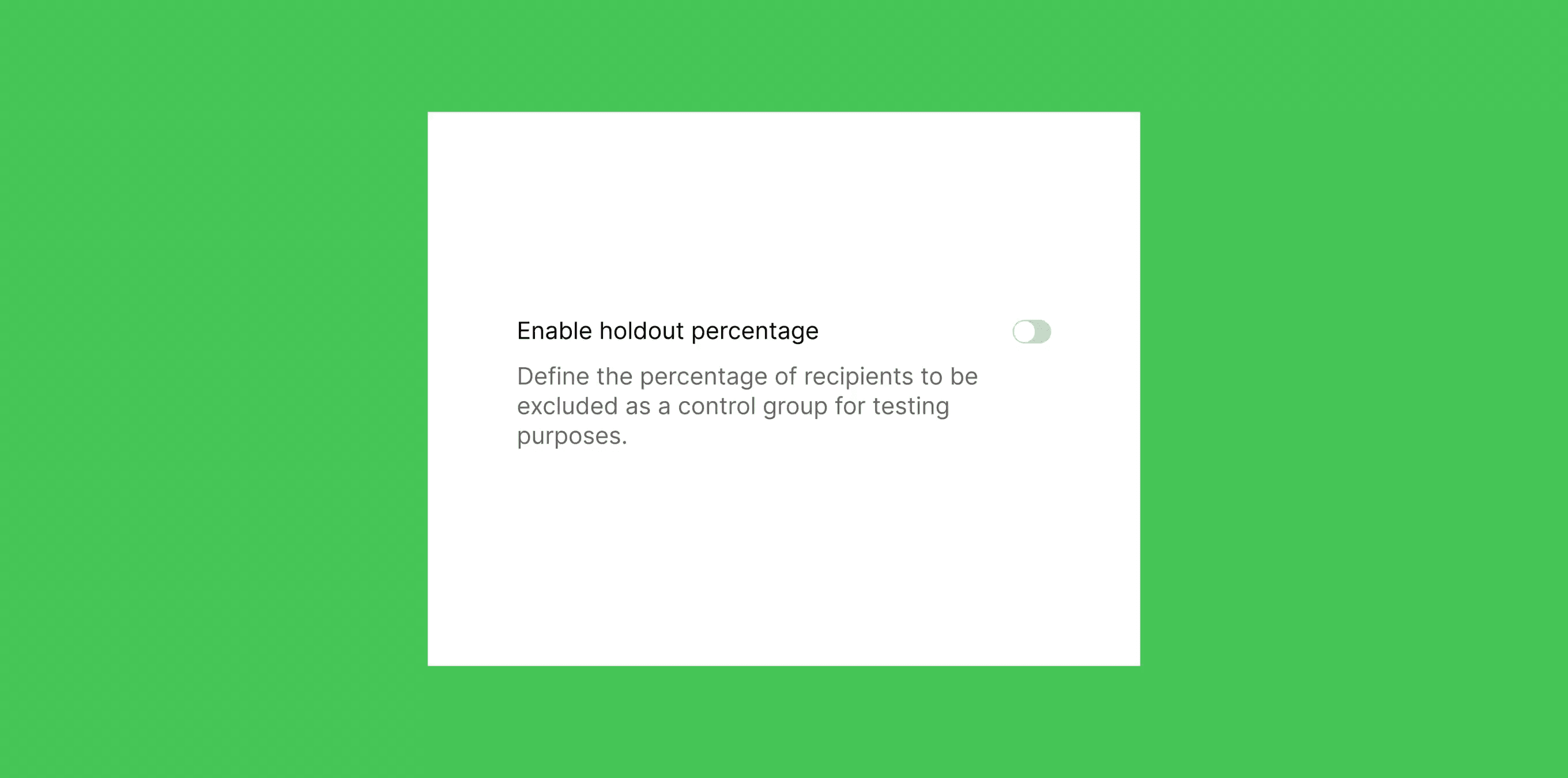
We’ve added a new holdout setting in the Journeys creator, enabling you to create controlled groups for your campaigns. This feature helps you optimize targeting and measure performance with greater accuracy.
In addition, several updates have been made to improve your experience: The Engagement chart in Campaign reports now displays changes by hour, providing more detailed insights into campaign performance.
The Completed Sign Up form wizard has been redesigned for a smoother process. We’ve also updated the UI for the Email Update wizard, message template blocks, and loyalty programs for enhanced usability
New features
- Add “Unassign agent” option to the overview panel in the conversation sheet
- Drag and drop between participants
- Make composer editor bigger
- Add counter to conversation side panel items
Improvements
- Completed Sign up form wizard design uplift
- Engagement chart in Campaign reports can display changes by hour: users are better able to keep track of how their ongoing campaign is doing
- Failure reason column added to Campaign reports recipient activity CSV exports
- Campaign list shows “All time” campaigns by default
- UI has been updated for email template wizard, message template blocks, loyalty programs
- Create campaigns screen has an improved channel display and select flow
Fixes
- Added missing back navigation to media library Hide rich text buttons when HTML is not supported
- Fix deleted & spam feeds (opening a conversation on those feeds was not possible)
- Fix "open in a new tab" icon style (inbox table)
- Fix message formatting issues (still have some, work in progress)
- Add emojis back
- Fix issue where copying and pasting a link was breaking the conversatio
- Fix conversations only loading the last 40 messages bug
- Fix conversations comments not properly working when sending with CMD+Return
- Fix knowledge center not reachable when closing a feed item
- Fix new message alignment in conversations
- Fix send error when copying and pasting a non-existing contact in recipients
- Fix cosmetic issues for the select participants dropdown
- Fix mentions for new emails (was not working)
- Add search when selecting a template