Changelog · back to all
Bird Platform update: Contacts and CRM access changes
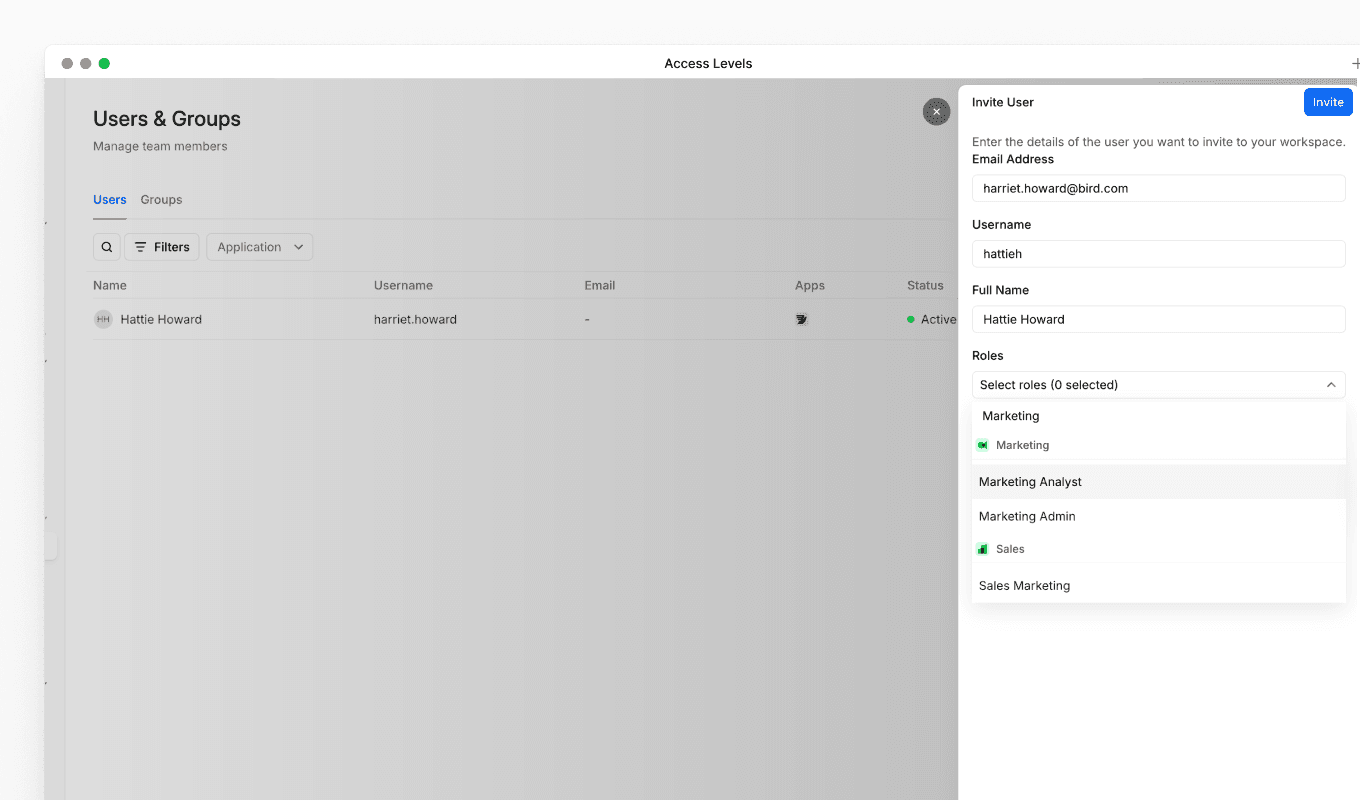
We've updated the default permissions for contacts and CRM access to improve workspace security and follow the principle of least privilege, ensuring users only have access to the data they need for their role.
What's changed
Previously, all users had access to contacts and CRM data as part of their base permissions. Going forward, contacts and CRM access is no longer included by default. Users now need a specific role to access this data.
Who is affected
Who is affected
- Users with only a Developer role: You will no longer have access to contacts and CRM data.
- Users with a Marketing, Inbox, or CRM role: No change. You will continue to have access to contacts and CRM data.
What this means for you
If you have a Developer role and can no longer access contacts or CRM data, this is expected behaviour following this update. If you need access to contacts and CRM data for your work, you will need an additional role assigned to your account.
How to regain access
To regain access to contacts and CRM data, speak to your Organization Admin. They can assign a Marketing, Inbox, or CRM role to your account alongside your existing Developer role.