Common error messages
When a request fails, Bird returns a structured error with a machine-readable code, a message, a documentation link, and a request ID. Use the code in program logic. When you need support, select Help > Contact Support and include the request ID. For the complete catalog, see the API error reference.
Validation errors
These mean Bird understood your request but something in it isn't acceptable. The error lists the specific field or condition at fault.
All recipients suppressed
What it means: every recipient on your send is on your suppression list, so there was nothing left to deliver and the send was refused.
Likely cause: you're sending to addresses that previously hard-bounced, complained, or unsubscribed, often a sign you're re-mailing an old or uncleaned list. If only some recipients are suppressed, the send goes through for the rest and the suppressed ones show as rejected; this error only appears when it's all of them.
The fix: check which addresses are suppressed and why, and remove them from your own list. Why was my email rejected? explains how suppression rejections show up, and the suppressions guide covers managing the list.
Onboarding recipient not allowed
What it means: you're sending from Bird's shared onboarding domain to someone who isn't a verified member of your workspace.
Likely cause: the shared domain delivers only to verified workspace members and sandbox test addresses.
The fix: to email real recipients, verify your own sending domain, which removes the restriction entirely. See Sending from the shared domain for the guardrails and the way out.
Missing or invalid field
What it means: a required field is absent, a value is invalid, or the request combines incompatible fields.
Likely cause: the request does not match the operation's schema or combines incompatible fields. The error details identify each failing field.
The fix: read the error details and correct the named fields.
Rate-limit errors
What it means: the request exceeded an operation, account, or sending limit.
Likely cause: a burst exceeded an API rate limit, or a send exceeded a quota such as the shared onboarding domain's recipient cap.
The fix: follow the error's remediation and Retry-After value when present. Retry transient limits with backoff. For the onboarding daily cap, wait for the UTC-day reset or verify your own sending domain. The email-health label throttled is diagnostic and does not cause an API rate-limit error.
Authentication errors
What it means: Bird couldn't accept your credentials.
Likely cause: one of three things, in rough order of frequency:
- Wrong, expired, or revoked API key: the key is mistyped, truncated, expired, or no longer active. A secret is shown only when the key is created or rotated.
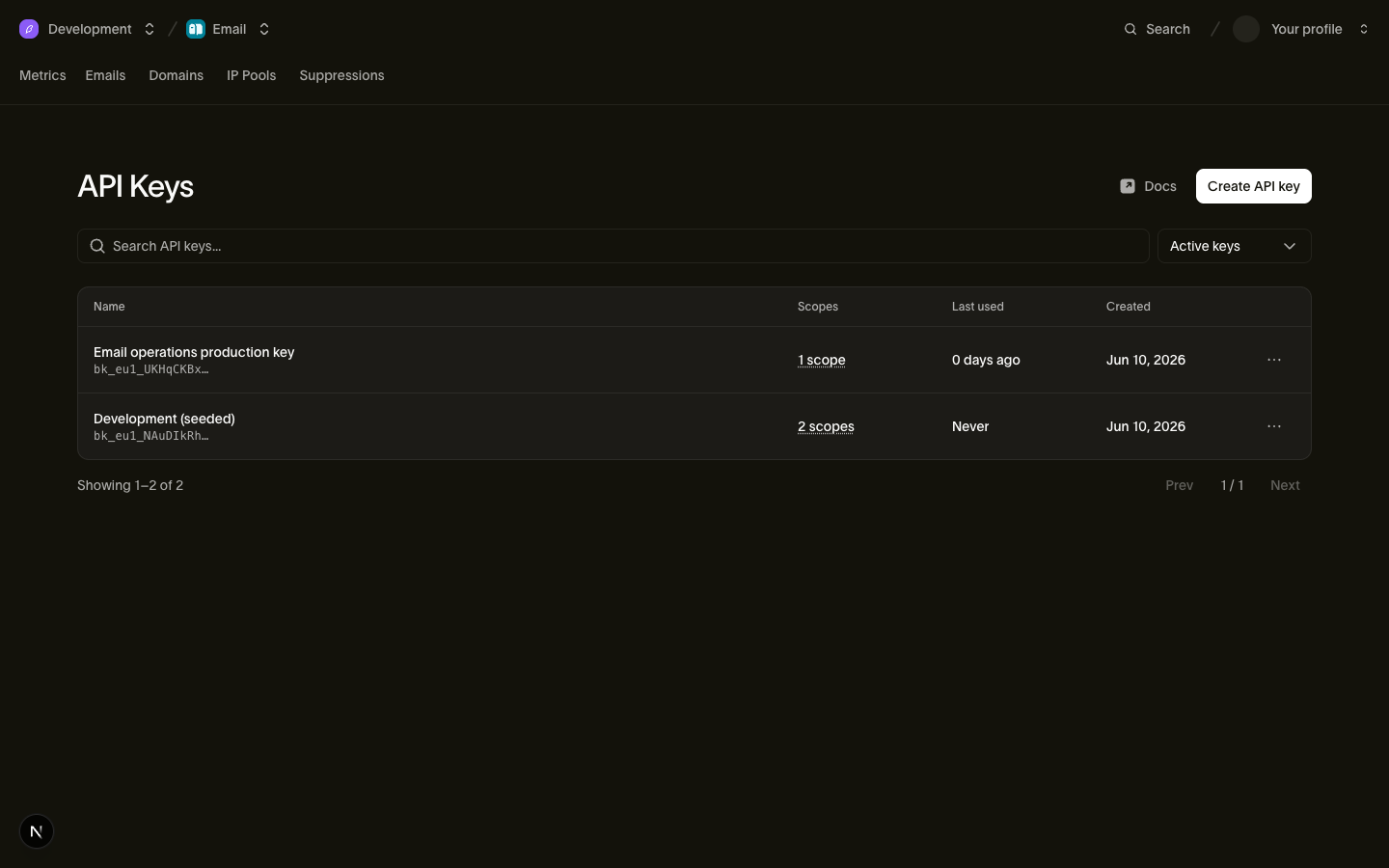
- Key used against the wrong region: API keys are regional, and a key only works against its own region's servers. If your key was created in one region and your code calls another, authentication fails. The key prefix tells you which region it belongs to.
- Missing key: the request didn't include credentials at all, often an environment variable that's empty in the environment that's failing.
The fix: confirm the key exists and is active in your dashboard, that your code is sending it, and that you're calling the regional address that matches the key. If in doubt, create a fresh key and swap it in.
Domain not verified
What it means: the sending domain has not completed verification, so Bird cannot send from it.
Likely cause: the DNS records are missing, still propagating, or incorrect, or the records changed after verification. See the domain verification checklist for expected timing.
The fix: open the domain's page in the dashboard to identify the outstanding record. Use the domain verification checklist to correct it. While DNS propagates, use the shared onboarding domain for test sends.
Reading any error you meet
Match on the machine-readable error code because human messages can change. Log the request ID. If you need support, select Help > Contact Support and include it. Follow the documentation link for error-specific remediation.
Next steps
- API error reference (the full catalog: every error type, code, and status)
- Why was my email rejected?: the reasons behind per-recipient rejections
- Why does email health show Throttled?: the diagnostic health label and the signals behind it
- Sending from the shared domain: the onboarding domain's recipient and daily-cap guardrails
Related resources
Continue with the documentation, guides and examples for this topic.