Changelog · back to all
Updated SLA settings in Inbox and other enhancements.
improvement
We’ve rolled out several key improvements and addressed some important fixes to enhance your experience across Marketing and Inbox products.
We’ll continue to monitor feedback and push updates to improve functionality. Stay tuned for future releases.
Improvements
Marketing
- Top Performing Campaigns: You can now view your top-performing campaigns directly in the Dashboard → Overview section for quick insights.
- Campaign Report Sheet: The width of the campaign report sheet has been increased for better readability and accessibility.
Inbox
- Blocking Participants: Moved blocking action from the header to the Participant sidebar.
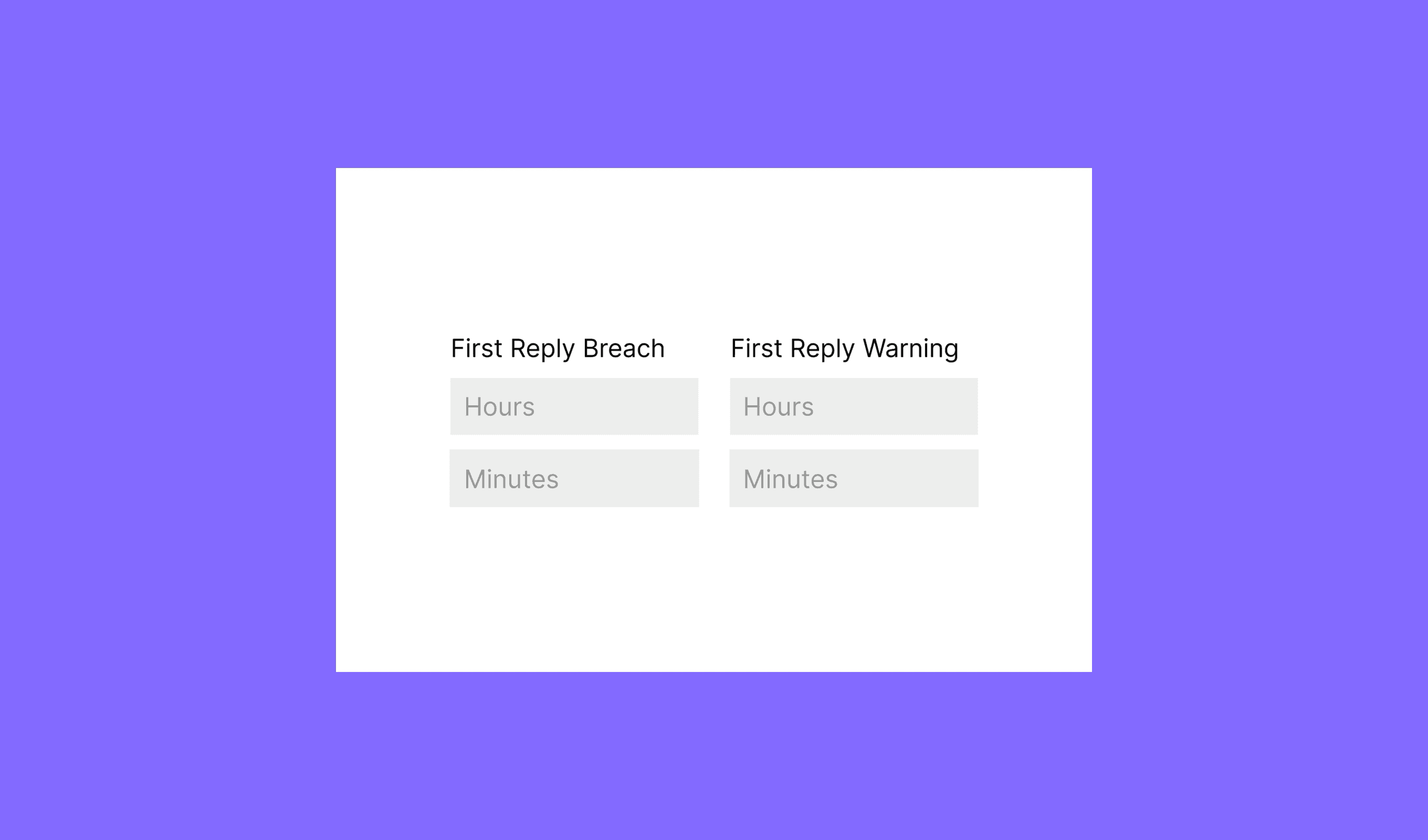
- SLA Policy Management: A new Create/Edit/Delete form is now available for managing SLA policies more efficiently.
- Agent Status on Dropdowns: Added the agent status to the “Assign Agent” dropdown for better visibility and management.
- Column Visibility Configuration: Introduced column visibility settings, which will be picked up by the system team for future improvements.
- Copy Update: The “Mark as spam” action has been renamed to “Block Sender” for clearer intent.
Fixes
Marketing
- Ensured line-height is properly applied to list items within the email template editor.
- Fixed the color variants for TikTok icons in email templates to match the preview correctly.
- Tags in journey lists now properly stay within the column, preventing overflow.
Inbox
- Improved the handling of optimistic updates for inbox lists to avoid data inconsistencies.
- Disabled the send message functionality for empty composers to prevent users from accidentally sending incomplete messages.
- Several formatting issues in the editor have been fixed, though some minor glitches may still persist.