Changelog · back to all
Drag & Drop Images Now in the Inbox Composer
feature
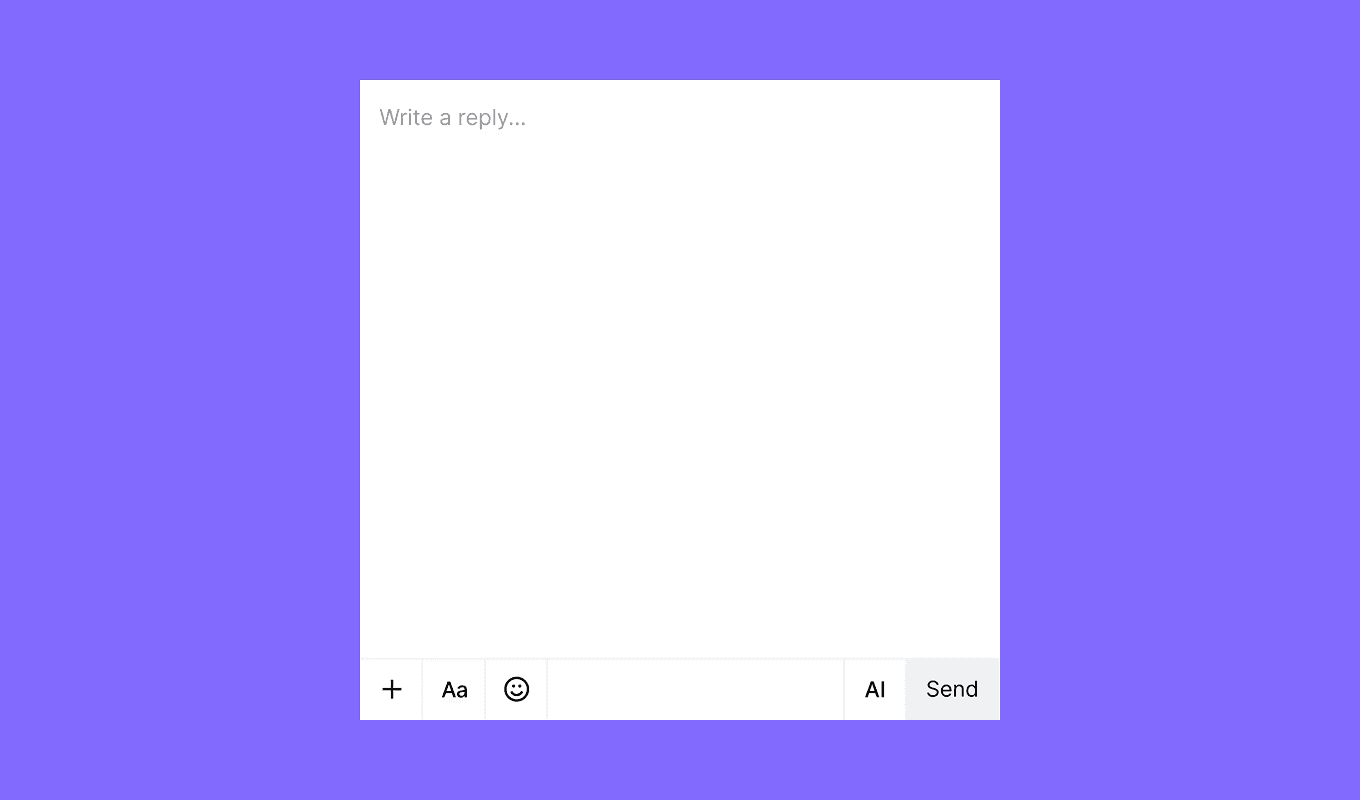
This week we focused on making messaging creation faster and more intuitive. The new drag and drop functionality in the Inbox message composer allows you to effortlessly add images to your messages
We’ve also rolled out several enhancements and bug fixes across both our Inbox and Marketing platforms.
New features
Inbox
- Drag & Drop Images: Easily add images by dragging and dropping them into your messages.
- Contact Center Integration: Contact Center features have been moved from Preferences to the main Inbox menu for quicker access.
Marketing
- Message Step Level Analytics Export: Access granular reporting with our new export functionality, offering detailed journey and message step analytics for offline analysis.
Improvements
Inbox
- Assign to Agent – Route to Agent: We've enhanced the sidepanel activities panel by adding detailed route-to-agent information, simplifying ticket assignments.
Marketing
- Journey Analytics Enhancements:
- Displays relative branch percentages between steps.
- A new view shows Entered vs Total Triggers for deeper campaign insights.
Fixes
Inbox
- Fixed an issue that prevented snoozed tickets from being closed directly.
- Resolved the "Not enough balance" alert when the charge is actually 0.
Marketing
- Addressed the WhatsApp Authentication Template Status bug.
- Corrected the Jump Step issue in campaign workflows.